
O Runic Dungeons modu
U ovom modu ćete u hramovima pronaći redak artefakt.
Ovaj artefakt, poznat kao 'Magic Chalk', izgleda da ima čudne osobine.
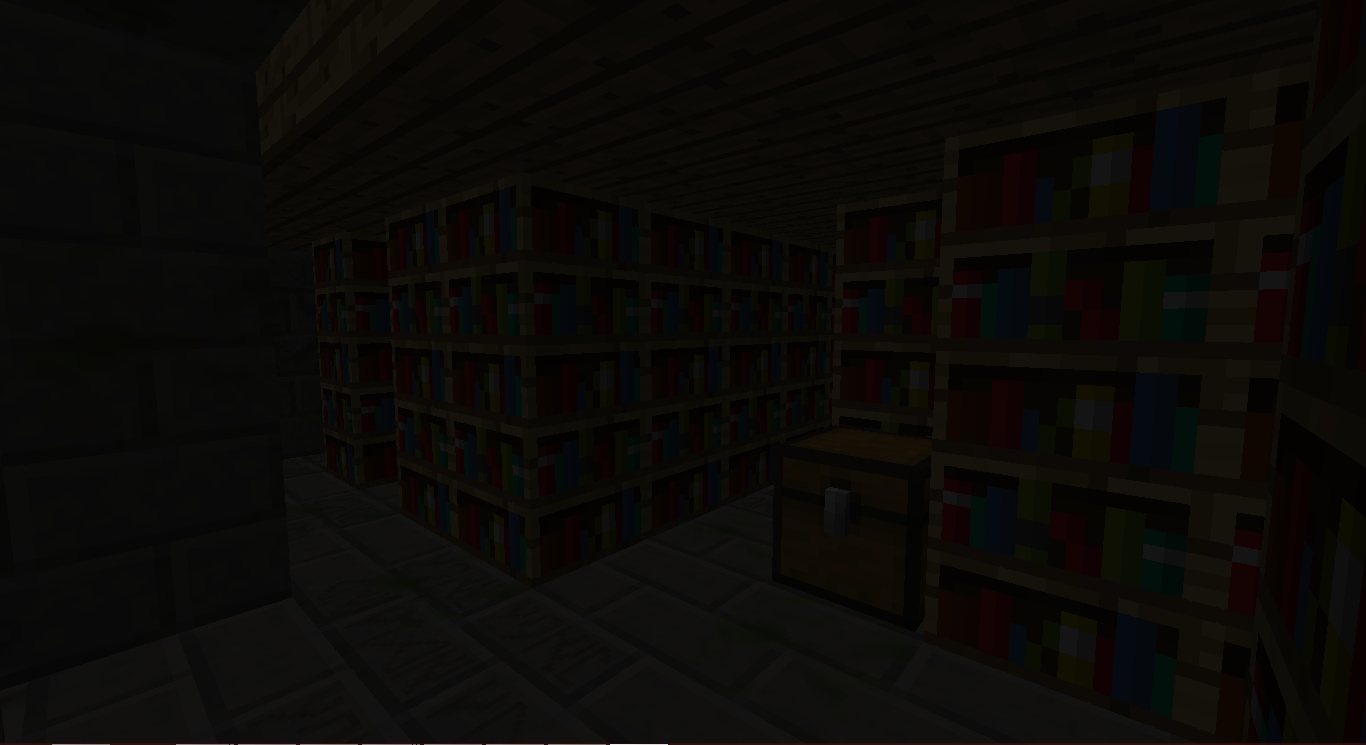
Pitate se čemu bi mogao da služi...
Vaša avantura počinje!
Kako koristiti:
Pronađite Magic Chalk u JungleTemple ili DesertTemple.
Napravite Magical Staff.
Napravite jedan od portala:
Kliknite desnim tasterom miša na jedan od Chiseled Stone Bricks u strukturi sa Magical Staff u ruci.
Formiraće se struktura.
Kliknite desnim tasterom miša na portal u sredini strukture da biste otputovali u Runic Dungeons.
Kada stignete tamo, možete ponovo kliknuti desnim tasterom miša na portal da napustite dimenziju.
Klikom desnog tastera miša na Keyholes sa Dungeon Keys ćete ih otvoriti.
Svaka soba u tamnici ima skriveni Dungeon Key. NE TROŠITE IH UZALUD.
Borite se protiv mobova, skupljajte plen i ISTRAŽUJTE!
Predmeti
Magical Chalk - Omogućava vam da otputujete u Runic Dungeons
Dungeon Key - Koristi se za otključavanje Dungeon Keyholes
Baubles
Ovaj mod ima integraciju sa Azanor's Baubles. Ovi predmeti će raditi samo ako imate instaliran Baubles, ali nije potrebno da ih nabavite da biste napredovali u modu. Ipak, preporučujem da ga dodate, jer su prilično cool.
Amajlije:
Amulet of the Wind - Daje vam Speed
Amulet of the Earth - Daje vam Haste
Amulet of Strength - Daje vam Strength
Amulet of Leaping - Daje vam Jump Boost
Amulet of Healing - Daje vam Regeneration
Ironskin Amulet - Daje vam Resistance
Amulet of the Blaze - Daje vam Fire Resistance
Amulet of the Ocean - Daje vam Water Breathing
Amulet of the Night - Daje vam Night Vision
Kaiševi:
Dye Belts - Menja boju bilo koje vune/boje u vašem inventaru u boju kaiša (BUGGY)
Arrow Belt - Svaka strela kod vas ima malu šansu da otpadne i da je dobijete.
Belt of Flight - Daje vam Flight
Ender Belt - Kada primite štetu, teleportovaćete se. (Osim u dimenziji Runic Dungeons)
Dostignuća:
Off We Go! - Napravite Runic Dungeons portal
The Key to Progress! - Iskoristite Dungeon Key
Dozvole za modpak:
Samo napred! Nema potrebe da pitate!
Iako bih voleo da mi kažete, to nije obavezno.
Runic Dungeons by MrComputerGhost is licensed under a Creative Commons Attribution-NonCommercial-NoDerivatives 4.0 International License.
Kako instalirati Runic Dungeons
With Millida Launcher
Install Millida Launcher
The launcher is free: download it at millida.net/launcher and sign in with any nickname.
Click “Install” on this page
The launcher opens and installs the mod for Minecraft 1.7.10 automatically.
Launch the game
A profile with it appears in the launcher: click “Play”.
Manually
Download the file for your version
In the version list above, pick the file RunicDungeons-1.1.7b.jar (685 KB) for your game version.
Put it in the mods folder
The folder is inside .minecraft (Windows: %appdata%\.minecraft\mods). If it does not exist, create it.
Launch the loader profile
Open “Mods” in the main menu: Runic Dungeons should be in the list.
Minecraft 1.7.10 runs on Java 8: with a different Java version the game may close right after launch.
Verzije
Sa zavisnostima
| Minecraft | Loader | Fajl | Datum | Akcije |
|---|---|---|---|---|
| 1.7.10 | — | Runic Dungeons v1.1.7b685 KB | ||
| 1.7.10 | — | Runic Dungeons v0.9.7b406 KB |
Česta pitanja
Which Minecraft versions does Runic Dungeons work on?
Only Minecraft 1.7.10: there are no files for other versions.
Which Java does Runic Dungeons need?
Minecraft 1.7.10 runs on Java 8. If the game closes right after launch, the usual cause is the wrong Java version in the profile settings.
Where can I download Runic Dungeons safely?
On this page: the file RunicDungeons-1.1.7b.jar (685 KB) is stored on Millida’s server, with no link shorteners. SHA-1 checksum: 1df562694aed00055a318b19fc9bb172ce157798.
Recenzije
Budi prvi koji će oceniti Runic Dungeons


