
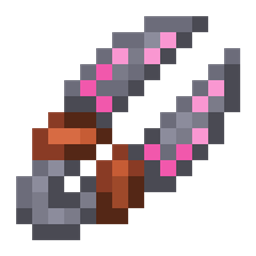
Roots 4 Mod za Minecraft 1.21.1, 1.12.2
Magični mod fokusiran na prirodu, useve i stočarstvo!
 NeoForge
 Forge
ForgeO Roots 4 modu
Roots 4 je dostupan u alfa verziji za NeoForge 1.21.1 i ne zahteva nikakve dodatne biblioteke.
Za podršku, pogledajte Roots Wiki, posebno stranicu Getting Started.
Za razgovor o igri i povratne informacije, pridružite se Mystic Modding Discord.
Za prijavu grešaka, možete to učiniti na našem GitHub-u.
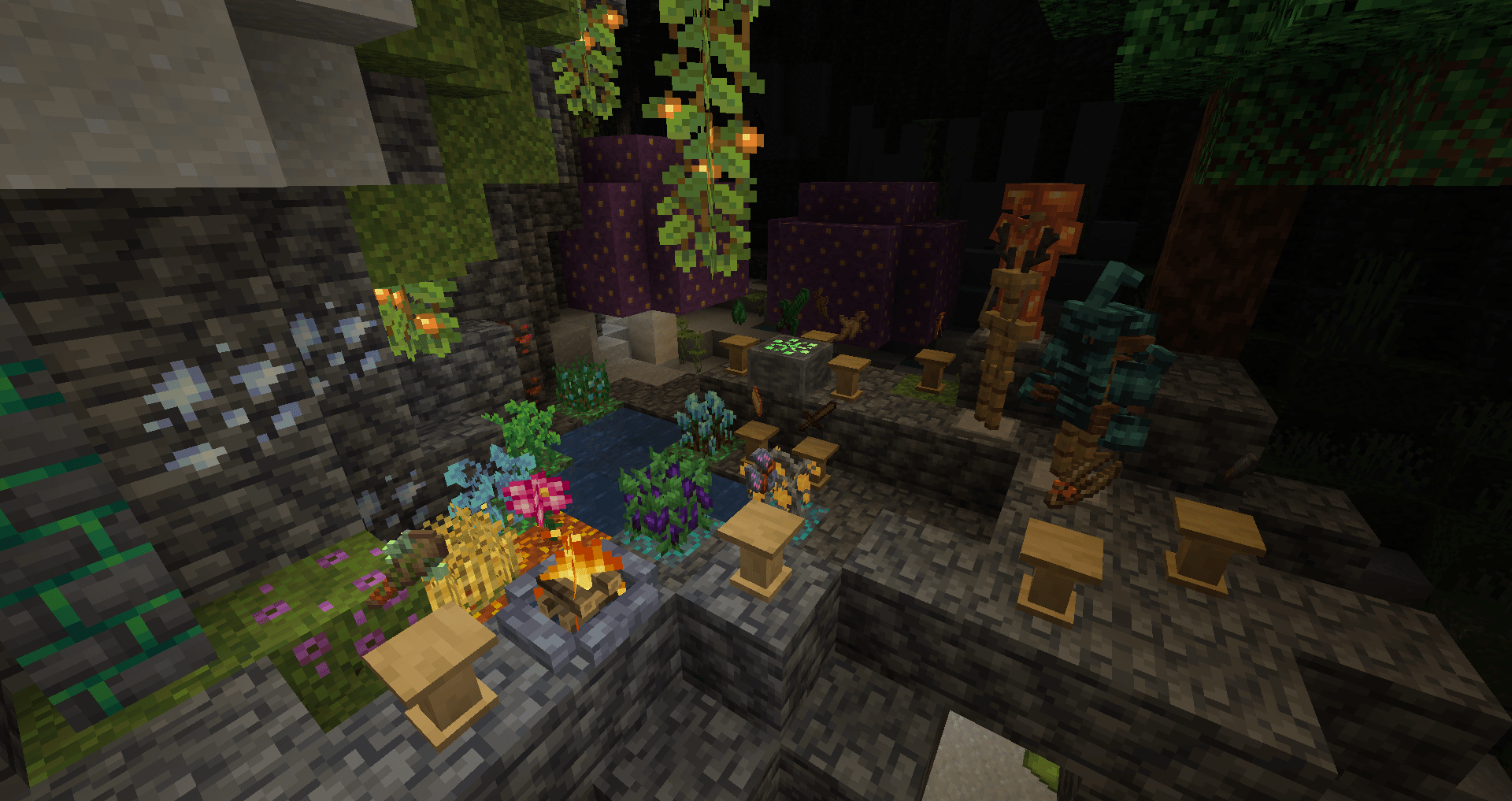
Roots je magični mod sa temom prirode, poljoprivrede, useva i uzgoja životinja!
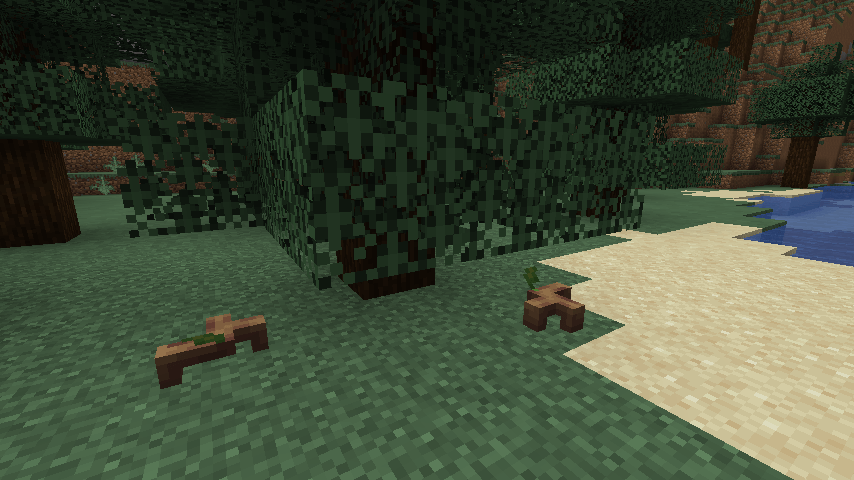
Sakupite wildroot i grove moss, ostatke izgubljene ere magije, i iskoristite ih za izradu magične opreme:
- Razložite sastojke i stvarajte čini pomoću mortara i tučka.
- Pokrenite magične rituale da dobijete predmete bez povređivanja životinja, ponovo stvorite izgubljene magične biljke pomoću lomače.
- Bacajte čini da uzgajate i žanjete svoje useve, zaštitite se od napada i još mnogo toga pomoću štapa!
- Otključajte tajne šumske prošlosti sveta aktiviranjem grove stone i usmeravanjem njegove moći u magični oklop, alate i opremu pomoću grove crafter-a.
- Sprijateljite se sa širokim spektrom životinja, uključujući jelene, bube, sove i slatke sprouts, svesne biljke.
Kako instalirati Roots 4
With Millida Launcher
Install Millida Launcher
The launcher is free: download it at millida.net/launcher and sign in with any nickname.
Click “Install” on this page
The launcher opens and installs the mod for Minecraft 1.12.2–1.21.1 on Forge or NeoForge automatically.
Launch the game
A profile with it appears in the launcher: click “Play”.
Manually
Install Forge or NeoForge
The loader must match the game version of the mod file, for example Minecraft 1.21.1. After installing it, a separate profile appears in your launcher.
Download the file for your version
In the version list above, pick the file roots-4.0.0.31-alpha.jar (4.5 MB) for your game version and loader.
Put it in the mods folder
The folder is inside .minecraft (Windows: %appdata%\.minecraft\mods). If it does not exist, create it.
Launch the loader profile
Open “Mods” in the main menu: Roots 4 should be in the list.
Minecraft 1.21.1 runs on Java 21: with a different Java version the game may close right after launch.
Verzije
Sa zavisnostima
| Minecraft | Loader | Fajl | Datum | Akcije |
|---|---|---|---|---|
| 1.21.1 | NeoForge | Roots-1.21 4.0.0.31-alpha4.5 MB 2 | ||
| 1.12.2 | Forge | Roots-1.12.2-3.1.9.2.jar3.4 MB 3 | ||
| 1.12.2 | — | Roots-1.12.2-3.0.4.jar1.3 MB | ||
| 1.12.2 | — | roots-2-0.104.jar699 KB |
Česta pitanja
Which Minecraft versions does Roots 4 work on?
There are files for 1.21.1, 1.12.2. The newest is 1.21.1.
Is Roots 4 for Forge or Fabric?
There are files for Forge: 1.12.2 and for NeoForge: 1.21.1. There are no files for Fabric: a mod for another loader will not start.
Does Roots 4 need other mods?
The author lists no required dependencies: the Forge or NeoForge loader is enough.
Which Java does Roots 4 need?
Minecraft 1.21.1 runs on Java 21. If the game closes right after launch, the usual cause is the wrong Java version in the profile settings.
Where can I download Roots 4 safely?
On this page: the file roots-4.0.0.31-alpha.jar (4.5 MB) is stored on Millida’s server, with no link shorteners. SHA-1 checksum: 51d7065d0c3475ad95beca00d731f7efaec08f4c.
Recenzije
Budi prvi koji će oceniti Roots 4


