
Realistic Torches Mod za Minecraft 1.21.1
Čini da baklje izgore nakon podesivog vremena.
- preuzimanja
- 4 preuzimanja
- pregleda
- 23 pregleda
- Ažurirano
- Ažurirano 17.10.2026
- 1.16.4 — 1.21.1
 Forge
Forge
O Realistic Torches modu
Realistic Torches
Minecraft Forum - Source Code - Issue Tracker
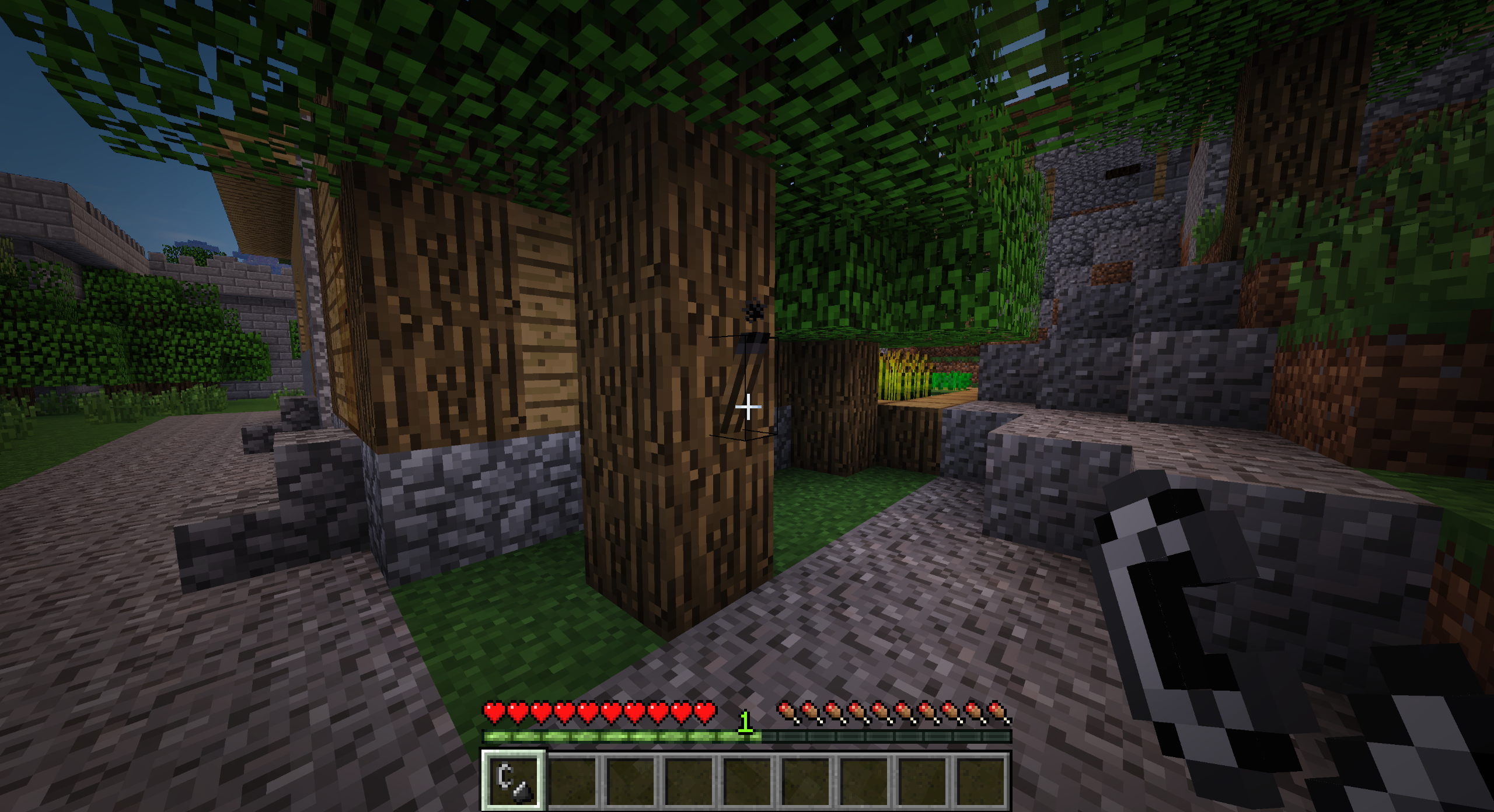
Realistic Torches čini ranu igru težom tako što se baklje gase nakon podesivog vremena, podstičući igrače da rano pređu na trajnije izvore svetlosti.
Karakteristike
- Baklje su sada neupaljene nakon pravljenja i moraju se upaliti kutijom šibica ili kremenom i čelikom
- Baklje će se ugasiti nakon podesivog vremena (podrazumevano 60 minuta stvarnog vremena)
- Baklje se gase kada padne kiša na njih
- Baklje koje se generišu u vanilla strukturama biće zamenjene neupaljenim bakljama
- Trajno upaljene baklje mogu se napraviti korišćenjem glowstone-a
- Blokovi i predmeti koji prirodno emituju svetlost emituju svetlost kada se drže (pre-1.14.4)
Recepti
Neupaljena baklja (ugalj ili drveni ugalj)
Kutija šibica
Upaljena baklja (bez oblika, kutija šibica se oštećuje)
Glowstone kristal (ugalj ili drveni ugalj)
Glowstone pasta (bez oblika)
Vanilla baklja (glowstone kristal)
Vanilla baklja (glowstone pasta)
Modpackovi
Da, možete koristiti ovaj mod u svom modpacku.
Podrška
Ako uživate u modu i želite da podržite projekat, slobodno ostavite donaciju na PayPal-u. Podrška je veoma cenjena!
Sponzor
Ovaj projekat sponzoriše BisectHosting. Ako tražite server, pogledajte njihove hosting planove i iskoristite promo kod Chaos pri plaćanju da dobijete 25% popusta na prvi mesec!
Kako instalirati Realistic Torches
With Millida Launcher
Install Millida Launcher
The launcher is free: download it at millida.net/launcher and sign in with any nickname.
Click “Install” on this page
The launcher opens and installs the mod for Minecraft 1.16.4–1.21.1 on Forge automatically.
Launch the game
A profile with it appears in the launcher: click “Play”.
Manually
Install Forge
The loader must match the game version of the mod file, for example Minecraft 1.21.1. After installing it, a separate profile appears in your launcher.
Download the file for your version
In the version list above, pick the file RealisticTorches-1.21.1-3.2.0.jar (55 KB) for your game version.
Put it in the mods folder
The folder is inside .minecraft (Windows: %appdata%\.minecraft\mods). If it does not exist, create it.
Launch the loader profile
Open “Mods” in the main menu: Realistic Torches should be in the list.
Minecraft 1.21.1 runs on Java 21: with a different Java version the game may close right after launch.
Verzije
Sa zavisnostima
| Minecraft | Loader | Fajl | Datum | Akcije |
|---|---|---|---|---|
| 1.21.1 | Forge | RealisticTorches-1.21.1-3.2.0.jar55.1 KB 3 | ||
| 1.16.4 | — | RealisticTorches-1.16.4-3.1.1.jar57.4 KB 1 |
Česta pitanja
Which Minecraft versions does Realistic Torches work on?
There are files for 1.21.1, 1.16.4. The newest is 1.21.1.
Is Realistic Torches for Forge or Fabric?
Only for Forge: 1.21.1. There are no files for Fabric or NeoForge: a mod for another loader will not start.
Does Realistic Torches need other mods?
The author lists no required dependencies: the Forge loader is enough.
Which Java does Realistic Torches need?
Minecraft 1.21.1 runs on Java 21. If the game closes right after launch, the usual cause is the wrong Java version in the profile settings.
Where can I download Realistic Torches safely?
On this page: the file RealisticTorches-1.21.1-3.2.0.jar (55 KB) is stored on Millida’s server, with no link shorteners. SHA-1 checksum: cb32cf296fe4c806c635a0ceb7cb23f29bc930a5.
Recenzije
Budi prvi koji će oceniti Realistic Torches


