
PrimalCore Mod za Minecraft 1.12.2
Preživljavanje u ranoj igri, prošireni Nether, čudovišta i misterija
- pregleda
- 17 pregleda
- Ažurirano
- Ažurirano 18.10.2026
- 1.12 — 1.12.2
 Forge
Forge
O PrimalCore modu
Rana faza preživljavanja, prošireni Nether, čudovišta i misterija
Započnite na GamePlay Wiki, prijavite probleme na Github-u, pogledajte dnevnik razvoja
Pridružite nam se na Discord-u radi razgovora ili igranja na zvaničnom PrimalCore serveru.
Pravila paketa: PrimalCore može biti uključen u bilo koji mod paket ili server u meri u kojoj se vlasnici pridržavaju Minecraft EULA.
Donacije putem podrške su veoma cenjene i pomoći će da mod ostane živ
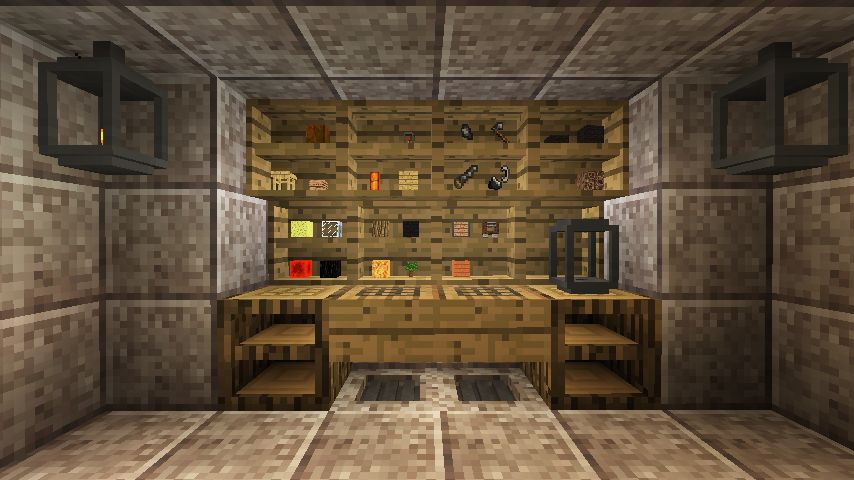
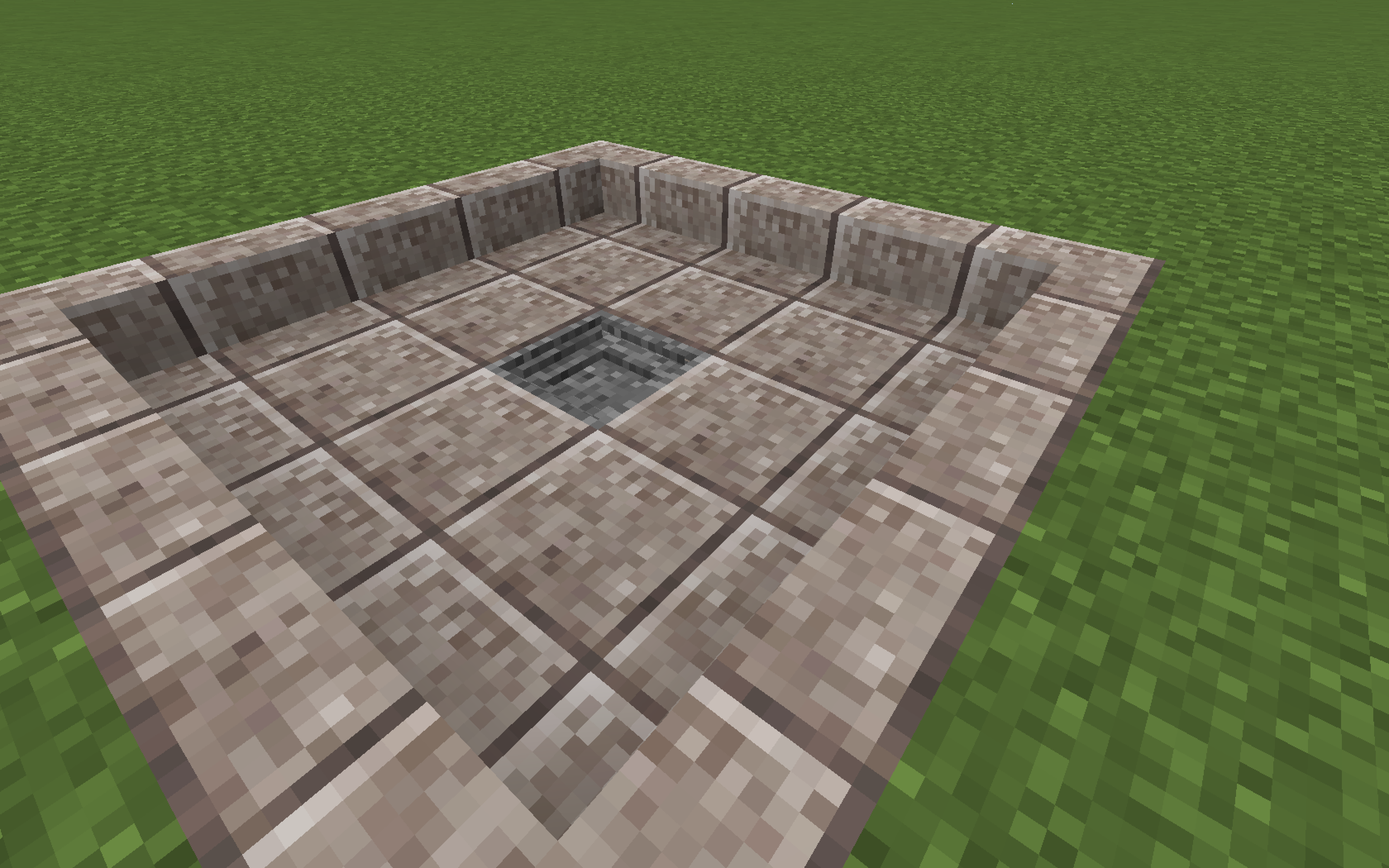
PrimalCore je survival mod sa fokusom na mehanike rane faze igre, primitivnu tehnologiju i činjenje sveta težim i manje praštajućim mestom. Podrazumevana konfiguracija utiče na mnoge prve korake koje igrač preduzima, kao što je zamena drvenih i kamenih alata kremenom, promena sakupljanja i pravljenja predmeta kao što su drveni trupci, daske i ploče tako da zahtevaju upotrebu alata, i dodavanje novih pretnji i resursa u svet u obliku generisanja sveta i čudovišta. Svaka glavna funkcija može se konfigurisati ili onemogućiti, kompatibilnost je primarni fokus, a povratne informacije o tome koliko dobro funkcionišemo sa drugim modovima su veoma cenjene!
Istaknuti ModPack serveri: proverite curse stranice ili discord za informacije o povezivanju na server
Technicians' Survival 2
Primal Skies
Povezani modovi:
Kitsu's ForgeCraft
MagnumOpus
SharpBone
Kompletna plejlista ovde
Kako instalirati PrimalCore
With Millida Launcher
Install Millida Launcher
The launcher is free: download it at millida.net/launcher and sign in with any nickname.
Click “Install” on this page
The launcher opens and installs the mod for Minecraft 1.12–1.12.2 on Forge automatically.
Launch the game
A profile with it appears in the launcher: click “Play”.
Manually
Install Forge
The loader must match the game version of the mod file, for example Minecraft 1.12.2. After installing it, a separate profile appears in your launcher.
Download the file for your version
In the version list above, pick the file PrimalCore-1.12.2-0.6.105.jar (5.7 MB) for your game version.
Put it in the mods folder
The folder is inside .minecraft (Windows: %appdata%\.minecraft\mods). If it does not exist, create it.
Launch the loader profile
Open “Mods” in the main menu: PrimalCore should be in the list.
Minecraft 1.12.2 runs on Java 8: with a different Java version the game may close right after launch.
Verzije
Sa zavisnostima
| Minecraft | Loader | Fajl | Datum | Akcije |
|---|---|---|---|---|
| 1.12.1 | Forge | PrimalCore-1.12.2-0.6.105.jar5.7 MB | ||
| 1.12.1 | — | PrimalCore-1.12.2-0.5.22.jar3.5 MB |
Česta pitanja
Which Minecraft versions does PrimalCore work on?
There are files for 1.12.2, 1.12.1, 1.12. The newest is 1.12.2.
Is PrimalCore for Forge or Fabric?
Only for Forge: 1.12–1.12.2. There are no files for Fabric or NeoForge: a mod for another loader will not start.
Does PrimalCore need other mods?
The author lists no required dependencies: the Forge loader is enough.
Which Java does PrimalCore need?
Minecraft 1.12.2 runs on Java 8. If the game closes right after launch, the usual cause is the wrong Java version in the profile settings.
Where can I download PrimalCore safely?
On this page: the file PrimalCore-1.12.2-0.6.105.jar (5.7 MB) is stored on Millida’s server, with no link shorteners. SHA-1 checksum: d1cd14519d3a09abfa5d8ccc48c970933e57b93b.
Recenzije
Budi prvi koji će oceniti PrimalCore


