
Platforms Mod za Minecraft 1.21.1
Napravi platforme, mostove, rudarske hodnike ili čak drvene tobogane
 NeoForge
 Forge
ForgeO Platforms modu
- ShetiPhianCore je obavezan!
Gradi terase, mostove, krovove, rudarske hodnike ili čak drvene tobogane.
Kombinuj skoro bilo koja 2 bloka ili predmeta (modovana ili vanilla).
Ako jedan upotrebljeni blok emituje svetlost, napravljeni predmet će takođe.
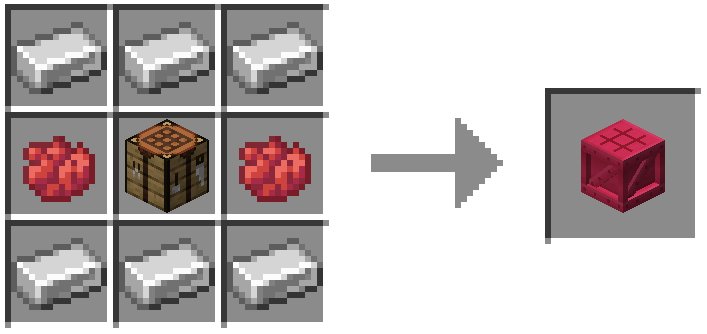
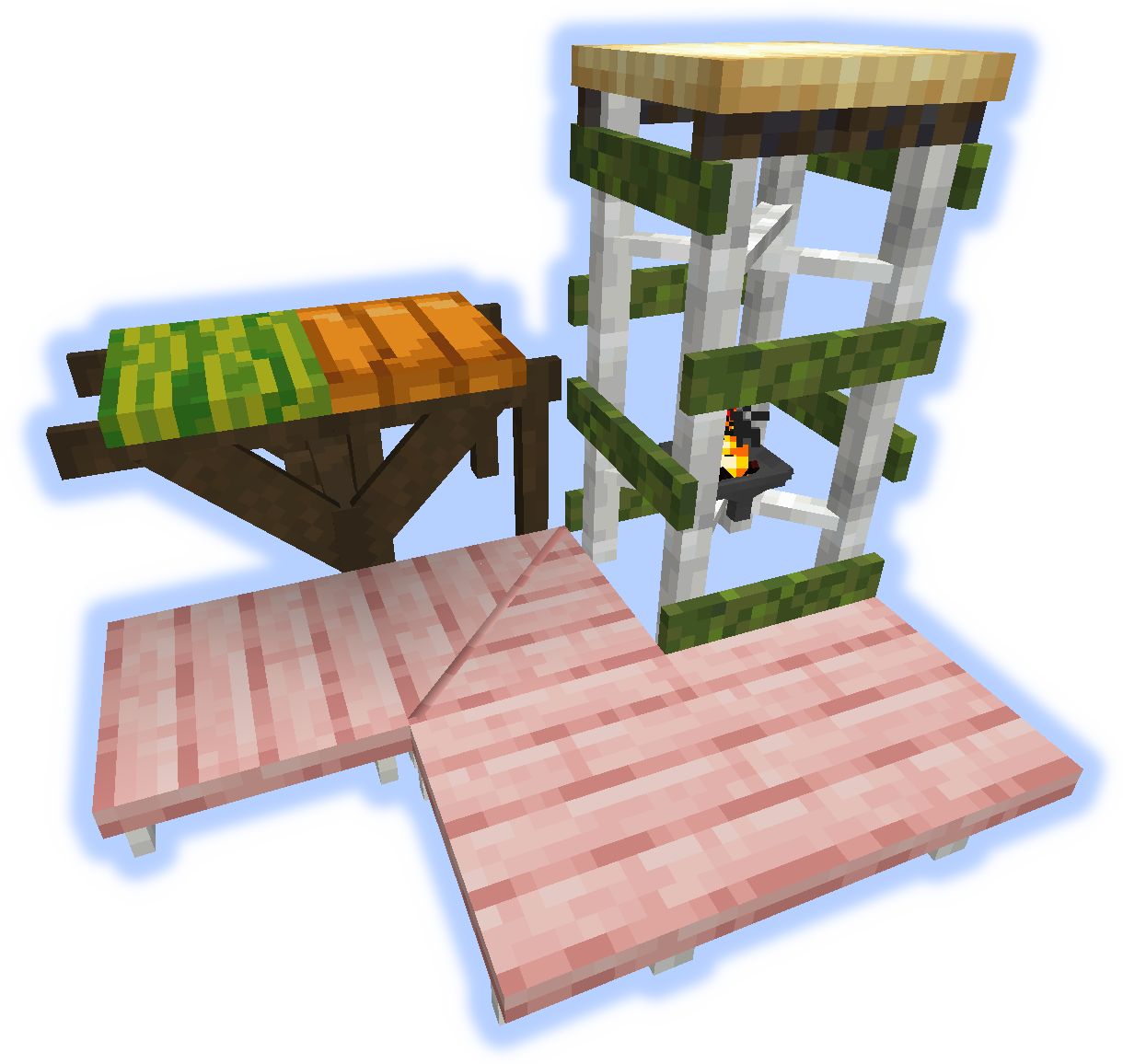
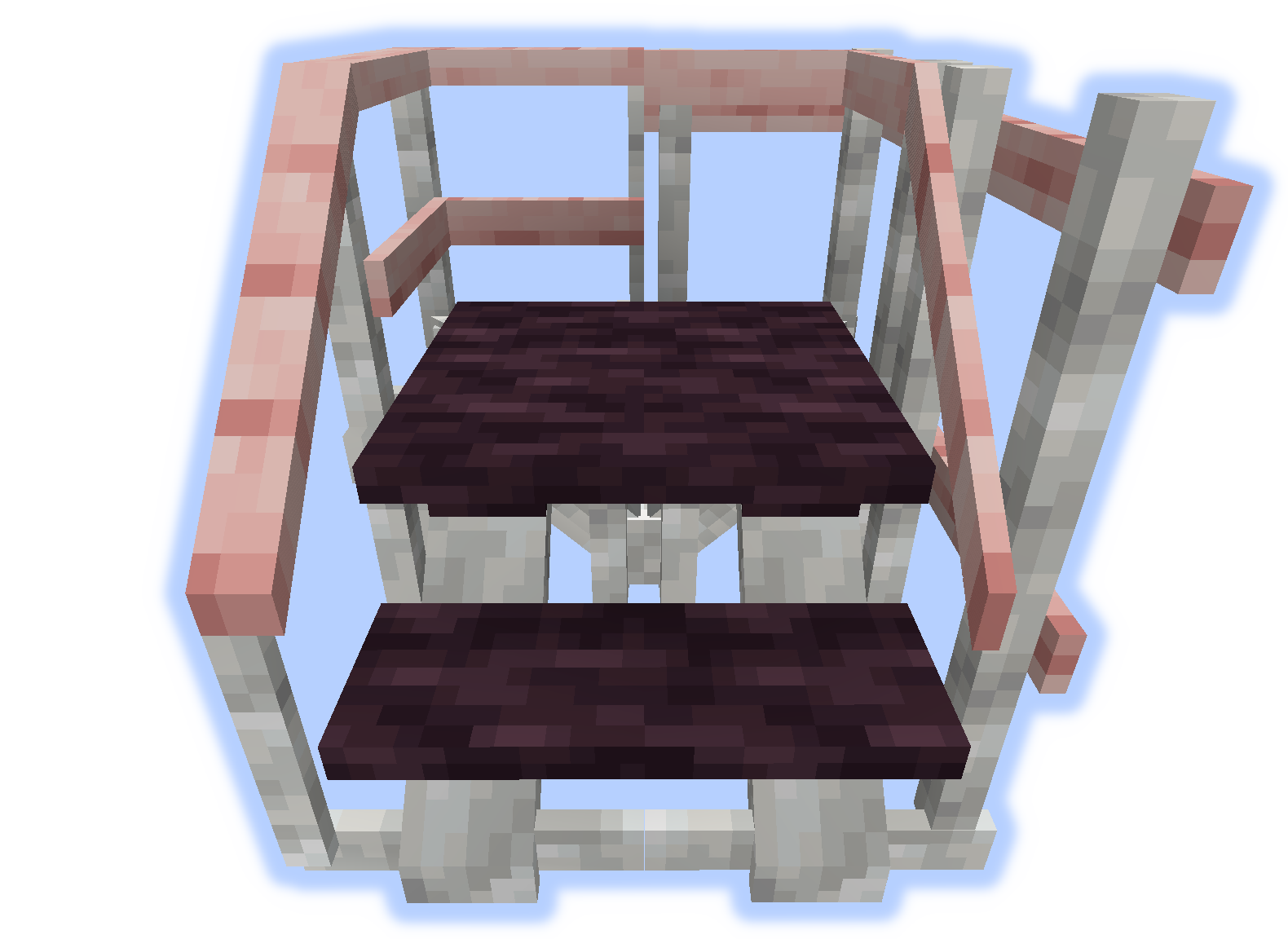
Ramovi, podovi i platforme
Na ramove mogu da se postave soul/redstone/baklje.
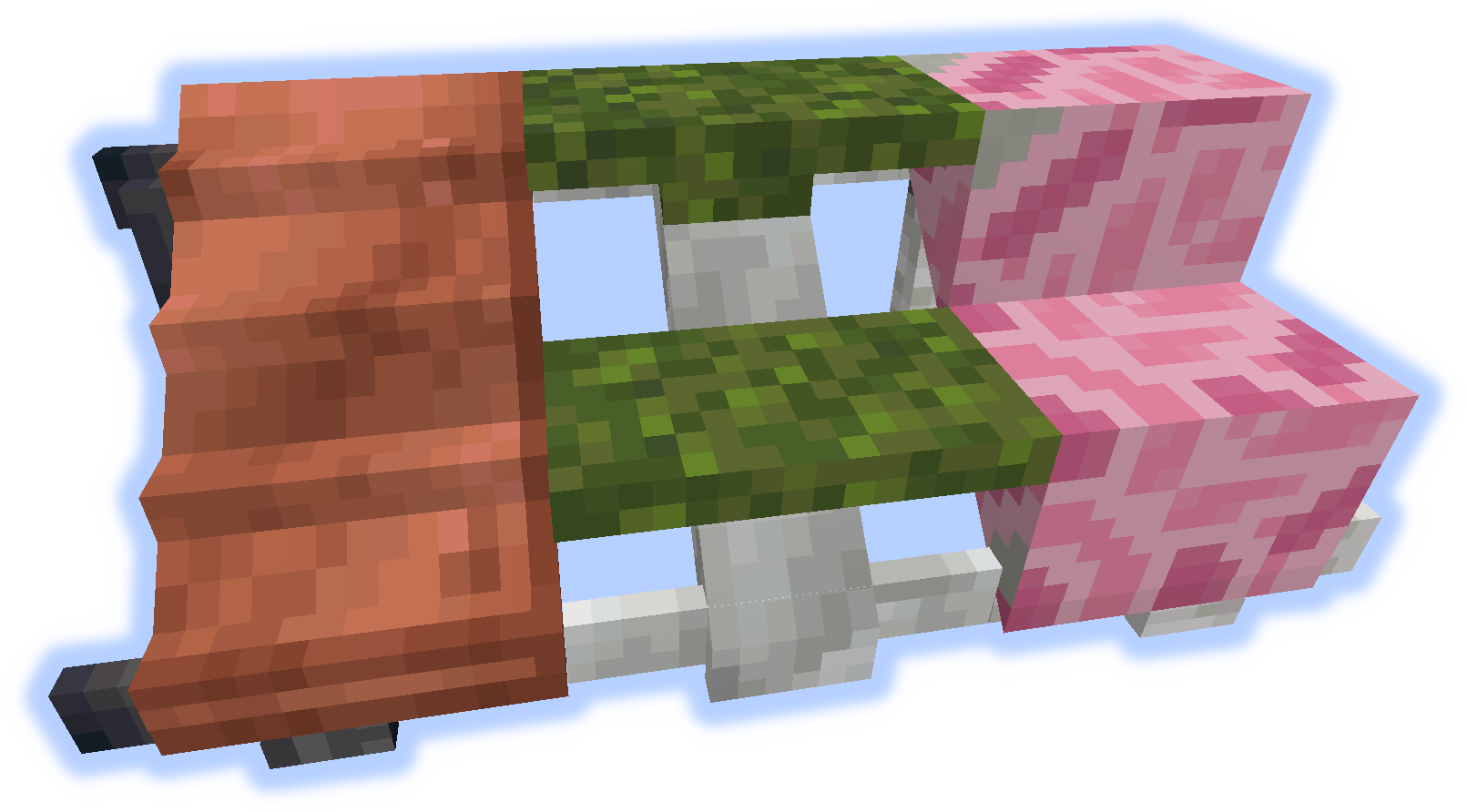
Rampe, stepenice i stube
Rukohvati i usponi
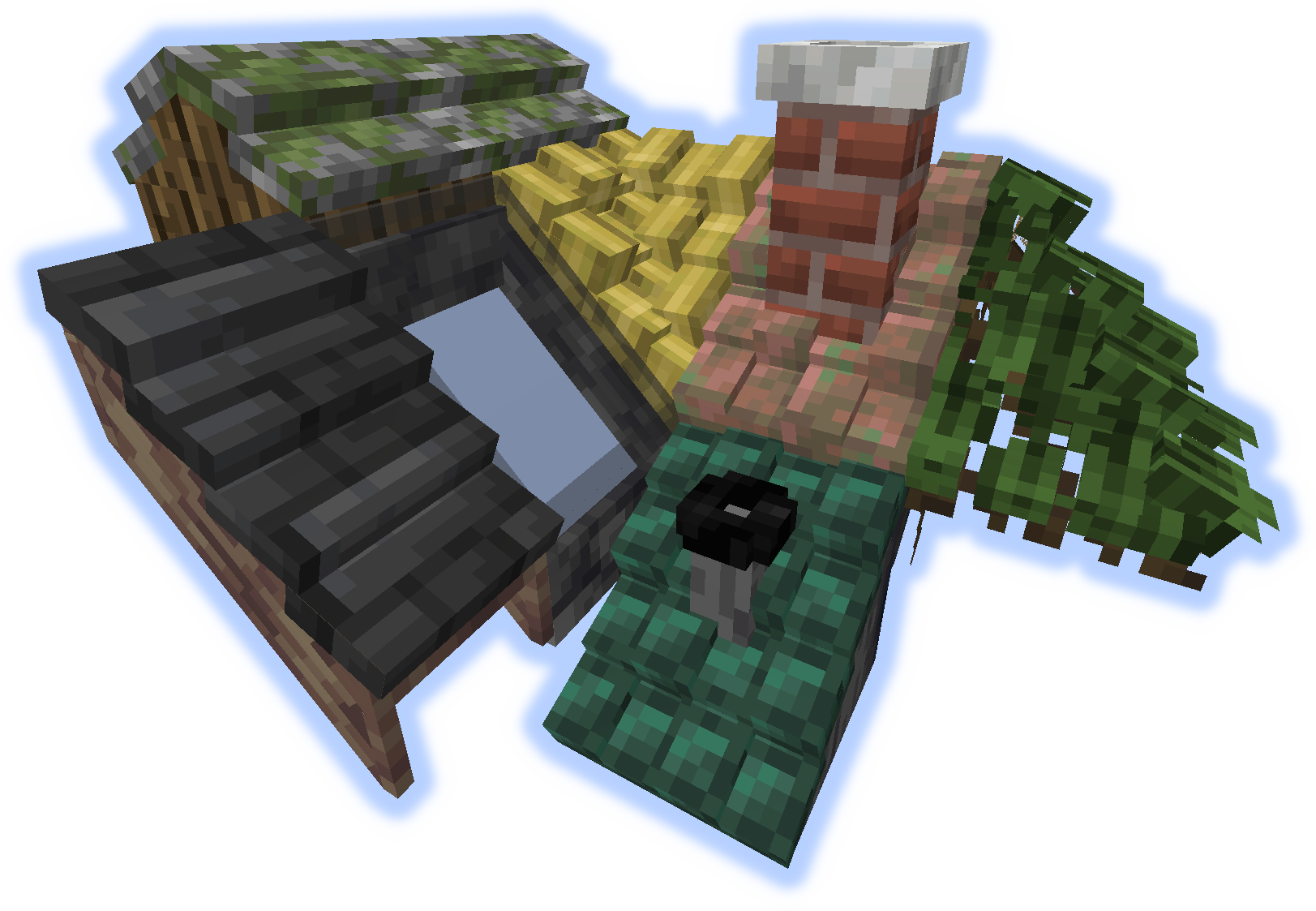
Krovovi
Kada se "uspon" ili "rukohvat" postavi na krov, oni postaju dimnjak ili cev.
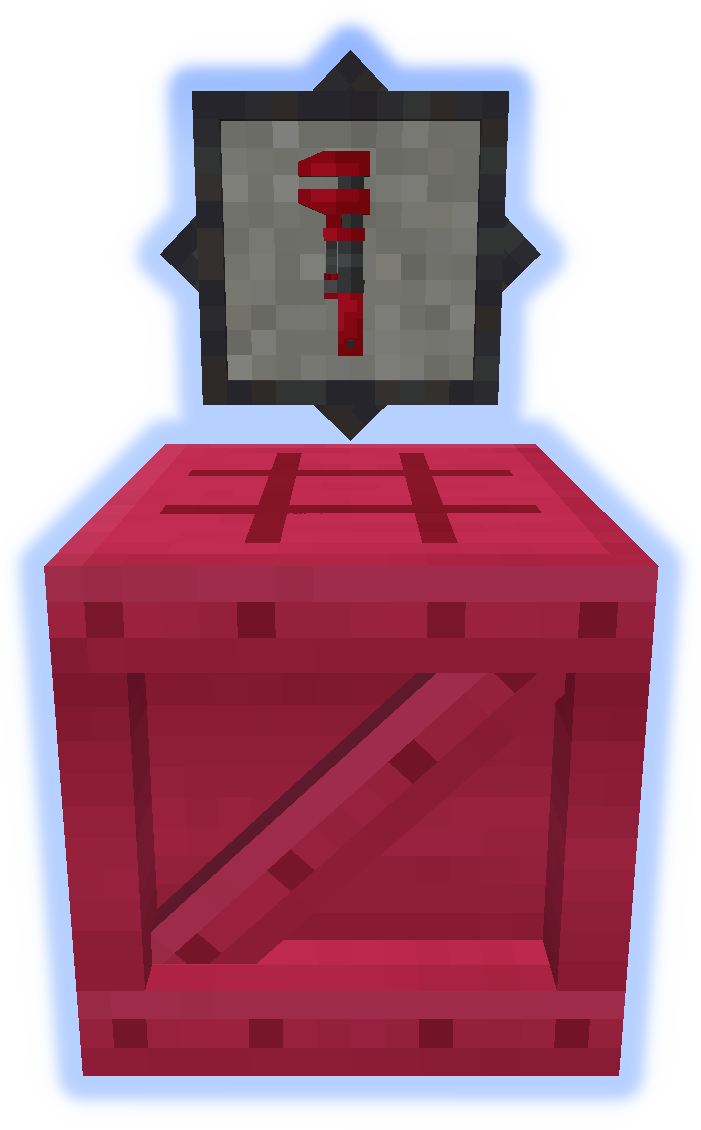
Alati
Ključ je veoma važan alat. Probaj ga u drugoj ruci. (Više informacija)
Platformer se koristi za pravljenje svega ostalog iz moda. (Više informacija)
Posebne funkcije
Tepih može da se postavi na platforme.
Sneg ili pesak će se akumulirati u svojim odgovarajućim biomima.
Dimnjaci i cevi emituju čestice (može se uključiti/isključiti).
Pošalji fajlove za lokalizaciju na github.
Ne objavljuj greške u komentarima, koristi Issue Tracker.
Kako instalirati Platforms
With Millida Launcher
Install Millida Launcher
The launcher is free: download it at millida.net/launcher and sign in with any nickname.
Click “Install” on this page
The launcher opens and installs the mod for Minecraft 1.14.4–1.21.1 on Forge or NeoForge automatically.
Launch the game
A profile with it appears in the launcher: click “Play”.
Manually
Install Forge or NeoForge
The loader must match the game version of the mod file, for example Minecraft 1.21.1. After installing it, a separate profile appears in your launcher.
Download the file for your version
In the version list above, pick the file platforms-neoforge-1.21.1-1.0.jar (808 KB) for your game version and loader.
Put it in the mods folder
The folder is inside .minecraft (Windows: %appdata%\.minecraft\mods). If it does not exist, create it.
Launch the loader profile
Open “Mods” in the main menu: Platforms should be in the list.
Minecraft 1.21.1 runs on Java 21: with a different Java version the game may close right after launch.
Verzije
Sa zavisnostima
| Minecraft | Loader | Fajl | Datum | Akcije |
|---|---|---|---|---|
| 1.21.1 | NeoForge | platforms-neoforge-1.21.1-1.0.jar808 KB 2 | ||
| 1.21.1 | Forge | platforms-forge-1.21.1-1.0.jar804 KB 4 | ||
| 1.21.1 | NeoForge | platforms-neoforge-1.21.1-0.1.jar808 KB | ||
| 1.21.1 | Forge | platforms-forge-1.21.1-0.1.jar804 KB | ||
| 1.14.4 | — | platforms-1.14-1.5.13.jar497 KB 1 |
Česta pitanja
Which Minecraft versions does Platforms work on?
There are files for 1.21.1, 1.14.4. The newest is 1.21.1.
Is Platforms for Forge or Fabric?
There are files for Forge: 1.21.1 and for NeoForge: 1.21.1. There are no files for Fabric: a mod for another loader will not start.
Does Platforms need other mods?
The author lists no required dependencies: the Forge or NeoForge loader is enough.
Which Java does Platforms need?
Minecraft 1.21.1 runs on Java 21. If the game closes right after launch, the usual cause is the wrong Java version in the profile settings.
Where can I download Platforms safely?
On this page: the file platforms-neoforge-1.21.1-1.0.jar (808 KB) is stored on Millida’s server, with no link shorteners. SHA-1 checksum: 4597d439a87ed57aa38ddbe935071c9398057557.
Recenzije
Budi prvi koji će oceniti Platforms


