

Physics Mod za Minecraft 1.20.1, 1.21.1
Dobrodošli u destruktivniji Minecraft nego što ste ikada videli!
 Forge
Forge Fabric
 Quilt
Quilt NeoForge
Novo impresivno iskustvo
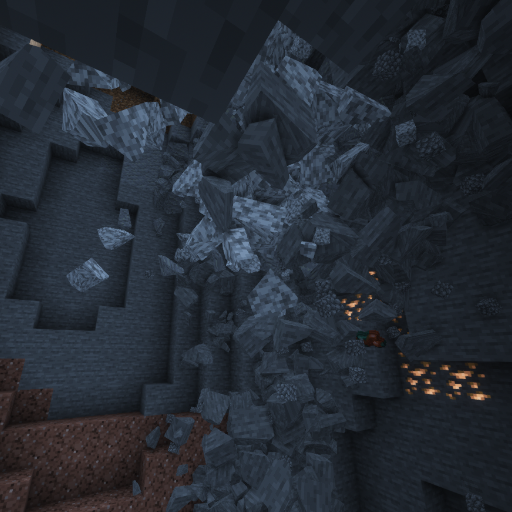
Zaronite u novi svet kakav nikada ranije niste videli. Rušeće pećine, interaktivne ragdoll lutke, fizika predmeta i još mnogo toga vas čeka!

Podržane platforme
Windows, Linux i MacOS (M1/M2 procesori rade samo sa Minecraft 1.20 i novijim, ostale verzije zahtevaju režim kompatibilnosti: Tutorijal)!

Mobovi
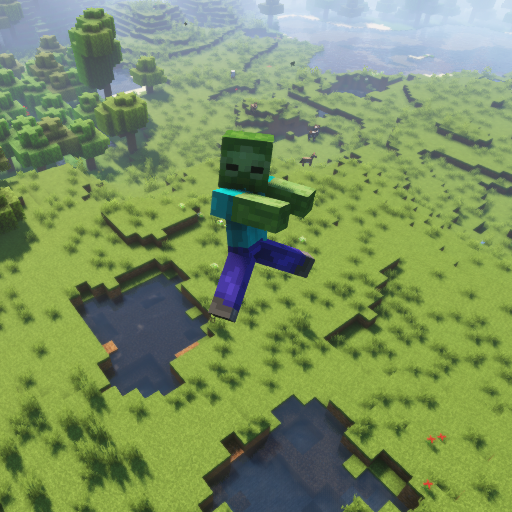
Omiljeni deo svakog fizičkog manijaka. Svaki Vanilla Minecraft mob podržava ragdoll lutke, rasparčavanje i blokovsku verziju!
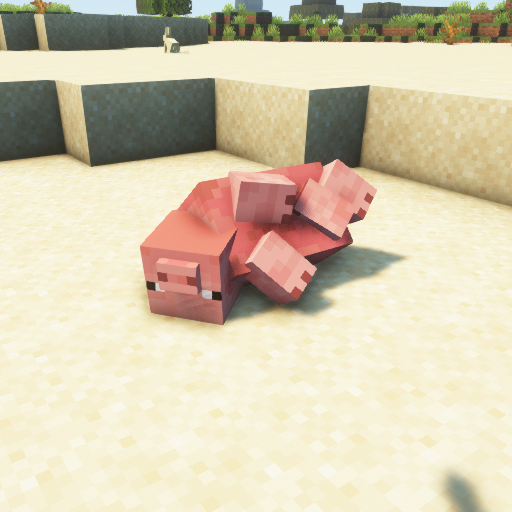
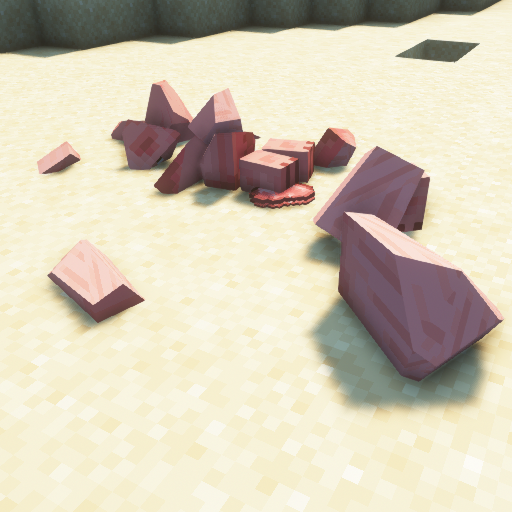
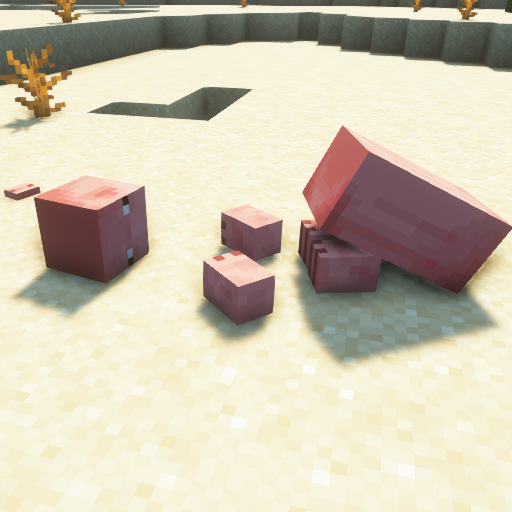
Blokovi
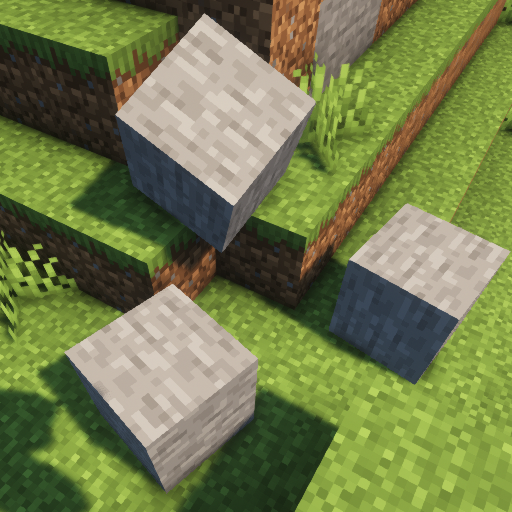
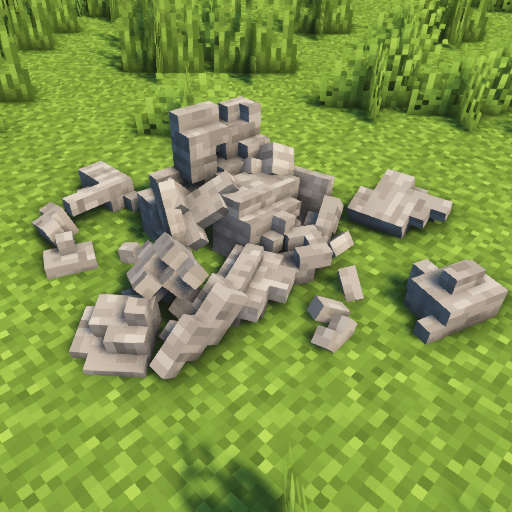
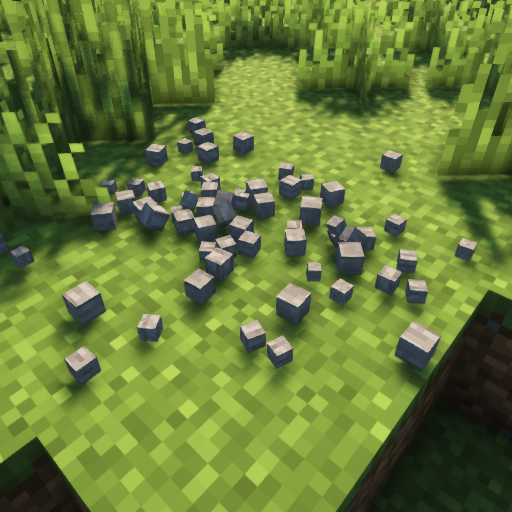
Neka se blokovi u Minecraft svetu raspadnu na komadiće!
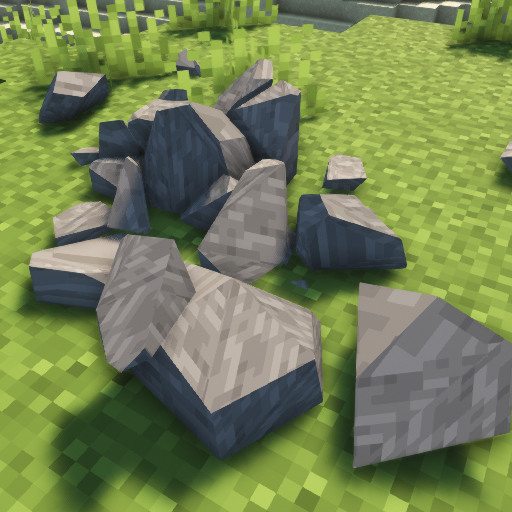
Ostale funkcije
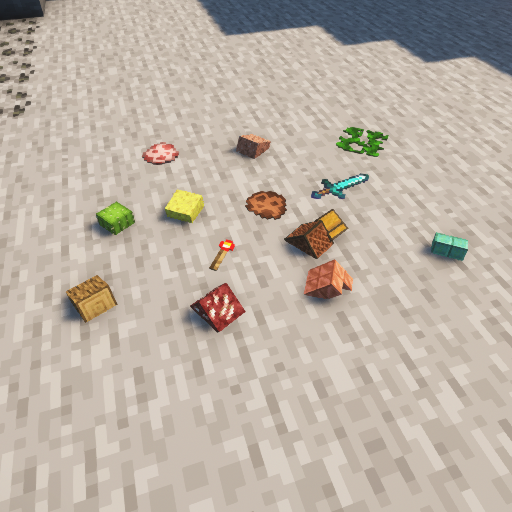
Dosadili su vam predmeti koji lebde? Isprobajte fiziku predmeta! Gravitacija? Mesec? Mars? Pluton? Zemlja? Promenite je u šta god želite! Želite da dovedete svoj PC do granice? Vidite koliko će izdržati sa strukturama koje se urušavaju!
Kako instalirati Physics Mod
With Millida Launcher
Install Millida Launcher
The launcher is free: download it at millida.net/launcher and sign in with any nickname.
Click “Install” on this page
The launcher opens and installs the mod for Minecraft 1.16.5–26.3 on Fabric, Forge, NeoForge or Quilt automatically.
Launch the game
A profile with it appears in the launcher: click “Play”.
Manually
Install Fabric, Forge, NeoForge or Quilt
The loader must match the game version of the mod file, for example Minecraft 26.3. After installing it, a separate profile appears in your launcher.
Download the file for your version
In the version list above, pick the file physics-mod-3.2.5-mc-26.3-forge.jar (89 MB) for your game version and loader.
Put it in the mods folder
The folder is inside .minecraft (Windows: %appdata%\.minecraft\mods). If it does not exist, create it.
Launch the loader profile
Open “Mods” in the main menu: Physics Mod should be in the list.
Physics Mod works on the player’s side only: there is no need to install it on a server.
Verzije
Sa zavisnostima
| Minecraft | Loader | Fajl | Datum | Akcije |
|---|---|---|---|---|
| 26.3 | Forge | 26.389.2 MB 46 | ||
| 26.3 | Fabric, Quilt | 26.389.3 MB 90 | ||
| 26.3 | NeoForge | 26.389.3 MB 4 | ||
| 1.21.1 | NeoForge | 1.21.189.7 MB 17 | ||
| 26.3 | NeoForge | 26.389.3 MB | ||
| 1.21.1 | Fabric, Quilt | 1.21.189.8 MB 7 | ||
| 1.21.1 | NeoForge | 1.21.189.7 MB | ||
| 26.3 | Fabric, Quilt | 26.389.3 MB |
Česta pitanja
Which Minecraft versions does Physics Mod work on?
There are files for 1.16.5–26.3, 15 versions in total. The newest is 26.3.
Is Physics Mod for Forge or Fabric?
There are files for Fabric: 1.18.2–26.3, for Forge: 1.16.5–26.3, for NeoForge: 1.21–26.3 and for Quilt: 1.18.2–26.3.
Does Physics Mod need other mods?
The author lists no required dependencies: the Fabric, Forge, NeoForge or Quilt loader is enough.
Do I need to install Physics Mod on a server?
No. Physics Mod works on the player’s side only: there is no need to install it on a server.
Where can I download Physics Mod safely?
On this page: the file physics-mod-3.2.5-mc-26.3-forge.jar (89 MB) is stored on Millida’s server, with no link shorteners. SHA-1 checksum: 90cf291d11c8a08e0f8185144f5d584e56d793c9.
Recenzije
Budi prvi koji će oceniti Physics Mod


