
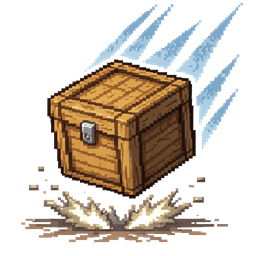
Physics Drop Mod za Minecraft 26.1.2
Realistična fizika ispadanja predmeta sa prevrtanjem, odbijanjem i pravilnim odmaranjem na bilo kom obliku bloka. Predmeti prirodno leže ravno na zemlji.
 Fabric
 Forge
Forge NeoForge
 Quilt
QuiltO Physics Drop modu


A Minecraft Fabric mod that adds realistic physics to dropped items.
Features
- Realistic Bouncing - Items bounce off the ground with decreasing energy, just like real objects.
- Tumbling in Air - Items spin and tumble freely while falling, driven by their velocity.
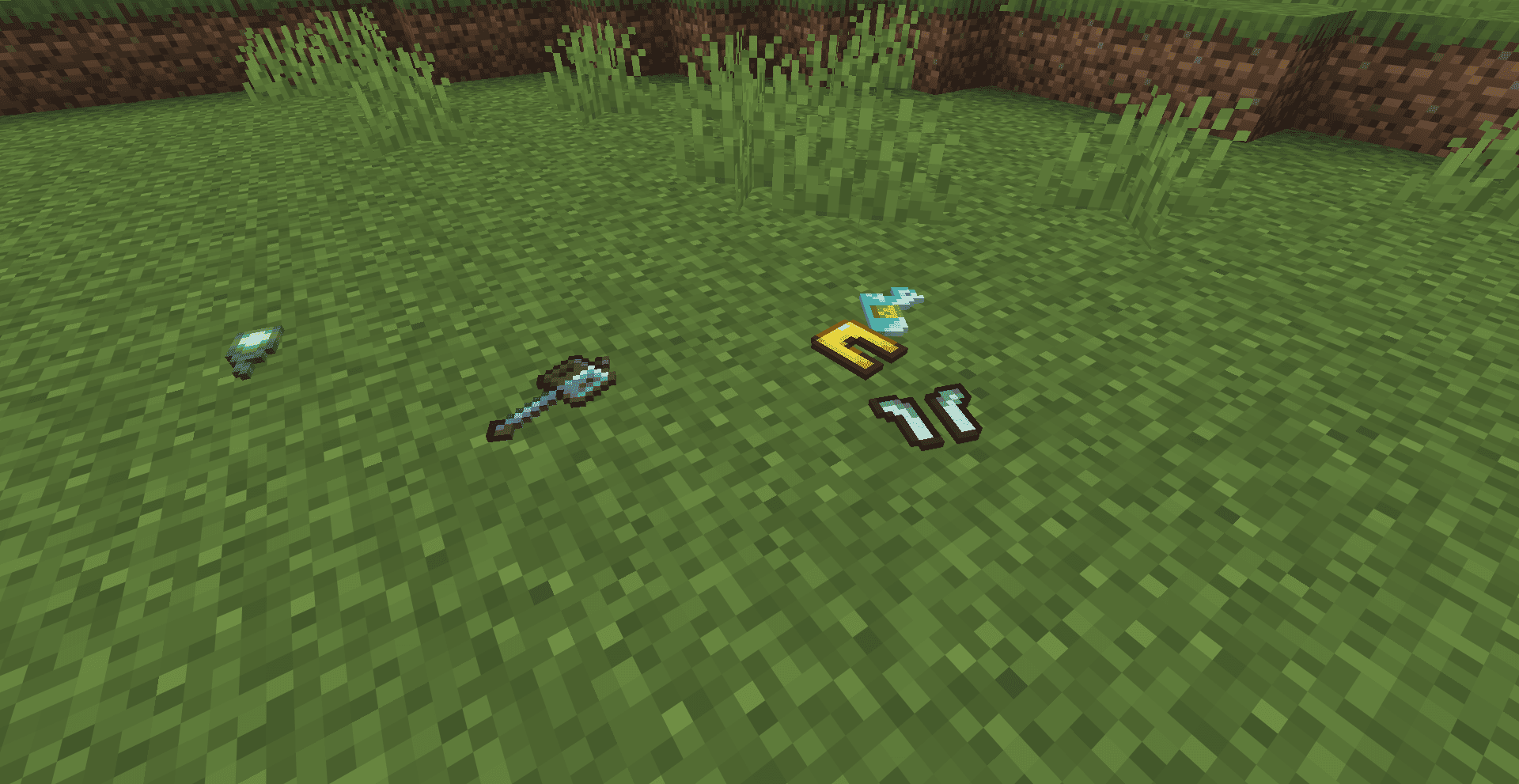
- Lie Flat on Ground - Flat items (swords, food, sticks) land and rest flat on the surface.
- 3D Block Support - Block items (dirt, stone, etc.) stay upright with a random facing direction.
- Wall Bouncing - Items bounce off walls, fences, and block sides realistically.
- Works on All Surfaces - Slabs, stairs, fences, walls - items land properly on any block shape.
- No Floating - Items sit flush on the ground with no vanilla hover or bob animation.
- Random Scatter - Each drop has slight randomness in direction and spin for natural variety.
How It Works
When you drop an item:
- The item is thrown with a slight arc and random scatter.
- While airborne, it tumbles freely in all directions.
- On impact, it bounces with decreasing energy (up to 5 bounces).
- Once settled, flat items lie on the ground and block items rest upright.
- The item stays completely still - no vanilla spinning or bobbing.
Kako instalirati Physics Drop
With Millida Launcher
Install Millida Launcher
The launcher is free: download it at millida.net/launcher and sign in with any nickname.
Click “Install” on this page
The launcher opens and installs the mod for Minecraft 1.21.11–26.1.2 on Fabric, Forge, NeoForge or Quilt automatically.
Launch the game
A profile with it appears in the launcher: click “Play”.
Manually
Install Fabric, Forge, NeoForge or Quilt
The loader must match the game version of the mod file, for example Minecraft 26.1.2. After installing it, a separate profile appears in your launcher.
Download the file for your version
In the version list above, pick the file physics-drop-1.0.0.jar (21 KB) for your game version and loader.
Put it in the mods folder
The folder is inside .minecraft (Windows: %appdata%\.minecraft\mods). If it does not exist, create it.
Launch the loader profile
Open “Mods” in the main menu: Physics Drop should be in the list.
Verzije
Sa zavisnostima
| Minecraft | Loader | Fajl | Datum | Akcije |
|---|---|---|---|---|
| 26.1 | Fabric | physics-drop-1.0.0.jar21.1 KB 15 | ||
| 26.1 | Forge | physics-drop-1.0.0.jar19.3 KB 2 | ||
| 26.1 | NeoForge | physics-drop-1.0.0.jar19.3 KB 1 | ||
| 1.21.11 | Quilt | physics-drop-1.0.0.jar19.8 KB 1 |
Česta pitanja
Which Minecraft versions does Physics Drop work on?
There are files for 26.1.2, 26.1.1, 26.1, 1.21.11. The newest is 26.1.2.
Is Physics Drop for Forge or Fabric?
There are files for Fabric: 26.1–26.1.2, for Forge: 26.1–26.1.2, for NeoForge: 26.1–26.1.2 and for Quilt: 1.21.11.
Does Physics Drop need other mods?
The author lists no required dependencies: the Fabric, Forge, NeoForge or Quilt loader is enough.
Where can I download Physics Drop safely?
On this page: the file physics-drop-1.0.0.jar (21 KB) is stored on Millida’s server, with no link shorteners. SHA-1 checksum: 28e453700042dc2f8c007ec8493cd5c129ee61fb.
Recenzije
Budi prvi koji će oceniti Physics Drop


