
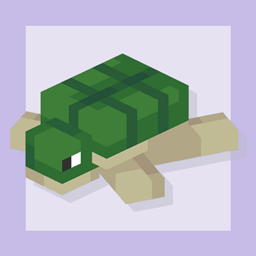
Perfect Plushies Mod za Minecraft 1.20.1
Dodaje razne dekorativne plišane igračke u Minecraft, zajedno sa nekim uskršnjim jajima!
 Fabric
 Forge
Sve verzije ovog moda od 1.1.0 pa na dalje zahtevaju GeckoLib.
Opšte informacije
Perfect Plushies je jednostavan mod koji dodaje više varijanti visokokvalitetnih plišanih životinja u Minecraft, koje se mogu koristiti za bilo kakvu dekoraciju. Ukrasite njima svoju spavaću sobu, dnevnu sobu, baštu ili bukvalno bilo šta, što će vam uvek sigurno izmamiti osmeh na lice! Ako koristite v1.9 ili noviju verziju, čak možete da ih nosite sve na glavi i ponesete slatkoću sa sobom! Mod takođe dodaje razne kolekcionarske plišane igračke igrača, pa čak i neke retke varijante. Pročitajte njihov tooltip da saznate ko su!
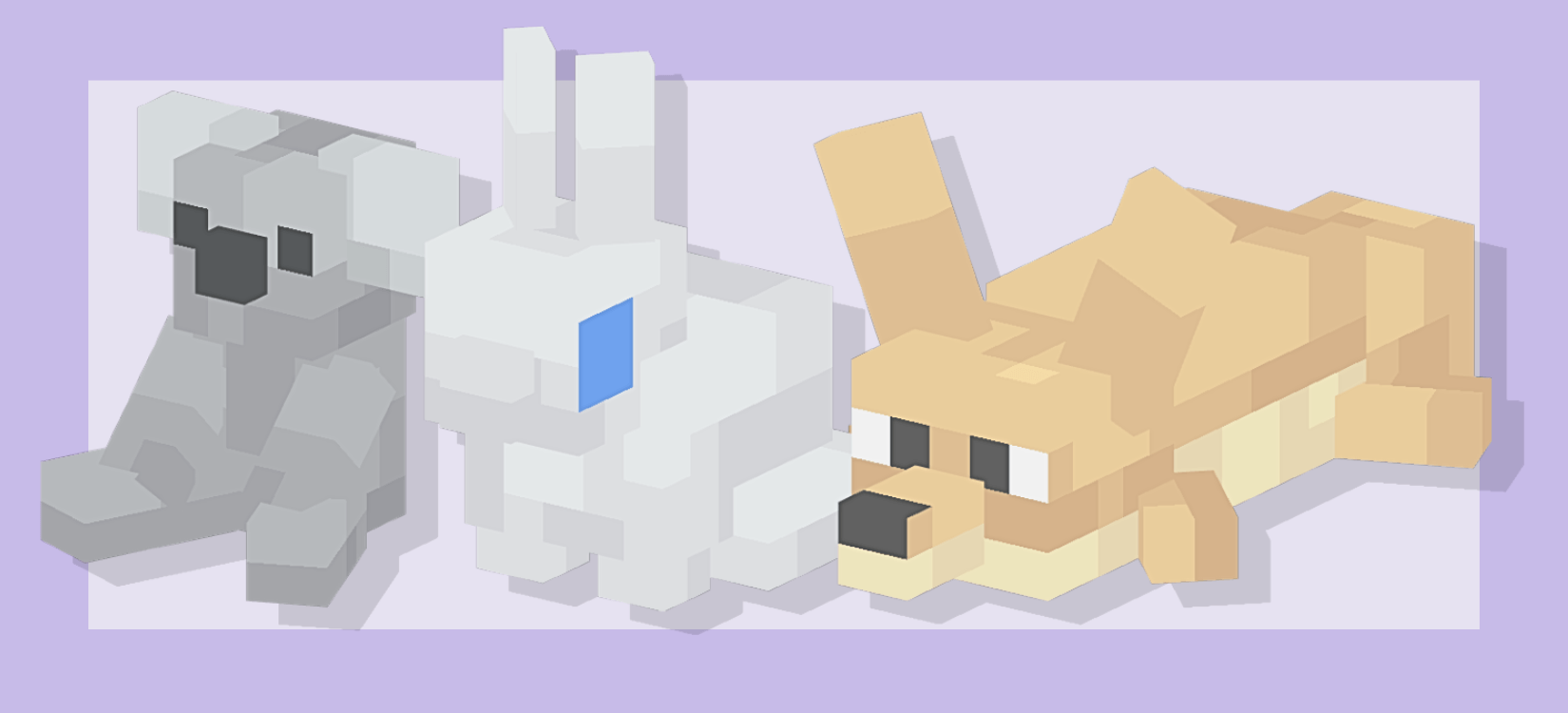
Više detalja
Svaka od ovih plišanih igračaka ne može se napraviti u igri. U survival režimu, plišane životinje se nalaze u kovčezima u selima, a plišane igračke igrača mogu se naći u kovčezima s blagom i olupinama brodova širom sveta. Ovi blokovi ipak ne rade ništa. Pokušajte da kliknete desnim tasterom miša na njih. Skrivena easter egg iznenađenja će vam sigurno izmamiti osmeh :) Ovaj mod podržava i Forge i Fabric i ima odgovarajuće datoteke za preuzimanje za svaki! Pogledajte sekciju sa slikama moda za galeriju svih plišanih igračaka.
Šta je planirano za budućnost?
Planiramo da dodamo zaokruženiju kolekciju plišanih igračaka koje možete dobiti u survival režimu, kao i razne druge pogodnosti i interaktivne funkcije za plišane igračke!
Linkovi
Discord server: https://discord.gg/wM4CKTbFVN Perfect Birbs: https://www.curseforge.com/minecraft/mc-mods/perfect-birbs
Kako instalirati Perfect Plushies
With Millida Launcher
Install Millida Launcher
The launcher is free: download it at millida.net/launcher and sign in with any nickname.
Click “Install” on this page
The launcher opens and installs the mod for Minecraft 1.20.1 on Fabric or Forge automatically.
Launch the game
A profile with it appears in the launcher: click “Play”.
Manually
Install Fabric or Forge
The loader must match the game version of the mod file, for example Minecraft 1.20.1. After installing it, a separate profile appears in your launcher.
Download the file for your version
In the version list above, pick the file perfectplushies-fabric-1.20.1-1.13.3.jar (1.2 MB) for your game version and loader.
Put it in the mods folder
The folder is inside .minecraft (Windows: %appdata%\.minecraft\mods). If it does not exist, create it.
Launch the loader profile
Open “Mods” in the main menu: Perfect Plushies should be in the list.
Minecraft 1.20.1 runs on Java 17: with a different Java version the game may close right after launch.
Verzije
Sa zavisnostima
| Minecraft | Loader | Fajl | Datum | Akcije |
|---|---|---|---|---|
| 1.20.1 | Fabric | Perfect Plushies 1.13.3 [Fabric]1.2 MB 3 | ||
| 1.20.1 | Forge | Perfect Plushies 1.13.3 [Forge]427 KB 1 | ||
| 1.20.1 | Forge | Perfect Plushies 1.10.0 [Forge]308 KB |
Česta pitanja
Which Minecraft versions does Perfect Plushies work on?
Only Minecraft 1.20.1: there are no files for other versions.
Is Perfect Plushies for Forge or Fabric?
There are files for Fabric: 1.20.1 and for Forge: 1.20.1. There are no files for NeoForge: a mod for another loader will not start.
Does Perfect Plushies need other mods?
The author lists no required dependencies: the Fabric or Forge loader is enough.
Which Java does Perfect Plushies need?
Minecraft 1.20.1 runs on Java 17. If the game closes right after launch, the usual cause is the wrong Java version in the profile settings.
Where can I download Perfect Plushies safely?
On this page: the file perfectplushies-fabric-1.20.1-1.13.3.jar (1.2 MB) is stored on Millida’s server, with no link shorteners. SHA-1 checksum: 1d16c42e67b4ff65a94ca9b695bfe7dee8011a8e.
Recenzije
Budi prvi koji će oceniti Perfect Plushies


