
NuclearCraft Mod za Minecraft 1.12.2
Donosi složeno nuklearno inženjerstvo u Minecraft!
- preuzimanja
- 40 preuzimanja
- pregleda
- 98 pregleda
- Ažurirano
- Ažurirano 25.10.2026
- 1.11.2 — 1.12.2
 Forge
Forge
O NuclearCraft modu
Kompleksan mod za nuklearno inženjerstvo za Minecraft!
Idite ovde za NuclearCraft: Overhauled [1.12.2]! Idite ovde za NuclearCraft: Neoteric [1.20.1]! Idite ovde za NuclearCraft: Neohaul [1.21.1]! YouTube kanal za pomoć sa modom! Pridružite se Discord serveru!

Karakteristike
- Forge Energy, RF, IC2 EU i GTCEu EU kompatibilnost
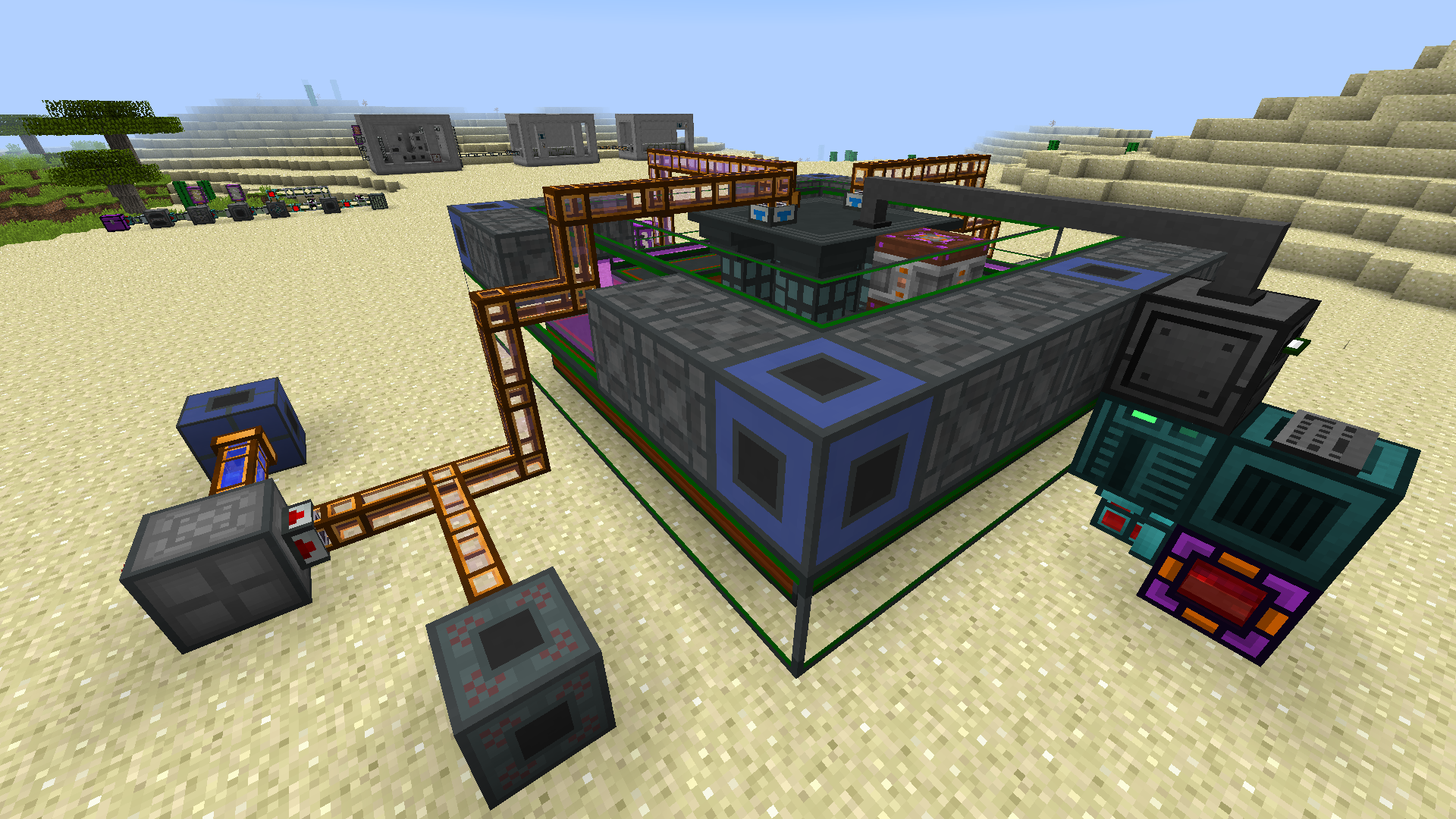
- Multiblock fisioni reaktori na čvrsto gorivo i rastopljenu so
- Multiblock izmenjivači toplote, kondenzatori i turbine
- Multiblock tokamak fisioni reaktori
- Detaljan sistem nuklearnog goriva sa mnogo tipova goriva
- Kompleksan fisioni sistem sa više kombinacija goriva
- Potpuna JEI kompatibilnost
- CraftTweaker podrška za recepte
- Potpuna Mekanism podrška za gasove
- Fallout stil sistema radijacije
- Više materijala, oružja, alata i oklopa
JEI, The One Probe i ConnectedTexturesMod se toplo preporučuju! Lista promena CraftTweaker pomoć
Dozvole: slobodno koristite ovaj mod u svom paketu ako želite!
Idite na Wiki, YouTube kanal ili koristite savete u igri za pomoć sa napredovanjem kroz mod. Takođe slobodno me pitajte direktno ako vam treba više informacija!
Zahvaljujemo QuantumTraverse za logo moda!
Kako instalirati NuclearCraft
With Millida Launcher
Install Millida Launcher
The launcher is free: download it at millida.net/launcher and sign in with any nickname.
Click “Install” on this page
The launcher opens and installs the mod for Minecraft 1.11.2–1.12.2 on Forge automatically.
Launch the game
A profile with it appears in the launcher: click “Play”.
Manually
Install Forge
The loader must match the game version of the mod file, for example Minecraft 1.12.2. After installing it, a separate profile appears in your launcher.
Download the file for your version
In the version list above, pick the file nuclearcraft-1.12.2-2.19c.jar (6.6 MB) for your game version.
Put it in the mods folder
The folder is inside .minecraft (Windows: %appdata%\.minecraft\mods). If it does not exist, create it.
Launch the loader profile
Open “Mods” in the main menu: NuclearCraft should be in the list.
Minecraft 1.12.2 runs on Java 8: with a different Java version the game may close right after launch.
Verzije
Sa zavisnostima
| Minecraft | Loader | Fajl | Datum | Akcije |
|---|---|---|---|---|
| 1.12.2 | Forge | NuclearCraft-2.19c-1.12.26.6 MB 36 | ||
| 1.12.2 | — | NuclearCraft-2.17c-1.12.26.4 MB 4 | ||
| 1.12.2 | — | NuclearCraft-2.5a--1.12.25.5 MB | ||
| 1.11.2 | — | NuclearCraft-2.0a--1.11.21.1 MB |
Česta pitanja
Which Minecraft versions does NuclearCraft work on?
There are files for 1.12.2, 1.11.2. The newest is 1.12.2.
Is NuclearCraft for Forge or Fabric?
Only for Forge: 1.12.2. There are no files for Fabric or NeoForge: a mod for another loader will not start.
Does NuclearCraft need other mods?
The author lists no required dependencies: the Forge loader is enough.
Which Java does NuclearCraft need?
Minecraft 1.12.2 runs on Java 8. If the game closes right after launch, the usual cause is the wrong Java version in the profile settings.
Where can I download NuclearCraft safely?
On this page: the file nuclearcraft-1.12.2-2.19c.jar (6.6 MB) is stored on Millida’s server, with no link shorteners. SHA-1 checksum: c1029408b188cdfff625e4bf9e7f91a00dde2ea0.
Recenzije
Budi prvi koji će oceniti NuclearCraft


