
Night Visions Mod za Minecraft 1.20.1, 1.16.5
Pruža poboljšan vid u pećinama i mračnim područjima.
 Fabric
 Forge
Forge NeoForge
 Quilt
QuiltNight Vision
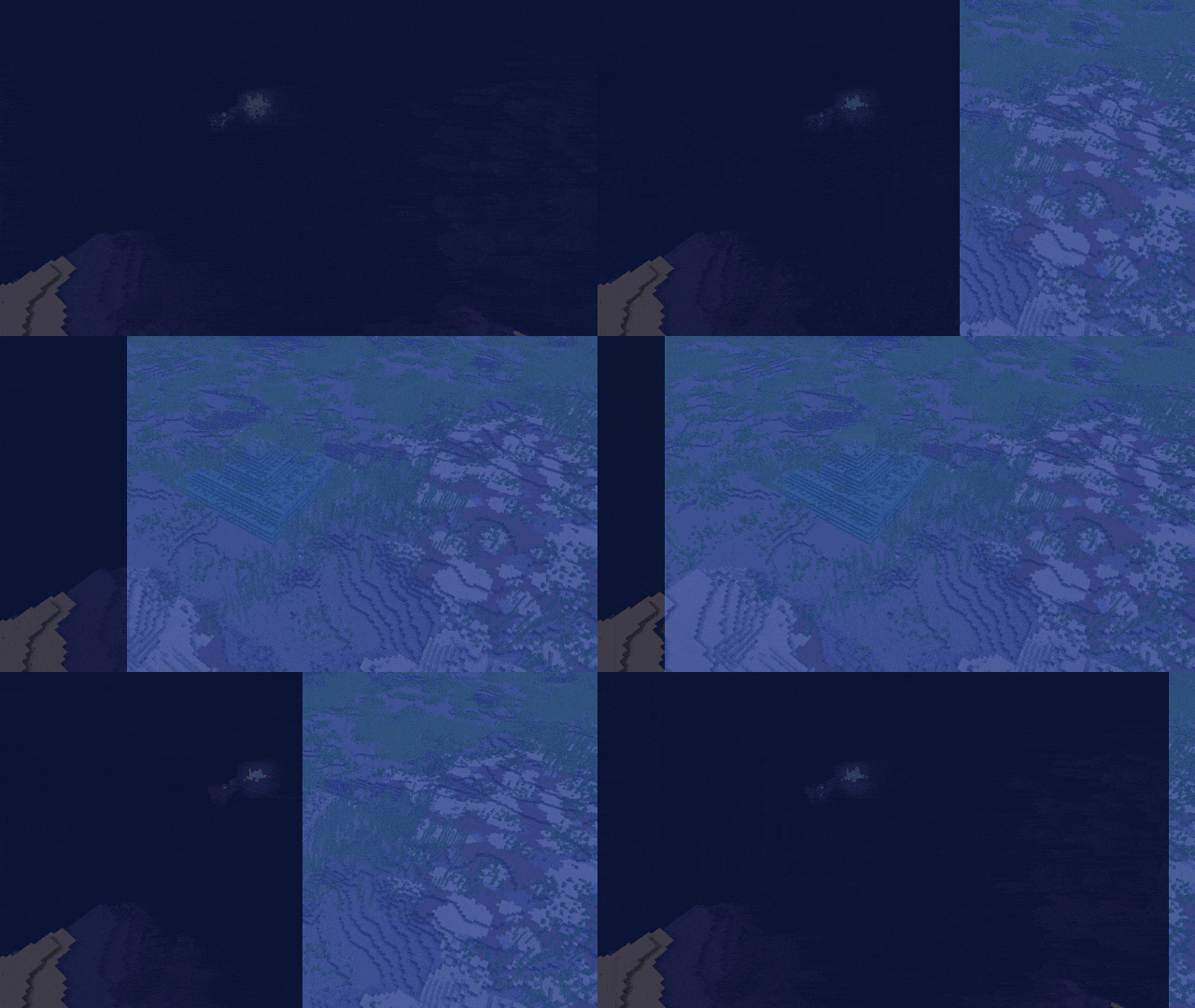
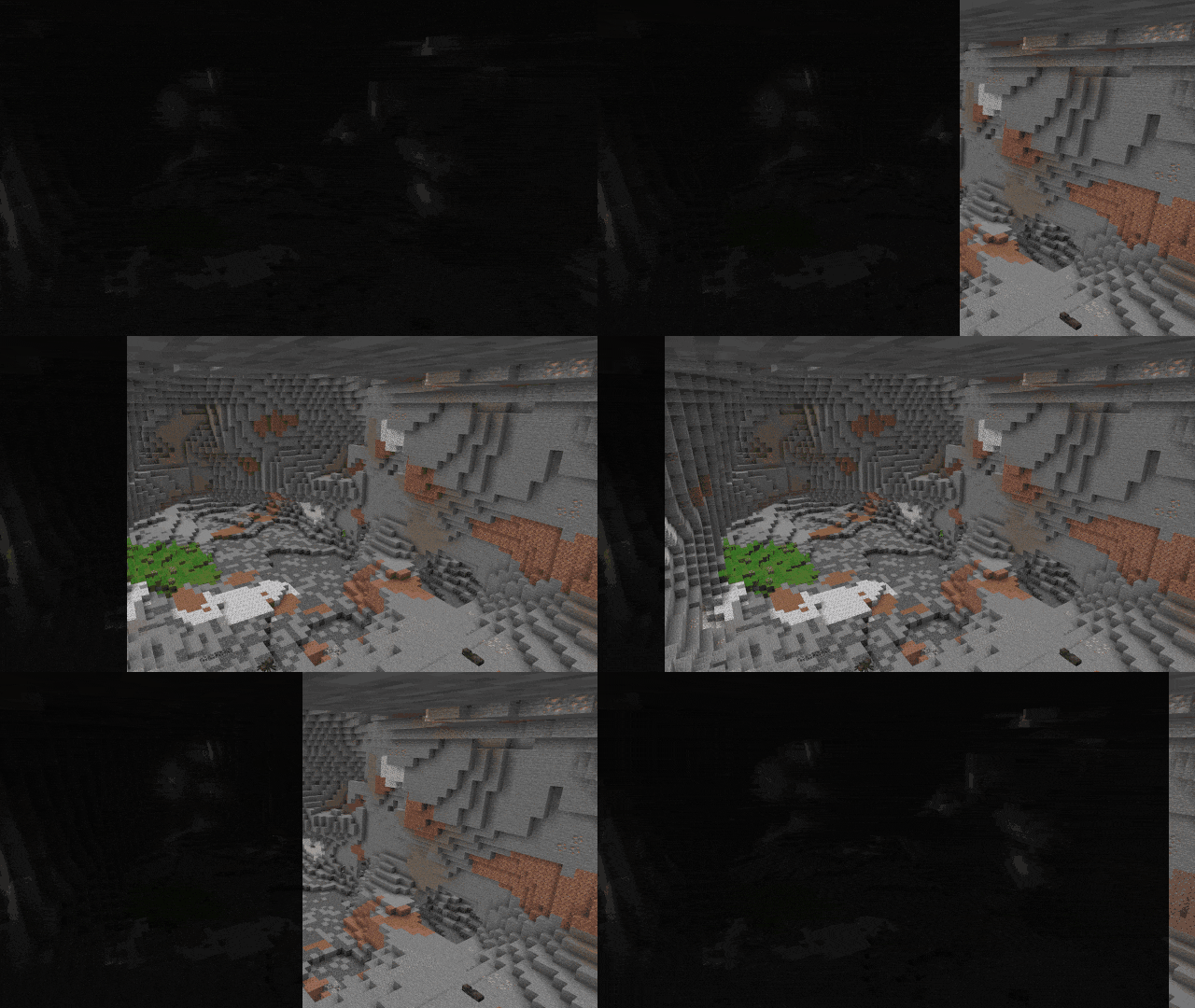
Night Vision is a lightweight Minecraft data pack that gives all players infinite Night Vision, making it perfect for exploring dark caves and builds without the need for torches.

strongly recommneded only for singleplayer mode
- Effect is applied silently (no swirling particles).
- Fully compatible with Minecraft 1.20.5+.
- Plug-and-play - no setup required.
Kako instalirati Night Visions
With Millida Launcher
Install Millida Launcher
The launcher is free: download it at millida.net/launcher and sign in with any nickname.
Click “Install” on this page
The launcher opens and installs the mod for Minecraft 1.16–1.20.4 on Fabric, Forge, NeoForge or Quilt automatically.
Launch the game
A profile with it appears in the launcher: click “Play”.
Manually
Install Fabric, Forge, NeoForge or Quilt
The loader must match the game version of the mod file, for example Minecraft 1.20.4. After installing it, a separate profile appears in your launcher.
Download the file for your version
In the version list above, pick the file cave-vision-1.1.jar (162 KB) for your game version and loader.
Put it in the mods folder
The folder is inside .minecraft (Windows: %appdata%\.minecraft\mods). If it does not exist, create it.
Launch the loader profile
Open “Mods” in the main menu: Night Visions should be in the list.
Minecraft 1.20.4 runs on Java 17: with a different Java version the game may close right after launch.
Verzije
Sa zavisnostima
| Minecraft | Loader | Fajl | Datum | Akcije |
|---|---|---|---|---|
| 1.16.3 | Fabric, Forge, NeoForge, Quilt | cave-vision-1.1.jar162 KB 39 |
Recenzije
Budi prvi koji će oceniti Night Visions


