
NetherEx Mod za Minecraft 1.12.2, 26.1.2
NetherEx je mod sa sadržajem za Nether.
 NeoForge
 Fabric
 Forge
ForgeO NetherEx modu
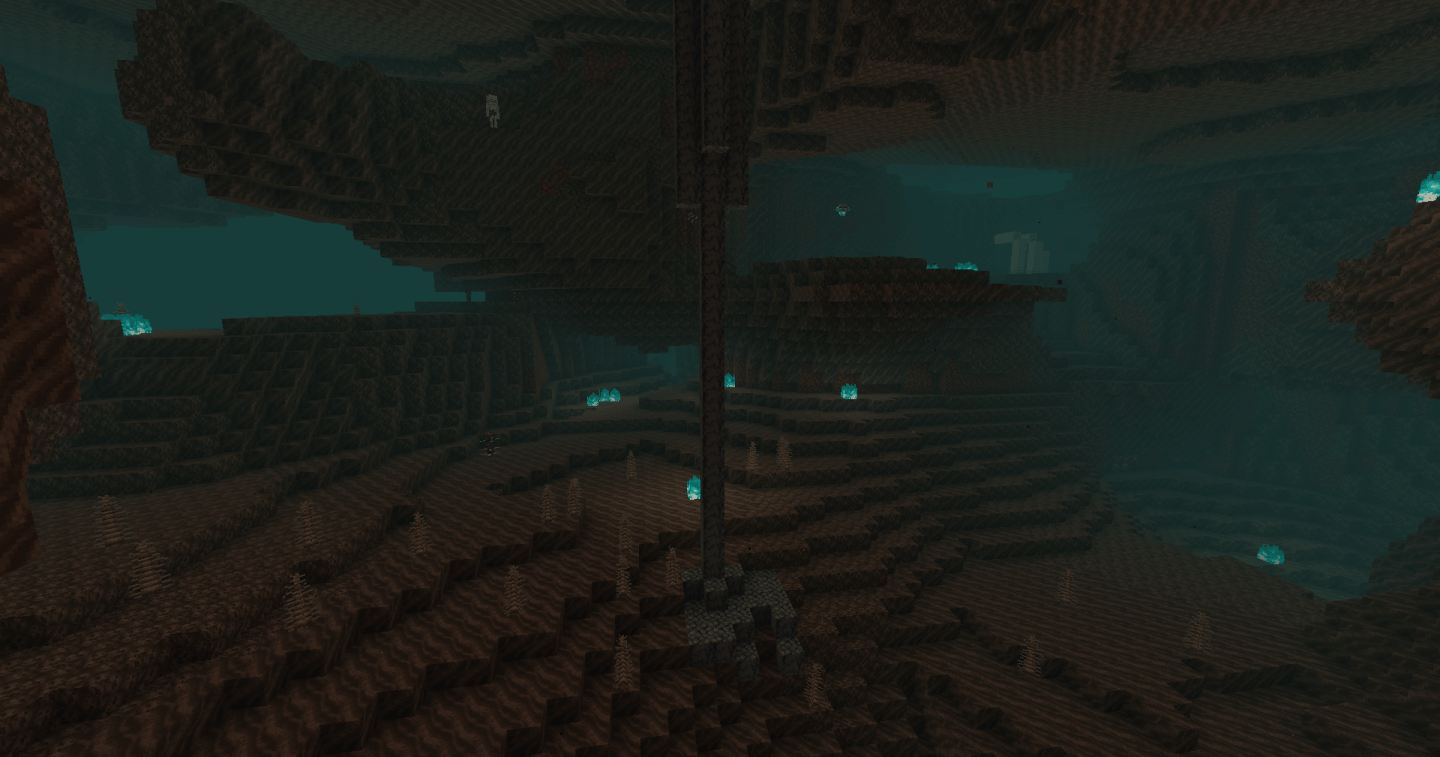
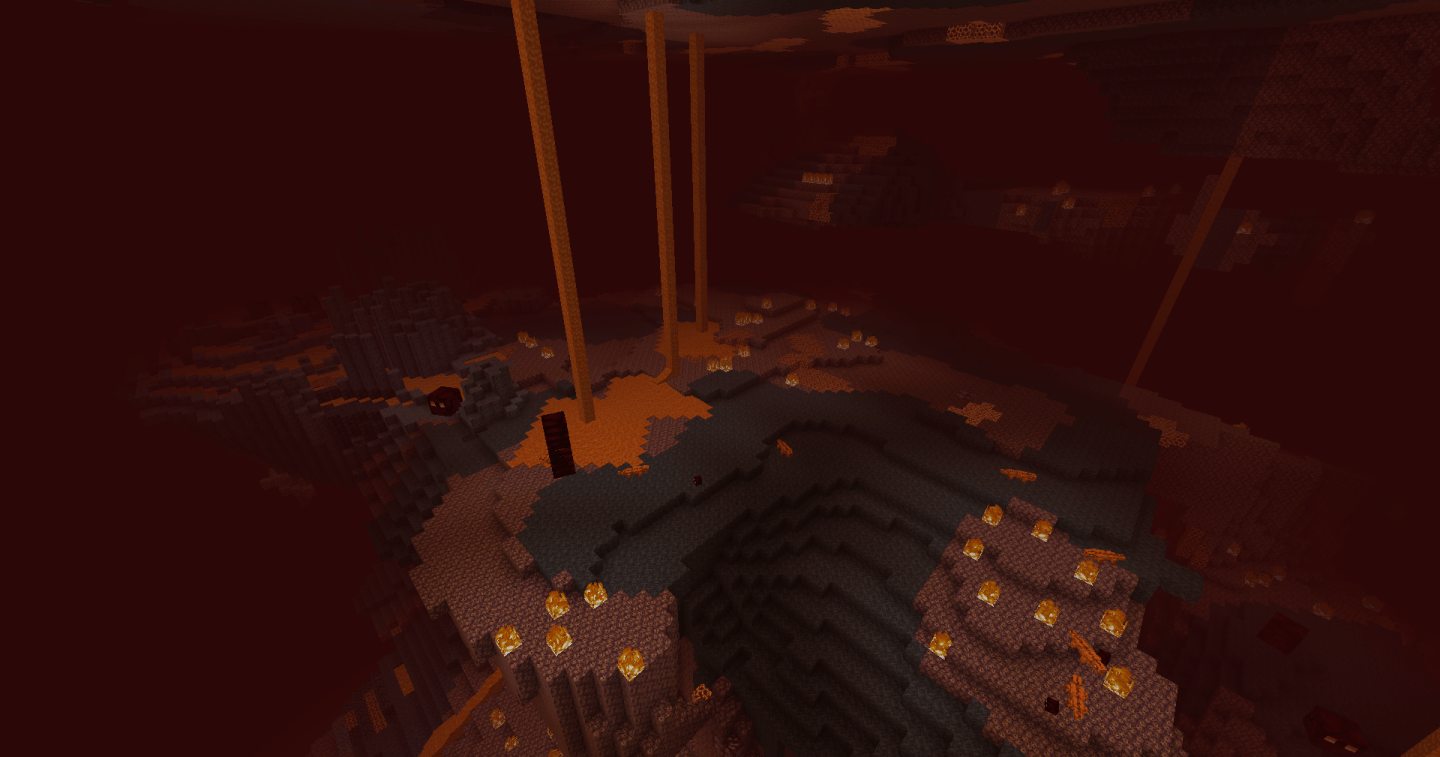
NetherEx je mod dizajniran da proširi i poboljša osećaj Nether-a. Dodaje nove biome ispunjene novim blokovima, predmetima i mobovima. Takođe dodaje novi sadržaj postojećim Nether biomima.
Ako imate bilo kakva pitanja ili želite da razgovarate o modu, slobodno se pridružite Discord serveru moda ovde.
Ako želite da me podržite, posetite moju Ko-fi stranicu ovde.
Kliknite na baner ispod da dobijete server uz BisectHosting! Iskoristite kod 'Logic' da me podržite i ostvarite 25% popusta na prvi mesec. Ne vidite baner? Onda kliknite na ovaj link: https://bisecthosting.com/logic
Verzije pre 1.21.4 zahtevaju bibliotečki mod pod nazivom LibraryEx koji se može naći ovde. Prethodne verzije NetherEx-a su kompatibilne sa Biomes O' Plenty (1.12, 1.14 i 1.15), Oh The Biomes You'll Go (1.15) i Extended Nether Backport (1.15).
Fish2, Eleazzaar, Nazenn, Angelz/Demonly, Vlakk, AnarchCassius, LapisWhovian, misterslime, Vivi, Cameron, rye, SnakeBlock, hatsondogs, Endergy, Farcr, Adeline, SirBaconFace, Yapetto, enri, crispytwig, Nitpick/Olive, ZucchiniByDay, JadenXgamer i Jamiscus.
Kako instalirati NetherEx
With Millida Launcher
Install Millida Launcher
The launcher is free: download it at millida.net/launcher and sign in with any nickname.
Click “Install” on this page
The launcher opens and installs the mod for Minecraft 1.12.2–26.1.2 on Fabric, Forge or NeoForge automatically.
Launch the game
A profile with it appears in the launcher: click “Play”.
Manually
Install Fabric, Forge or NeoForge
The loader must match the game version of the mod file, for example Minecraft 26.1.2. After installing it, a separate profile appears in your launcher.
Download the file for your version
In the version list above, pick the file NetherEx-neoforge-26.1.2-1.2.4.jar (1.7 MB) for your game version and loader.
Put it in the mods folder
The folder is inside .minecraft (Windows: %appdata%\.minecraft\mods). If it does not exist, create it.
Launch the loader profile
Open “Mods” in the main menu: NetherEx should be in the list.
Verzije
Sa zavisnostima
| Minecraft | Loader | Fajl | Datum | Akcije |
|---|---|---|---|---|
| 26.1.2 | NeoForge | NetherEx 1.2.4 - NeoForge 26.1.21.7 MB | ||
| 26.1.2 | Fabric | NetherEx 1.2.4 - Fabric 26.1.21.7 MB 1 | ||
| 1.12.2 | Forge | NetherEx-1.12.2-2.2.5.jar2.5 MB 4 | ||
| 1.12.2 | — | NetherEx-1.12.2-2.0.15.jar2.6 MB |
Česta pitanja
Which Minecraft versions does NetherEx work on?
There are files for 26.1.2, 1.12.2. The newest is 26.1.2.
Is NetherEx for Forge or Fabric?
There are files for Fabric: 26.1.2, for Forge: 1.12.2 and for NeoForge: 26.1.2.
Does NetherEx need other mods?
The author lists no required dependencies: the Fabric, Forge or NeoForge loader is enough.
Where can I download NetherEx safely?
On this page: the file NetherEx-neoforge-26.1.2-1.2.4.jar (1.7 MB) is stored on Millida’s server, with no link shorteners. SHA-1 checksum: 53c25315cc8193c5b6431b4f30bd24fd5a66952a.
Recenzije
Budi prvi koji će oceniti NetherEx


