
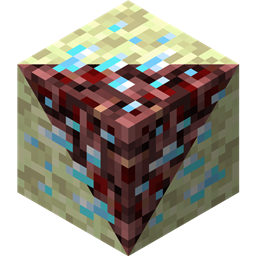
O Netherending Ores modu
Pregled Još jedan mod koji dodaje rude i recepte za pretvaranje u peći u Nether i End. Verzija 1.4+ Funkcije:
- Eksplodirajuće rude
- Netherfish mob
- Monster eggs za Netherfish i Endermite
- Rude sada mogu da ispuštaju predmete, uključujući iskustvo
- Rude sada mogu da se tope direktno u predmete, uključujući iskustvo
- Prepisana konfiguracija
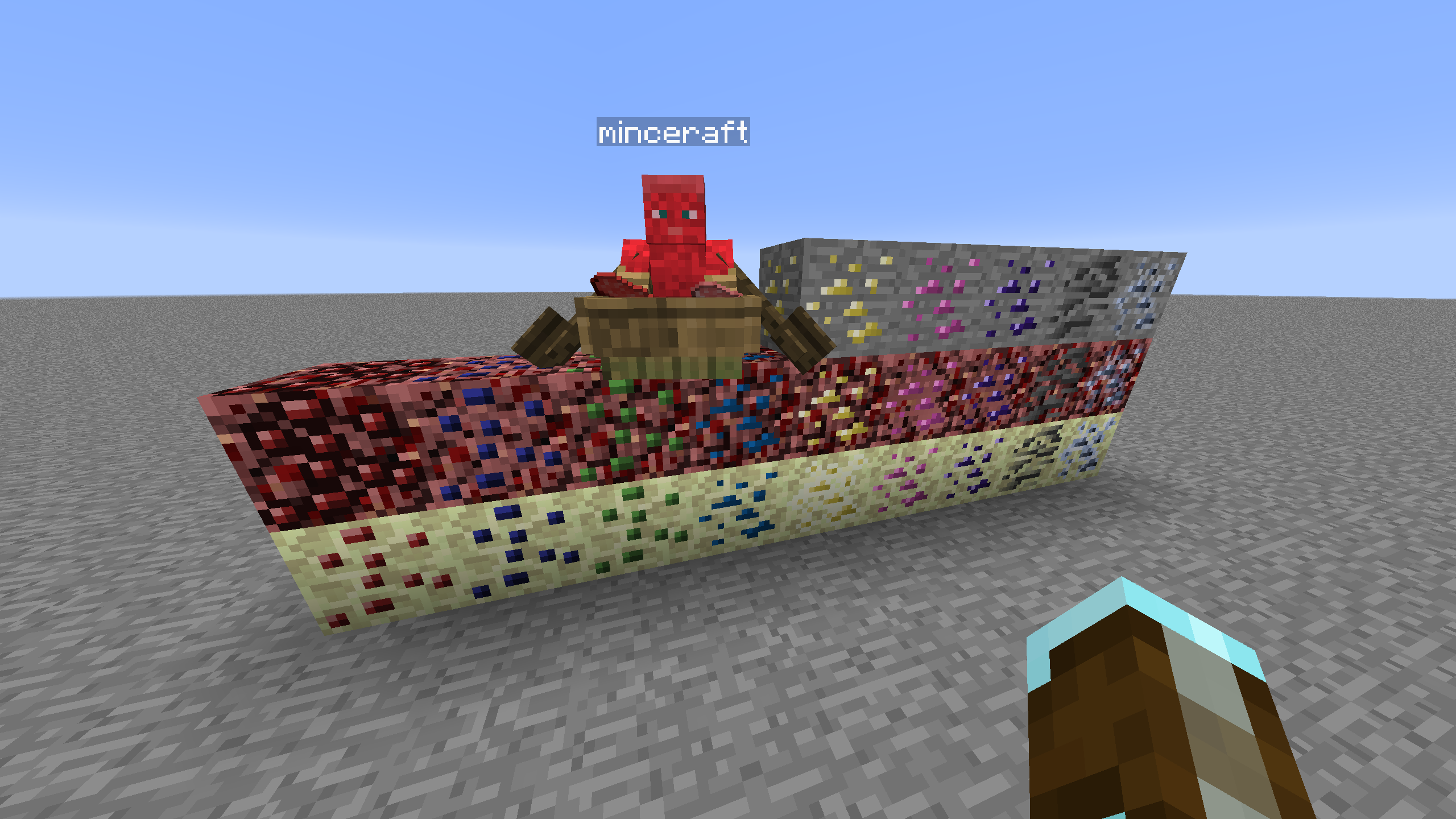
Generisanje ruda Drugi modovi kao što je CoFH World biće potrebni za kontrolu stvaranja ruda. Primeri konfiguracija su obezbeđeni za CoFH World, pogledajte ovde. Izvucite konfiguracije za generisanje ruda iz priloženog zip fajla u config\cofh\world\ vaše modpack instance da biste ih koristili. Generisanje ruda u Netheru se zasniva na konfiguracijskim podešavanjima iz poslednjeg izdanja Nether Ores moda od skyboy026/powercrystals za MC 1.7.10. Postoje neke manje izmene, uključujući dodavanje ruda koje nikada nisu postojale u tom modu. End koristi slična podešavanja kao Nether ali smanjenu veličinu/broj jer je visinski opseg prirodno generisanog End Stone daleko manji.
Recepti Recepti u peći za topljenje nether/end ruda u najbližu rudu koja se poklapa po ore dictionary. Količina izlaznih blokova rude varira u zavisnosti od množioca recepta u konfiguraciji. Rude koje ne potiču iz Overworlda, ponašaju se kao silk touched verzije svojih overworld ruda što se tiče recepta, ovo je urađeno zbog balansa ali je podesivo.
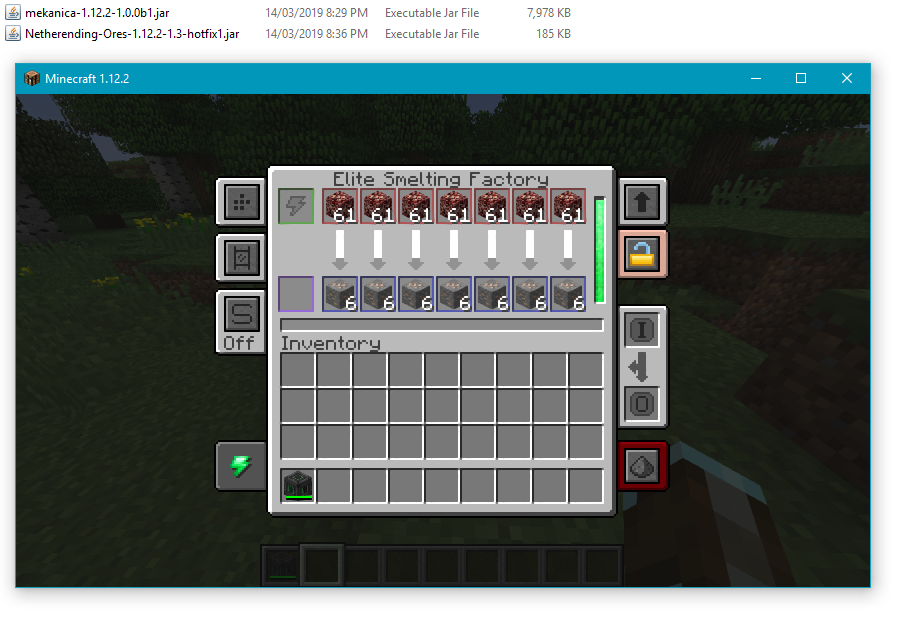
Mašinska obrada Osnovni recepti za Tinkers' Construct, Thermal Expansion, IC2, Mekanism i Immersive Engineering su dostupni za direktnu obradu ruda. Thermal Expansion recepti imaju konfiguracijska podešavanja koja mogu da kompenzuju augmente poboljšavajući balans. Integracija može biti onemogućena u konfiguraciji ako nije željena.
Lista blokova Sledeće je lista trenutno podržanih blokova, dimenzija i izvora grafike ruda.
- Coal | Nether/End | Vanilla
- Diamond | Nether/End | Vanilla
- Emerald | Nether/End | Vanilla
- Gold | Nether/End | Vanilla
- Iron | Nether/End | Vanilla
- Lapis | Nether/End | Vanilla
- Redstone | Nether/End | Vanilla
- Quartz | Overworld/End | Vanilla
- Aluminum | Nether/End | Thermal Foundation
- Copper | Nether/End | Thermal Foundation
- Iridium | Nether/End | Thermal Foundation
- Lead | Nether/End | Thermal Foundation
- Mithril | Nether/End | Thermal Foundation
- Nickel | Nether/End | Thermal Foundation
- Platinum | Nether/End | Thermal Foundation
- Silver | Nether/End | Thermal Foundation
- Tin | Nether/End | Thermal Foundation
- Certus Quartz | Nether/End | Applied Energistics
- Charged Certus Quartz | Nether/End | Applied Energistics
- Osmium | Nether/End | Mekanism
- Uranium | Nether/End | Original art (based off iron)
- Yellorite | Nether/End | Extreme Reactors
- Zinc | Nether/End | Railcraft
- Dilithium | Nether/End | Matter Overdrive
- Tritanium | Nether/End | Matter Overdrive
- Ruby | Nether/End | Project: Red
- Sapphire | Nether/End | Project: Red
- Peridot | Nether/End | Project: Red
- Electrotine | Nether/End | Project: Red
- Ardite | Overworld/End | Tinkers' Construct
- Cobalt | Overworld/End | Tinkers' Construct
- Ambrosium | Overworld/Nether/End | Aether II
- Gravitite | Overworld/Nether/End | Aether II
- Zanite | Overworld/Nether/End | Aether II
- Arkenium | Overworld/Nether/End | Aether II
- Icestone | Overworld/Nether/End | Aether II
- Netherfish Monster Egg | Nether | Vanilla (disguised as Netherrack)
- Endermite Monster Egg | End | Vanilla (disguised as End Stone)
Kako instalirati Netherending Ores
Install Millida Launcher
The launcher is free: download it at millida.net/launcher and sign in with any nickname.
Click “Install” on this page
The launcher opens and installs the mod for Minecraft 1.12.2 automatically.
Launch the game
A profile with it appears in the launcher: click “Play”.
Minecraft 1.12.2 runs on Java 8: with a different Java version the game may close right after launch.
Verzije
Sa zavisnostima
| Minecraft | Loader | Fajl | Datum | Akcije |
|---|---|---|---|---|
| 1.12.2 | — | Netherending Ores 1.4.2359 KB | ||
| 1.12.2 | — | Netherending Ores 1.1.2111 KB |
Česta pitanja
Which Minecraft versions does Netherending Ores work on?
Only Minecraft 1.12.2: there are no files for other versions.
Which Java does Netherending Ores need?
Minecraft 1.12.2 runs on Java 8. If the game closes right after launch, the usual cause is the wrong Java version in the profile settings.
How do I download Netherending Ores?
With Millida Launcher: it installs Netherending Ores into a modpack by itself, for the right game version and loader. The launcher is free.
Recenzije
Budi prvi koji će oceniti Netherending Ores


