
MythicBotany Mod za Minecraft 1.20.1, 1.16.5
Zaronite dublje u svet botanie
- preuzimanja
- 10 preuzimanja
- pregleda
- 65 pregleda
- Ažurirano
- Ažurirano 27.10.2026
- 1.16.3 — 1.20.1
 Forge
Forge
O MythicBotany modu
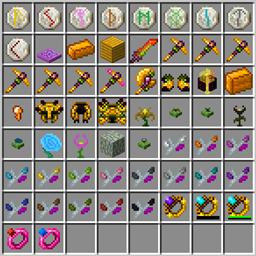
MythicBotania je mod koji malo proširuje Botaniju. Neke od njegovih funkcija su navedene ispod:
- Mana infuzer: nadogradnja terrestrial agglommeration plate koja zahteva zlato i shimmerrock ispod i pored, a pored Terrasteel-a omogućava stvaranje Alfsteel-a.
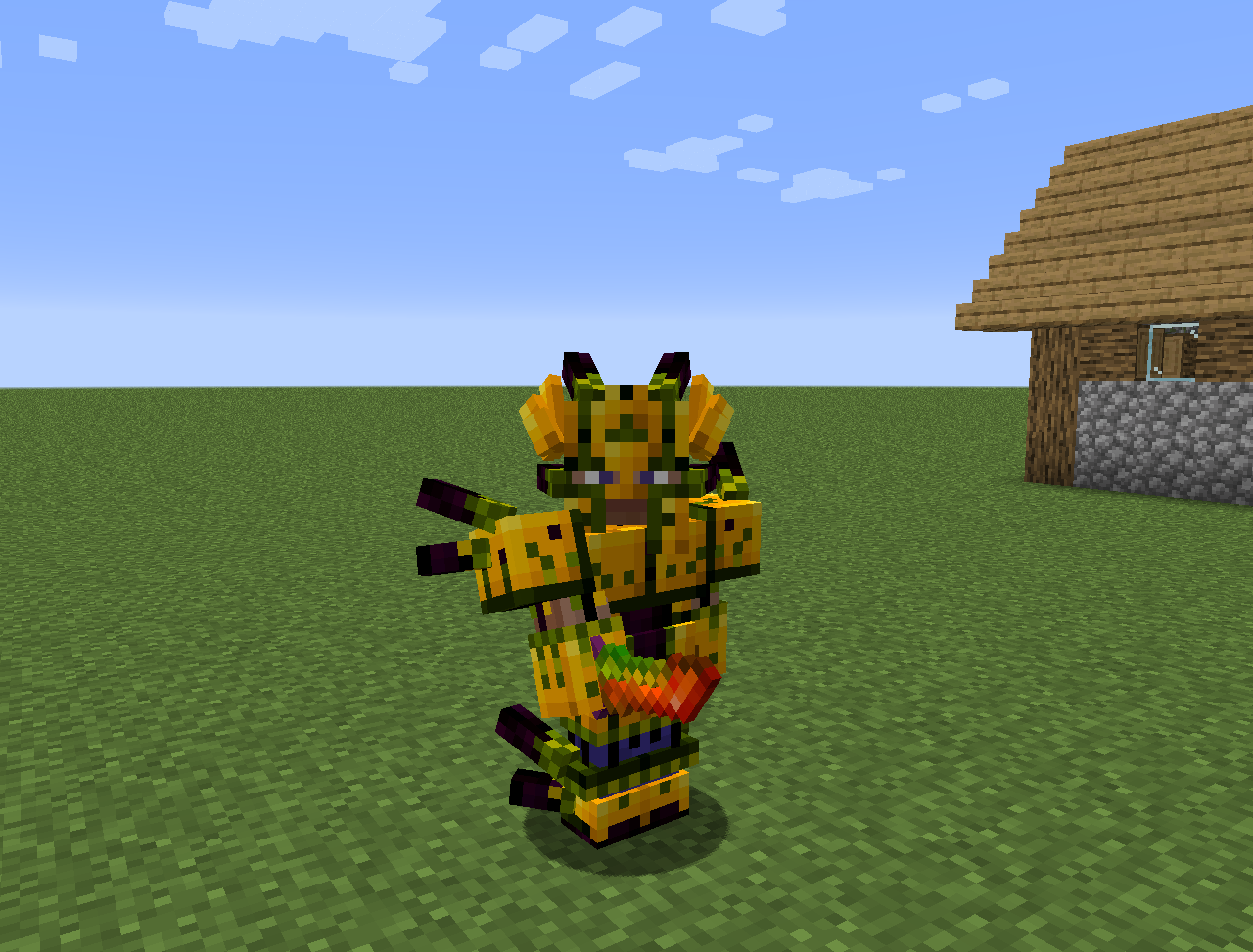
- Alfsteel: pravi se kao Terrasteel, ali sa alfheim resursima. Može se koristiti za pravljenje boljeg oklopa, pilona i drugih stvari.
- Nekoliko novih cvetova:
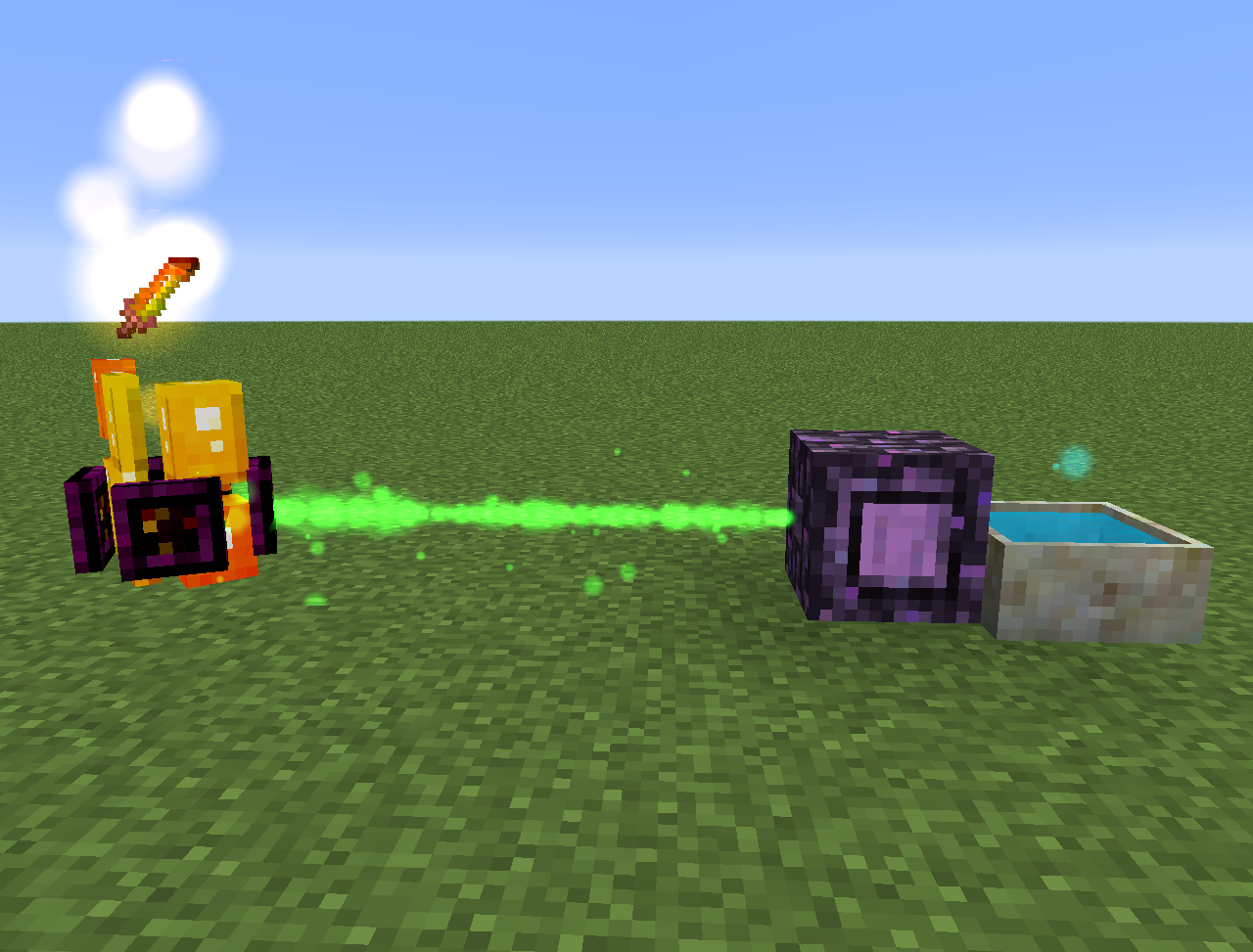
- Wither Aconite: stvara Manu od nether zvezda
- Exoblaze: puni gorivo brewing stand-ova manom
- Hellebore: sprečava piglin-e i hoglin-e da se zombifikuju u overworld-u
- Aquapanthus: puni petal apothecary i cauldron-e u blizini.
- Raindeletia: stvara manu kada pada kiša. Mora imati čist pogled na nebo. Postavite je na vivid grass ili enchanted soil da proizvodi više mane.
- Takođe dodaje alfheim dimenziju i nešto sadržaja iz nordijske mitologije
Sve se takođe može naći u lexica botania.
Kako instalirati MythicBotany
With Millida Launcher
Install Millida Launcher
The launcher is free: download it at millida.net/launcher and sign in with any nickname.
Click “Install” on this page
The launcher opens and installs the mod for Minecraft 1.16.3–1.20.1 on Forge automatically.
Launch the game
A profile with it appears in the launcher: click “Play”.
Manually
Install Forge
The loader must match the game version of the mod file, for example Minecraft 1.20.1. After installing it, a separate profile appears in your launcher.
Download the file for your version
In the version list above, pick the file MythicBotany-1.20.1-4.0.4.jar (2.1 MB) for your game version.
Put it in the mods folder
The folder is inside .minecraft (Windows: %appdata%\.minecraft\mods). If it does not exist, create it.
Launch the loader profile
Open “Mods” in the main menu: MythicBotany should be in the list.
Minecraft 1.20.1 runs on Java 17: with a different Java version the game may close right after launch.
Verzije
Sa zavisnostima
| Minecraft | Loader | Fajl | Datum | Akcije |
|---|---|---|---|---|
| 1.20.1 | Forge | MythicBotany-1.20.1-4.0.4.jar2.1 MB 8 | ||
| 1.18.1 | Forge | MythicBotany-1.18.1-2.0.2.jar2 MB | ||
| 1.16.5 | Forge | MythicBotany-1.16.4-1.3.7.jar2 MB 2 | ||
| 1.16.3 | — | MythicBotany-1.16.3-1.0.0.jar403 KB |
Česta pitanja
Which Minecraft versions does MythicBotany work on?
There are files for 1.20.1, 1.18.1, 1.16.5, 1.16.4, 1.16.3. The newest is 1.20.1.
Is MythicBotany for Forge or Fabric?
Only for Forge: 1.16.4–1.20.1. There are no files for Fabric or NeoForge: a mod for another loader will not start.
Does MythicBotany need other mods?
The author lists no required dependencies: the Forge loader is enough.
Which Java does MythicBotany need?
Minecraft 1.20.1 runs on Java 17. If the game closes right after launch, the usual cause is the wrong Java version in the profile settings.
Where can I download MythicBotany safely?
On this page: the file MythicBotany-1.20.1-4.0.4.jar (2.1 MB) is stored on Millida’s server, with no link shorteners. SHA-1 checksum: b616c118d611459a0711931c51c9c4d41408abb4.
Recenzije
Budi prvi koji će oceniti MythicBotany


