

MultiStorage Mod za Minecraft 1.21.1, 1.12.2
Trezori, kovčezi na slaganje, skriveni kovčezi, ender kovčezi i ender torbe
 NeoForge
 Forge
ForgeO MultiStorage modu
- ShetiPhianCore Required!
Kombinujte skoro bilo koja 2 bloka ili predmeta (modovana ili vanilla) za potpuno prilagođeno skladištenje.
Ako jedan blok emituje svetlost, napravljeni predmet će takođe.
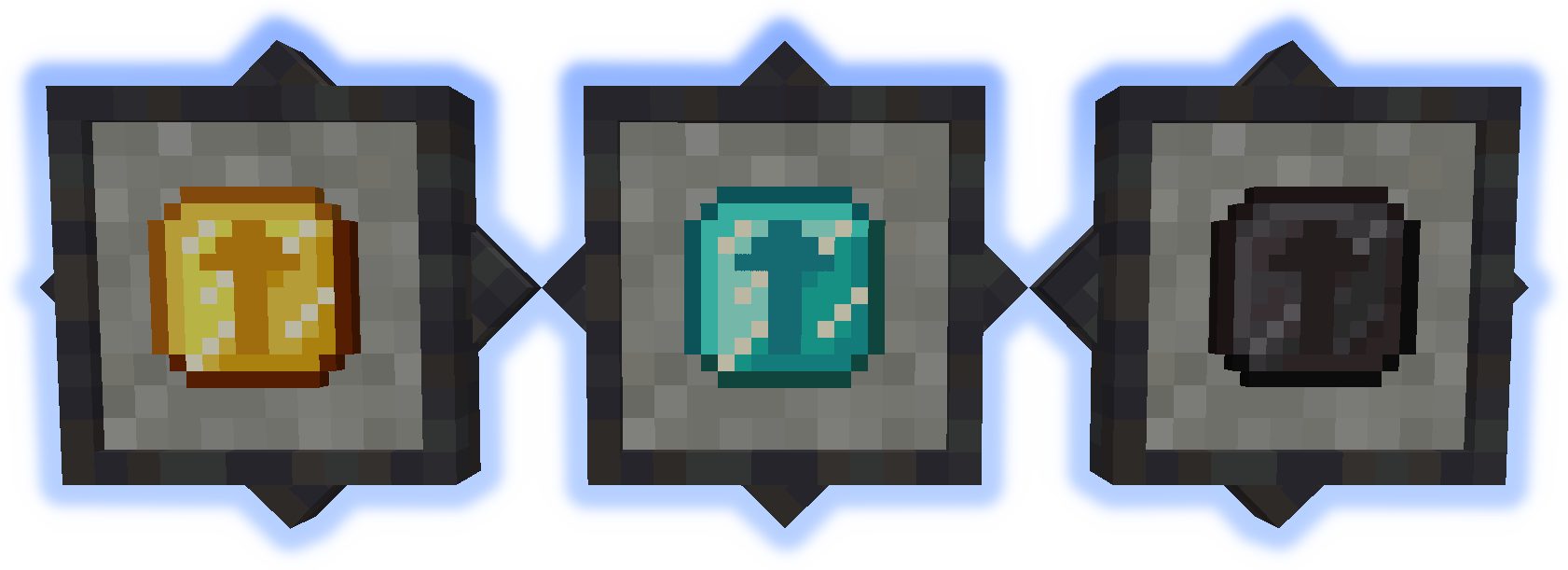
Stacking Storage
Slaže se do 3 visine. Svaki ima 27 slotova (nadogradivo).
Povezani kontejneri kombinuju sadržaj.
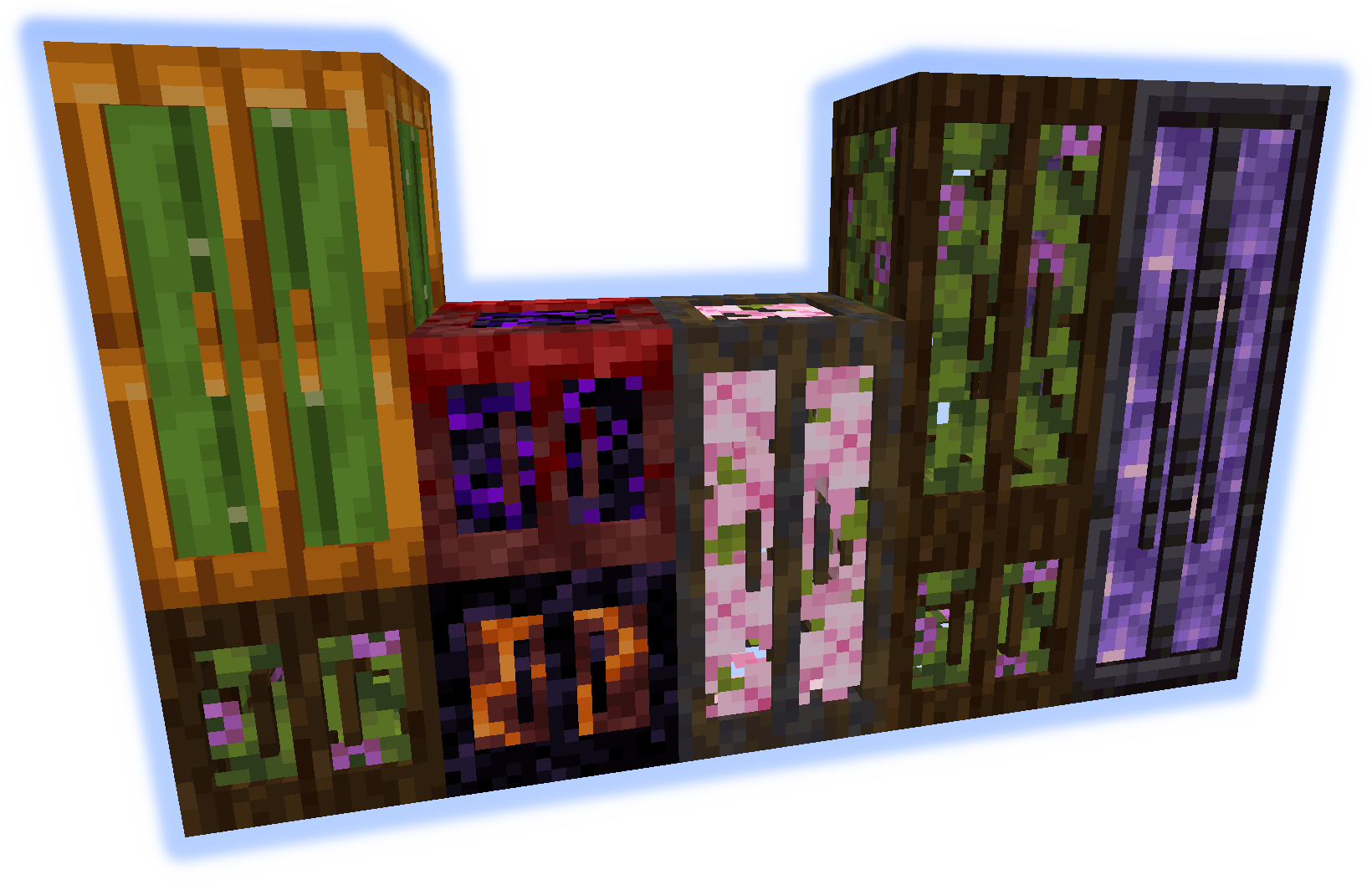
Junk Box
Svakoj fioci se pristupa pojedinačno i ima 32 slota (nadogradivo).
Samo 16 slotova je vidljivo odjednom.
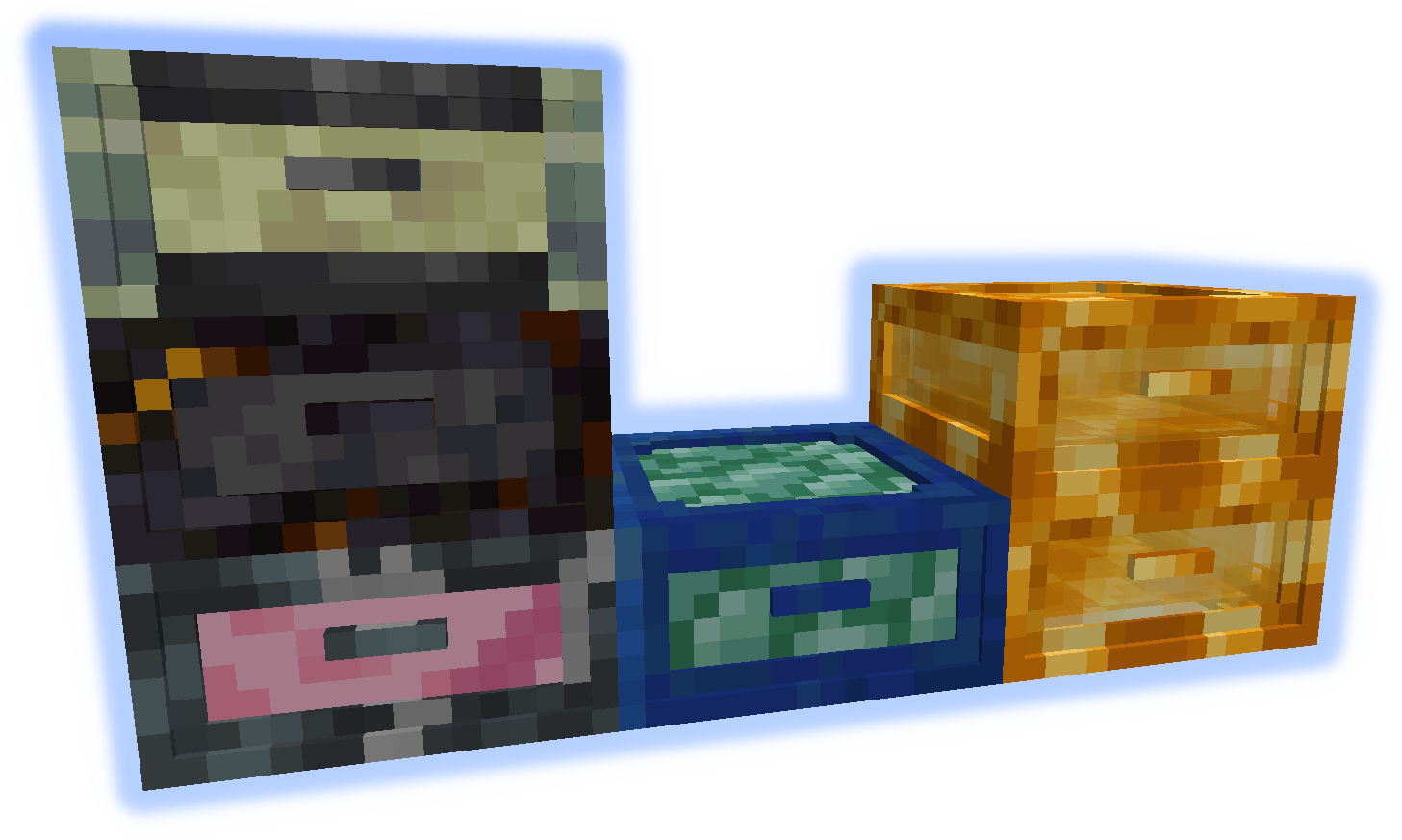
Queue Chest
Predmeti se čuvaju u velikoj listi. Dodaju/uklanjaju se samo sa početka ili kraja.
Drži 4096 pojedinačnih predmeta (nadogradivo na stackove).
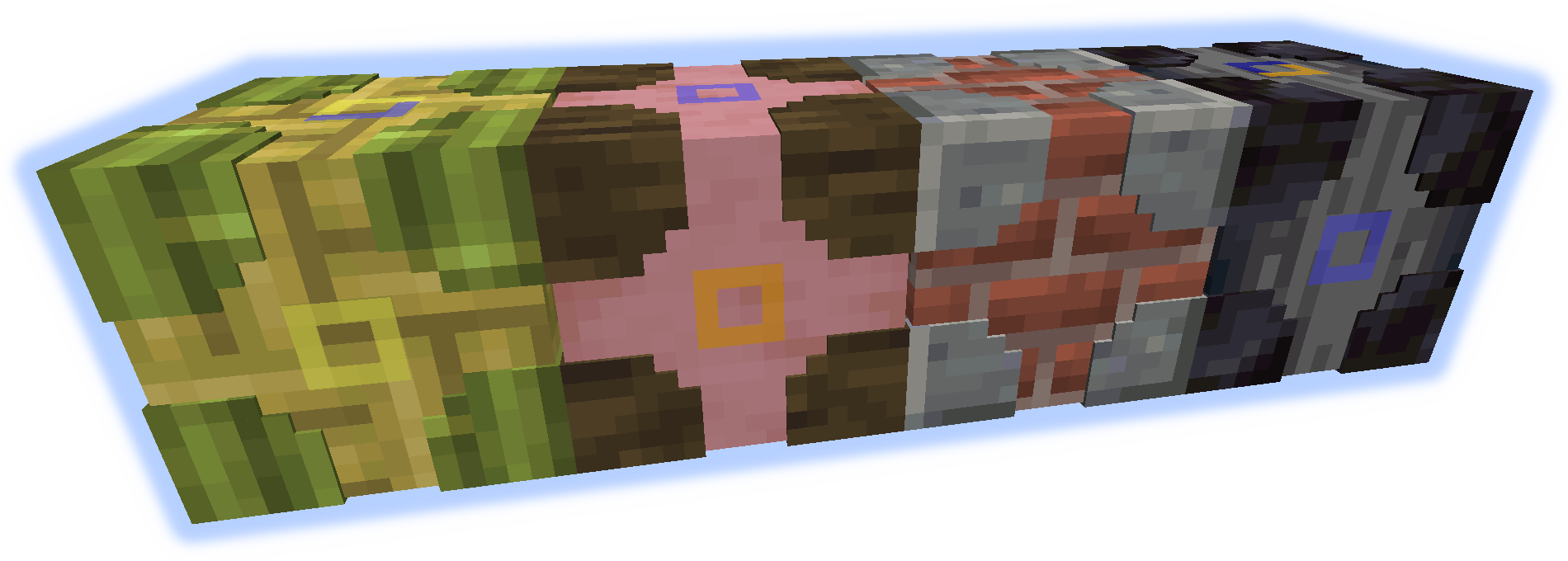
Storage Visualizer
Kada se postavi na bilo koji kontejner omogućava dodavanje/uklanjanje navedenih predmeta.
Kada je na bloku funkcioniše kao jednostavan okvir za predmete.
levi klik = ukloni 1 predmet, shift-levi klik = ukloni stack, desni klik = dodaj stack iz ruke, dvostruki desni klik prazne ruke = dodaj sve odgovarajuće predmete
shift-desni klik = dodaj stack iz ruke u filter, shift-desni klik prazne ruke = ukloni stack iz ruke iz filtera
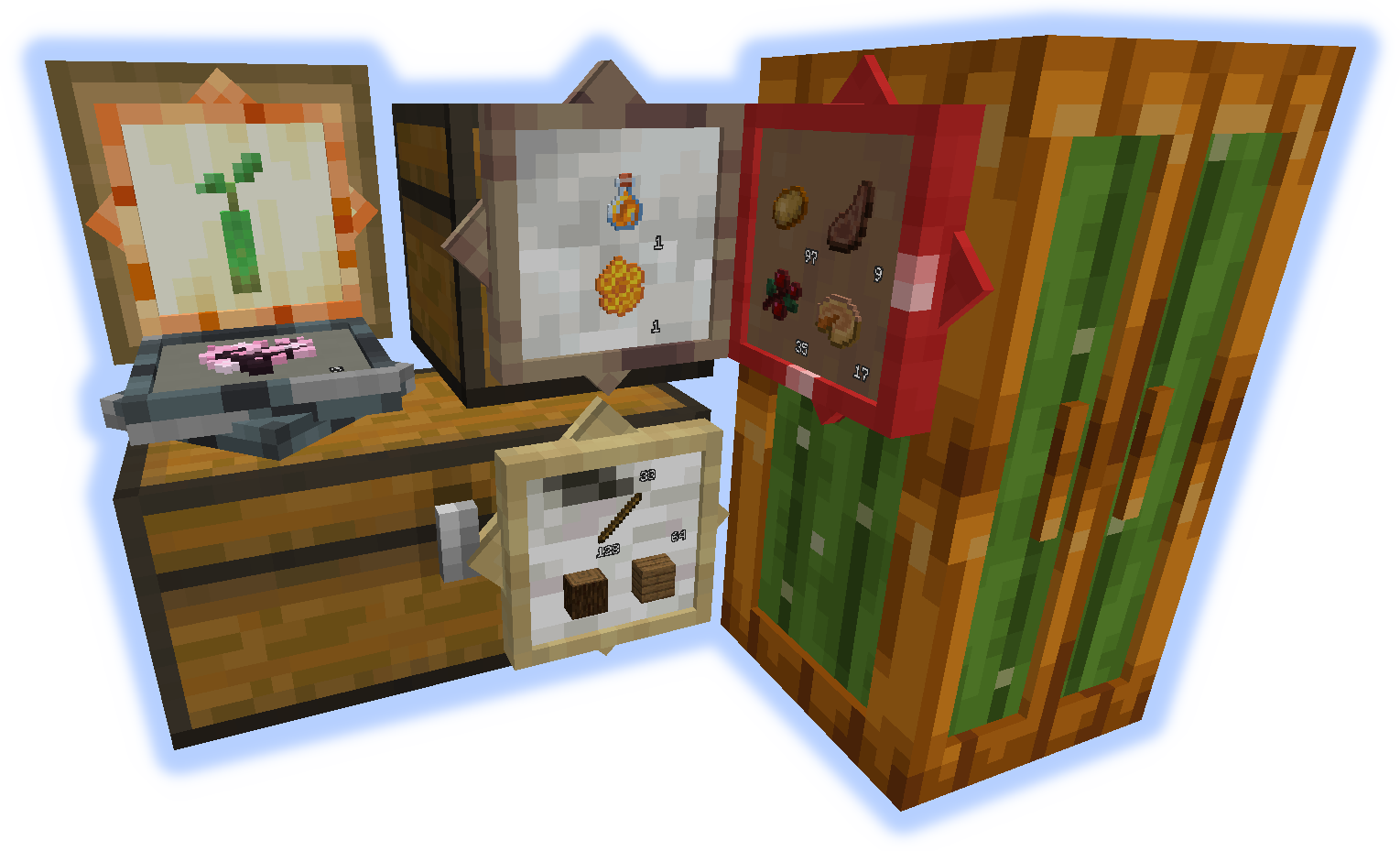
Chameleon Chest
Može da oponaša druge blokove. Ima 12 slotova (nadogradivo).
Koristite ključ da brzo postavite blok (pogledajte GIF ispod).
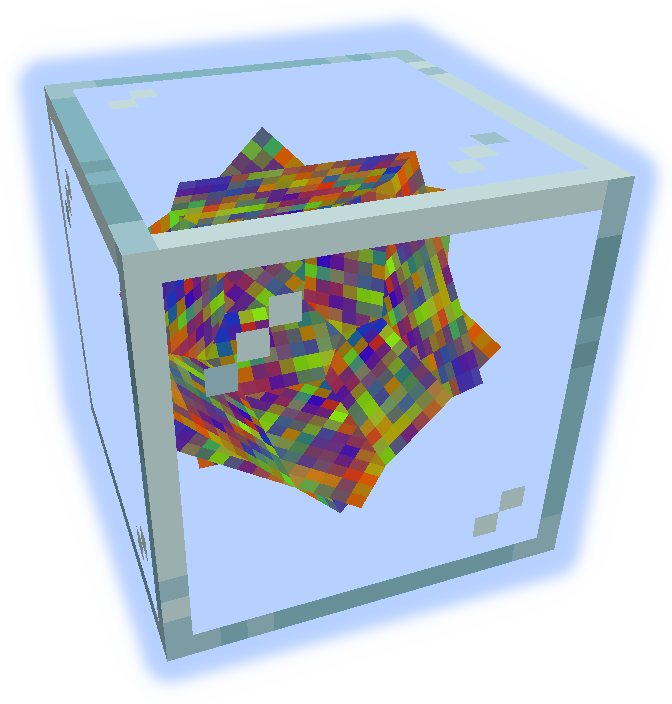
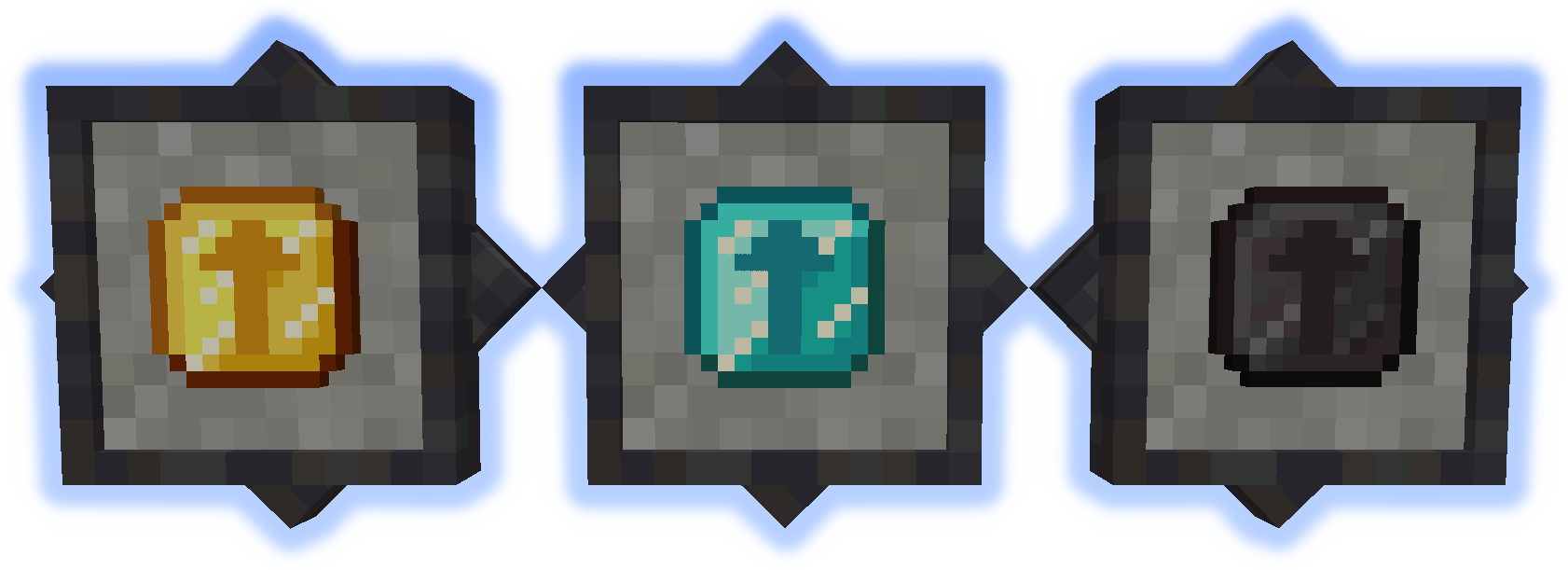
Upgrades
Povećava kapacitet kontejnera.
Držite shift sa nadogradnjom u ruci da istaknete odgovarajuće kontejnere, desni klik da primenite.
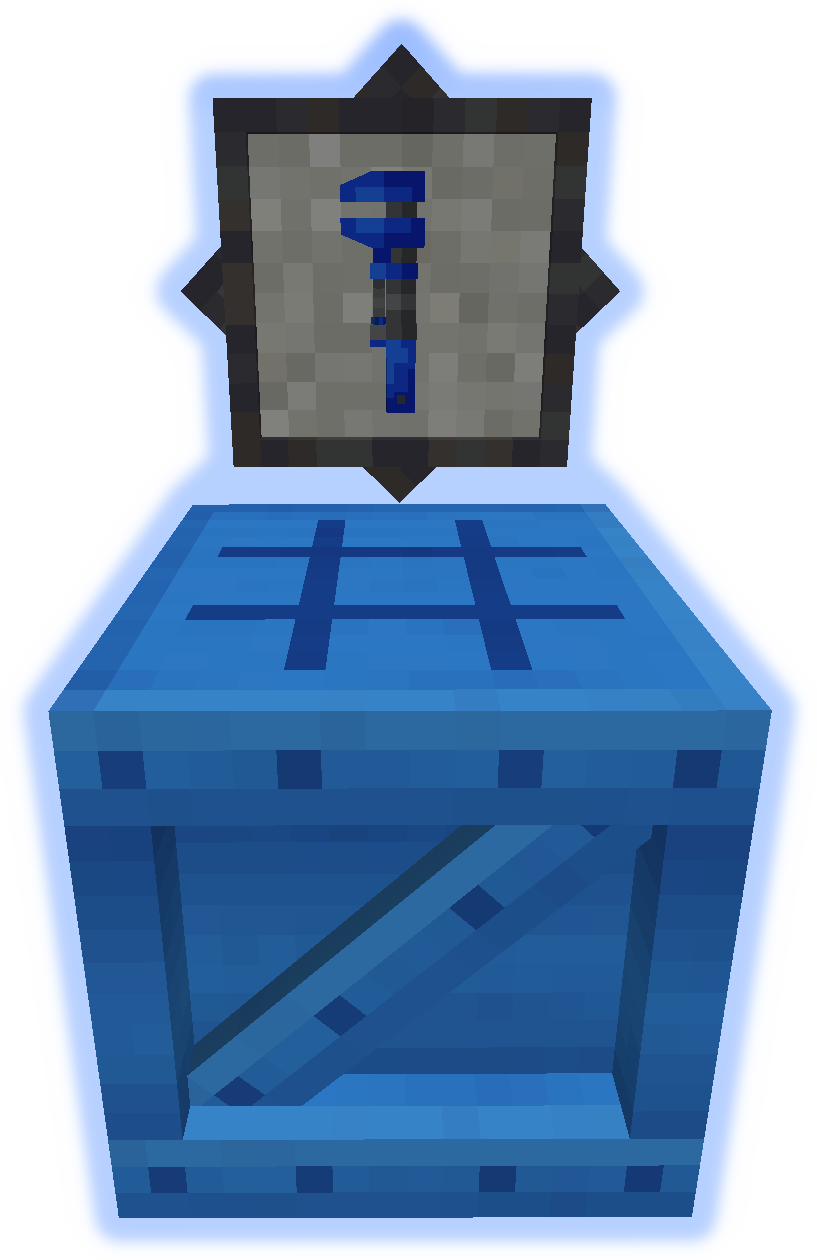
Tools
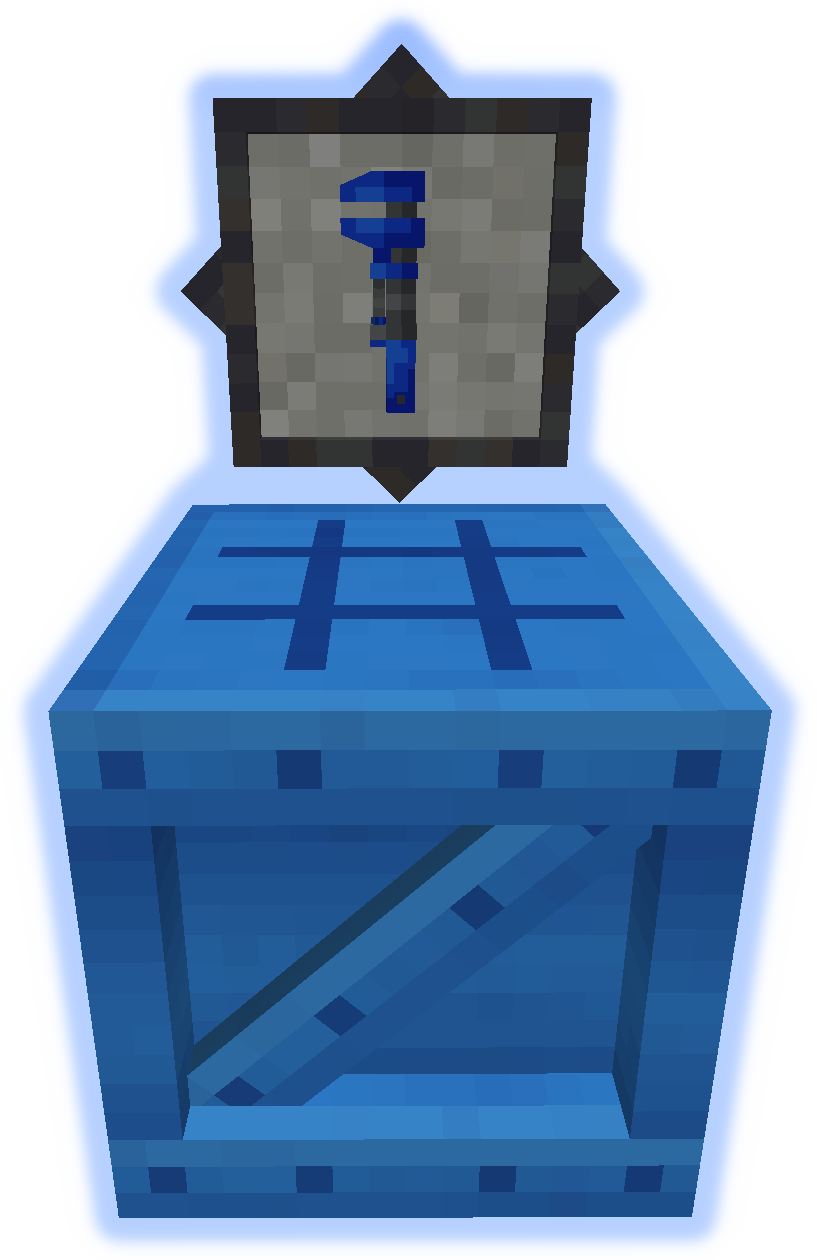
Ključ se koristi za manipulaciju kontejnerima (pogledajte GIF ispod).
Radni sto se koristi za pravljenje svega ostalog iz moda.
GIFs
Pošaljite fajlove za lokalizaciju na github.
Ne objavljujte bagove u komentarima, koristite Issue Tracker.
Kako instalirati MultiStorage
With Millida Launcher
Install Millida Launcher
The launcher is free: download it at millida.net/launcher and sign in with any nickname.
Click “Install” on this page
The launcher opens and installs the mod for Minecraft 1.12–1.21.1 on Forge or NeoForge automatically.
Launch the game
A profile with it appears in the launcher: click “Play”.
Manually
Install Forge or NeoForge
The loader must match the game version of the mod file, for example Minecraft 1.21.1. After installing it, a separate profile appears in your launcher.
Download the file for your version
In the version list above, pick the file multistorage-neoforge-1.21.1-1.0.jar (588 KB) for your game version and loader.
Put it in the mods folder
The folder is inside .minecraft (Windows: %appdata%\.minecraft\mods). If it does not exist, create it.
Launch the loader profile
Open “Mods” in the main menu: MultiStorage should be in the list.
Minecraft 1.21.1 runs on Java 21: with a different Java version the game may close right after launch.
Verzije
Sa zavisnostima
| Minecraft | Loader | Fajl | Datum | Akcije |
|---|---|---|---|---|
| 1.21.1 | NeoForge | multistorage-neoforge-1.21.1-1.0.jar588 KB | ||
| 1.21.1 | Forge | multistorage-forge-1.21.1-1.0.jar581 KB 1 | ||
| 1.21.1 | NeoForge | multistorage-neoforge-1.21.1-0.1.jar588 KB | ||
| 1.21.1 | Forge | multistorage-forge-1.21.1-0.1.jar581 KB | ||
| 1.12.1 | — | multistorage-1.12.0-1.4.14.jar1 MB | ||
| 1.12.1 | — | multistorage-1.12.0-1.4.0.2.jar973 KB |
Česta pitanja
Which Minecraft versions does MultiStorage work on?
There are files for 1.21.1, 1.12.2, 1.12.1, 1.12. The newest is 1.21.1.
Is MultiStorage for Forge or Fabric?
There are files for Forge: 1.21.1 and for NeoForge: 1.21.1. There are no files for Fabric: a mod for another loader will not start.
Does MultiStorage need other mods?
The author lists no required dependencies: the Forge or NeoForge loader is enough.
Which Java does MultiStorage need?
Minecraft 1.21.1 runs on Java 21. If the game closes right after launch, the usual cause is the wrong Java version in the profile settings.
Where can I download MultiStorage safely?
On this page: the file multistorage-neoforge-1.21.1-1.0.jar (588 KB) is stored on Millida’s server, with no link shorteners. SHA-1 checksum: 68541f35fdfe64c4f1478074a37ef487a6122341.
Recenzije
Budi prvi koji će oceniti MultiStorage


