

MultiBeds Mod za Minecraft 1.21.1
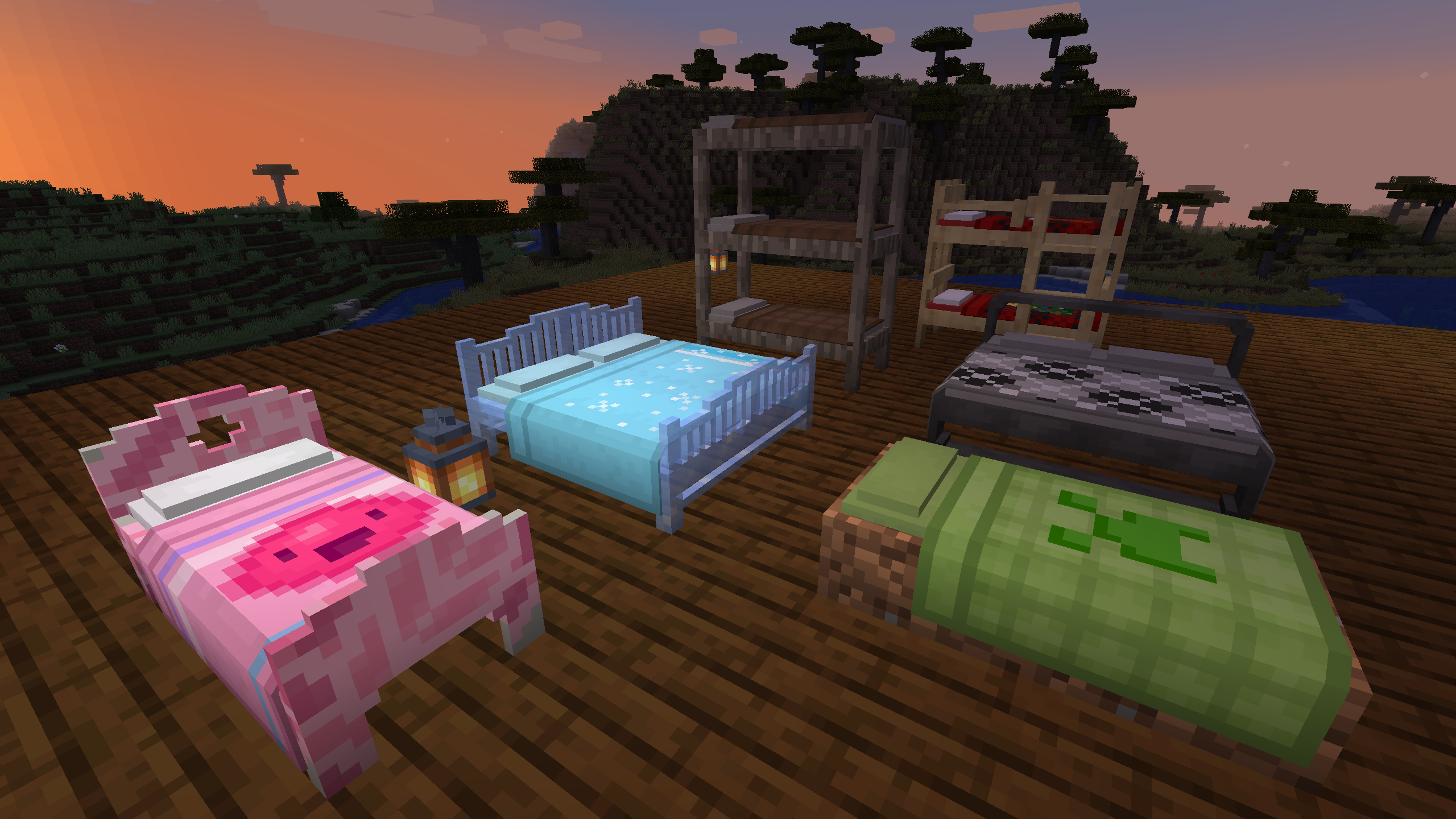
::Dizajniraj svoj krevet:: Izaberi stil, teksturu bloka, šaru ćebeta i boju (ili koristi baner). Oboji svoje posteljine i jastučnicu. Izaberi vez ili napravi/koristi/podeli prilagođeni.
 NeoForge
 Forge
ForgeO MultiBeds modu
- ShetiPhianCore Required! *
Make the bed of your dreams. Choose patterns, textures, and colors. Even draw your own pixel art on top!
: Item Recipes and Info :
Apply Sheets, pillow cover, blanket, and art to your bed.
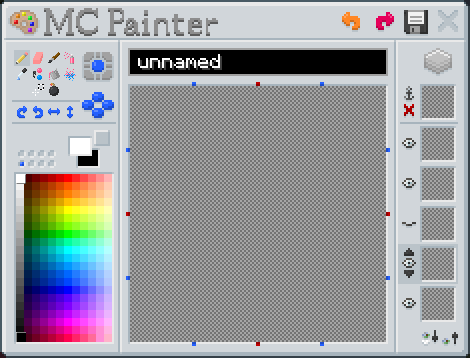
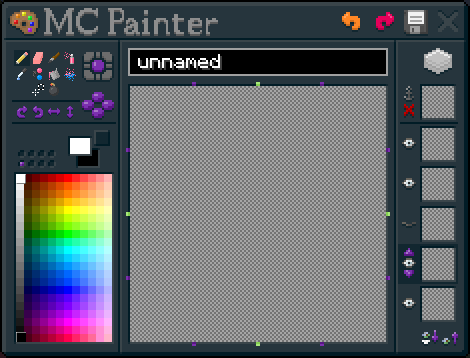
Make your own pixel art in-game.
Multiple styles of bed to choose from. Add any block to change appearance.
Click a blanket onto a loom to customize the color/pattern.
Beds automatically join in wide/bunk configurations.
Custom ladders to fit your bunk bed.
Submit localization files on github.
Do not post bugs in the comments, use the Issue Tracker.
Kako instalirati MultiBeds
With Millida Launcher
Install Millida Launcher
The launcher is free: download it at millida.net/launcher and sign in with any nickname.
Click “Install” on this page
The launcher opens and installs the mod for Minecraft 1.12–1.21.1 on Forge or NeoForge automatically.
Launch the game
A profile with it appears in the launcher: click “Play”.
Manually
Install Forge or NeoForge
The loader must match the game version of the mod file, for example Minecraft 1.21.1. After installing it, a separate profile appears in your launcher.
Download the file for your version
In the version list above, pick the file multibeds-neoforge-1.21.1-1.0.jar (1.0 MB) for your game version and loader.
Put it in the mods folder
The folder is inside .minecraft (Windows: %appdata%\.minecraft\mods). If it does not exist, create it.
Launch the loader profile
Open “Mods” in the main menu: MultiBeds should be in the list.
Minecraft 1.21.1 runs on Java 21: with a different Java version the game may close right after launch.
Verzije
Sa zavisnostima
| Minecraft | Loader | Fajl | Datum | Akcije |
|---|---|---|---|---|
| 1.21.1 | NeoForge | multibeds-neoforge-1.21.1-1.0.jar1 MB 1 | ||
| 1.21.1 | Forge | multibeds-forge-1.21.1-1.0.jar1 MB | ||
| 1.21.1 | NeoForge | multibeds-neoforge-1.21.1-0.1.jar1 MB | ||
| 1.21.1 | Forge | multibeds-forge-1.21.1-0.1.jar1 MB | ||
| 1.14.4 | — | multibeds-1.14-1.5.12.jar807 KB | ||
| 1.12.1 | — | multibeds-1.12.0-1.4.0.1.jar119 KB |
Česta pitanja
Which Minecraft versions does MultiBeds work on?
There are files for 1.21.1, 1.14.4, 1.12.1, 1.12. The newest is 1.21.1.
Is MultiBeds for Forge or Fabric?
There are files for Forge: 1.21.1 and for NeoForge: 1.21.1. There are no files for Fabric: a mod for another loader will not start.
Does MultiBeds need other mods?
The author lists no required dependencies: the Forge or NeoForge loader is enough.
Which Java does MultiBeds need?
Minecraft 1.21.1 runs on Java 21. If the game closes right after launch, the usual cause is the wrong Java version in the profile settings.
Where can I download MultiBeds safely?
On this page: the file multibeds-neoforge-1.21.1-1.0.jar (1.0 MB) is stored on Millida’s server, with no link shorteners. SHA-1 checksum: c5fa933272d60900411e5a71df62965025ca1d7c.
Recenzije
Budi prvi koji će oceniti MultiBeds


