

Luminax Mod za Minecraft 1.20.1, 26.1.2
Dodaje gomilu jednostavnih svetlećih blokova u igru
 NeoForge
 Forge
ForgeLuminax
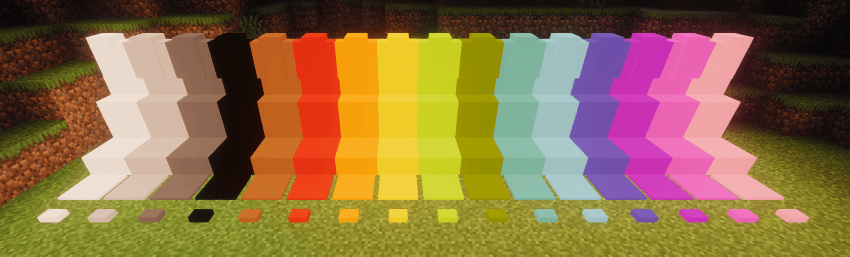
Ovaj vrlo jednostavan mod dodaje nekoliko jednobojnih blokova u igru.
Možete koristiti Luminax Wand da promenite boju i emisiju svetlosti bloka.
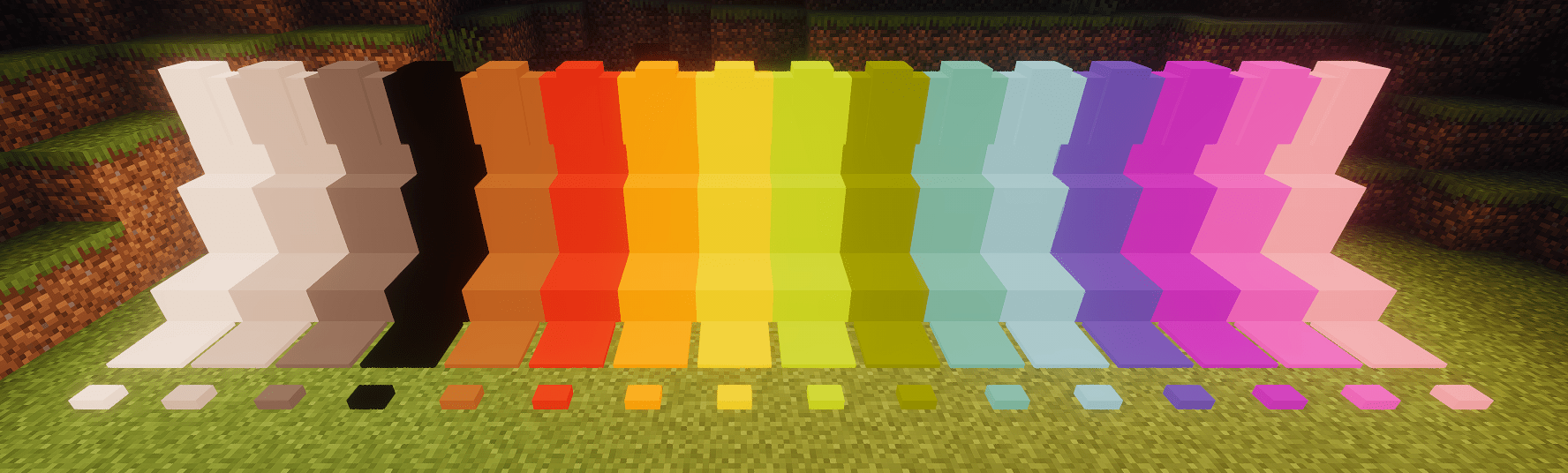
Framed Blocks je takođe potpuno podržan
Trenutno uključeni blokovi su:
- Puni blok
- Ploča
- Stepenik
- Zid
- Pritisna ploča
- Dugme
Kako instalirati Luminax
With Millida Launcher
Install Millida Launcher
The launcher is free: download it at millida.net/launcher and sign in with any nickname.
Click “Install” on this page
The launcher opens and installs the mod for Minecraft 1.20.1–26.1.2 on Forge or NeoForge automatically.
Launch the game
A profile with it appears in the launcher: click “Play”.
Manually
Install Forge or NeoForge
The loader must match the game version of the mod file, for example Minecraft 26.1.2. After installing it, a separate profile appears in your launcher.
Download the file for your version
In the version list above, pick the file luminax-2.0.1+26.1.2.jar (527 KB) for your game version and loader.
Put it in the mods folder
The folder is inside .minecraft (Windows: %appdata%\.minecraft\mods). If it does not exist, create it.
Launch the loader profile
Open “Mods” in the main menu: Luminax should be in the list.
Verzije
Sa zavisnostima
| Minecraft | Loader | Fajl | Datum | Akcije |
|---|---|---|---|---|
| 26.1.2 | NeoForge | [Neoforge] Luminax 2.0.1-26.2.1527 KB | ||
| 1.20.1 | Forge | [Forge] Luminax 1.3.0-1.20.11 MB |
Recenzije
Budi prvi koji će oceniti Luminax


