

 Fabric
 Quilt
Locator Lodestones
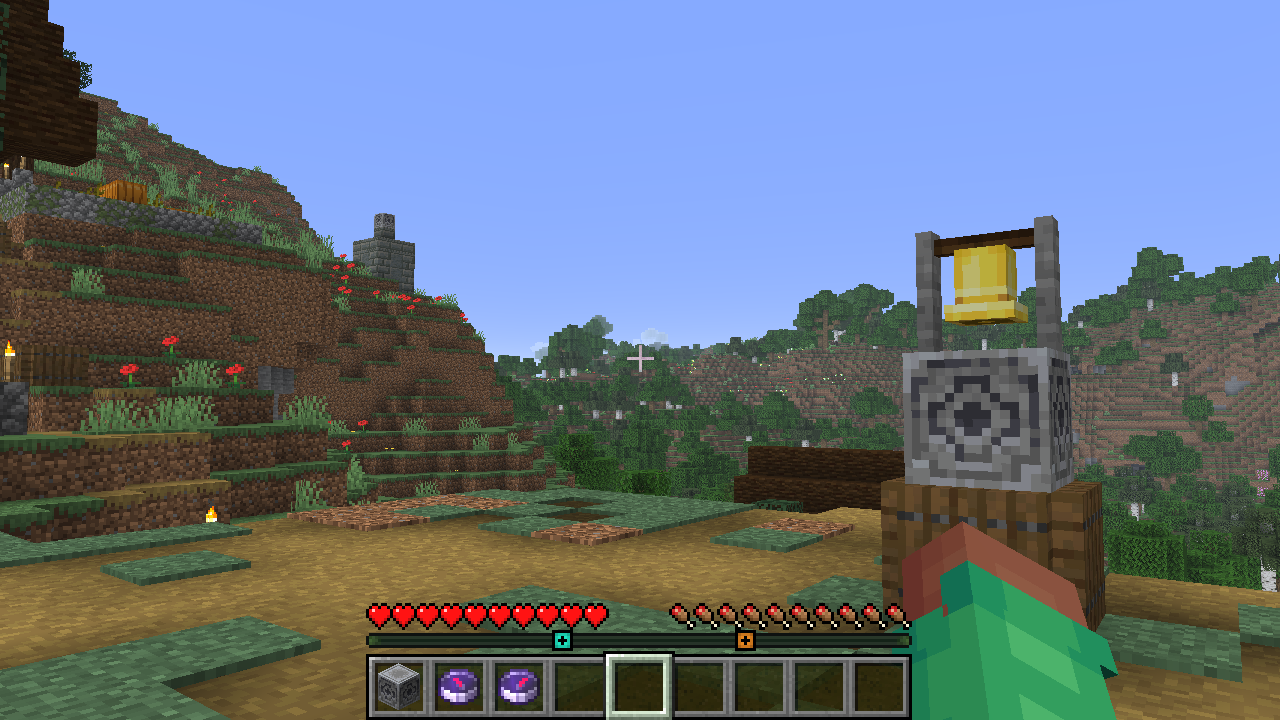
Adds Waypoints to the Player Locator Bar for each Lodestone Compass and Recovery Compass in your inventory.
The mod works entirely client-side, and doesn't need to be installed on the server.

If the compass has an RGB code in its name (for example, a compass named "Home #00FF8F"), it will use that color for the waypoint. Otherwise, the color is randomly determined based on the coordinates of the lodestone.
The names of compasses (minus any RGB codes) can be shown above the bar by holding down the player list key (by default TAB)
The mod also checks bundles, so you can place all of your compasses in a bundle, and it will still work.
Kako instalirati Locator Lodestones
With Millida Launcher
Install Millida Launcher
The launcher is free: download it at millida.net/launcher and sign in with any nickname.
Click “Install” on this page
The launcher opens and installs the mod for Minecraft 1.21.6–26.2 on Fabric or Quilt automatically, together with its dependencies: Fabric API, Dependency.
Launch the game
A profile with it appears in the launcher: click “Play”.
Manually
Install Fabric or Quilt
The loader must match the game version of the mod file, for example Minecraft 26.2. After installing it, a separate profile appears in your launcher.
Download the file for your version
In the version list above, pick the file locator_lodestones-1.5.3+26.2+A.jar (37 KB) for your game version and loader.
Put it in the mods folder
The folder is inside .minecraft (Windows: %appdata%\.minecraft\mods). If it does not exist, create it. Required dependencies go there too: Fabric API, Dependency.
Launch the loader profile
Open “Mods” in the main menu: Locator Lodestones should be in the list.
Locator Lodestones works on the player’s side only: there is no need to install it on a server.
Verzije
Sa zavisnostima
| Minecraft | Loader | Fajl | Datum | Akcije |
|---|---|---|---|---|
| 26.2 | Fabric, Quilt | 26.236.5 KB | ||
| 26.1.2 | Fabric, Quilt | 26.1.236.4 KB | ||
| 1.21.11 | Fabric, Quilt | 1.21.1135.3 KB 4 | ||
| 1.21.8 | Fabric, Quilt | 1.21.834.7 KB | ||
| 26.1.2 | Fabric, Quilt | 26.1.236.2 KB | ||
| 26.1.1 | Fabric, Quilt | 26.1.136.2 KB | ||
| 26.1 | Fabric, Quilt | 26.136.2 KB | ||
| 1.21.11 | Fabric, Quilt | 1.21.1135 KB |
Šta je potrebno za pokretanje
- Fabric APIobavezno
- Dependencyobavezno
Recenzije
Budi prvi koji će oceniti Locator Lodestones


