
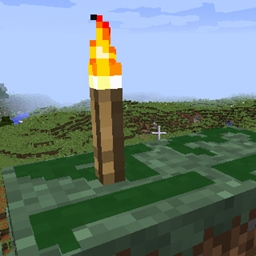
Light Level Overlay Reloaded Mod za Minecraft 1.14.4
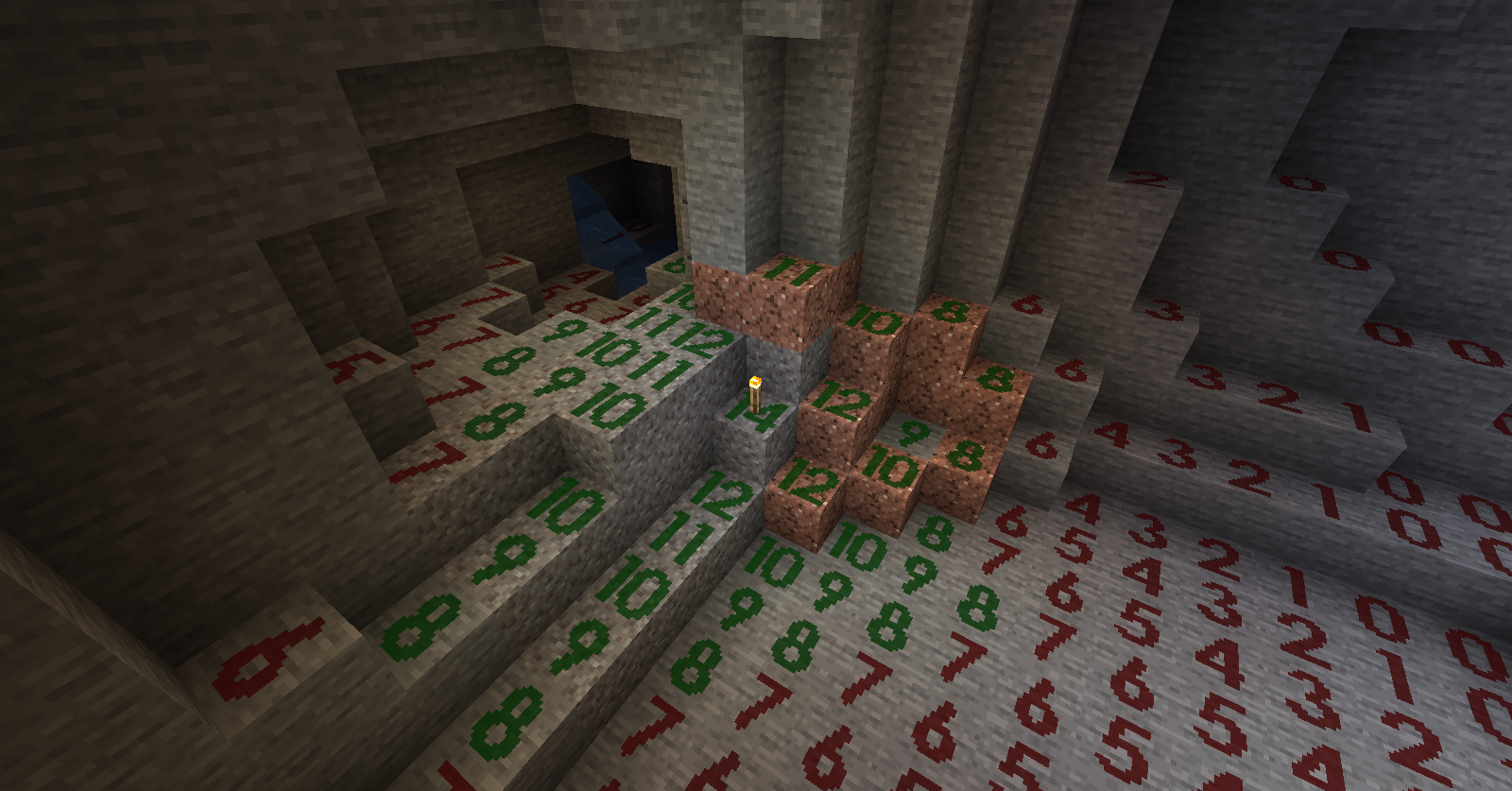
Mod koji vizuelno prikazuje nivo svetlosti na vrhu blokova.
O Light Level Overlay Reloaded modu
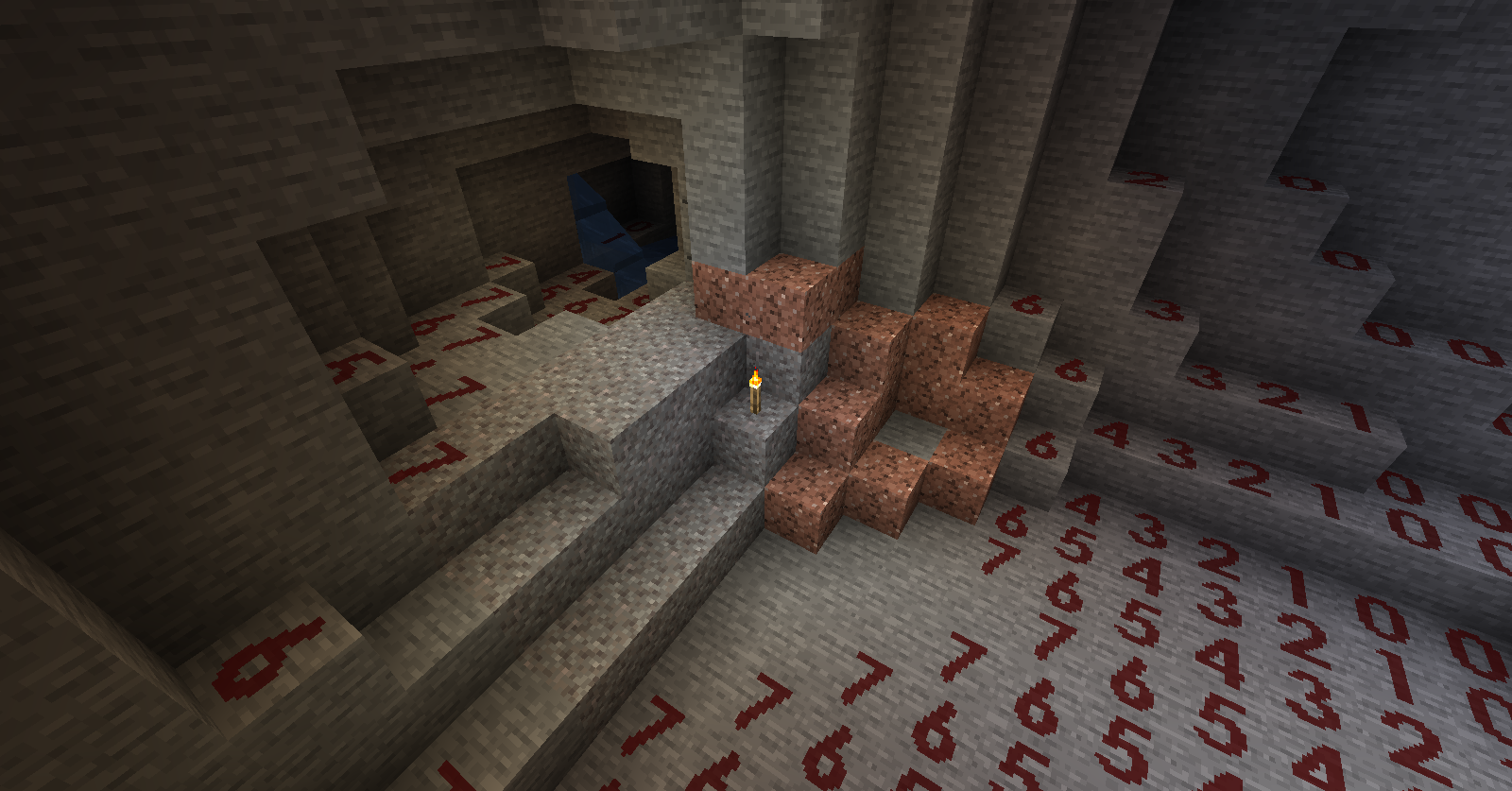
Ovo je mod koji vizuelizuje nivoe svetlosti na obližnjim blokovima.
Korišćenje:
- Podrazumevani taster za uključivanje/isključivanje prikaza nivoa svetlosti je F4.
- Koristite Shift + F4 za promenu režima prikaza.
- Tasterske prečice se mogu promeniti u "Options -> Controls".
- Teksture i režimi prikaza mogu se prilagoditi pomoću teksturnih paketa.
O modpakovima: Slobodno uključite ovaj mod u modpakove, sve dok navedete zasluge sa linkom ka ovoj stranici.
Zahvalnice: Originalni mod "Light Level Overlay" napravio je 4poc za Minecraft 1.6.4 i starije verzije. http://www.minecraftforum.net/forums/mapping-and-modding/minecraft-mods/1284971-light-level-overlay
Drugi modovi koji vam se mogu svideti:
- Better Auto Jump: Automatski skok kada držite taster za sprint.
- No Mob Spawning on Trees: Mod za kontrolu pojavljivanja mobova sa jednostavnim i moćnim konfiguracijama.
Kako instalirati Light Level Overlay Reloaded
With Millida Launcher
Install Millida Launcher
The launcher is free: download it at millida.net/launcher and sign in with any nickname.
Click “Install” on this page
The launcher opens and installs the mod for Minecraft 1.14.3–1.14.4 automatically.
Launch the game
A profile with it appears in the launcher: click “Play”.
Manually
Download the file for your version
In the version list above, pick the file LLOverlayReloaded-1.2.4-mc1.14.4.jar (121 KB) for your game version.
Put it in the mods folder
The folder is inside .minecraft (Windows: %appdata%\.minecraft\mods). If it does not exist, create it.
Launch the loader profile
Open “Mods” in the main menu: Light Level Overlay Reloaded should be in the list.
Minecraft 1.14.4 runs on Java 8: with a different Java version the game may close right after launch.
Verzije
Sa zavisnostima
| Minecraft | Loader | Fajl | Datum | Akcije |
|---|---|---|---|---|
| 1.14.4 | — | LLOverlayReloaded-1.2.4-mc1.14.4.jar121 KB | ||
| 1.14.3 | — | LLOverlayReloaded-1.2.0-mc1.14.3.jar124 KB |
Česta pitanja
Which Minecraft versions does Light Level Overlay Reloaded work on?
There are files for 1.14.4, 1.14.3. The newest is 1.14.4.
Which Java does Light Level Overlay Reloaded need?
Minecraft 1.14.4 runs on Java 8. If the game closes right after launch, the usual cause is the wrong Java version in the profile settings.
Where can I download Light Level Overlay Reloaded safely?
On this page: the file LLOverlayReloaded-1.2.4-mc1.14.4.jar (121 KB) is stored on Millida’s server, with no link shorteners. SHA-1 checksum: f4b93b9c51c85e476becc54fc784d1baa066bd06.
Recenzije
Budi prvi koji će oceniti Light Level Overlay Reloaded


