
JeremySeq's Damage Indicators Mod za Minecraft 1.21.1, 1.21
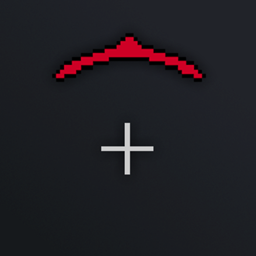
Dodaje usmereni indikator štete i tekst štete.
 Fabric
 NeoForge
 Forge
O JeremySeq's Damage Indicators modu
Nema više nagađanja ni traženja neprijatelja! Uz Damage Indicator odmah ćeš znati odakle dolazi šteta.
Ovaj mod je inspirisan indikatorima štete u mnogim popularnim pucačinama iz prvog lica.
Verzija 2.0 i novije rade na strani klijenta. Verzija 1.0 zahteva da mod bude na serveru.
Ako ti se svidi ovaj mod, pogledaj i moj drugi mod, Better Hotbars.
Karakteristike
- Usmereni indikator štete: strelica koja pokazuje smer svake štete koja stiže
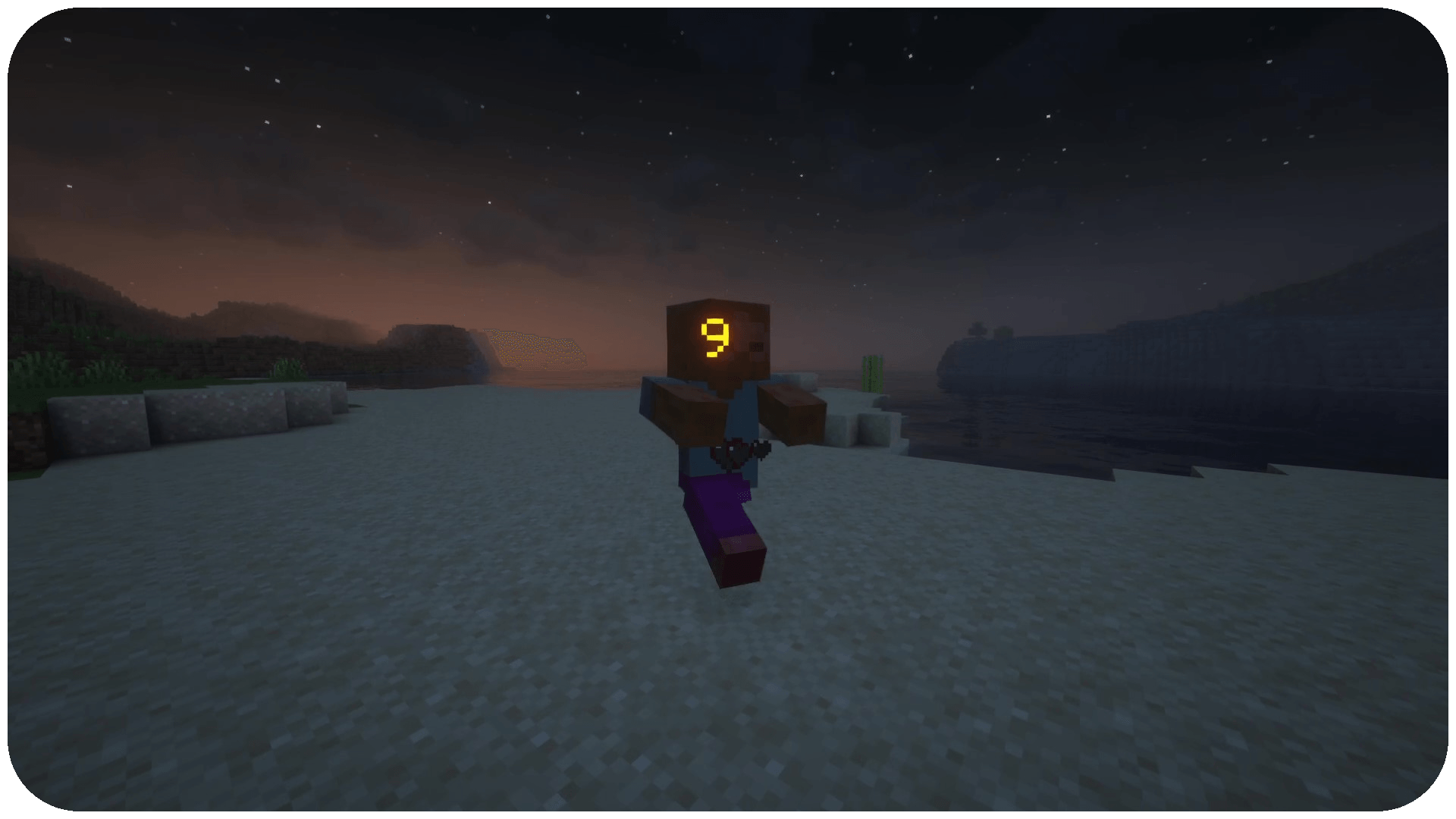
- Tekst štete: tekst koji prikazuje količinu štete nanete drugim mobovima
- Trake zdravlja: tekstualna traka zdravlja za druge mobove
- Crveni sloj (podrazumevano isključen): crveni sloj koji ocrtava tvoj ekran kada primiš štetu
- Oznake pogodaka: oznaka nišana koja treperi kada pogodiš mob, drugačije obojena za kritične udarce i ubistva
Konfiguracija
Postoji jedna konfiguraciona datoteka pod nazivom jeremyseqsdamageindicators.toml
Možeš da…
- uključiš/isključiš svaku karakteristiku
- promeniš boju, položaj, tajming i teksturu usmerenog indikatora
- podesiš da se traka zdravlja prikazuje samo za ciljane mobove
Iako podržavam razne verzije i modloadere, nastojim da najnoviju verziju moda držim dostupnom za sledeće glavne verzije i modloadere koje prvenstveno podržavam (ovo se može promeniti, ali treba ih smatrati LTS):
- Forge 1.20.1
- NeoForge 1.21.1
Kako instalirati JeremySeq's Damage Indicators
With Millida Launcher
Install Millida Launcher
The launcher is free: download it at millida.net/launcher and sign in with any nickname.
Click “Install” on this page
The launcher opens and installs the mod for Minecraft 1.21–1.21.1 on Fabric, Forge or NeoForge automatically.
Launch the game
A profile with it appears in the launcher: click “Play”.
Manually
Install Fabric, Forge or NeoForge
The loader must match the game version of the mod file, for example Minecraft 1.21.1. After installing it, a separate profile appears in your launcher.
Download the file for your version
In the version list above, pick the file jeremyseqsdamageindicators-2.2.1-1.21.1-fabric.jar (105 KB) for your game version and loader.
Put it in the mods folder
The folder is inside .minecraft (Windows: %appdata%\.minecraft\mods). If it does not exist, create it.
Launch the loader profile
Open “Mods” in the main menu: JeremySeq's Damage Indicators should be in the list.
Minecraft 1.21.1 runs on Java 21: with a different Java version the game may close right after launch.
Verzije
Sa zavisnostima
| Minecraft | Loader | Fajl | Datum | Akcije |
|---|---|---|---|---|
| 1.21.1 | Fabric | jeremyseqsdamageindicators-2.2.1-1.21.1-fabric.jar105 KB 2 | ||
| 1.21.1 | NeoForge | jeremyseqsdamageindicators-2.2.1-1.21.1-neo.jar52 KB 4 | ||
| 1.21 | Forge | damageindicator-2.2.1-1.21.jar51.1 KB 12 |
Česta pitanja
Which Minecraft versions does JeremySeq's Damage Indicators work on?
There are files for 1.21.1, 1.21. The newest is 1.21.1.
Is JeremySeq's Damage Indicators for Forge or Fabric?
There are files for Fabric: 1.21.1, for Forge: 1.21–1.21.1 and for NeoForge: 1.21.1.
Does JeremySeq's Damage Indicators need other mods?
The author lists no required dependencies: the Fabric, Forge or NeoForge loader is enough.
Which Java does JeremySeq's Damage Indicators need?
Minecraft 1.21.1 runs on Java 21. If the game closes right after launch, the usual cause is the wrong Java version in the profile settings.
Where can I download JeremySeq's Damage Indicators safely?
On this page: the file jeremyseqsdamageindicators-2.2.1-1.21.1-fabric.jar (105 KB) is stored on Millida’s server, with no link shorteners. SHA-1 checksum: dffbf20a011848d7485ec881528d261eaf1c2e7a.
Recenzije
Budi prvi koji će oceniti JeremySeq's Damage Indicators


