
Inspirations Mod za Minecraft 1.20.1, 1.12.2
Dodaje mnoge male funkcije u Minecraft bez značajnog menjanja igre.
 NeoForge
 Forge
ForgeO Inspirations modu
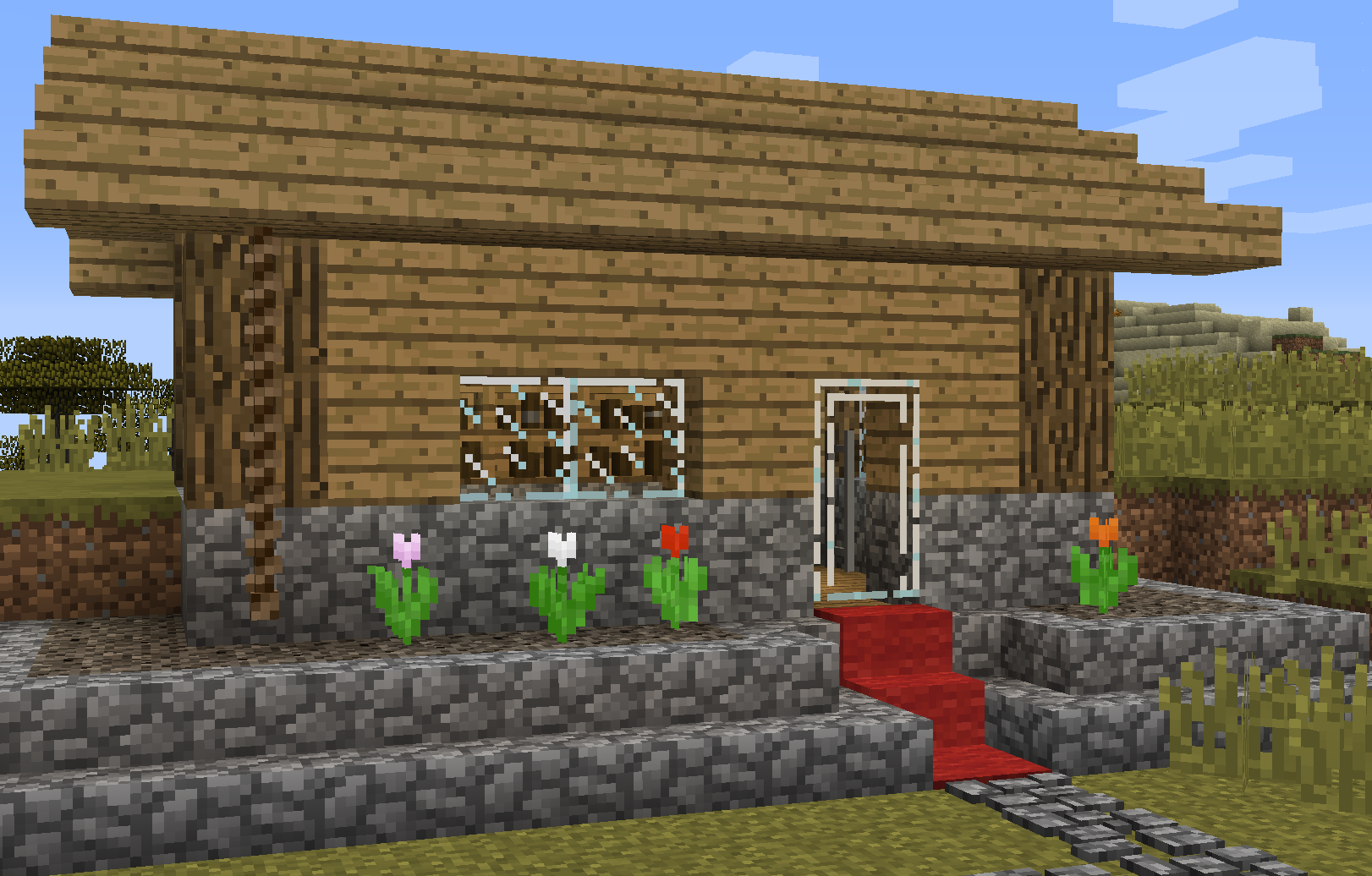
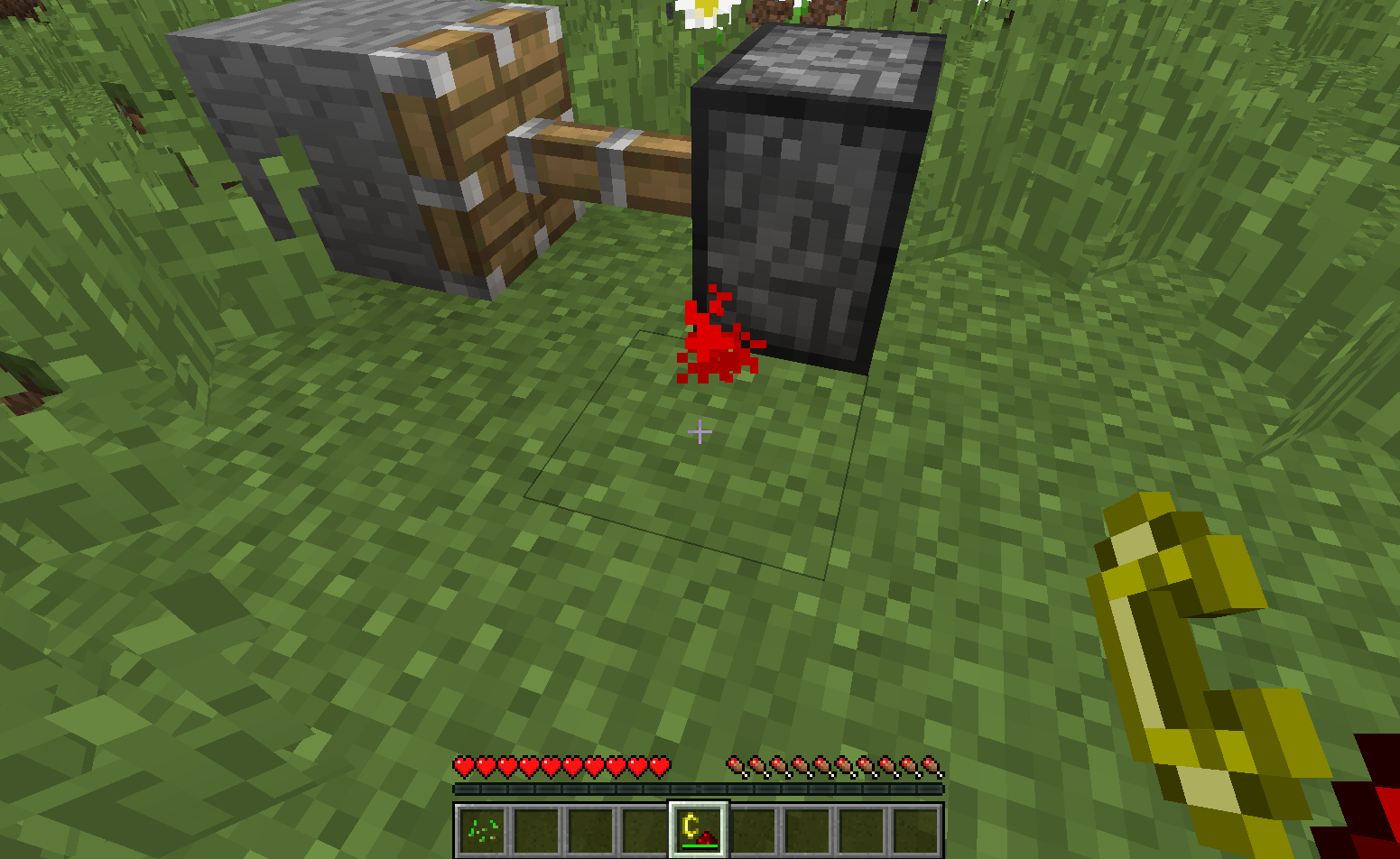
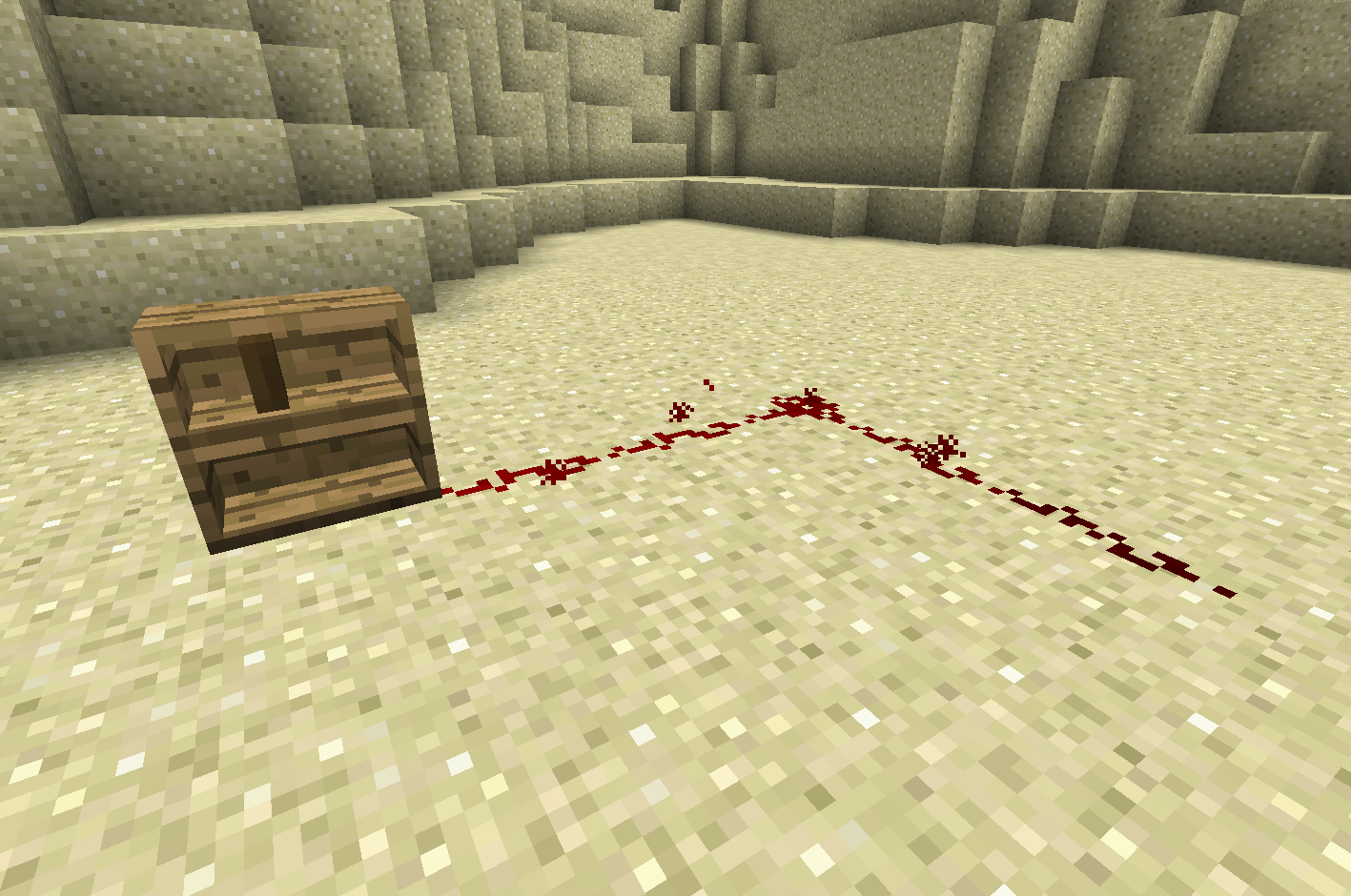
Inspirations je mod za Minecraft koji dodaje razne manje funkcije u igru. Dizajn je usmeren ka vanilla iskustvu, pa umesto funkcija koje menjaju igru, tu su mnoge manje izmene. Ovaj mod sadrži funkcije kao što su interaktivne police za knjige, užad za penjanje, tepisi koji se uklapaju na stepenice i nove vrste redstone ulaza. Potpuno je podesiv, tako da svaka funkcija može biti onemogućena nezavisno, ili možete onemogućiti cele module odjednom.
Ovaj mod trenutno zahteva Mantle i Forge 14.23.1.2571 ili noviji. Slobodno ga koristite u mod paketima, pod uslovom da linkujete nazad na ovu stranicu za preuzimanje (CurseForge mod paketi linkuju automatski preko stranice zavisnosti)
Za više informacija, pogledajte karticu sa slikama ili Inspirations Wiki na GitHub-u. Takođe možete doći da diskutujete o Inspirations na SlimeKnights Discord-u. Imajte u vidu da neki mod paketi kao što je SkyFactory 4 dodaju dodatne recepte ili namene nekim Inspirations funkcijama. Ako funkcija nije na wiki-ju, nije deo osnovnog moda.
Napomena: verzija moda za 1.15 je nepotpuna, ako neka funkcija nedostaje, verovatno još nije prenesena. Wiki je trenutno ažuran samo za najnoviju 1.12 verziju. Takođe, konfiguracioni fajl je serverska konfiguracija, nalazi se u folderu sveta. Pročitajte o konfiguracijama u 1.16 Forge.
Zasluge
- nox-cgt: ideja i tekstura za heartbeet
- TheTrone: tekstura za syringa
- TimGoll: tekstura za carpeted trapdoor
- Posteri predloga na Reddit-u, koji su inspirisali neke od funkcija u ovom modu
Ako želite da me podržite na Patreon-u, koristite sledeći link:
Kako instalirati Inspirations
With Millida Launcher
Install Millida Launcher
The launcher is free: download it at millida.net/launcher and sign in with any nickname.
Click “Install” on this page
The launcher opens and installs the mod for Minecraft 1.12.2–1.20.1 on Forge or NeoForge automatically.
Launch the game
A profile with it appears in the launcher: click “Play”.
Manually
Install Forge or NeoForge
The loader must match the game version of the mod file, for example Minecraft 1.20.1. After installing it, a separate profile appears in your launcher.
Download the file for your version
In the version list above, pick the file Inspirations-1.20.1-1.5.0.6.jar (1.1 MB) for your game version and loader.
Put it in the mods folder
The folder is inside .minecraft (Windows: %appdata%\.minecraft\mods). If it does not exist, create it.
Launch the loader profile
Open “Mods” in the main menu: Inspirations should be in the list.
Minecraft 1.20.1 runs on Java 17: with a different Java version the game may close right after launch.
Verzije
Sa zavisnostima
| Minecraft | Loader | Fajl | Datum | Akcije |
|---|---|---|---|---|
| 1.20.1 | NeoForge, Forge | Inspirations 1.5.0.6 for 1.20.11.1 MB | ||
| 1.16.5 | — | Inspirations 1.2.3.38 for 1.16.51.4 MB | ||
| 1.16.3 | Forge | Inspirations 1.2.1.19 for 1.16.31.4 MB | ||
| 1.12.2 | Forge | Inspirations 0.2.9 for 1.12.2823 KB 1 |
Česta pitanja
Which Minecraft versions does Inspirations work on?
There are files for 1.20.1, 1.16.5, 1.16.3, 1.16.2, 1.12.2. The newest is 1.20.1.
Is Inspirations for Forge or Fabric?
There are files for Forge: 1.12.2–1.20.1 and for NeoForge: 1.20.1. There are no files for Fabric: a mod for another loader will not start.
Does Inspirations need other mods?
The author lists no required dependencies: the Forge or NeoForge loader is enough.
Which Java does Inspirations need?
Minecraft 1.20.1 runs on Java 17. If the game closes right after launch, the usual cause is the wrong Java version in the profile settings.
Where can I download Inspirations safely?
On this page: the file Inspirations-1.20.1-1.5.0.6.jar (1.1 MB) is stored on Millida’s server, with no link shorteners. SHA-1 checksum: 6188922e3a9edd08cae633ef2873213c8157b125.
Recenzije
Budi prvi koji će oceniti Inspirations


