
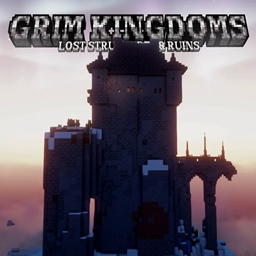
Grim Kingdoms: Lost structures & ruins Mod za Minecraft 1.21.1, 1.21
Dodaje zamkove - jedinstvene vanilla mobove/skrivene predmete
 Fabric
 Forge
Forge NeoForge
 Quilt
QuiltO Grim Kingdoms: Lost structures & ruins modu

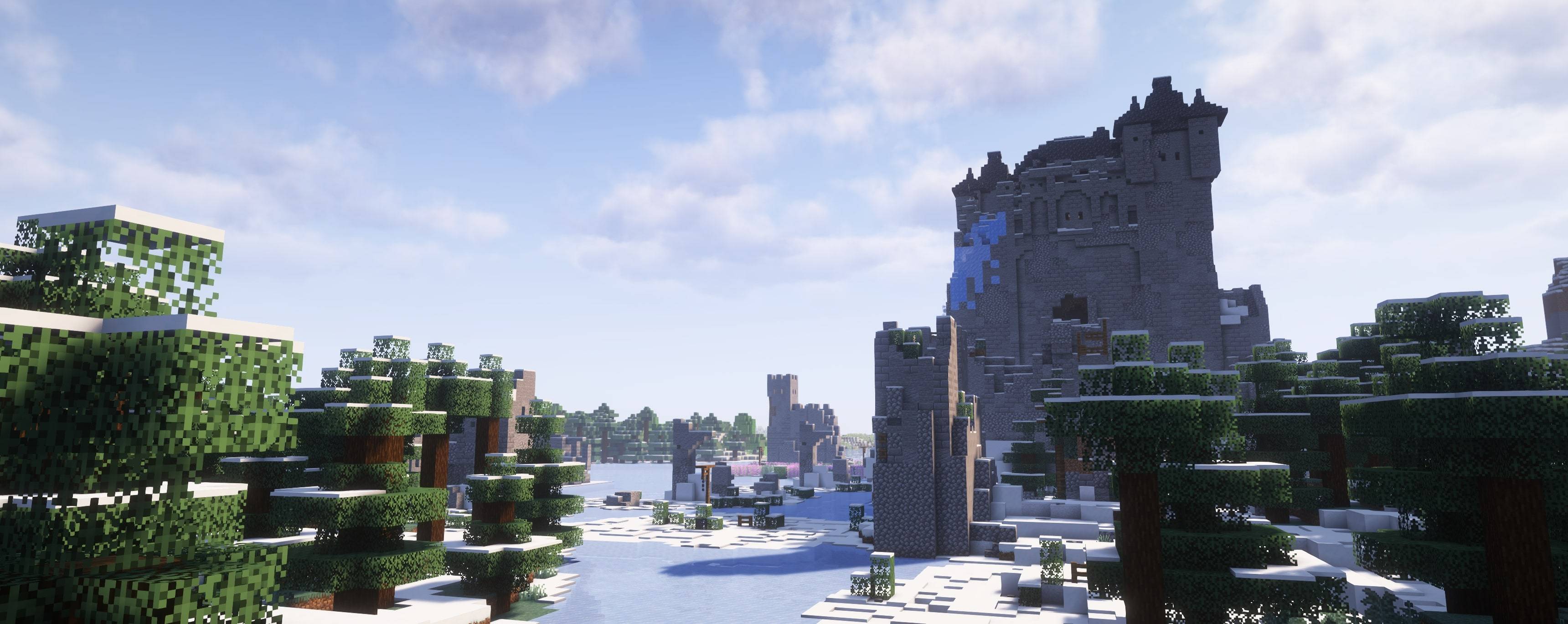
Grim kingdoms: Lost structures & ruins adds close to 100 handmade structures, fantasy and medieval forts, citadels, castles, towers, ships, huts, and 2 kingdoms to your Minecraft world, inhabited by vanilla, and custom vanilla mobs, including feral white rabbits, gnomes etc...
Vanilla loot tables + hidden special items All built using vanilla features only no custom blocks or entities included (FEEL FREE TO ADD TO ANY MODPACK)

Fully compatible with:
- Biomes O' Plenty (biomesoplenty)✨
- Nature's Spirit (natures_spirit)✨
- Oh The Biomes We've Gone (otbwg)✨
- Terralith (terralith)✨
- Regions Unexplored (regions_unexplored)✨
- William Wythers' Overhauled Overworld (wwoo)✨
- William Wythers' Expanded Ecosphere (wwee)✨
- No Man's Land (nml)✨
LIST OF ITEMS: (doesnt include 2.0 items)
https://docs.google.com/spreadsheets/d/10QhMcOgmwVrPgZt2YgFWer8d1rZeGO3z0RyjHYkLWOo/edit?usp=sharing

CASTLES FOR MORE BIOMES
🟧 Grim Kingdoms: Settlements

Kako instalirati Grim Kingdoms: Lost structures & ruins
With Millida Launcher
Install Millida Launcher
The launcher is free: download it at millida.net/launcher and sign in with any nickname.
Click “Install” on this page
The launcher opens and installs the mod for Minecraft 1.21–26.3 on Fabric, Forge, NeoForge or Quilt automatically.
Launch the game
A profile with it appears in the launcher: click “Play”.
Manually
Install Fabric, Forge, NeoForge or Quilt
The loader must match the game version of the mod file, for example Minecraft 26.3. After installing it, a separate profile appears in your launcher.
Download the file for your version
In the version list above, pick the file grim-kingdoms-lost-structures-ruins-2.0.3.jar (9.8 MB) for your game version and loader.
Put it in the mods folder
The folder is inside .minecraft (Windows: %appdata%\.minecraft\mods). If it does not exist, create it.
Launch the loader profile
Open “Mods” in the main menu: Grim Kingdoms: Lost structures & ruins should be in the list.
Verzije
Sa zavisnostima
| Minecraft | Loader | Fajl | Datum | Akcije |
|---|---|---|---|---|
| 1.21 | Fabric, Forge, NeoForge, Quilt | Grim kingdoms 2.0.3 (1.21+26.3+)9.8 MB 25 |
Česta pitanja
Which Minecraft versions does Grim Kingdoms: Lost structures & ruins work on?
There are files for 1.21–26.3, 17 versions in total. The newest is 26.3.
Is Grim Kingdoms: Lost structures & ruins for Forge or Fabric?
There are files for Fabric: 1.21–26.3, for Forge: 1.21–26.3, for NeoForge: 1.21–26.3 and for Quilt: 1.21–26.3.
Does Grim Kingdoms: Lost structures & ruins need other mods?
The author lists no required dependencies: the Fabric, Forge, NeoForge or Quilt loader is enough.
Where can I download Grim Kingdoms: Lost structures & ruins safely?
On this page: the file grim-kingdoms-lost-structures-ruins-2.0.3.jar (9.8 MB) is stored on Millida’s server, with no link shorteners. SHA-1 checksum: 54d6fa1040cfca3f0ea9d1766b7ed63864ee660c.
Recenzije
Budi prvi koji će oceniti Grim Kingdoms: Lost structures & ruins


