
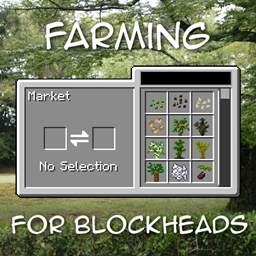
Farming for Blockheads Mod za Minecraft 1.21.1, 1.16.5
Dodaje prilagodljivu pijacu, sanduk za otpremu, prskalice i još mnogo poljoprivrednih pomagala.
 NeoForge
 Fabric
 Forge
ForgeO Farming for Blockheads modu
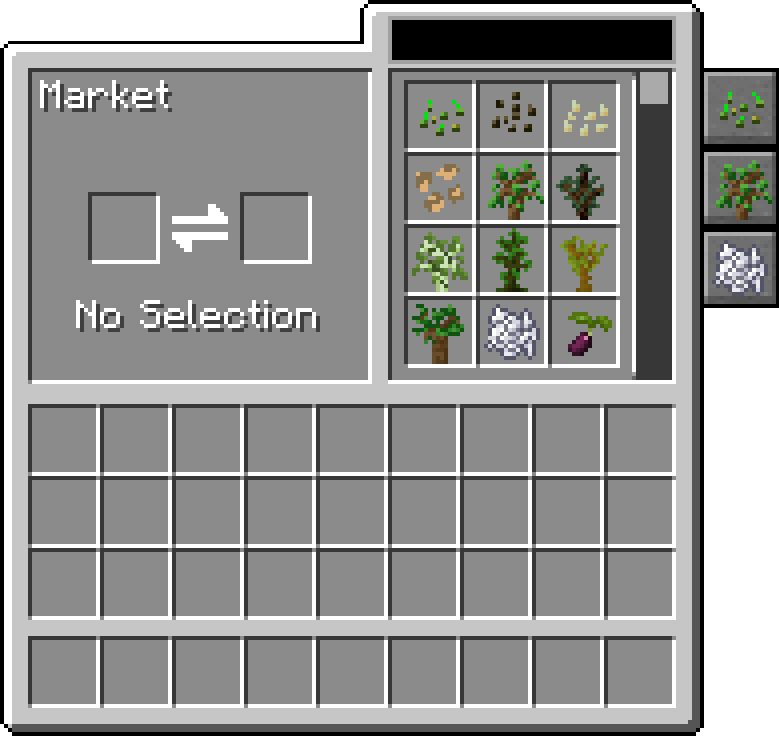
Ovaj mod dodaje Market blok u Minecraft, koji vam omogućava da kupujete seme, sadnice ili druge stvari kao što je koštano brašno. Takođe dodaje neke poljoprivredne pogodnosti kao što su Chicken Nest, Feeding Trough, Sprinklers i Fertilizers za poboljšanje useva.
Market omogućava pretragu i listanje ponuda, može da filtrira po kategoriji i može se konfigurisati da mu se dodaju dodatne ponude i kategorije.
Ovaj mod zahteva Balm, koji mora biti instaliran zajedno sa modom.
- Market blok koji prodaje seme i sadnice, može se konfigurisati da dodatno izmeni svoje ponude
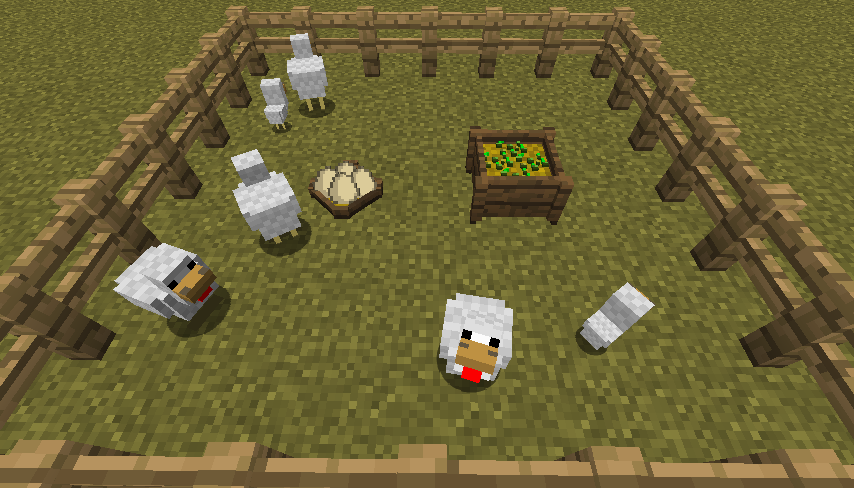
- Chicken Nest za prikupljanje kokošijih jaja koje nose sve te koke
- Feeding Trough za inteligentno automatsko hranjenje životinja
- Fertilizer za poboljšanje prinosa useva, rasta ili sprečavanje kvarenja
- Kompatibilan sa Pam's Harvestcraft, Biomes O' Plenty, Simple Farming i više
- Kompatibilan sa Just Enough Items (Market Trades će se prikazati)
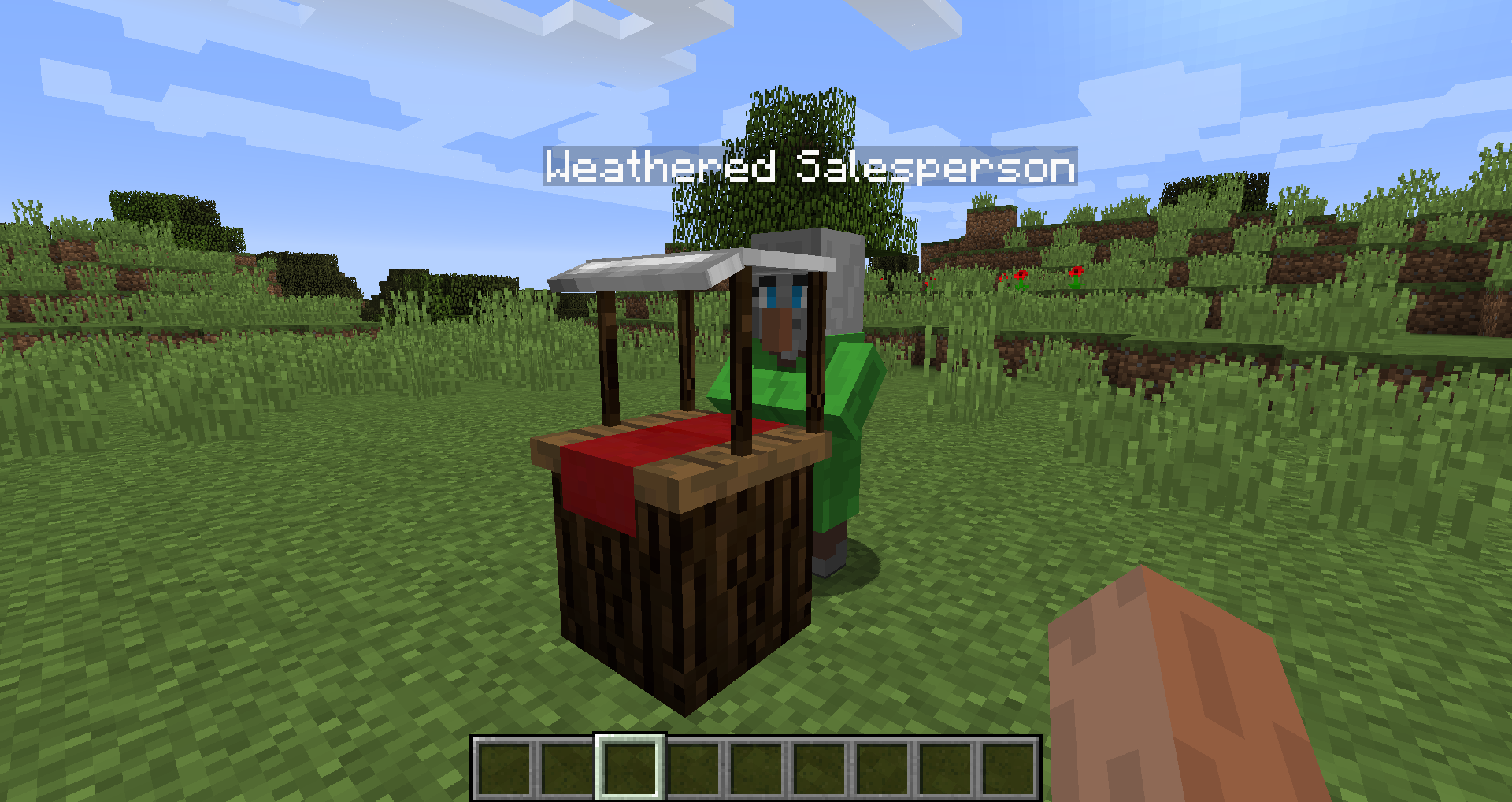
Mod Showcase by Mischief of Mice
Kako instalirati Farming for Blockheads
With Millida Launcher
Install Millida Launcher
The launcher is free: download it at millida.net/launcher and sign in with any nickname.
Click “Install” on this page
The launcher opens and installs the mod for Minecraft 1.16.2–26.1.2 on Fabric, Forge or NeoForge automatically.
Launch the game
A profile with it appears in the launcher: click “Play”.
Manually
Install Fabric, Forge or NeoForge
The loader must match the game version of the mod file, for example Minecraft 26.1.2. After installing it, a separate profile appears in your launcher.
Download the file for your version
In the version list above, pick the file farmingforblockheads-neoforge-26.1.2-26.1.2.5.jar (1.1 MB) for your game version and loader.
Put it in the mods folder
The folder is inside .minecraft (Windows: %appdata%\.minecraft\mods). If it does not exist, create it.
Launch the loader profile
Open “Mods” in the main menu: Farming for Blockheads should be in the list.
Verzije
Sa zavisnostima
| Minecraft | Loader | Fajl | Datum | Akcije |
|---|---|---|---|---|
| 26.1.2 | NeoForge | farmingforblockheads-neoforge-26.1.2-26.1.2.5.jar1.1 MB | ||
| 26.1.2 | Fabric | farmingforblockheads-fabric-26.1.2-26.1.2.5.jar1.1 MB 6 | ||
| 1.21.1 | Forge | farmingforblockheads-forge-1.21.1-21.1.14.jar873 KB 4 | ||
| 1.16.5 | — | FarmingForBlockheads_1.16.5-7.3.1.jar275 KB 2 | ||
| 1.16.2 | — | FarmingForBlockheads_1.16.2-7.1.1.jar273 KB |
Česta pitanja
Which Minecraft versions does Farming for Blockheads work on?
There are files for 26.1.2, 1.21.1, 1.16.5, 1.16.2. The newest is 26.1.2.
Is Farming for Blockheads for Forge or Fabric?
There are files for Fabric: 26.1.2, for Forge: 1.21.1 and for NeoForge: 26.1.2.
Does Farming for Blockheads need other mods?
The author lists no required dependencies: the Fabric, Forge or NeoForge loader is enough.
Where can I download Farming for Blockheads safely?
On this page: the file farmingforblockheads-neoforge-26.1.2-26.1.2.5.jar (1.1 MB) is stored on Millida’s server, with no link shorteners. SHA-1 checksum: b19d560601cfd429a92be742dd4ba346c7d554e4.
Recenzije
Budi prvi koji će oceniti Farming for Blockheads


