
Fairy Lights Mod za Minecraft 1.12.2, 1.19.2
Ovaj mod dodaje dekorativna svetla na žici.
- preuzimanja
- 1 preuzimanja
- pregleda
- 42 pregleda
- Ažurirano
- Ažurirano 17.10.2026
- 1.12.2 — 1.19.3
 Forge
Forge
O Fairy Lights modu
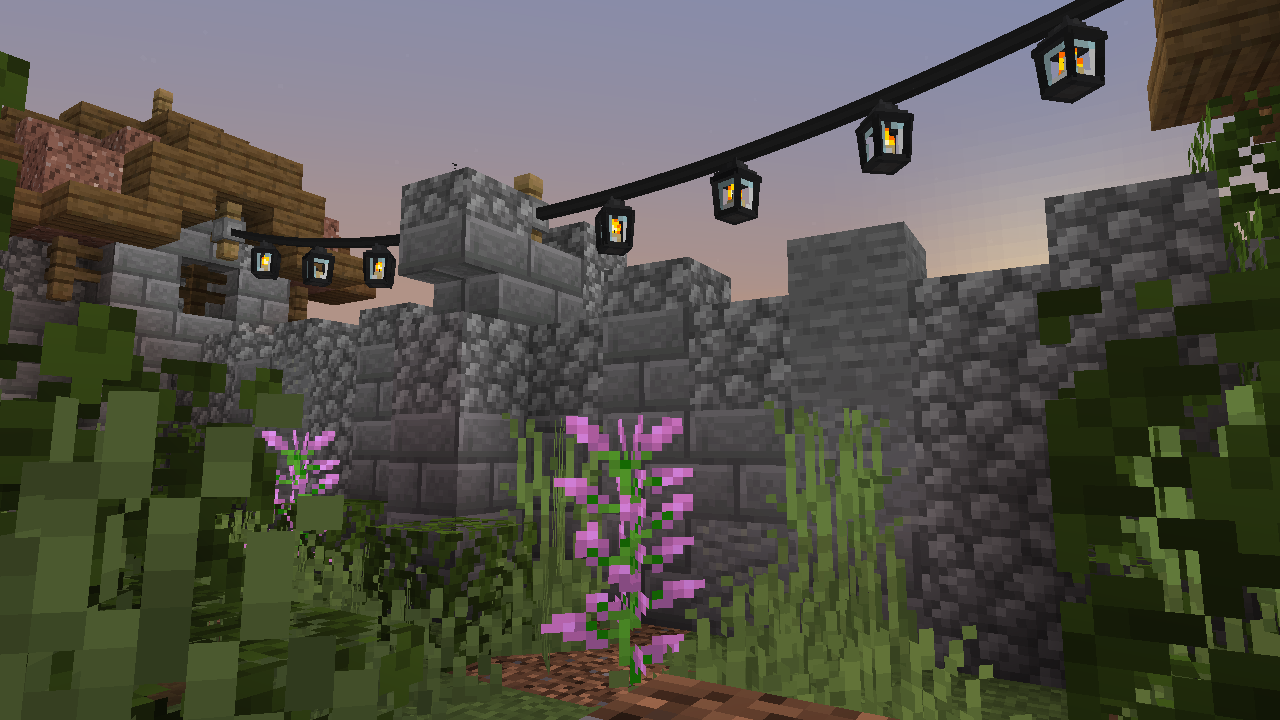
Fairy Lights dodaje dekorativna viseća svetla koja mogu imati bilo koju kombinaciju šest varijanti svetla, svaka sa jednom od šesnaest boja boje.
Pravljenje
Da biste napravili viseća svetla, prvo morate napraviti svetla. Svetla dolaze u mnogim varijantama: fairy light, heart light, moon light, star light, paper lantern, orb lantern, flower light, candle lantern, oil lantern, snowflake light, icicle lights i meteor light. Tu su i spooky lights, spider light, ghost light, jack o'lantern, skull light, witch light.
Fairy lights se prave horizontalnom kombinacijom iron ingot, string ili stick, iron ingot, zajedno sa bilo kojom kombinacijom svetala koja određuje šablon (s leva na desno, odozgo nadole). Ako se uključi glowstone, viseća svetla će treperiti. Ako se koristi string, veza će biti labava, a ako se koristi stick, veza će biti prava. Predmet visećih svetala će prikazati samo prve četiri boje svetla, ali najviše svetala koje možete napraviti je osam stavljanjem visećih svetala u crafting table sa osam svetala.
Evo recepata za svetla gde crvena boja u receptima može biti bilo koja boja.
Primeri recepata za viseća svetla
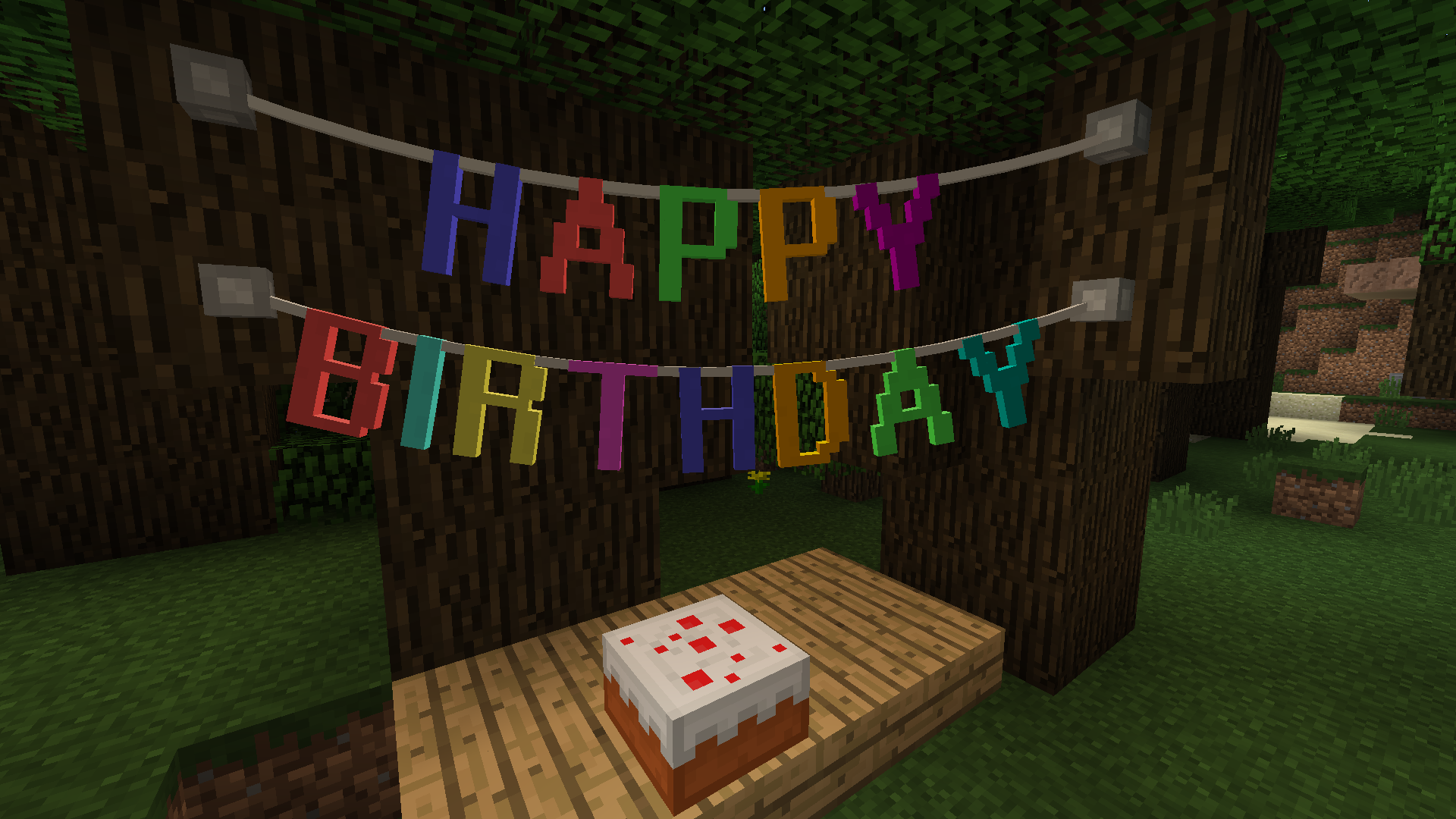
Letter Bunting, Vine & Tinsel Garland
Pennants
Evo nekoliko primera recepata za pennant bunting.
Korišćenje Fairy Lights
Kliknite desnim tasterom na viseća svetla, garland ili bunting na strani bloka, ili na postojeći fastener da postavite fastener; sada će postojati veza od fastener-a do vas. Zatim kliknete desnim tasterom na drugu stranu bloka, ili na postojeći fastener, da dovršite vezu. Maksimalna dužina niza fairy light je 32 bloka.
Labavost visećih svetala, garland-a ili bunting-a može se povećati desnim klikom sa string i smanjiti desnim klikom sa stick. Viseća svetla se mogu uključiti i isključiti desnim klikom.
Integracija modova
JEI je podržan za prikazivanje recepata.
Kako instalirati Fairy Lights
With Millida Launcher
Install Millida Launcher
The launcher is free: download it at millida.net/launcher and sign in with any nickname.
Click “Install” on this page
The launcher opens and installs the mod for Minecraft 1.12.2–1.19.3 on Forge automatically.
Launch the game
A profile with it appears in the launcher: click “Play”.
Manually
Install Forge
The loader must match the game version of the mod file, for example Minecraft 1.19.3. After installing it, a separate profile appears in your launcher.
Download the file for your version
In the version list above, pick the file fairylights-6.0.1-1.19.2.jar (800 KB) for your game version.
Put it in the mods folder
The folder is inside .minecraft (Windows: %appdata%\.minecraft\mods). If it does not exist, create it.
Launch the loader profile
Open “Mods” in the main menu: Fairy Lights should be in the list.
Minecraft 1.19.3 runs on Java 17: with a different Java version the game may close right after launch.
Verzije
Sa zavisnostima
| Minecraft | Loader | Fajl | Datum | Akcije |
|---|---|---|---|---|
| 1.19.3 | Forge | fairylights-6.0.1-1.19.2800 KB | ||
| 1.12.2 | — | fairylights-2.1.9-1.12.21.1 MB 1 |
Česta pitanja
Which Minecraft versions does Fairy Lights work on?
There are files for 1.19.3, 1.19.2, 1.12.2. The newest is 1.19.3.
Is Fairy Lights for Forge or Fabric?
Only for Forge: 1.19.2–1.19.3. There are no files for Fabric or NeoForge: a mod for another loader will not start.
Does Fairy Lights need other mods?
The author lists no required dependencies: the Forge loader is enough.
Which Java does Fairy Lights need?
Minecraft 1.19.3 runs on Java 17. If the game closes right after launch, the usual cause is the wrong Java version in the profile settings.
Where can I download Fairy Lights safely?
On this page: the file fairylights-6.0.1-1.19.2.jar (800 KB) is stored on Millida’s server, with no link shorteners. SHA-1 checksum: 836aa72613bffdf08bfa233a33a2d60ce3b1b37f.
Recenzije
Budi prvi koji će oceniti Fairy Lights


