
Environmental Materials Mod za Minecraft 1.20.1
Dodaje komplet jednostavnih građevinskih materijala.
 NeoForge
 Forge
Forge Fabric
O modu
Environmental Materials je prateći mod za Environmental Core/Tech koji dodaje veliki izbor novih građevinskih blokova, stepenica, ploča i zidova. Neki od osnovnih blokova su integrisani u Void Miners tabele plena, tako da ih možete dobiti bez pravljenja kada je Environmental Tech instaliran.

Kako da napravim blokove?
Glavni blok svake vrste materijala možete napraviti u radnom stolu, a ostatak se radi pomoću Sone Cutter.
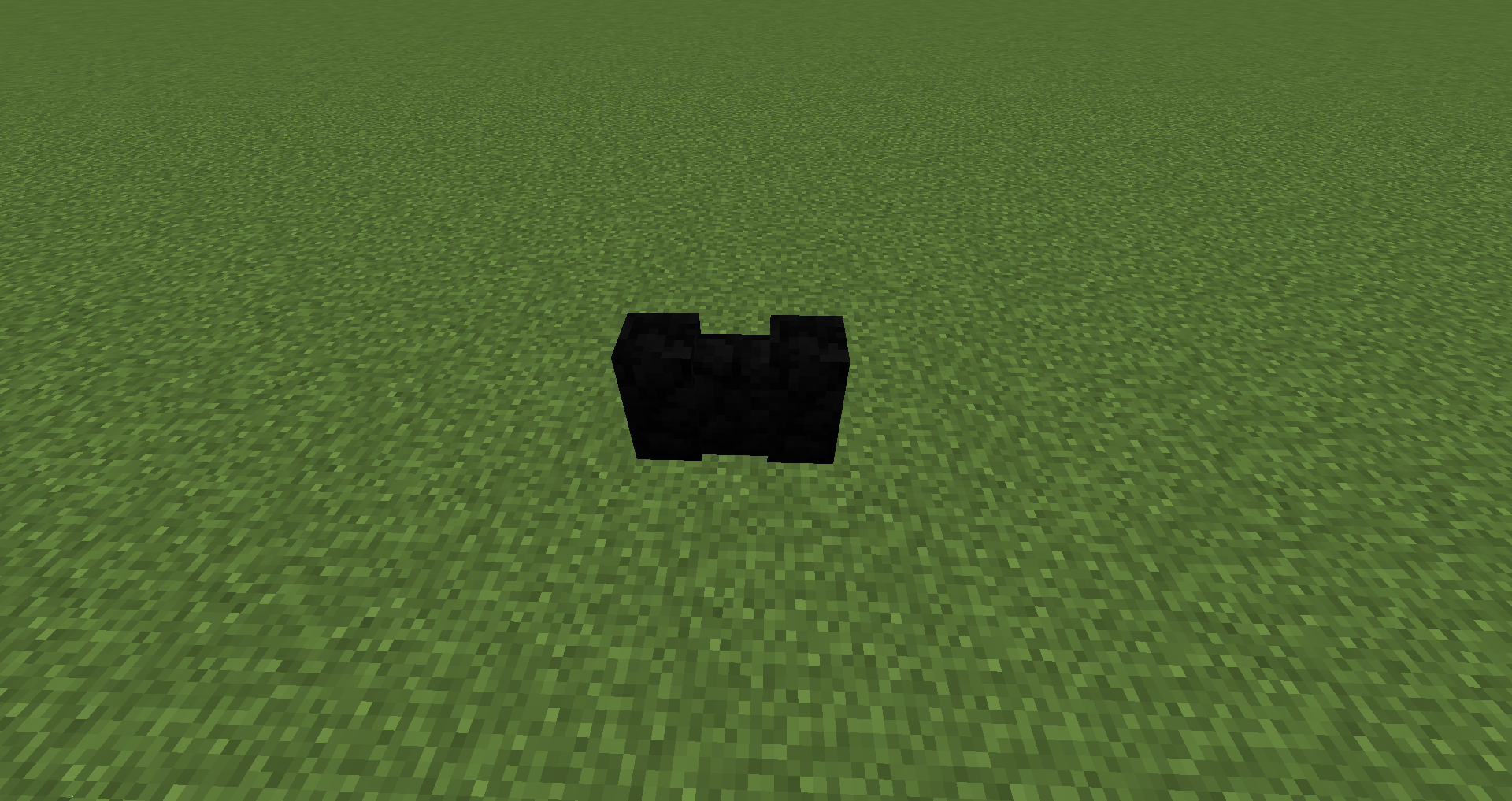
Dodati blokovi:
Alabaster u svih 16 boja: blokovi, stepenice, ploče, zidovi
Basalt: blokovi, stepenice, ploče, zidovi
Hardened Stone: blokovi, stepenice, ploče, zidovi
Granodiorite: blokovi, stepenice, ploče, zidovi
Marble: blokovi, stepenice, ploče, zidovi
Travertine: blokovi, stepenice, ploče, zidovi
Pumice: blokovi, stepenice, ploče, zidovi
Mogu li ovo da koristim u svom modpacku?
Curesforge i FTB modpackovi: samo napred :)
Paketi na spoljnim sajtovima: morate da dobijete moju dozvolu i zatim da postavite link nazad ka ovoj stranici projekta.
Kako instalirati Environmental Materials
With Millida Launcher
Install Millida Launcher
The launcher is free: download it at millida.net/launcher and sign in with any nickname.
Click “Install” on this page
The launcher opens and installs the mod for Minecraft 1.16.4–1.20.1 on Fabric, Forge or NeoForge automatically.
Launch the game
A profile with it appears in the launcher: click “Play”.
Manually
Install Fabric, Forge or NeoForge
The loader must match the game version of the mod file, for example Minecraft 1.20.1. After installing it, a separate profile appears in your launcher.
Download the file for your version
In the version list above, pick the file enviromats-forge-1.20.1-2.1.5.0.jar (1.8 MB) for your game version and loader.
Put it in the mods folder
The folder is inside .minecraft (Windows: %appdata%\.minecraft\mods). If it does not exist, create it.
Launch the loader profile
Open “Mods” in the main menu: Environmental Materials should be in the list.
Minecraft 1.20.1 runs on Java 17: with a different Java version the game may close right after launch.
Verzije
Sa zavisnostima
| Minecraft | Loader | Fajl | Datum | Akcije |
|---|---|---|---|---|
| 1.20.1 | NeoForge, Forge | enviromats-forge-1.20.1-2.1.5.0.jar1.8 MB | ||
| 1.20.1 | Fabric | enviromats-fabric-1.20.1-2.1.4.2.jar1.9 MB | ||
| 1.19.3 | Fabric | enviromats-fabric-1.19.3-2.1.3.0.jar1.9 MB | ||
| 1.19.3 | Forge | enviromats-forge-1.19.3-2.1.3.0.jar1.7 MB | ||
| 1.16.4 | — | enviromats-1.16.4-2.0.4.0.jar1.4 MB |
Česta pitanja
Which Minecraft versions does Environmental Materials work on?
There are files for 1.20.1, 1.19.3, 1.16.4. The newest is 1.20.1.
Is Environmental Materials for Forge or Fabric?
There are files for Fabric: 1.19.3–1.20.1, for Forge: 1.19.3–1.20.1 and for NeoForge: 1.20.1.
Does Environmental Materials need other mods?
The author lists no required dependencies: the Fabric, Forge or NeoForge loader is enough.
Which Java does Environmental Materials need?
Minecraft 1.20.1 runs on Java 17. If the game closes right after launch, the usual cause is the wrong Java version in the profile settings.
Where can I download Environmental Materials safely?
On this page: the file enviromats-forge-1.20.1-2.1.5.0.jar (1.8 MB) is stored on Millida’s server, with no link shorteners. SHA-1 checksum: c7f705d3c999cdcede1d28bc3bf5aae73628715e.
Recenzije
Budi prvi koji će oceniti Environmental Materials


