

[EMF] Entity Model Features Mod za Minecraft 1.20.1, 1.21.1
EMF je zamenski mod za prilagođene modele entiteta u OptiFine formatu, dostupan za Fabric i Forge.
 NeoForge
 Fabric
 Quilt
 Forge
Entity Model Features
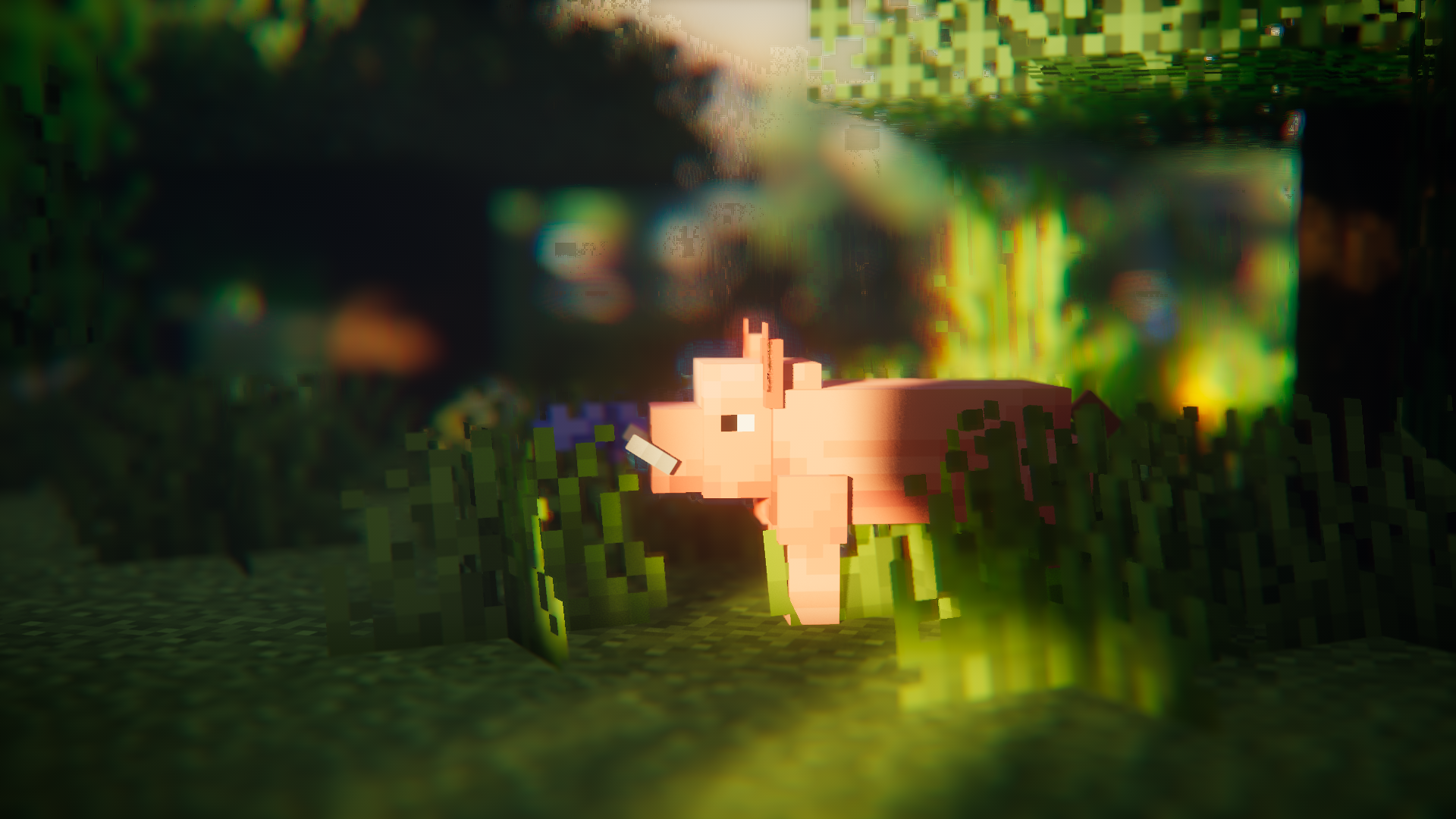
O modu
Entity Model Features (EMF) je Fabric, Forge i NeoForge mod koji dodaje podršku za OptiFine-ove Custom Entity Models (CEM).
namenjen svima koji žele da koriste CEM funkcije resource pack-ova, ali i alternativne modove za OptiFine kao što su Sodium, Continuity ili ETF.

Potrebni modovi
Molimo instalirajte i modove navedene ispod ako možete, očigledni poput Sodium-a nisu pomenuti.
Podrazumeva se i da EMF NIJE kompatibilan sa dorianpb-ovim CEM-om i OptiFine / OptiFabric-om.

Potrebno
- Entity Texture Features (ETF): EMF koristi nekoliko funkcija iz mog drugog moda ETF, pa je potreban. (prvenstveno se koristi za podršku funkciji slučajnog modela, ekranu za konfiguraciju i omogućavanje variranja tekstura postavljenih u modelima kao u OptiFine-u)
Toplo preporučeno
- Entity Culling: Ovaj mod čini čuda za smanjenje kašnjenja pri renderovanju entiteta, čineći čak i više od Sodium-ovog ugrađenog entity culling-a. Ovo je veoma korisno kada se koriste paketi sa puno animacija kao što je Fresh Animations.
Fresh Animations?
Da.
radi :)
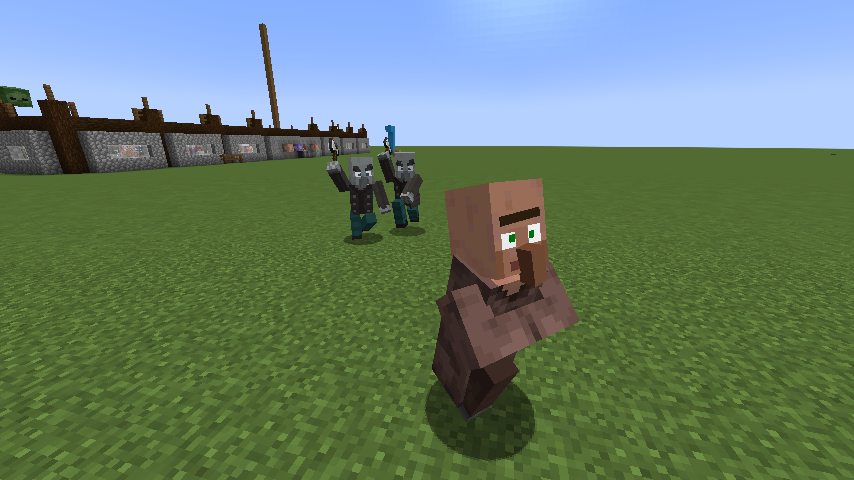
Preuzmi Fresh Animations
Funkcije i razlike u odnosu na OptiFine i poznati bagovi
Ažurna stranica sa detaljima o funkcijama: Features & Optifine differences
Lista promena
Listu promena možete naći ovde.
Potrebna vam je pomoć ili imate pitanja?
Možete mi se obratiti na mom Discord-u (poželjno) ili otvoriti issue na GitHub-u.
Kako instalirati [EMF] Entity Model Features
With Millida Launcher
Install Millida Launcher
The launcher is free: download it at millida.net/launcher and sign in with any nickname.
Click “Install” on this page
The launcher opens and installs the mod for Minecraft 1.18–26.3 on Fabric, Forge, NeoForge or Quilt automatically, together with its dependencies: [ETF] Entity Texture Features.
Launch the game
A profile with it appears in the launcher: click “Play”.
Manually
Install Fabric, Forge, NeoForge or Quilt
The loader must match the game version of the mod file, for example Minecraft 26.3. After installing it, a separate profile appears in your launcher.
Download the file for your version
In the version list above, pick the file entity_model_features-3.3.12-26.3-neoforge.jar (650 KB) for your game version and loader.
Put it in the mods folder
The folder is inside .minecraft (Windows: %appdata%\.minecraft\mods). If it does not exist, create it. Required dependencies go there too: [ETF] Entity Texture Features.
Launch the loader profile
Open “Mods” in the main menu: [EMF] Entity Model Features should be in the list.
[EMF] Entity Model Features works on the player’s side only: there is no need to install it on a server.
Verzije
Sa zavisnostima
| Minecraft | Loader | Fajl | Datum | Akcije |
|---|---|---|---|---|
| 26.3 | NeoForge | 26.3650 KB 207 | ||
| 26.3 | Fabric, Quilt | 26.3650 KB 593 | ||
| 26.2 | NeoForge | 26.2650 KB 79 | ||
| 26.2 | Fabric, Quilt | 26.2650 KB 320 | ||
| 26.1.2 | NeoForge | 26.1.2650 KB 22 | ||
| 26.1.2 | Fabric, Quilt | 26.1.2650 KB 85 | ||
| 1.21.10 | NeoForge | 1.21.10655 KB 6 | ||
| 1.21.10 | Forge | 1.21.10833 KB 7 |
Šta je potrebno za pokretanje
- [ETF] Entity Texture Featuresobavezno
Sadržaj koji ga zahteva
Recenzije
Budi prvi koji će oceniti [EMF] Entity Model Features


