
Eden Ring Mod za Minecraft 1.19.2, 1.18.2
Sci-Fi dimenzijski mod sa nekim jedinstvenim stvarima
- pregleda
- 22 pregleda
- Ažurirano
- Ažurirano 18.10.2026
- 1.18.2 — 1.19.2
 Fabric
O Eden Ring modu
MOD JE U RANOJ FAZI RAZVOJA, OČEKUJTE GREŠKE
OVAJ MOD JE RAZVIJEN ZA FABRIC, NEMA PLANOVA ZA FORGE PORT
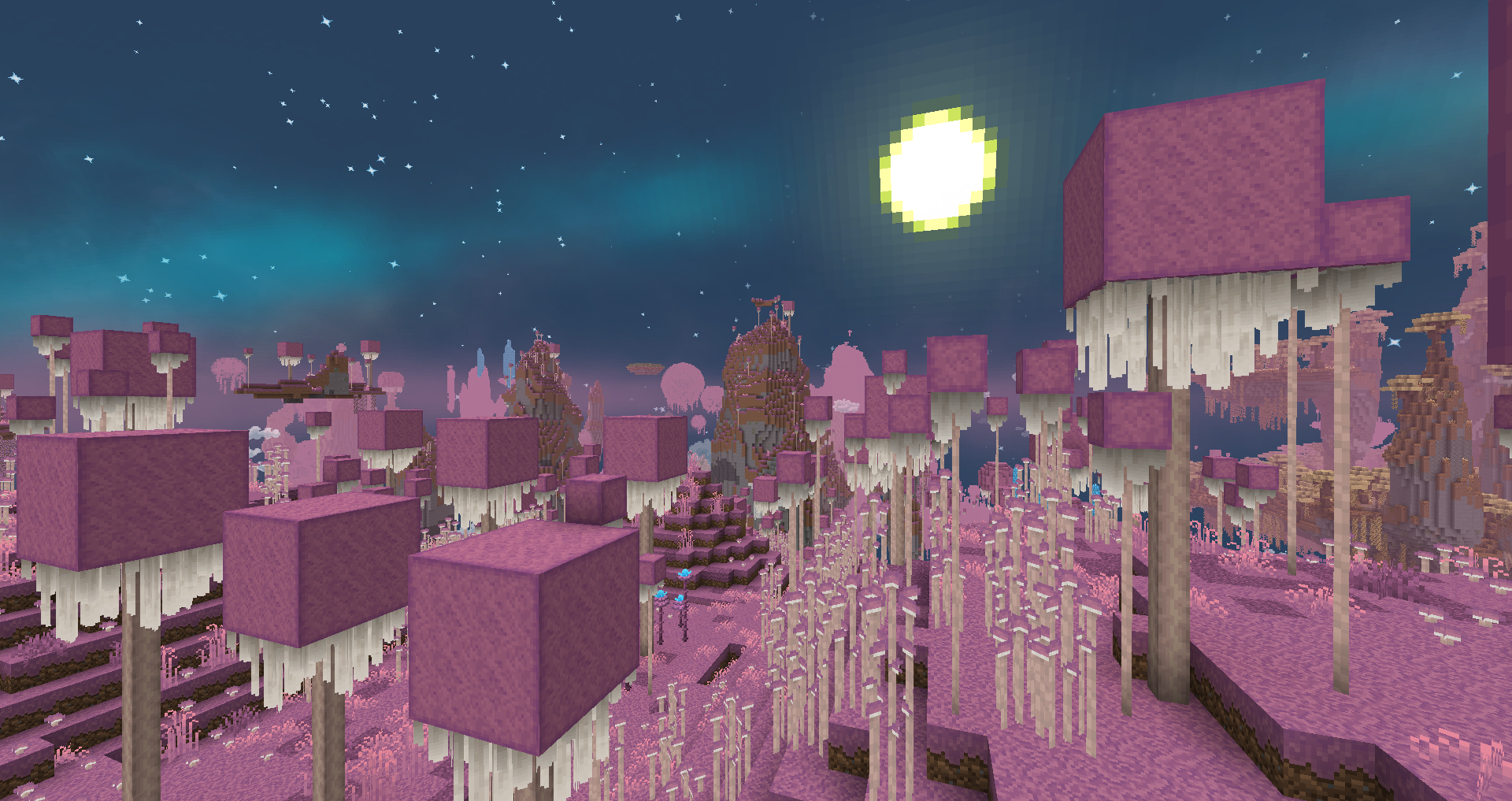
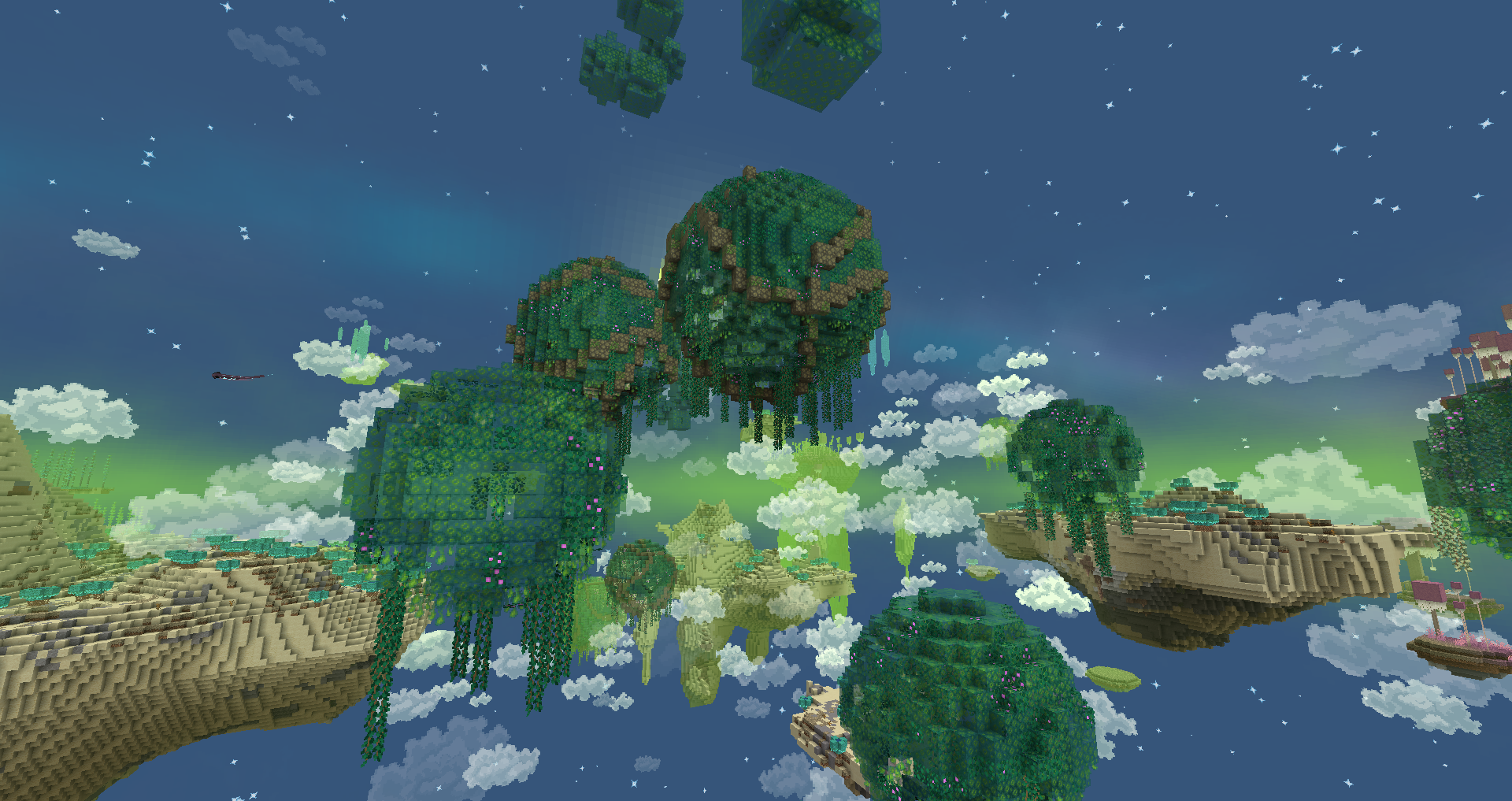
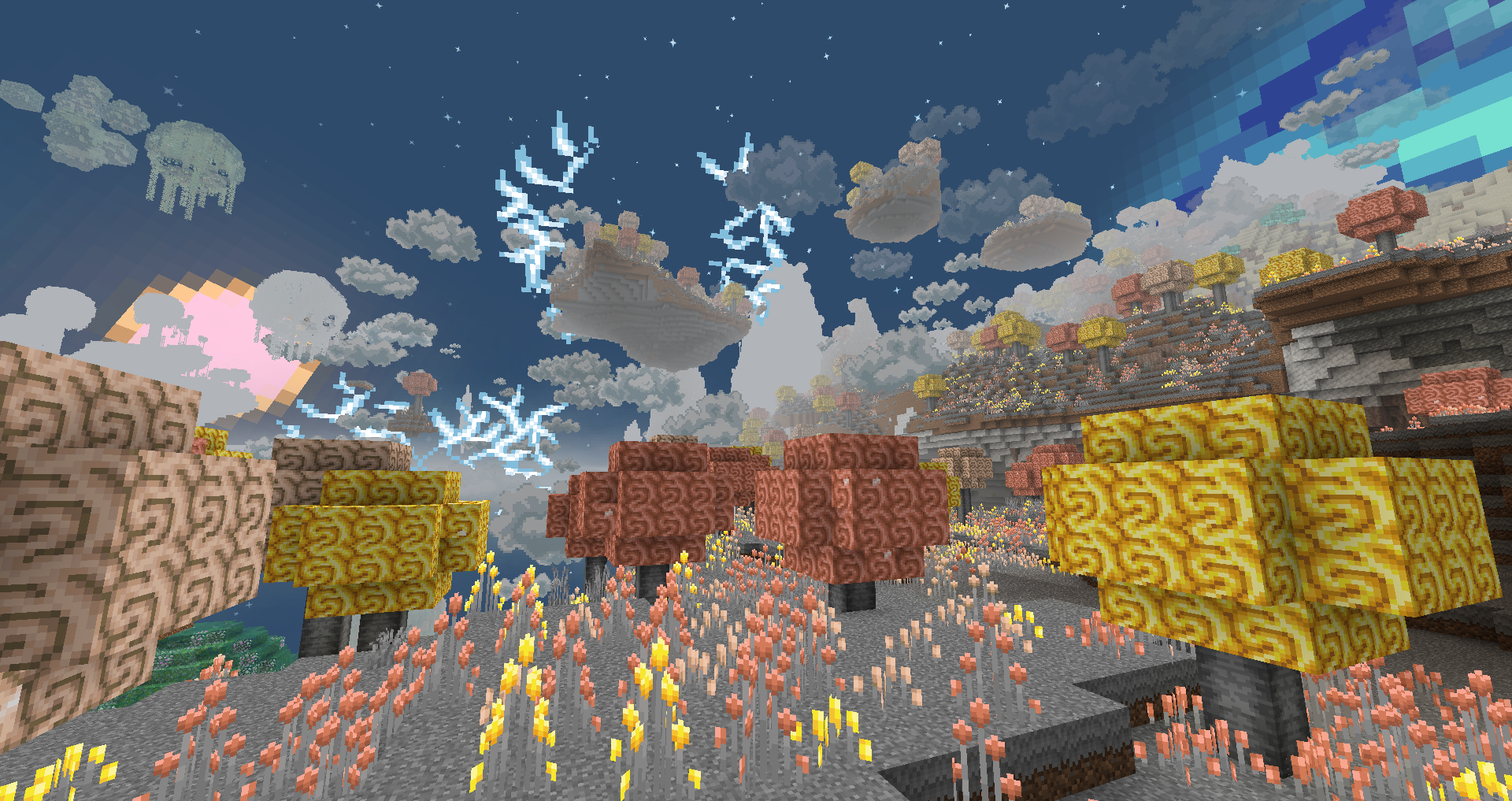
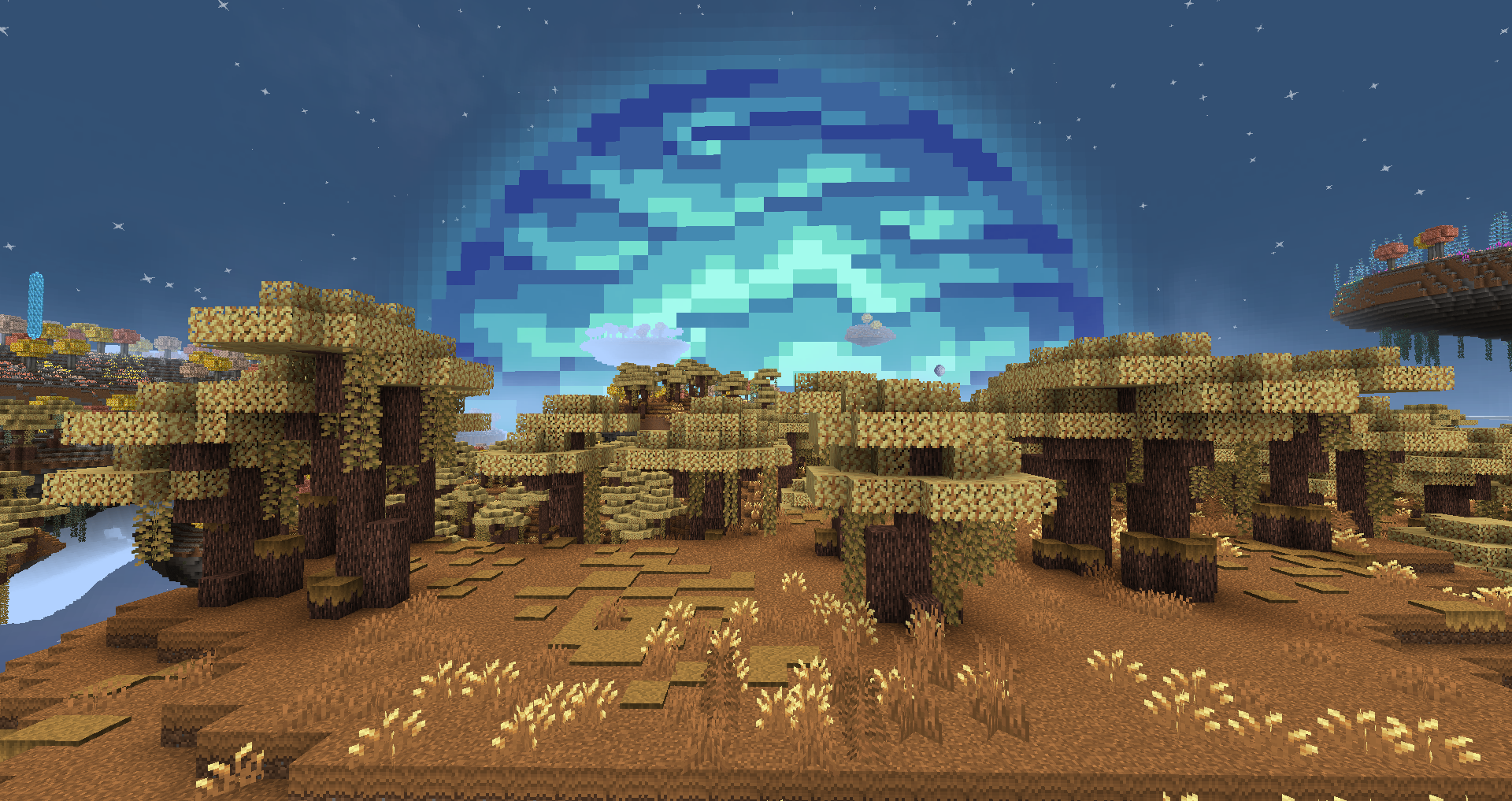
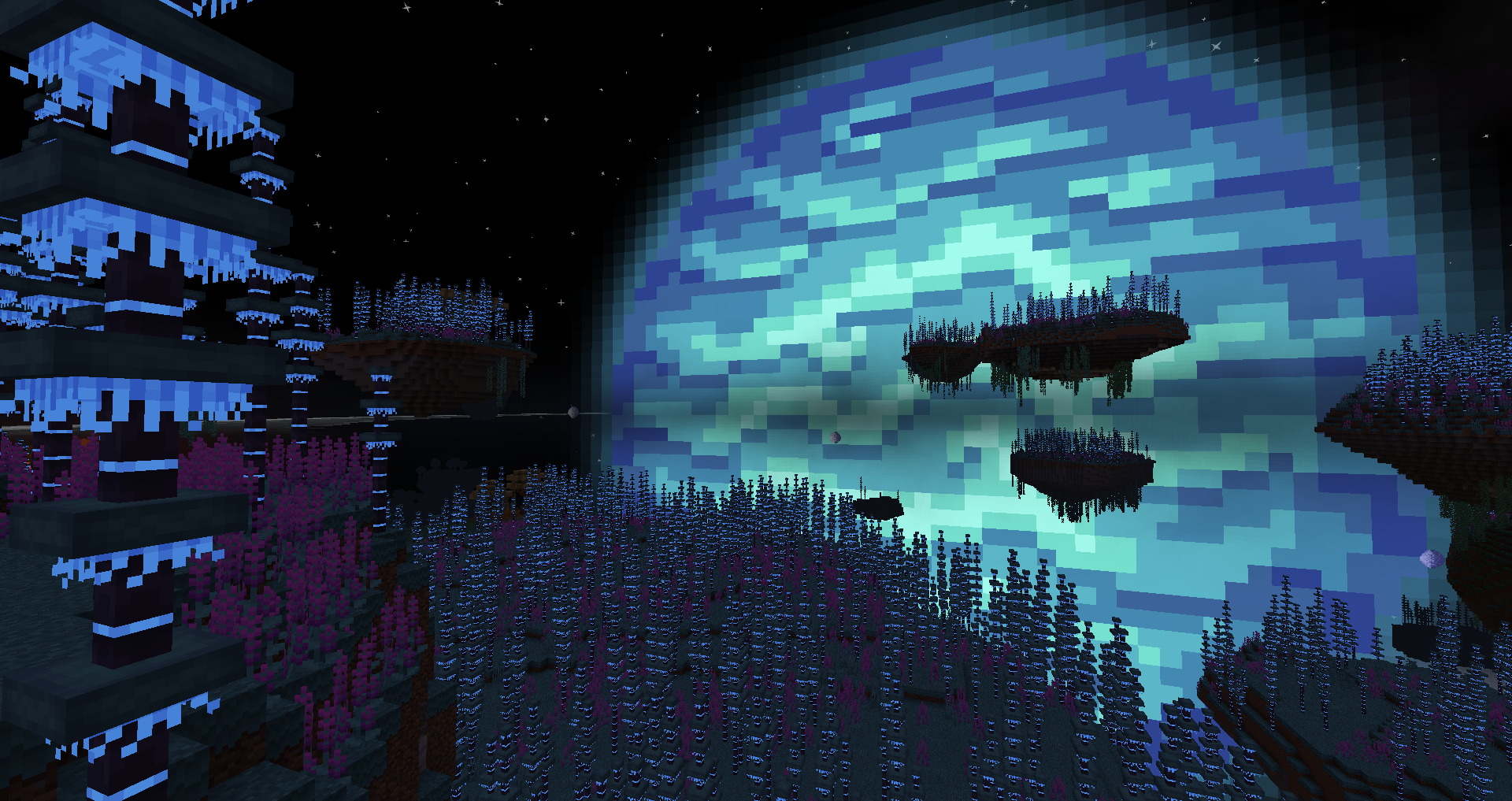
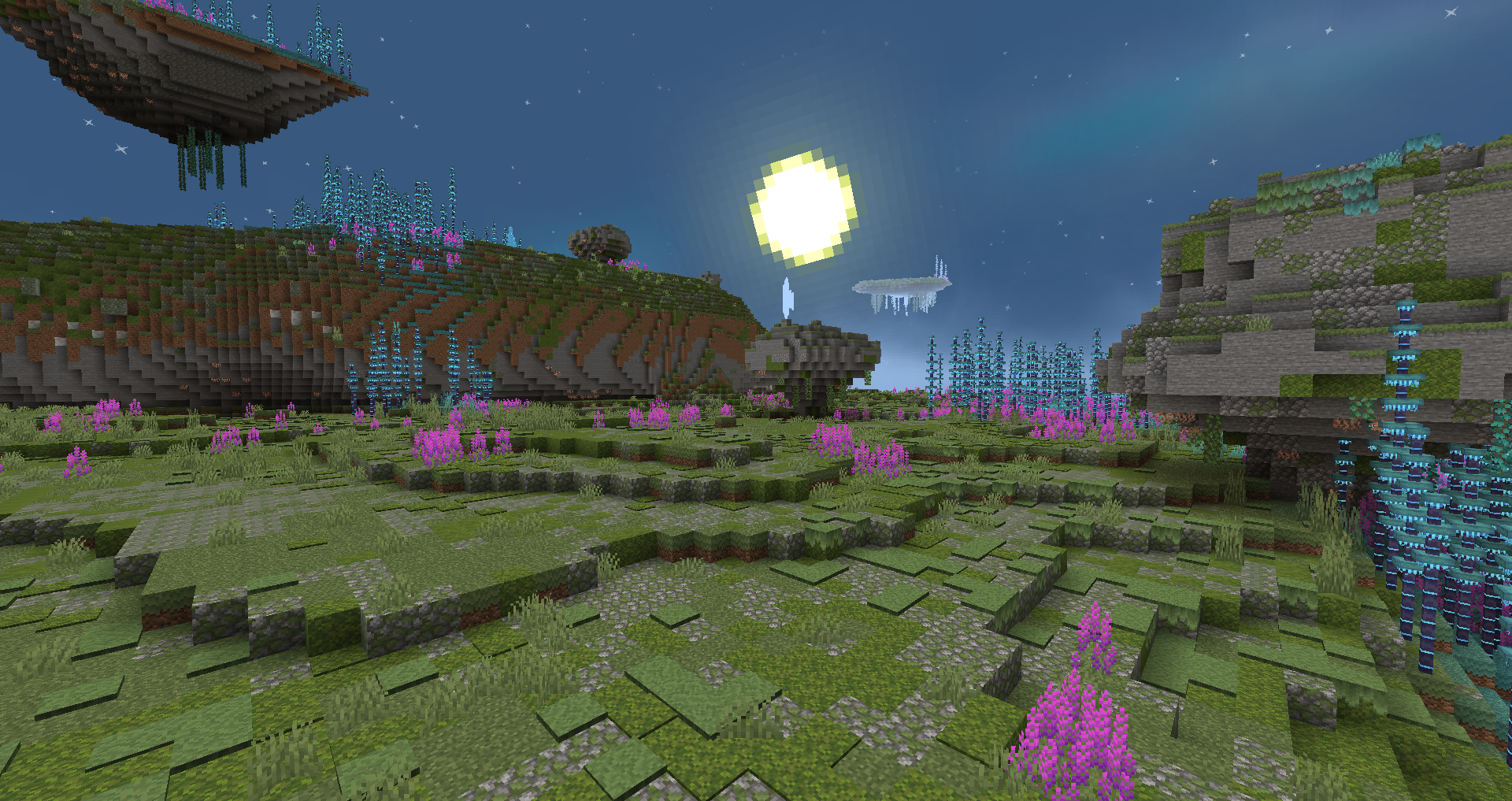
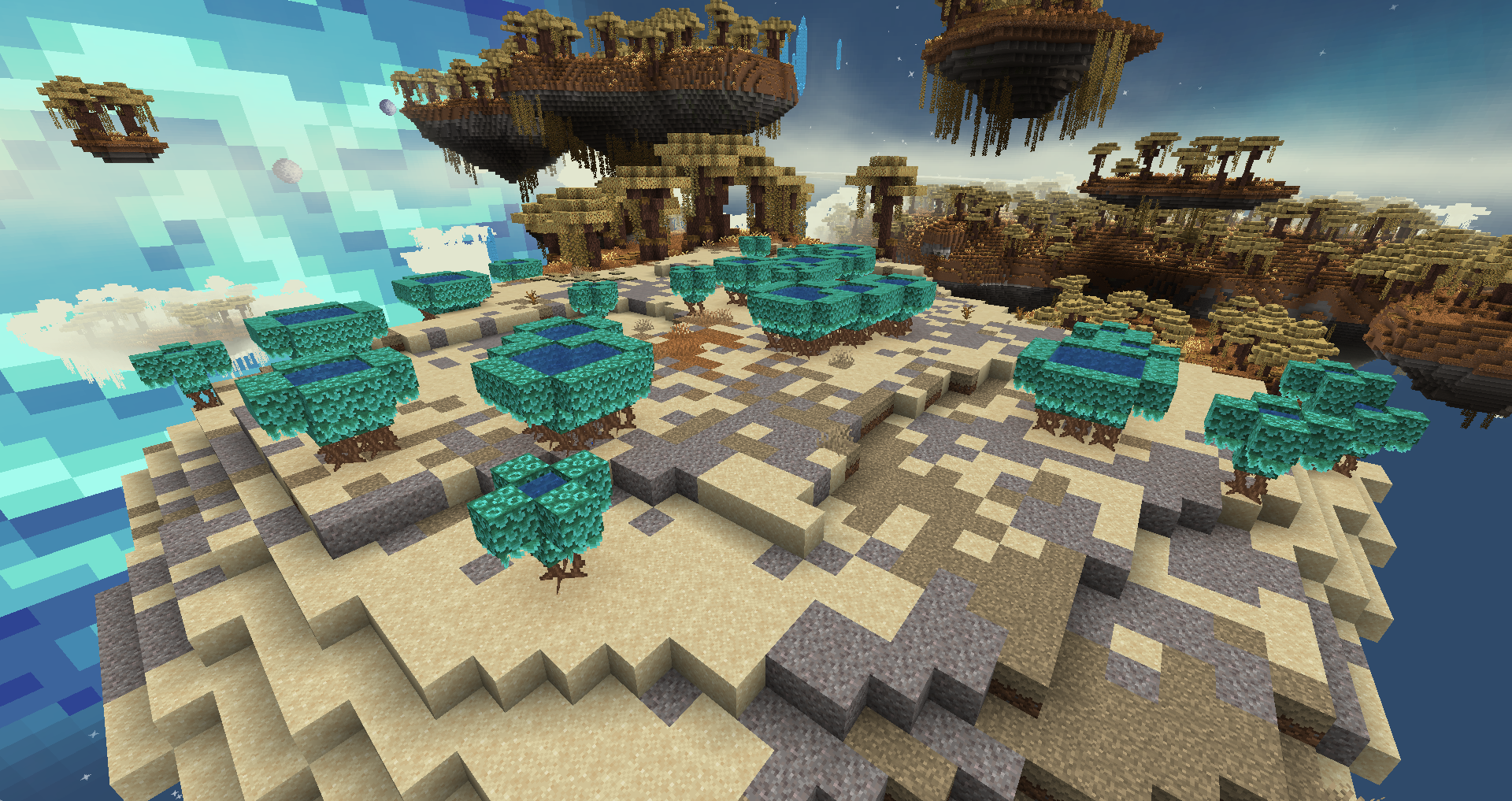
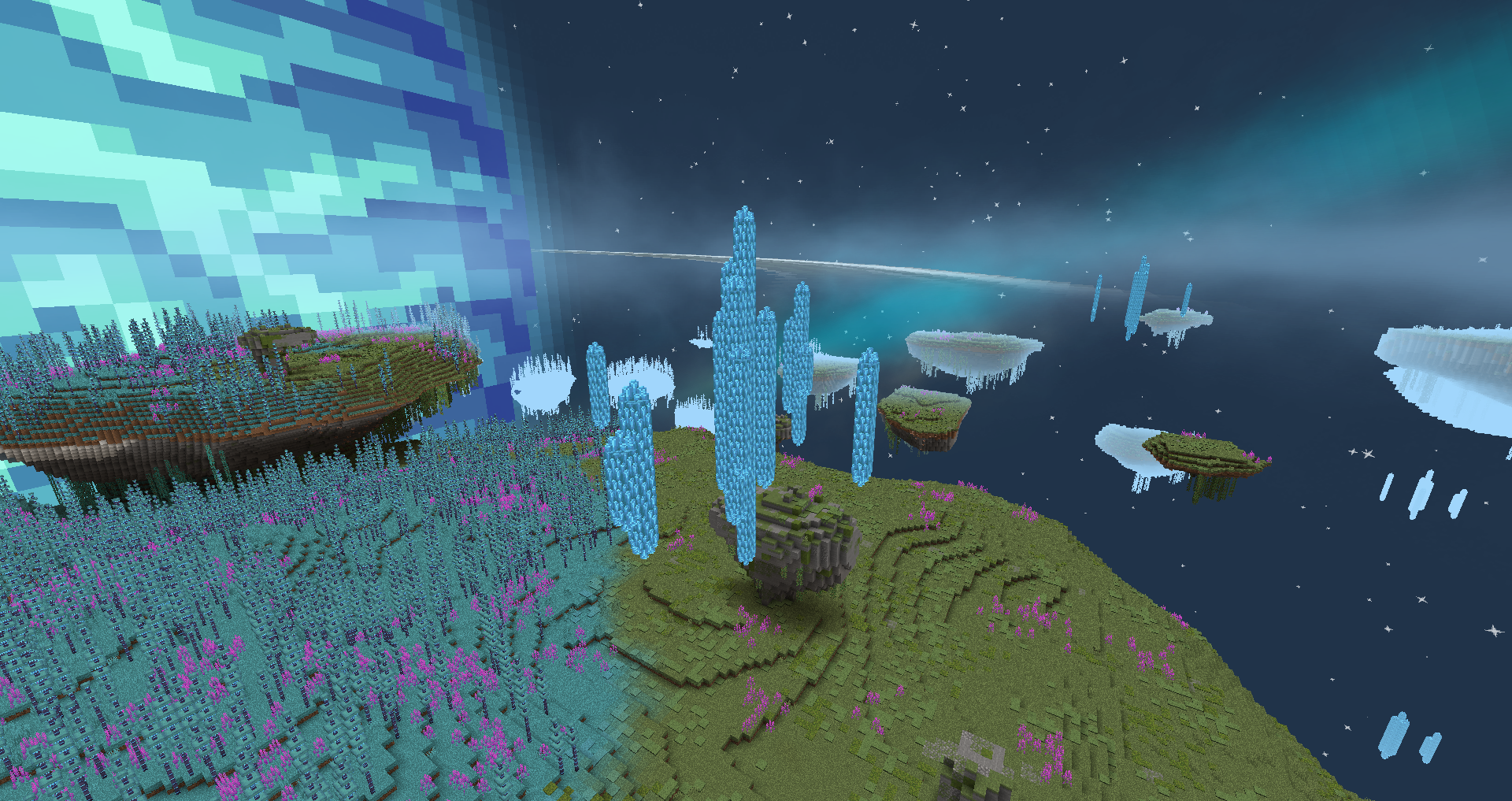
Ovo je mali mod o naučnofantastičnoj dimenziji zvanoj Eden Ring. To je gigantski prsten oko plavog gasnog giganta u nastanjivoj zoni njegove zvezde. Ovaj prsten ima sopstvenu atmosferu zbog nekih čudnih gravitacionih anomalija i izgleda da može da podrži neku vrstu života. Šta možete pronaći u ovom novom svetu?
Ako imate bilo kakva pitanja ili vam je potrebna pomoć - slobodno se pridružite našem Discord serveru
Karakteristike:
- Prilagođena dimenzija sa prilagođenim portalom;
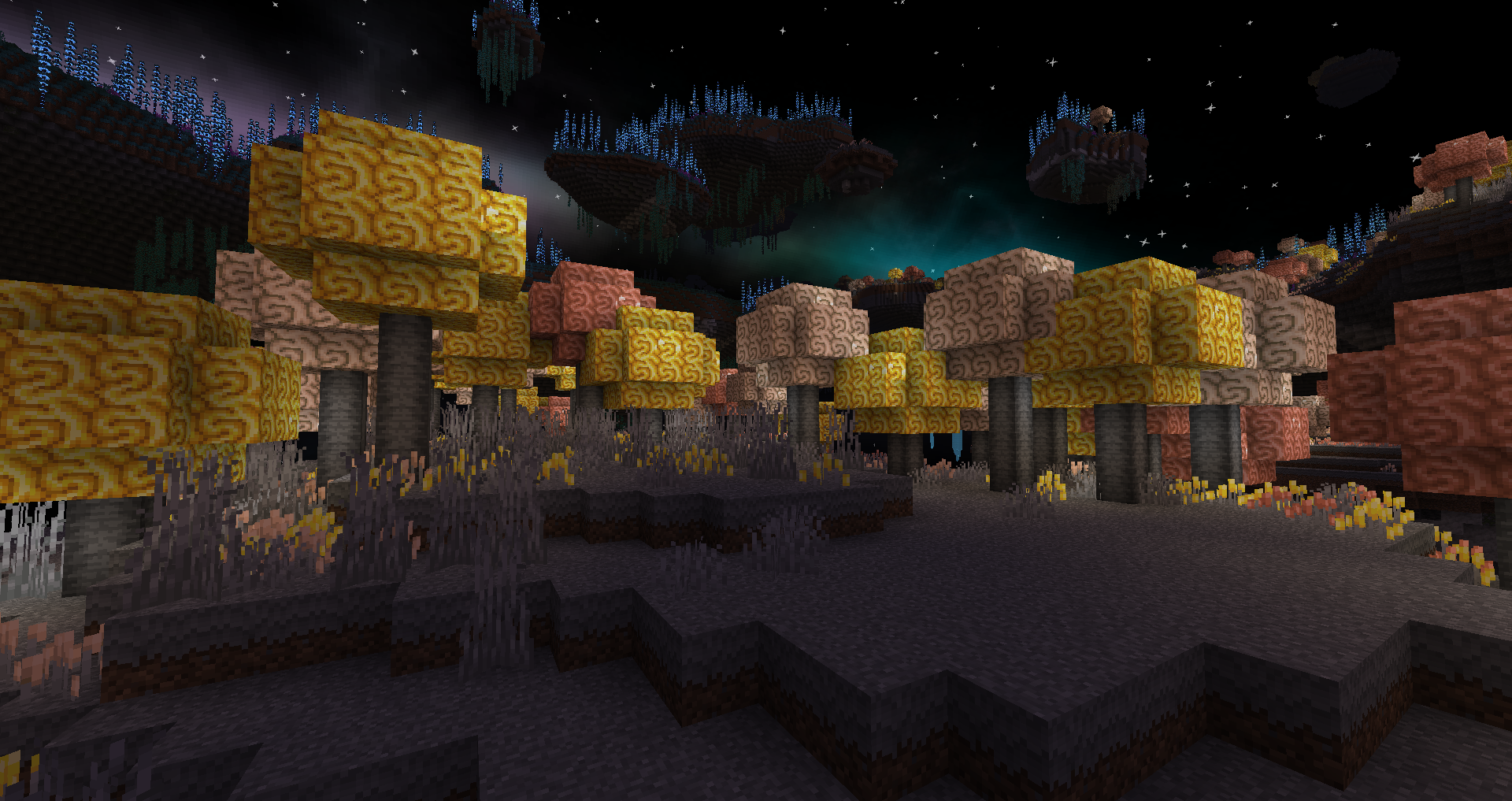
- 12 novih bioma;
- 4 nove vrste drveta;
- 1 novo biće (planirano je još);
- Mehanika kontrole gravitacije;
- Prilagođeno renderovanje neba i vremena.
Planirano:
- Životinje i bića;
- Sistemi pećina;
- Život ispod ostrva;
- Još jedinstvenih bioma i mehanika;
- Guild knjiga u igri.
Izgradnja portala:
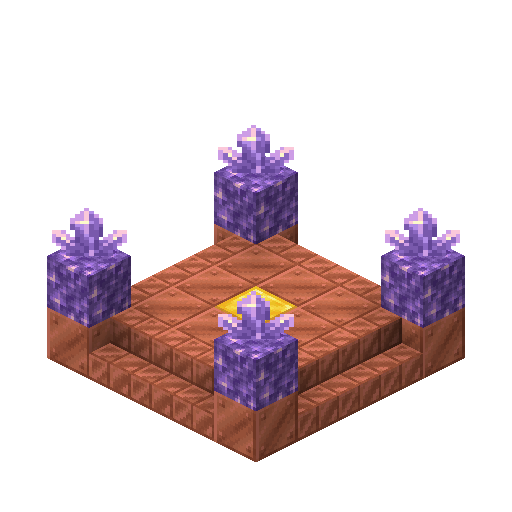
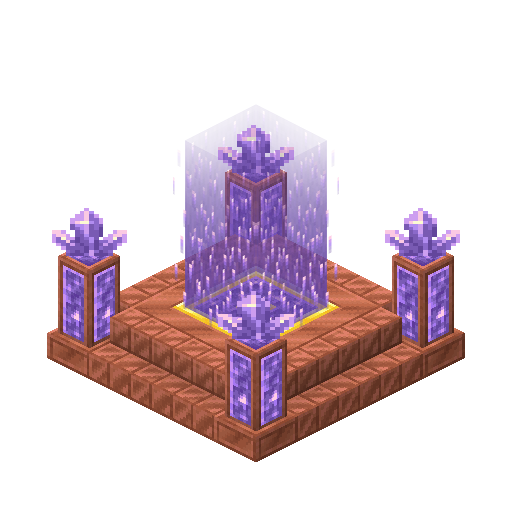
Da biste napravili portal potrebno vam je 12 voštanih bakarnih blokova, 12 voštanih stepenica od rezanog bakra, 4 bloka ametista, 4 grozda ametista, 1 zlatni blok i 1 kremen i čelik. Da biste napravili portal potrebno je da ponovo napravite strukturu sa slike ispod, a da biste ga aktivirali potrebno je da zapalite centralni zlatni blok pomoću kremena i čelika.
Snimci ekrana:
Naši drugi modovi:


Kako instalirati Eden Ring
With Millida Launcher
Install Millida Launcher
The launcher is free: download it at millida.net/launcher and sign in with any nickname.
Click “Install” on this page
The launcher opens and installs the mod for Minecraft 1.18.2–1.19.2 on Fabric automatically.
Launch the game
A profile with it appears in the launcher: click “Play”.
Manually
Install Fabric
The loader must match the game version of the mod file, for example Minecraft 1.19.2. After installing it, a separate profile appears in your launcher.
Download the file for your version
In the version list above, pick the file eden-ring-0.6.4.jar (19 MB) for your game version.
Put it in the mods folder
The folder is inside .minecraft (Windows: %appdata%\.minecraft\mods). If it does not exist, create it.
Launch the loader profile
Open “Mods” in the main menu: Eden Ring should be in the list.
Minecraft 1.19.2 runs on Java 17: with a different Java version the game may close right after launch.
Verzije
Sa zavisnostima
| Minecraft | Loader | Fajl | Datum | Akcije |
|---|---|---|---|---|
| 1.19.2 | Fabric | eden-ring-0.6.4-1.19.x19.4 MB | ||
| 1.18.2 | Fabric | eden-ring-0.4.0-1.18.217.8 MB |
Česta pitanja
Which Minecraft versions does Eden Ring work on?
There are files for 1.19.2, 1.19.1, 1.19, 1.18.2. The newest is 1.19.2.
Is Eden Ring for Forge or Fabric?
Only for Fabric: 1.18.2–1.19.2. There are no files for Forge or NeoForge: a mod for another loader will not start.
Does Eden Ring need other mods?
The author lists no required dependencies: the Fabric loader is enough.
Which Java does Eden Ring need?
Minecraft 1.19.2 runs on Java 17. If the game closes right after launch, the usual cause is the wrong Java version in the profile settings.
Where can I download Eden Ring safely?
On this page: the file eden-ring-0.6.4.jar (19 MB) is stored on Millida’s server, with no link shorteners. SHA-1 checksum: aeaf64c7357039b84911760d68fb56c81f488513.
Recenzije
Budi prvi koji će oceniti Eden Ring


