
DarkMining - RPG Block Drops Mod za Minecraft 26.2
RPG tema, dobijate još više predmeta pri kopanju blokova
 NeoForge
 Fabric
 Forge
ForgeDarkMining
DESCRIPTION
Vanilla Mining only gives 1 drop when you mine blocks. With DarkMining you now have a chance to receive even more items! Mine some ores to receive diamonds and emeralds or go treasure hunting in sand..
Server side is supported. You can install this on the server and not need to have it installed on the client.
Created by the same authors who made DarkRPG (for a full RPG experience, get the DarkRPG modpack and enjoy quests and rpg gameplay)
Features
(Your vanilla experience will be further enhanced thanks to these features)
- Standard Vanilla blocks only drop 1 specific item when mined or broken. You now have a chance to receive some rare items when mining.
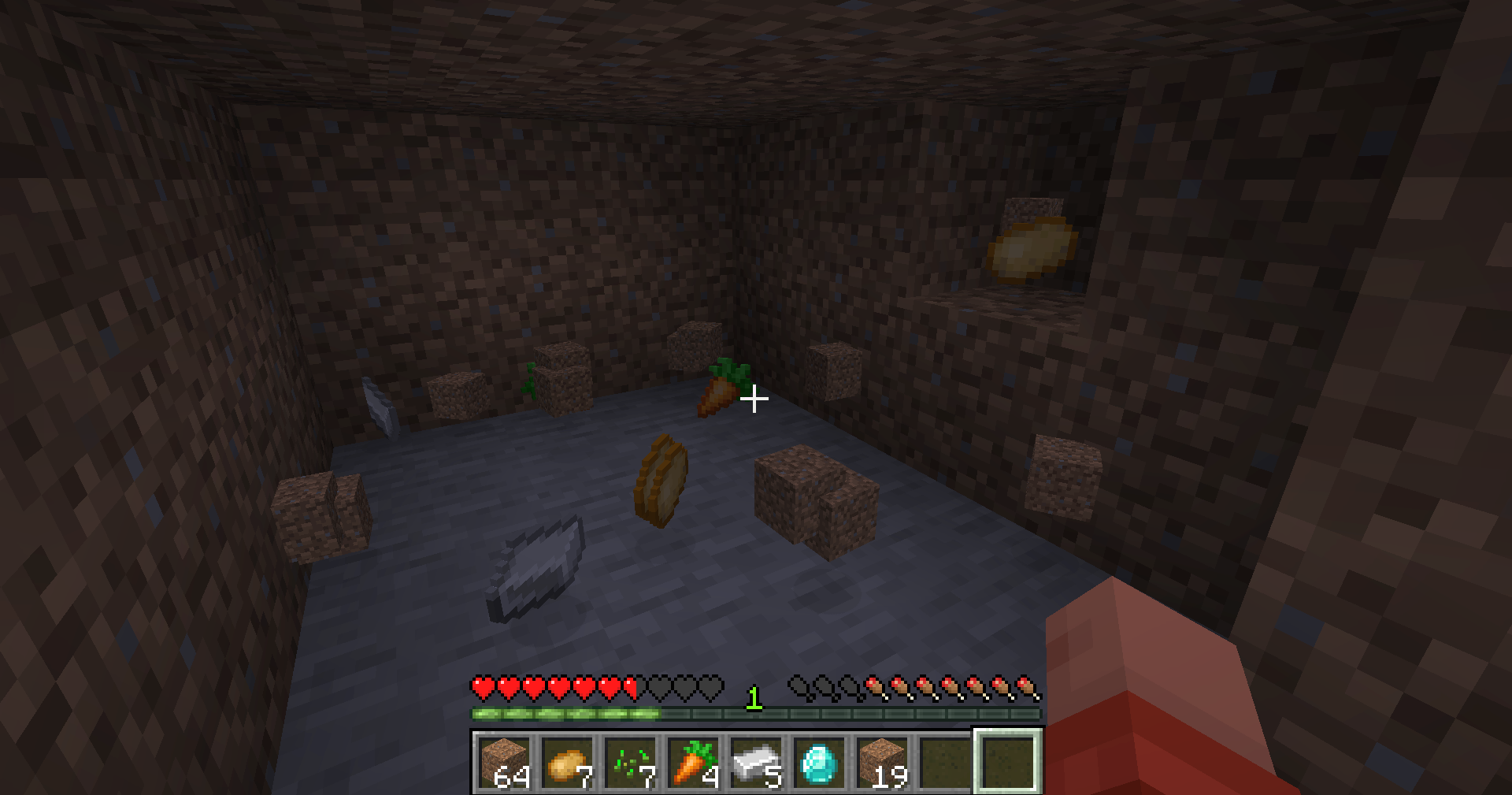
- Looking for some food? go searching in some dirt or netherrack
- Looking for Diamonds or Emeralds? go mine some ores and even get double your standard rewards!
- Looking for even more rare items? go mine some End Blocks
- Drops are based on weightage system. You are guaranteed the standard vanilla drops and have a chance to get the other items.
You can now change your mining drops using the DarkMining Datapack
Get a server today and play with your friends! Click HERE or below banner & Use Code GAMERPOTION to get 25 off!



Kako instalirati DarkMining - RPG Block Drops
With Millida Launcher
Install Millida Launcher
The launcher is free: download it at millida.net/launcher and sign in with any nickname.
Click “Install” on this page
The launcher opens and installs the mod for Minecraft 26.1–26.2 on Fabric, Forge or NeoForge automatically.
Launch the game
A profile with it appears in the launcher: click “Play”.
Manually
Install Fabric, Forge or NeoForge
The loader must match the game version of the mod file, for example Minecraft 26.2. After installing it, a separate profile appears in your launcher.
Download the file for your version
In the version list above, pick the file darkmining-neoforge-26.1-1.2.7.jar (18 KB) for your game version and loader.
Put it in the mods folder
The folder is inside .minecraft (Windows: %appdata%\.minecraft\mods). If it does not exist, create it.
Launch the loader profile
Open “Mods” in the main menu: DarkMining - RPG Block Drops should be in the list.
Verzije
Sa zavisnostima
| Minecraft | Loader | Fajl | Datum | Akcije |
|---|---|---|---|---|
| 26.1 | NeoForge | darkmining-neoforge-26.1-1.2.7.jar18.5 KB | ||
| 26.1 | Fabric | darkmining-fabric-26.1-1.2.7.jar21.9 KB 1 | ||
| 26.1 | Forge | darkmining-forge-26.1-1.2.7.jar17.1 KB |
Recenzije
Budi prvi koji će oceniti DarkMining - RPG Block Drops


