
Create: Radars Mod za Minecraft 1.20.1, 1.21.1
Dodaje napredne tehnologije nadzora u Create!
 NeoForge
 Forge
ForgeO Create: Radars modu
Zahteva Create
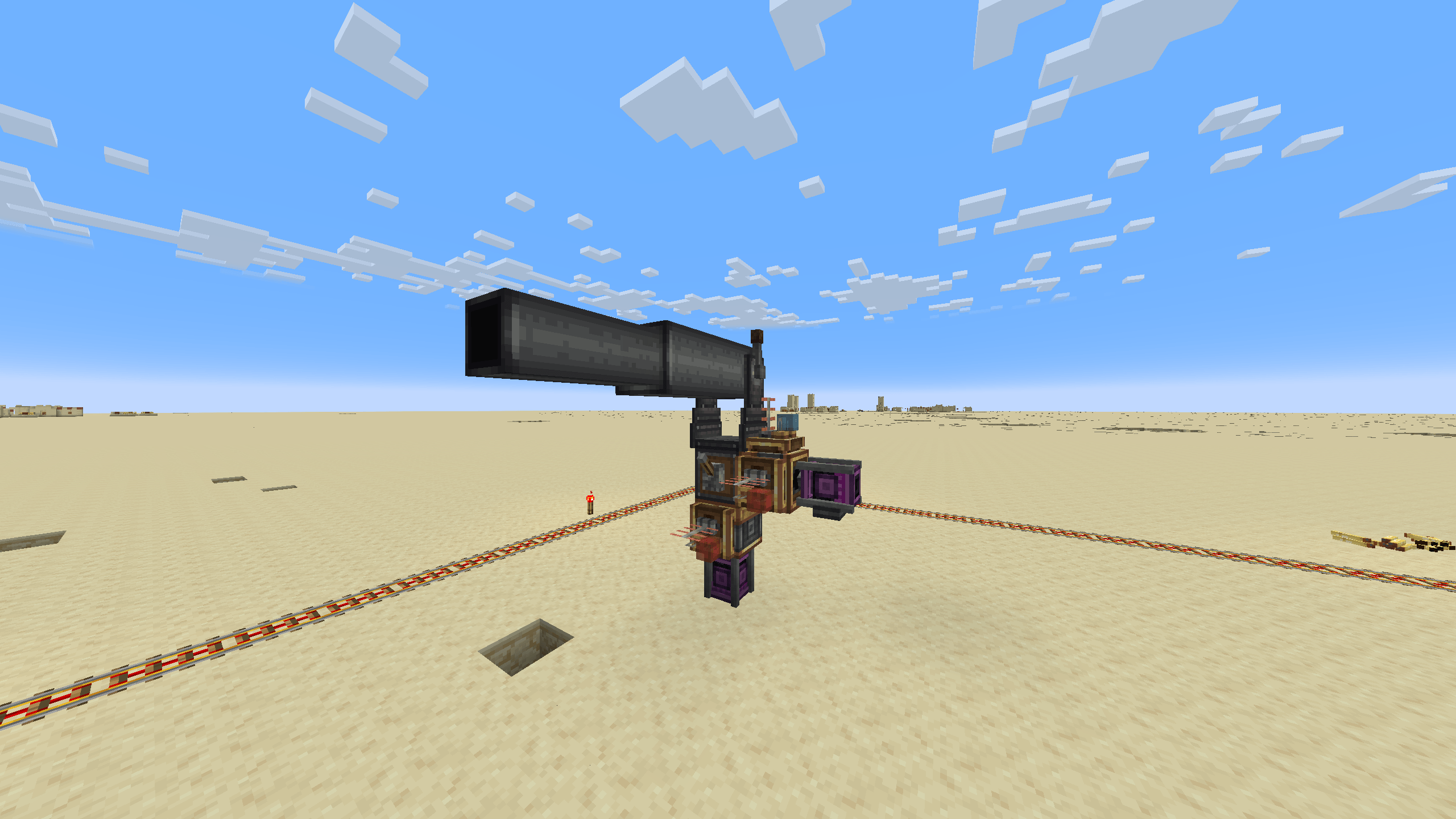
NEOFORGE JE IZAŠAO
Mnoge funkcije će doći. Radimo na tome!
Pridružite se zajednici za ekskluzivne vesti i podršku:
https://discord.gg/create-arsenal-1044367456417882202
https://ko-fi.com/arsenalistsofcreate
O modu
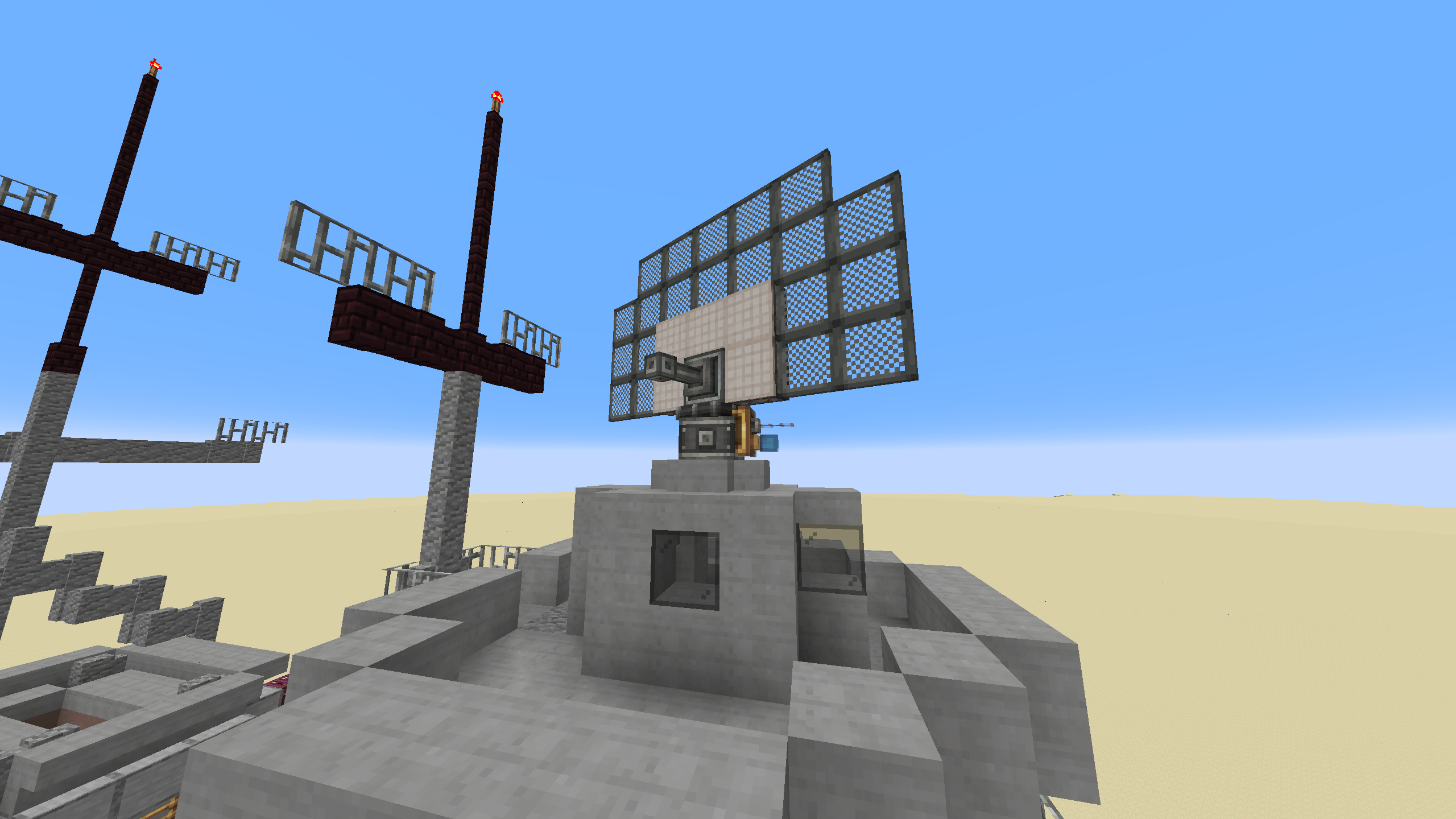
Dobrodošli u Create Radars, mod koji nudi razne alate i blokove za nadzor, detekciju i kontrolu oružja.
Dodati tehnološki elementi osmišljeni su tako da igraču ostave što više izbora u dizajnu. Sa Create Radars, igra se ne igra unutar gomile interfejsa, već vas izaziva da postavite naprave od animiranih komponenti koje rade zajedno u mnogim mogućim rasporedima, uz širok spektar tehnika i funkcija koje obezbeđuju stratešku dubinu i uronjenost.
Mehanike su inspirisane stvarnom tehnologijom detekcije, ali pojednostavljene do mere da ih svaki igrač može koristiti... i da razvoj ide brže.
Trenutne funkcije:
- Radarski ležaj multiblok: Oblikujte svoj radar kako god želite, pri čemu svaka karakteristika utiče na njegove mogućnosti.
- Skalabilni monitor multiblok: Vizualizujte svoj radar da biste imali pregled bojnog polja i bez napora uočili svakog uljeza.
- Kontroler topa: Usmerite svoje autotopove na uljeze uz pomoć svojih radara.
Kako instalirati Create: Radars
With Millida Launcher
Install Millida Launcher
The launcher is free: download it at millida.net/launcher and sign in with any nickname.
Click “Install” on this page
The launcher opens and installs the mod for Minecraft 1.20.1–1.21.1 on Forge or NeoForge automatically.
Launch the game
A profile with it appears in the launcher: click “Play”.
Manually
Install Forge or NeoForge
The loader must match the game version of the mod file, for example Minecraft 1.21.1. After installing it, a separate profile appears in your launcher.
Download the file for your version
In the version list above, pick the file create_radar-0.4.9.4-1.21.1.jar (2.9 MB) for your game version and loader.
Put it in the mods folder
The folder is inside .minecraft (Windows: %appdata%\.minecraft\mods). If it does not exist, create it.
Launch the loader profile
Open “Mods” in the main menu: Create: Radars should be in the list.
Minecraft 1.21.1 runs on Java 21: with a different Java version the game may close right after launch.
Verzije
Sa zavisnostima
| Minecraft | Loader | Fajl | Datum | Akcije |
|---|---|---|---|---|
| 1.21.1 | NeoForge | create_radar-0.4.9.4-1.21.1.jar2.9 MB 371 | ||
| 1.20.1 | Forge | create_radar-0.4.6+mc1.20.1.jar2.8 MB 59 | ||
| 1.21.1 | NeoForge | create_radar-0.4.6-1.21.1.jar15.7 MB | ||
| 1.20.1 | Forge | create_radar-0.4.3+Create-5+mc1.20.1.jar2.8 MB | ||
| 1.20.1 | Forge | Radars 3.5.2-Create 6.0.8.jar2.5 MB 2 |
Česta pitanja
Which Minecraft versions does Create: Radars work on?
There are files for 1.21.1, 1.20.1. The newest is 1.21.1.
Is Create: Radars for Forge or Fabric?
There are files for Forge: 1.20.1 and for NeoForge: 1.21.1. There are no files for Fabric: a mod for another loader will not start.
Does Create: Radars need other mods?
The author lists no required dependencies: the Forge or NeoForge loader is enough.
Which Java does Create: Radars need?
Minecraft 1.21.1 runs on Java 21. If the game closes right after launch, the usual cause is the wrong Java version in the profile settings.
Where can I download Create: Radars safely?
On this page: the file create_radar-0.4.9.4-1.21.1.jar (2.9 MB) is stored on Millida’s server, with no link shorteners. SHA-1 checksum: 9726fced4bf86c9e2c0ea09b35bc39ed3ac007b6.
Recenzije
Budi prvi koji će oceniti Create: Radars


