

Create: Dynamic Village Mod za Minecraft 1.20.1, 1.21.1
Proširenje koje dodaje potpuno opremljenu grupu Create-mod seoskih profesija.
 NeoForge
 Forge
 Fabric
O Create: Dynamic Village modu
Mod kreirao Aes Efficio
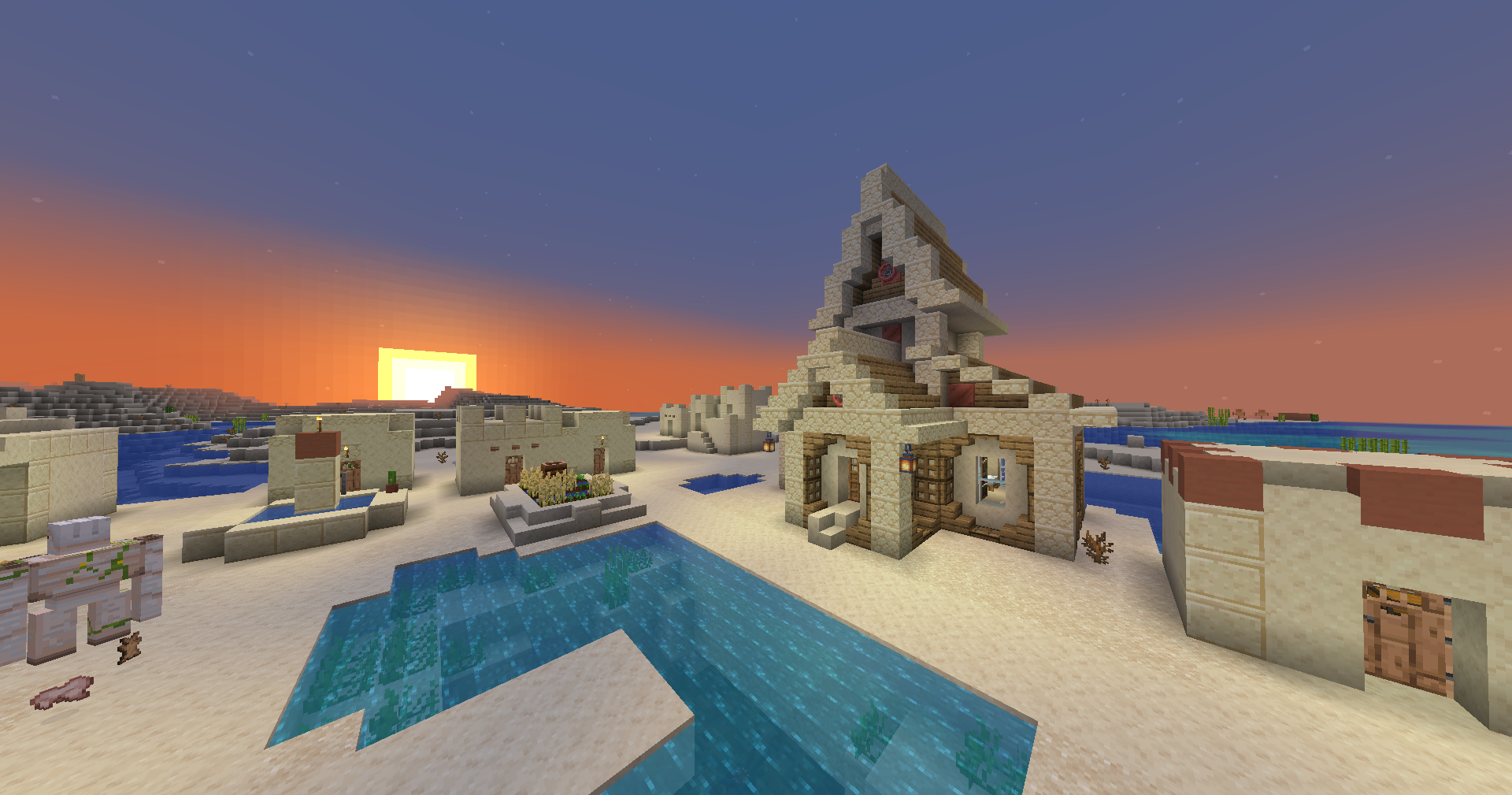
Dynamic Village dodaje mnoštvo Create-mod seoskih profesija i struktura.
Lista funkcija
Mechanical Engineer
- Kupuje i prodaje Create delove za kontrapcije
- Ključni blok: Schematic Table
Hydraulic Engineer
- Kupuje i prodaje Create delove za upravljanje tečnostima -- cevi, pumpe, ronilačku opremu itd.
- Ključni blok: Item Drain
Train Mechanic
- Kupuje i prodaje Create delove za železnički sistem
- Ključni blok: Train Station
Miner
- Kupuje i prodaje Create rudarsku opremu, kao i minerale/metale
- Ključni blok: Mechanical Drill
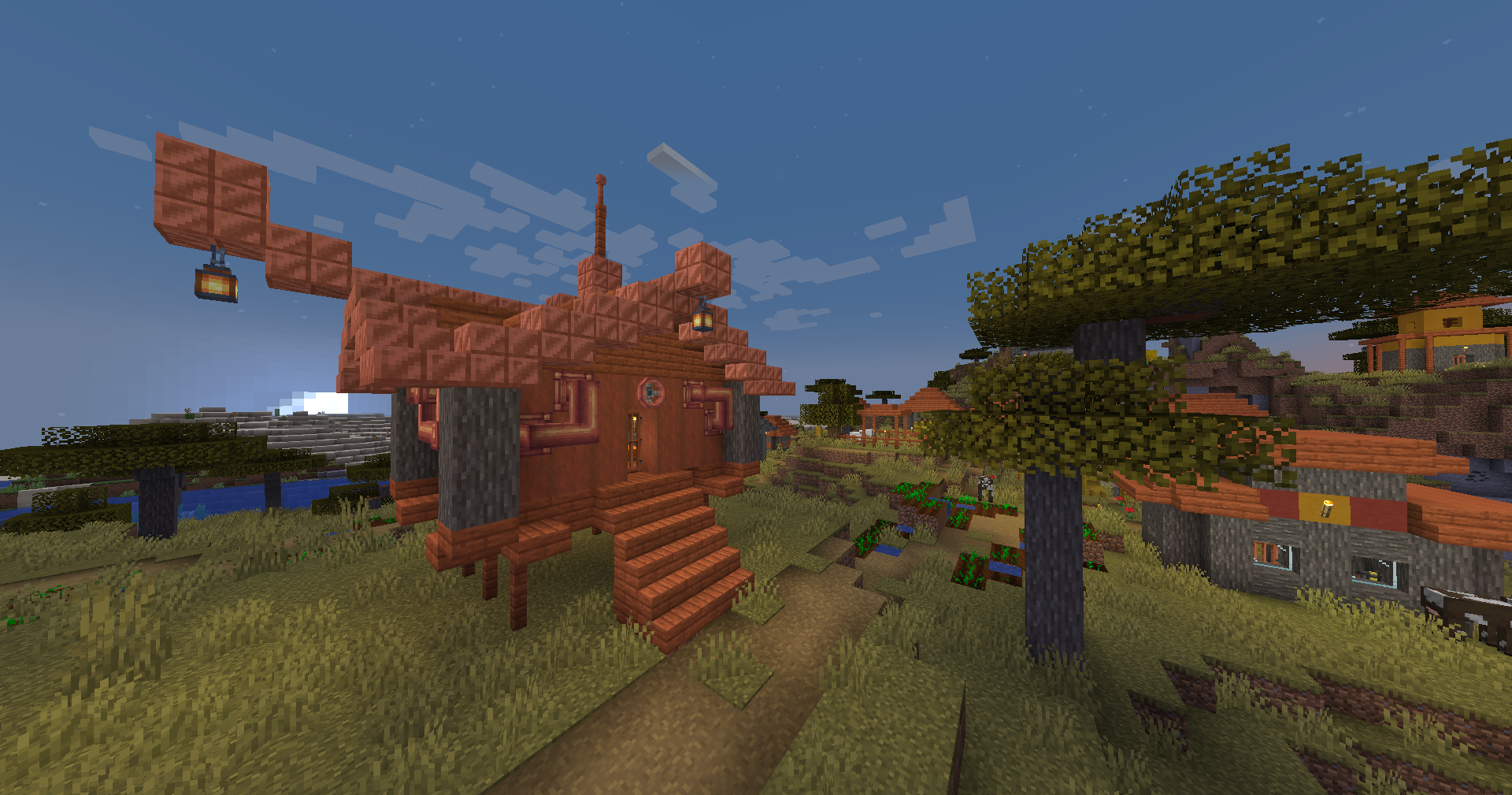
Ukupno 20 zgrada u ravničarskim, savanskim, pustinjskim, tajga i snežnim selima
Doprinošenje
Zahvaljujemo @Ben001109 za prenos Dynamic Village na 1.20.1! 🎉
Prijave grešaka, predlozi i ideje
Prijave grešaka, predlozi i ideje su izuzetno korisni i veoma cenjeni. GitHub issue je dobar način da stupite u kontakt.
Prevođenje
Pomoć oko prevođenja je zaista cenjena. Najbolji način za to je da napravite GitHub issue ili pull request.
Zahvaljujemo @EDGW za prevođenje Dynamic Village na kineski (pojednostavljeni). 🎉
Zahvaljujemo Khao za prevođenje Dynamic Village na tajlandski. 🎉
Zahvaljujemo @RemVan za prevođenje Dynamic Village na ruski. 🎉
Pronađite Dynamic Village na GitHub-u ili Modrinth-u
Prijavite probleme ovde
Mod kreirao Alexander Weimer - Website · GitHub · LinkedIn · Google Scholar · ResearchGate · ORCiD · Article
Kako instalirati Create: Dynamic Village
With Millida Launcher
Install Millida Launcher
The launcher is free: download it at millida.net/launcher and sign in with any nickname.
Click “Install” on this page
The launcher opens and installs the mod for Minecraft 1.19.2–1.21.1 on Fabric, Forge or NeoForge automatically.
Launch the game
A profile with it appears in the launcher: click “Play”.
Manually
Install Fabric, Forge or NeoForge
The loader must match the game version of the mod file, for example Minecraft 1.21.1. After installing it, a separate profile appears in your launcher.
Download the file for your version
In the version list above, pick the file dynamicvillage-0.9-1.21.1.jar (272 KB) for your game version and loader.
Put it in the mods folder
The folder is inside .minecraft (Windows: %appdata%\.minecraft\mods). If it does not exist, create it.
Launch the loader profile
Open “Mods” in the main menu: Create: Dynamic Village should be in the list.
Minecraft 1.21.1 runs on Java 21: with a different Java version the game may close right after launch.
Verzije
Sa zavisnostima
| Minecraft | Loader | Fajl | Datum | Akcije |
|---|---|---|---|---|
| 1.20.1 | Forge | Dynamic Village v0.9-1.20.1274 KB 38 | ||
| 1.21.1 | NeoForge | Dynamic Village v0.9-1.21.1272 KB 126 | ||
| 1.20.1 | Fabric | Dynamic Village v0.5-1.20.1-fabric194 KB 12 | ||
| 1.19.2 | Forge | Dynamic Village v0.3-1.19.2199 KB 3 |
Česta pitanja
Which Minecraft versions does Create: Dynamic Village work on?
There are files for 1.21.1, 1.20.1, 1.19.2. The newest is 1.21.1.
Does Create: Dynamic Village need other mods?
The author lists no required dependencies: the Fabric, Forge or NeoForge loader is enough.
Which Java does Create: Dynamic Village need?
Minecraft 1.21.1 runs on Java 21. If the game closes right after launch, the usual cause is the wrong Java version in the profile settings.
Where can I download Create: Dynamic Village safely?
On this page: the file dynamicvillage-0.9-1.21.1.jar (272 KB) is stored on Millida’s server, with no link shorteners. SHA-1 checksum: 334ceffc91199d2755d81acd57d42dd94412c4bf.
Recenzije
Budi prvi koji će oceniti Create: Dynamic Village


