
Create Confectionery Mod za Minecraft 1.20.1, 1.21.1
🍫 Napravite svoju fabriku čokolade!
 NeoForge
 Forge
ForgeO Create Confectionery modu
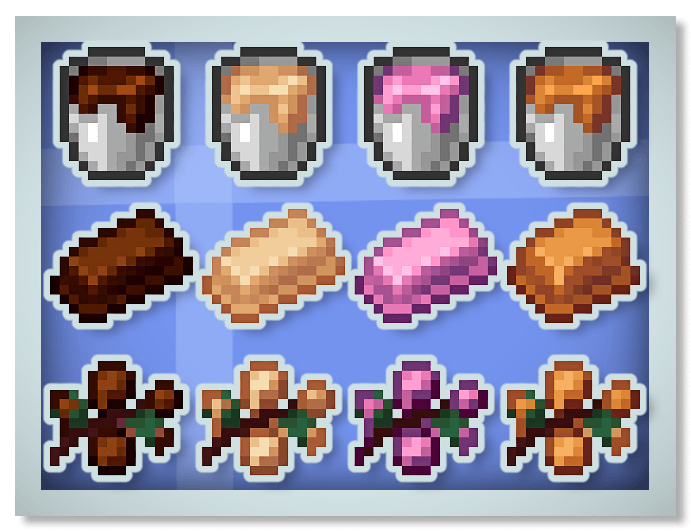
Ovaj mod je dodatak za Create i dodaje hranu napravljenu od različitih materijala. Dodaje zdrobljeni kakao, kakao puter, kakao prah, belu čokoladu, crnu čokoladu, karamelu, čokoladne bombone, marshmallow...
Ja sam Francuz i ovaj mod je napravljen uz pomoć Mcreator-a
Opis moda :
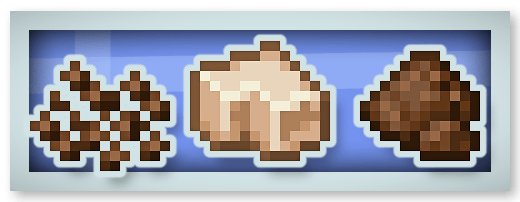
Zdrobljeni kakao, kakao puter i kakao prah :
Nova čokolada (crna, bela i ruby čokolada) i karamela :
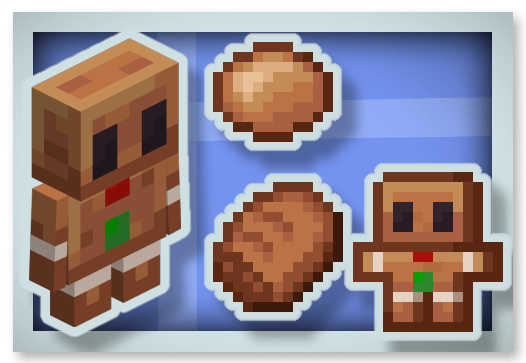
Medenjaci :
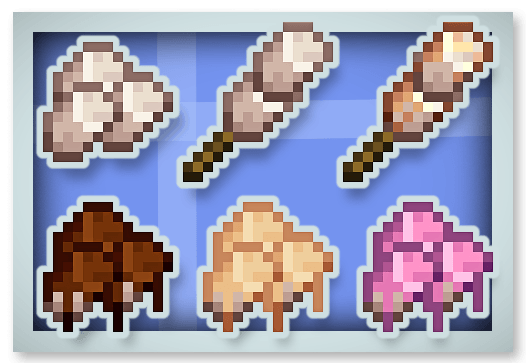
Marshmallow bombone :
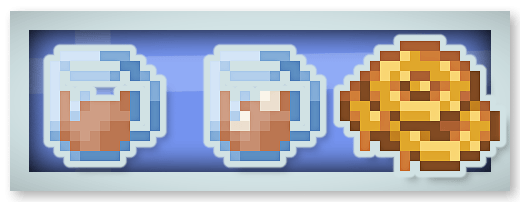
Topla čokolada (daje efekat Regeneration) i medeni bombon :
Cela čokoladna pločica (može se jesti 16 puta i daje Chocolated efekat) :
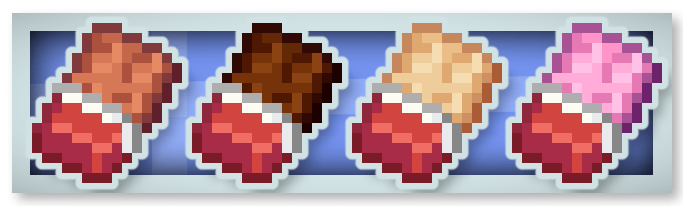
Čokoladni bomboni :
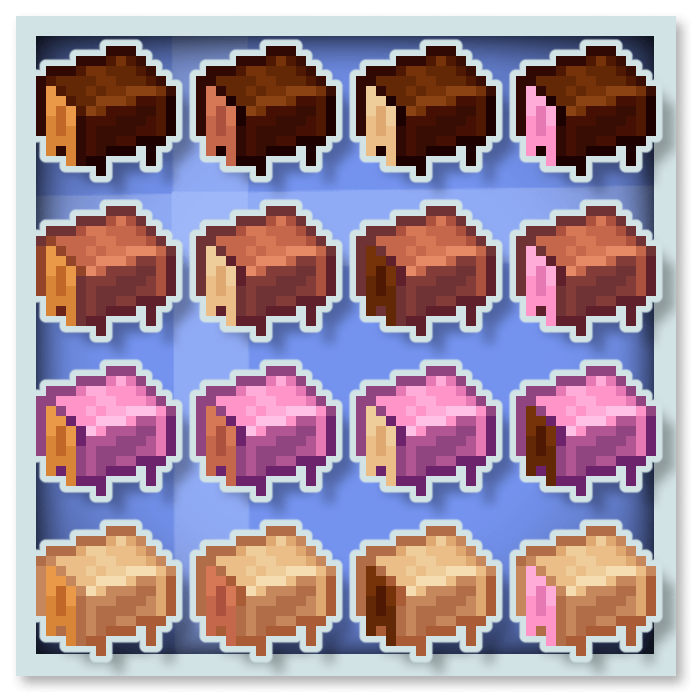
Čokolada daje posebne efekte kao što su Stimulation (uklanja efekte mining fatigue i slowness), Rest (uklanja Phantom-e u okolini), Saturation i Speed.
Možeš staviti ovaj mod u svoj modpack.
Možeš takođe pogledati moje druge modove :








Kako instalirati Create Confectionery
With Millida Launcher
Install Millida Launcher
The launcher is free: download it at millida.net/launcher and sign in with any nickname.
Click “Install” on this page
The launcher opens and installs the mod for Minecraft 1.20.1–1.21.1 on Forge or NeoForge automatically.
Launch the game
A profile with it appears in the launcher: click “Play”.
Manually
Install Forge or NeoForge
The loader must match the game version of the mod file, for example Minecraft 1.21.1. After installing it, a separate profile appears in your launcher.
Download the file for your version
In the version list above, pick the file create-confectionery1.21.1_v1.1.3b.jar (2.0 MB) for your game version and loader.
Put it in the mods folder
The folder is inside .minecraft (Windows: %appdata%\.minecraft\mods). If it does not exist, create it.
Launch the loader profile
Open “Mods” in the main menu: Create Confectionery should be in the list.
Minecraft 1.21.1 runs on Java 21: with a different Java version the game may close right after launch.
Verzije
Sa zavisnostima
| Minecraft | Loader | Fajl | Datum | Akcije |
|---|---|---|---|---|
| 1.21.1 | NeoForge | create-confectionery1.21.1_v1.1.3b.jar2 MB 137 | ||
| 1.20.1 | Forge | create-confectionery1.20.1_v1.1.3.jar2 MB 55 |
Česta pitanja
Which Minecraft versions does Create Confectionery work on?
There are files for 1.21.1, 1.20.1. The newest is 1.21.1.
Is Create Confectionery for Forge or Fabric?
There are files for Forge: 1.20.1 and for NeoForge: 1.21.1. There are no files for Fabric: a mod for another loader will not start.
Does Create Confectionery need other mods?
The author lists no required dependencies: the Forge or NeoForge loader is enough.
Which Java does Create Confectionery need?
Minecraft 1.21.1 runs on Java 21. If the game closes right after launch, the usual cause is the wrong Java version in the profile settings.
Where can I download Create Confectionery safely?
On this page: the file create-confectionery1.21.1_v1.1.3b.jar (2.0 MB) is stored on Millida’s server, with no link shorteners. SHA-1 checksum: 47e235efa862c5cbea53fdf8346d4c499674defa.
Recenzije
Budi prvi koji će oceniti Create Confectionery


