
Configuration Mod za Minecraft 26.3
Biblioteka za konfiguraciju za lako upravljanje podešavanjima
 NeoForge
 Fabric
 Forge
Konfiguracija
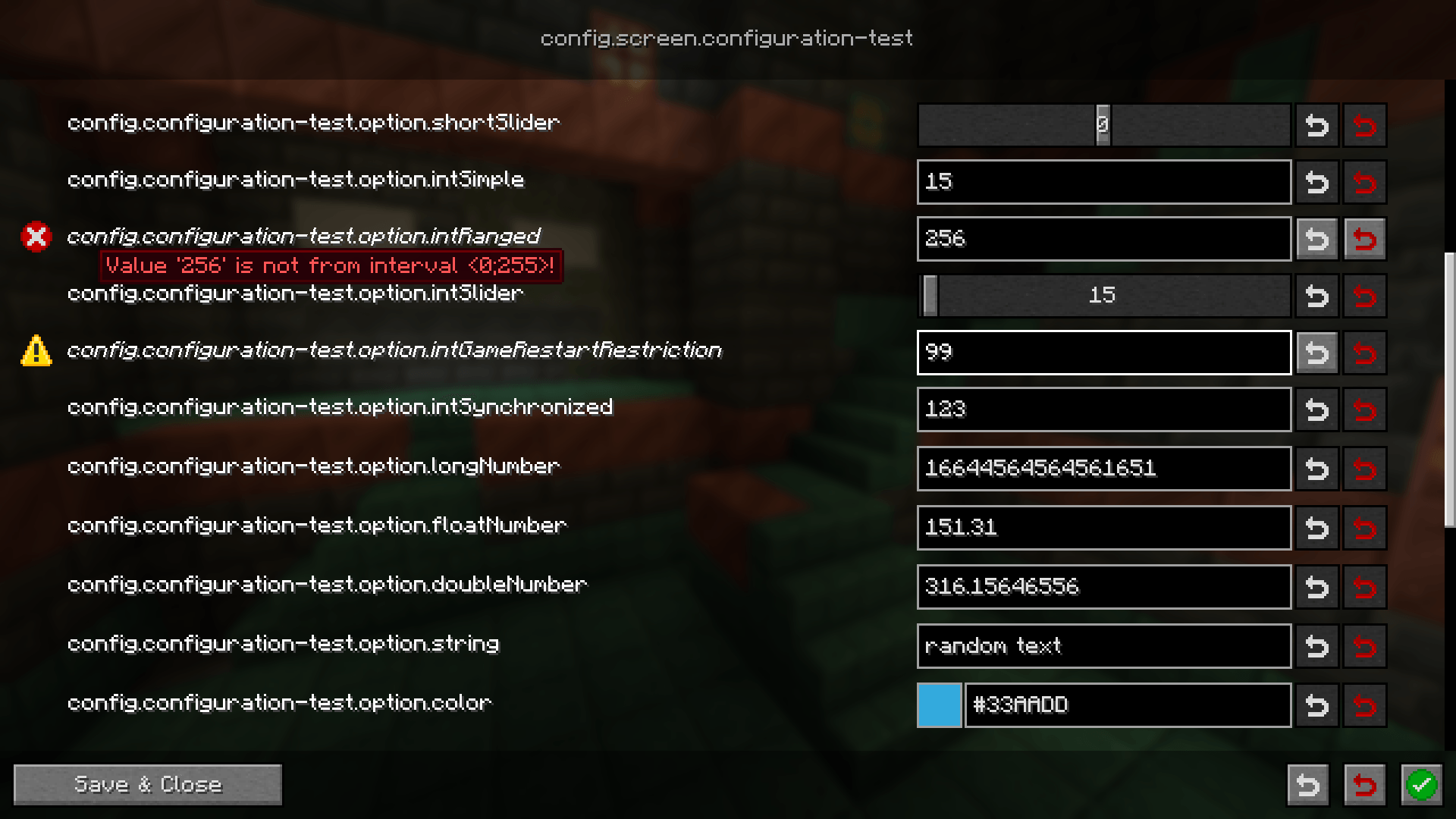
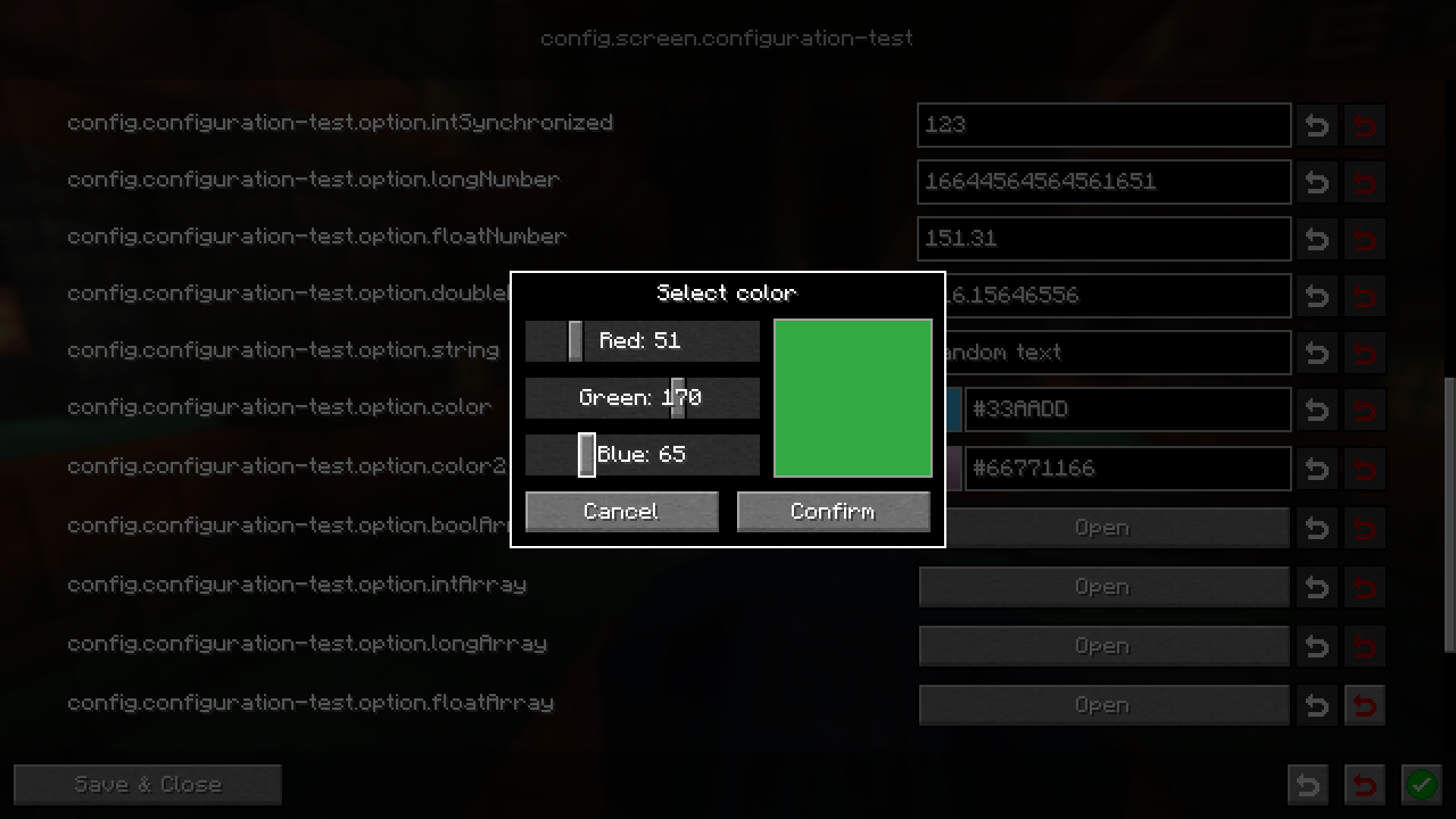
Lagana biblioteka za konfiguraciju koja ima za cilj da pojednostavi kreiranje konfiguracija između različitih mod loadera, a pritom bude jednostavna za korišćenje. Svaka konfiguracija dolazi sa proceduralno generisanim interfejsom za uređivanje. Za programere postoji mnogo atributa koji vam omogućavaju da obradite uobičajene slučajeve, kao što je sinhronizacija sa korisnicima ili, na primer, zahtev za ponovnim pokretanjem igre pre primene izmenjene konfiguracije
Viki
Korisnički vodič Vodič za programere
Discord
Potrebna vam je pomoć? Možete se pridružiti našem Discord serveru i pitati tamo
Prijavljivanje grešaka / Predlozi za nove funkcije
Ako ste pronašli bilo kakav problem u vezi sa ovim modom ili imate ideju za novu funkciju, molimo vas da kreirate issue na GitHub-u za to. Možete pratiti Issues tab na ovoj stranici
Kako instalirati Configuration
With Millida Launcher
Install Millida Launcher
The launcher is free: download it at millida.net/launcher and sign in with any nickname.
Click “Install” on this page
The launcher opens and installs the mod for Minecraft 1.21.11–26.3 on Fabric, Forge or NeoForge automatically.
Launch the game
A profile with it appears in the launcher: click “Play”.
Manually
Install Fabric, Forge or NeoForge
The loader must match the game version of the mod file, for example Minecraft 26.3. After installing it, a separate profile appears in your launcher.
Download the file for your version
In the version list above, pick the file configuration-neoforge-4.1.4+26.3.jar (441 KB) for your game version and loader.
Put it in the mods folder
The folder is inside .minecraft (Windows: %appdata%\.minecraft\mods). If it does not exist, create it.
Launch the loader profile
Open “Mods” in the main menu: Configuration should be in the list.
Verzije
Sa zavisnostima
| Minecraft | Loader | Fajl | Datum | Akcije |
|---|---|---|---|---|
| 26.3 | NeoForge | configuration-neoforge-4.1.4+26.3441 KB | ||
| 26.3 | Fabric | configuration-fabric-4.1.4+26.3446 KB | ||
| 1.21.11 | Forge | configuration-forge-1.21.11-4.1.0445 KB |
Česta pitanja
Which Minecraft versions does Configuration work on?
There are files for 26.3, 1.21.11. The newest is 26.3.
Is Configuration for Forge or Fabric?
There are files for Fabric: 26.3, for Forge: 1.21.11 and for NeoForge: 26.3.
Does Configuration need other mods?
The author lists no required dependencies: the Fabric, Forge or NeoForge loader is enough.
Where can I download Configuration safely?
On this page: the file configuration-neoforge-4.1.4+26.3.jar (441 KB) is stored on Millida’s server, with no link shorteners. SHA-1 checksum: 9b43d4452ee280f8b3e42ed24e0082a4db48b39d.
Recenzije
Budi prvi koji će oceniti Configuration


