

Colormatic Mod za Minecraft 1.20.1
Sada možeš da prilagodiš hardkodirane boje Minecraft-a pomoću resource pack-a.
 Fabric
 Quilt
QuiltO Colormatic modu
Colormatic je nezavisna implementacija koja je kompatibilna sa resurs paketima originalnog Custom Colors moda za Minecraft na Fabric-u. Potpuno je kompatibilna sa resurs paketima koji koriste Optifine funkciju prilagođenih boja. Colormatic poseduje skoro sve funkcije originalnog Custom Colors moda i dodaje nekoliko svojih. Funkcije uključuju
- - Biomne mape boja za vodu, lišće, podvodno, podlavno, nebo i maglu
- - Prilagođene biomne mape boja za bilo koji blok
- - Prilagođene mape osvetljenja za bilo koju dimenziju (uključujući dimenzije iz datapack-ova)
- - Prilagođene boje boja
- - Prilagođene boje četa
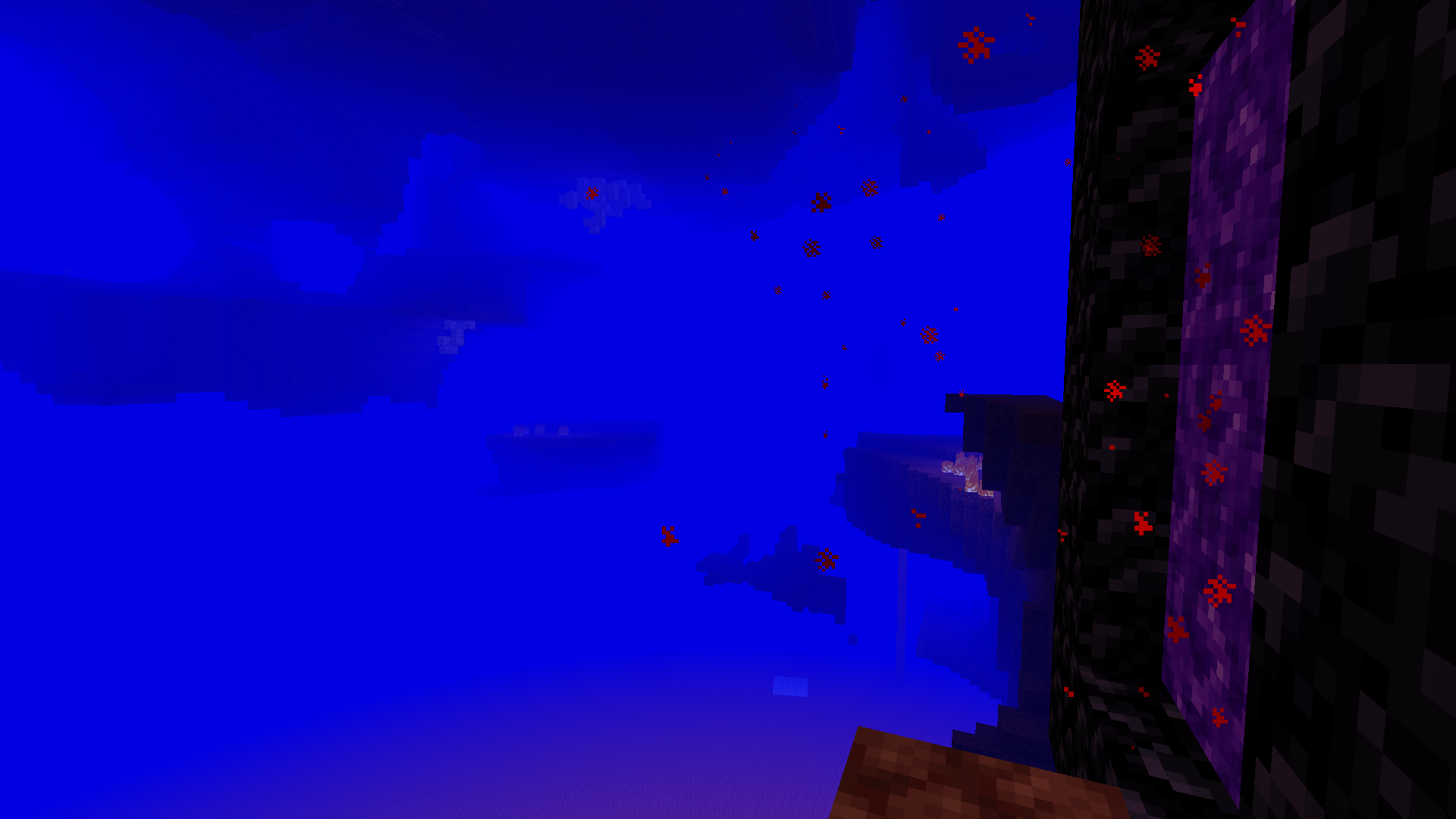
Colormatic podržava učitavanje resurs paketa sa Optifine datotekama prilagođenih boja takvim kakve jesu. Takođe podržava (i preferira) učitavanje ekvivalentnih datoteka u json formatu iz colormatic imenskog prostora.
Napomena: Colormatic sam po sebi ne dodaje nikakve prilagođene boje u Minecraft. On samo pruža mogućnost da resurs paketi dodaju prilagođene boje.
Pogledajte još smešnih slika.
Kako instalirati Colormatic
With Millida Launcher
Install Millida Launcher
The launcher is free: download it at millida.net/launcher and sign in with any nickname.
Click “Install” on this page
The launcher opens and installs the mod for Minecraft 1.16–1.20.1 on Fabric or Quilt automatically.
Launch the game
A profile with it appears in the launcher: click “Play”.
Manually
Install Fabric or Quilt
The loader must match the game version of the mod file, for example Minecraft 1.20.1. After installing it, a separate profile appears in your launcher.
Download the file for your version
In the version list above, pick the file colormatic-3.1.3+mc.1.20.1.jar (216 KB) for your game version and loader.
Put it in the mods folder
The folder is inside .minecraft (Windows: %appdata%\.minecraft\mods). If it does not exist, create it.
Launch the loader profile
Open “Mods” in the main menu: Colormatic should be in the list.
Minecraft 1.20.1 runs on Java 17: with a different Java version the game may close right after launch.
Verzije
Sa zavisnostima
| Minecraft | Loader | Fajl | Datum | Akcije |
|---|---|---|---|---|
| 1.20.1 | Fabric, Quilt | colormatic-3.1.3+mc.1.20.1.jar216 KB 1 | ||
| 1.16.1 | — | colormatic-2.2.1+mc.1.16.1.jar498 KB |
Česta pitanja
Which Minecraft versions does Colormatic work on?
There are files for 1.20.1, 1.16.1, 1.16. The newest is 1.20.1.
Is Colormatic for Forge or Fabric?
There are files for Fabric: 1.20.1 and for Quilt: 1.20.1. There are no files for Forge or NeoForge: a mod for another loader will not start.
Does Colormatic need other mods?
The author lists no required dependencies: the Fabric or Quilt loader is enough.
Which Java does Colormatic need?
Minecraft 1.20.1 runs on Java 17. If the game closes right after launch, the usual cause is the wrong Java version in the profile settings.
Where can I download Colormatic safely?
On this page: the file colormatic-3.1.3+mc.1.20.1.jar (216 KB) is stored on Millida’s server, with no link shorteners. SHA-1 checksum: 021e7326a3f49d438968f1ea859d7208b69e1dce.
Recenzije
Budi prvi koji će oceniti Colormatic


