
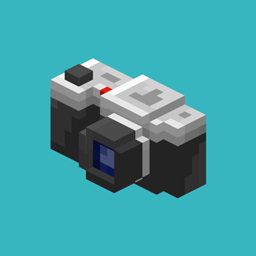
Camerapture Mod za Minecraft 1.20.1, 1.21.1
Fotografiši pomoću funkcionalne kamere, pokaži fotografije drugim igračima i okači ih na svoj zid u ramovima za slike!
 Fabric
 NeoForge
 Quilt
Quilt Forge
ForgeO Camerapture modu
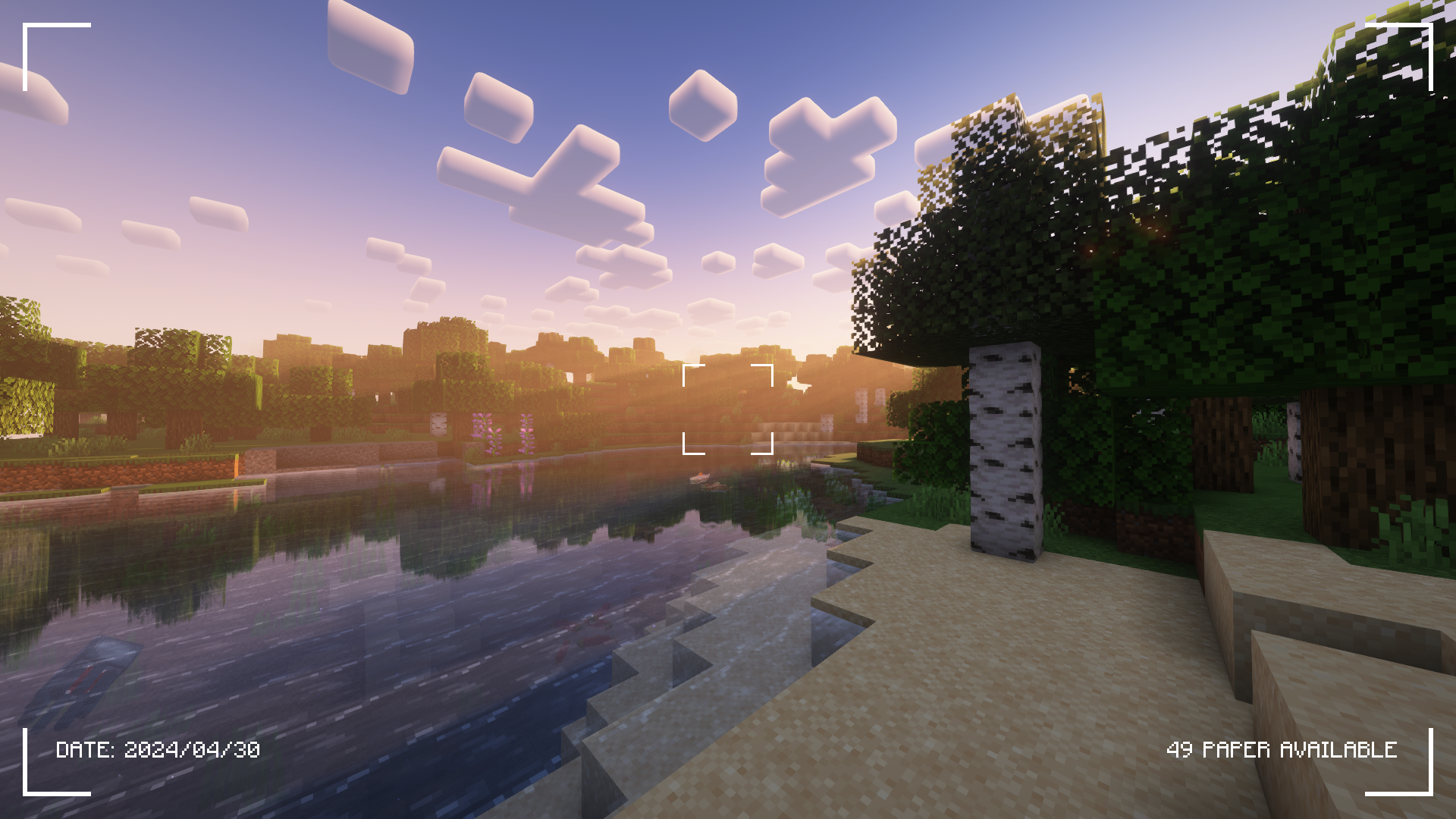
Pogledajte karticu Galerija za još snimaka ekrana!
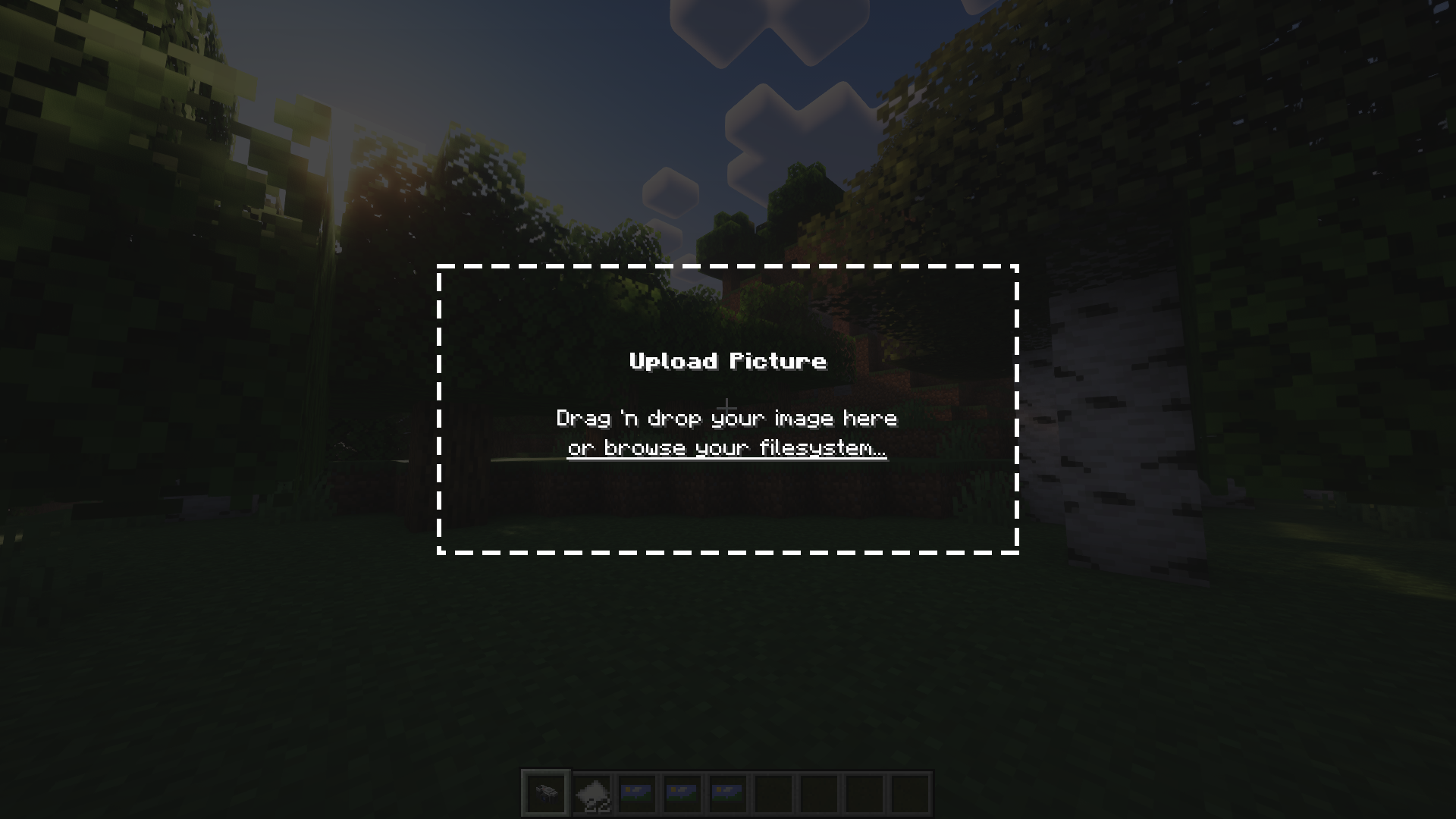
Camerapture je mod za kamere i slike za Fabric! Dodaje funkcionalne kamere koje mogu da naprave prave slike onoga što vidite u igri. Takođe možete da otpremite prilagođene slike pomoću kamere! Te slike mogu da se dele sa drugim igračima i okače na zid da ih svi vide.
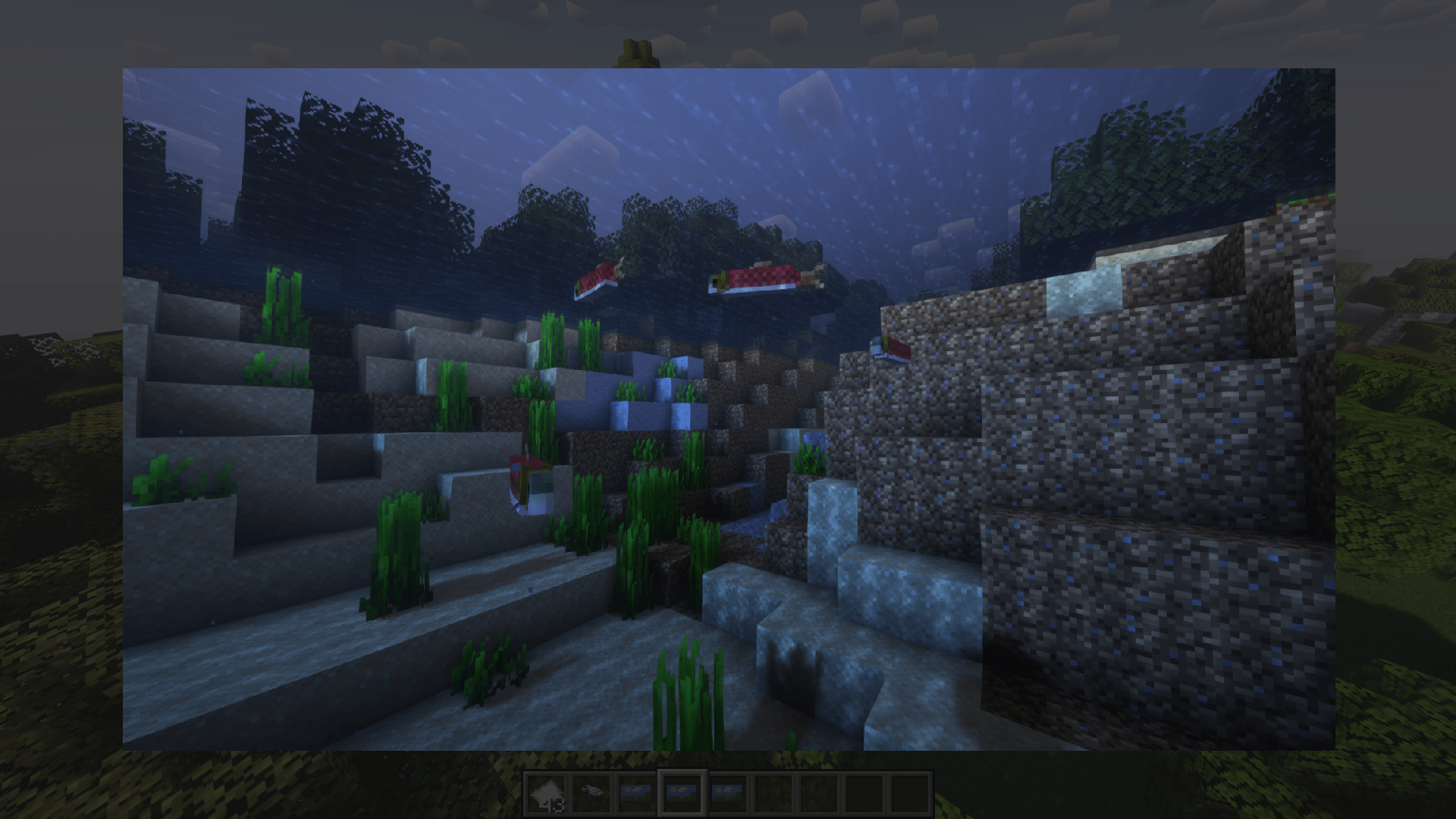
Kako funkcioniše?
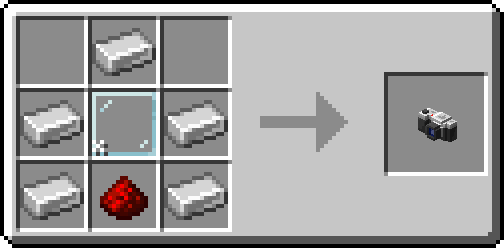
Nakon što napravite kameru, stavite malo papira u inventar i počnite da fotografišete!
Sliku možete da okačite na zid tako što ćete čučnuti i kliknuti desnim tasterom miša. Da promenite veličinu rama za sliku, ponovo čučnite i kliknite desnim tasterom miša na sliku!
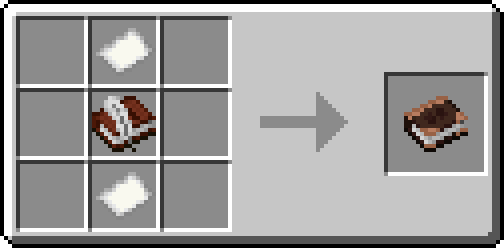
Alternativno, napravite album i sakupite svoje slike u jednu knjigu!
Zasluge
- henkelmax za pravljenje Camera Mod za Forge koji se koristi na QSMP-u, za glavnu inspiraciju za ovaj mod.
- Svim divnim ljudima na našem origins serveru što su bili sjajni i strpljivi sa mnom <3
Kako instalirati Camerapture
With Millida Launcher
Install Millida Launcher
The launcher is free: download it at millida.net/launcher and sign in with any nickname.
Click “Install” on this page
The launcher opens and installs the mod for Minecraft 1.20–26.3 on Fabric, Forge, NeoForge or Quilt automatically.
Launch the game
A profile with it appears in the launcher: click “Play”.
Manually
Install Fabric, Forge, NeoForge or Quilt
The loader must match the game version of the mod file, for example Minecraft 26.3. After installing it, a separate profile appears in your launcher.
Download the file for your version
In the version list above, pick the file camerapture-1.10.15+mc26.3.jar (2.3 MB) for your game version and loader.
Put it in the mods folder
The folder is inside .minecraft (Windows: %appdata%\.minecraft\mods). If it does not exist, create it.
Launch the loader profile
Open “Mods” in the main menu: Camerapture should be in the list.
Verzije
Sa zavisnostima
| Minecraft | Loader | Fajl | Datum | Akcije |
|---|---|---|---|---|
| 26.3 | Fabric, NeoForge, Quilt | 1.10.15 - Minecraft 26.32.3 MB 19 | ||
| 1.20.1 | Forge, NeoForge | 1.10.12 - Forge 1.20.12.1 MB 10 | ||
| 1.21.11 | NeoForge | 1.10.12 - NeoForge 1.21.111.9 MB 1 | ||
| 1.20.1 | Fabric, Quilt | 1.7.0-alpha - Fabric 1.20.13.3 MB 8 | ||
| 1.20.1 | NeoForge, Forge | 1.7.0-alpha - Forge 1.20.13.5 MB | ||
| 1.21 | NeoForge | 1.7.0-alpha - NeoForge 1.21.13.3 MB 6 |
Česta pitanja
Which Minecraft versions does Camerapture work on?
There are files for 26.3, 1.21.11, 1.21.1, 1.21, 1.20.1, 1.20. The newest is 26.3.
Is Camerapture for Forge or Fabric?
There are files for Fabric: 1.20–26.3, for Forge: 1.20–1.20.1, for NeoForge: 1.20–26.3 and for Quilt: 1.20–26.3.
Does Camerapture need other mods?
The author lists no required dependencies: the Fabric, Forge, NeoForge or Quilt loader is enough.
Where can I download Camerapture safely?
On this page: the file camerapture-1.10.15+mc26.3.jar (2.3 MB) is stored on Millida’s server, with no link shorteners. SHA-1 checksum: 48489e23ebd921c9dd95bbbc8eb713bf9b566a10.
Recenzije
Budi prvi koji će oceniti Camerapture


