

- preuzimanja
- 15 preuzimanja
- pregleda
- 52 pregleda
- Ažurirano
- Ažurirano 31.10.2026
- 1.16.4 — 26.3
 Fabric
O Blockus modu
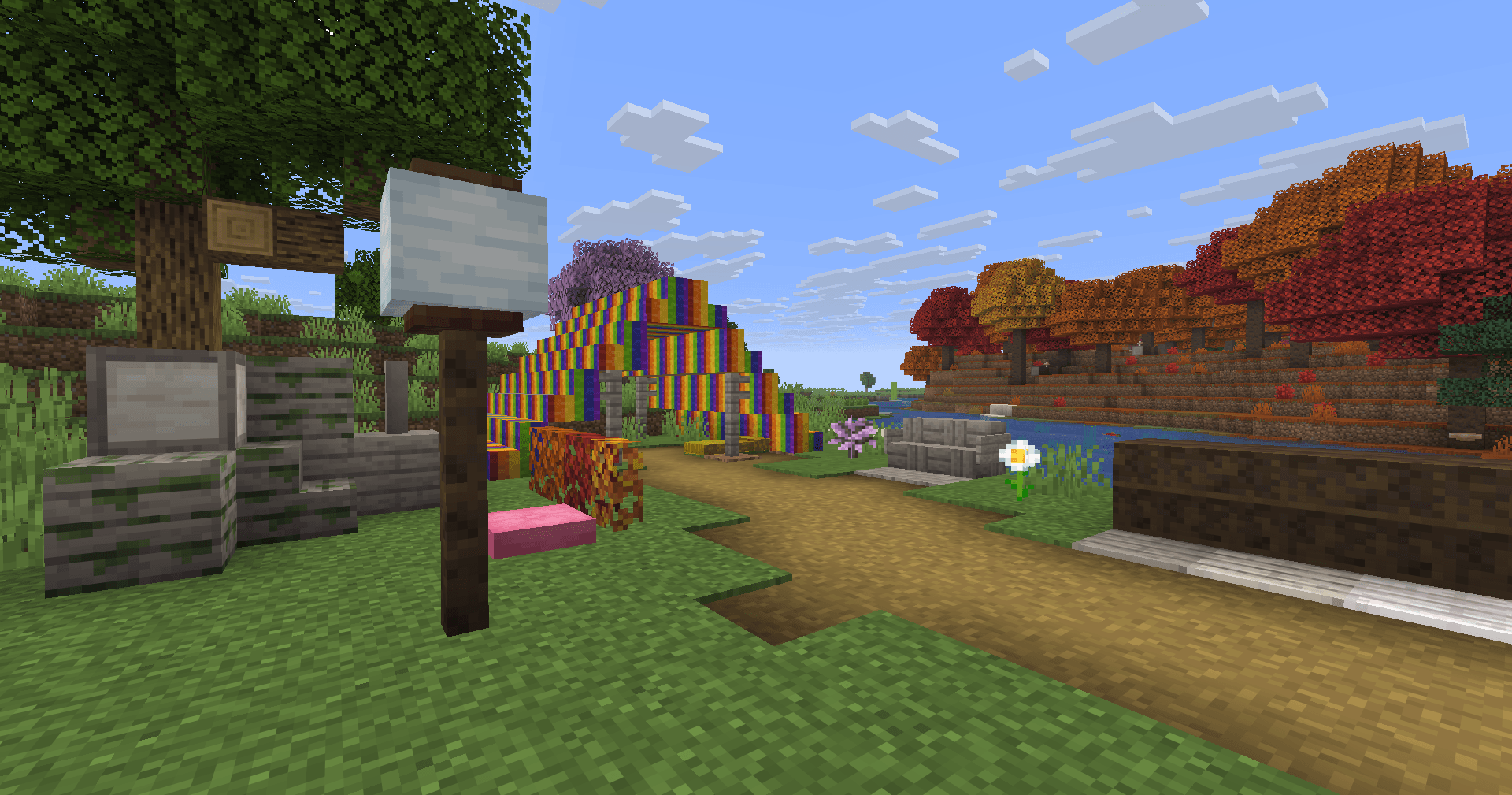
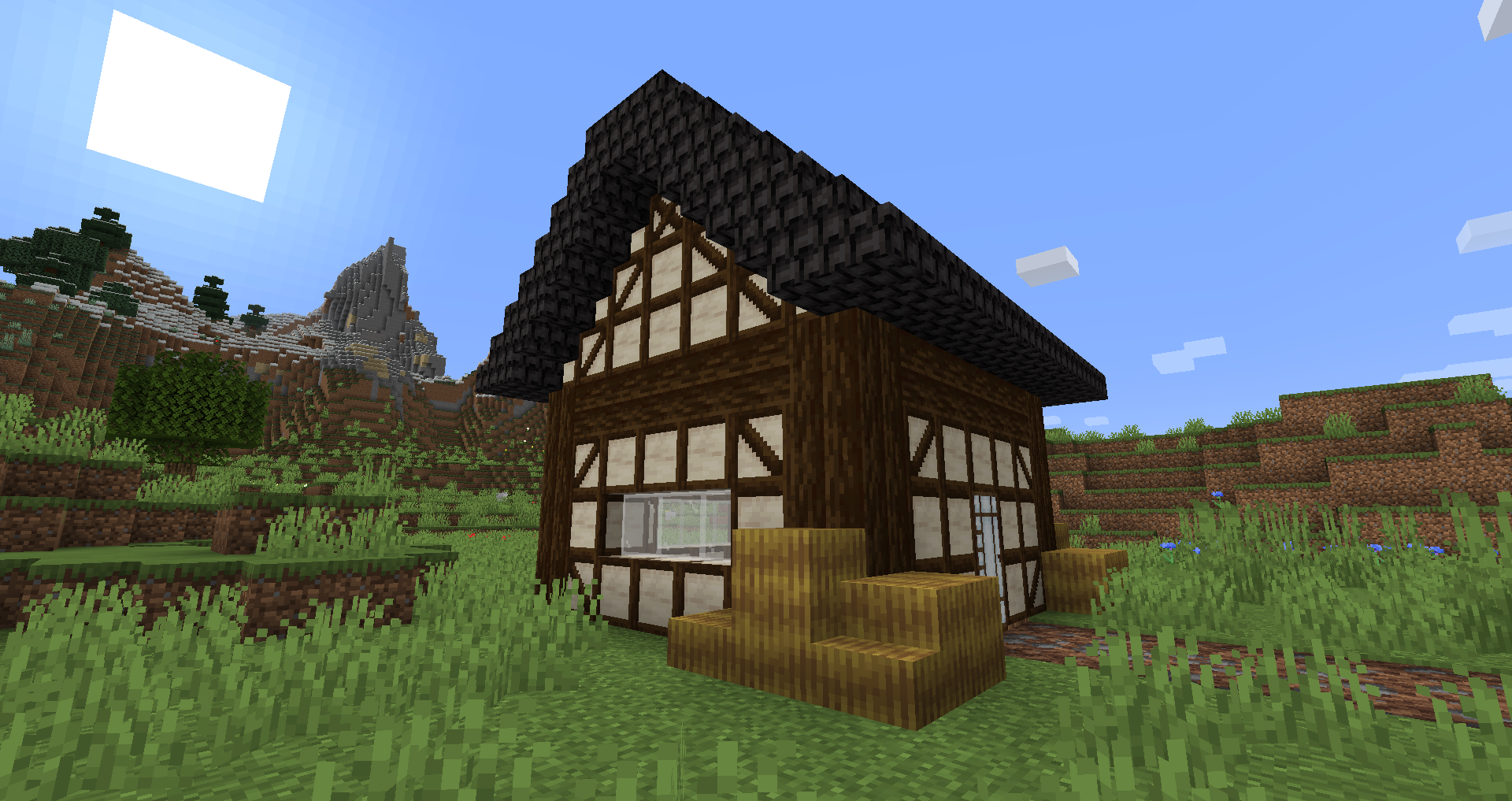
Blockus je mod napravljen korišćenjem Fabric API-ja. Dodaje blokove nekoliko vrsta.
Većina blokova zahteva kamenorezac da bi se napravili. Preporučujem korišćenje moda kao što je Roughly Enough Items (REI) za sve recepte.
NeoForge podrška trenutno nije planirana. Možete koristiti Sinytra Connector za NeoForge podršku.
Neki dodati blokovi :
- Mermer, Krečnjak, Plavi kamen i Viridit
- Beli hrast, Sirovi bambus i Ugljenisane daske
- Velike saksije za cveće
- Lava, Magma, Voda, Blaze, Natopljene cigle i još mnogo toga
- Soul Sandstone
- Tirkizne i Ugljenisane Nether cigle
- Obojene pločice
- Farbane kamene cigle
- Obojene redstone lampe
- Iskošeno staklo
- Šarene vune
- Futurneo blokovi
- Asfalt koji vas čini brzim
- Redstone pesak
- Papirni blok, zid i lampa
- Živice
- Dugine blokove
- Sanduci za hranu
- Legacy blokovi
- Columns integracija (< 1.19)
Prirodno generisane stvari
- Krečnjak se generiše između y = 0 i y = 128, ali mnogo manje između y = 64 i y = 128
- Mermer se generiše između y = 0 i y = 64
- Plavi kamen se generiše ispod y = 0
- Viridit se generiše ispod y = -16 i češće u Deep Dark-u.
- Beli hrast se generiše u Forest, Dark Forest, Flower Forest, Cherry Groves i Plains.
- Pali beli hrast se generiše u Forest, Flower Forest i Plains.
- Dugine ruže se pojavljuju u Flower Forests i Meadows
Zahvaljujući :
- Futurenp: Teksture
- SynthRose: Tirkizne Nether cigle i blokovi fenjera (sa starom teksturom)
- shedaniel/TelepathicGrunt: nova 1.16.2+ worldgen
- YanisBft: popravka drvenih buradi
Inspiracije za modove:
- "Quark" od Vazkii
- "Chisel" od tterrag1098, Drullkus i Minecreatr
- "Ceramics" od KnightMiner (Dugine cigle)
Francuski opis/Description française : https://www.minecraft-france.fr/mod-blockus/
Kako instalirati Blockus
With Millida Launcher
Install Millida Launcher
The launcher is free: download it at millida.net/launcher and sign in with any nickname.
Click “Install” on this page
The launcher opens and installs the mod for Minecraft 1.16.4–26.3 on Fabric automatically.
Launch the game
A profile with it appears in the launcher: click “Play”.
Manually
Install Fabric
The loader must match the game version of the mod file, for example Minecraft 26.3. After installing it, a separate profile appears in your launcher.
Download the file for your version
In the version list above, pick the file blockus-2.18.1+26.3.jar (7.0 MB) for your game version.
Put it in the mods folder
The folder is inside .minecraft (Windows: %appdata%\.minecraft\mods). If it does not exist, create it.
Launch the loader profile
Open “Mods” in the main menu: Blockus should be in the list.
Verzije
Sa zavisnostima
| Minecraft | Loader | Fajl | Datum | Akcije |
|---|---|---|---|---|
| 26.3 | Fabric | (26.3) Blockus 2.18.1+26.37 MB 14 | ||
| — | Fabric | (1.18-pre5) blockus-2.3.1+1.18-pre53.9 MB 1 | ||
| 1.16.4 | — | (1.16.4) blockus - 2.0.1+1.16.42.6 MB | ||
| — | — | (1.14-pre4) blockus - 1.1.61 MB |
Česta pitanja
Which Minecraft versions does Blockus work on?
There are files for 26.3, 1.16.4. The newest is 26.3.
Is Blockus for Forge or Fabric?
Only for Fabric: 26.3. There are no files for Forge or NeoForge: a mod for another loader will not start.
Does Blockus need other mods?
The author lists no required dependencies: the Fabric loader is enough.
Where can I download Blockus safely?
On this page: the file blockus-2.18.1+26.3.jar (7.0 MB) is stored on Millida’s server, with no link shorteners. SHA-1 checksum: c1224f3cf99055107d695f6690b0871cc9f6dd47.
Recenzije
Budi prvi koji će oceniti Blockus


