
- pregleda
- 11 pregleda
- Ažurirano
- Ažurirano 18.10.2026
- 1.15.1 — 1.20.1
 Fabric
O BLAST 💣 modu
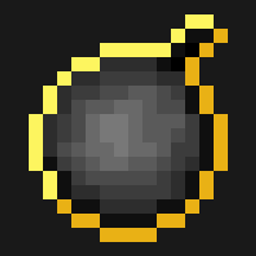
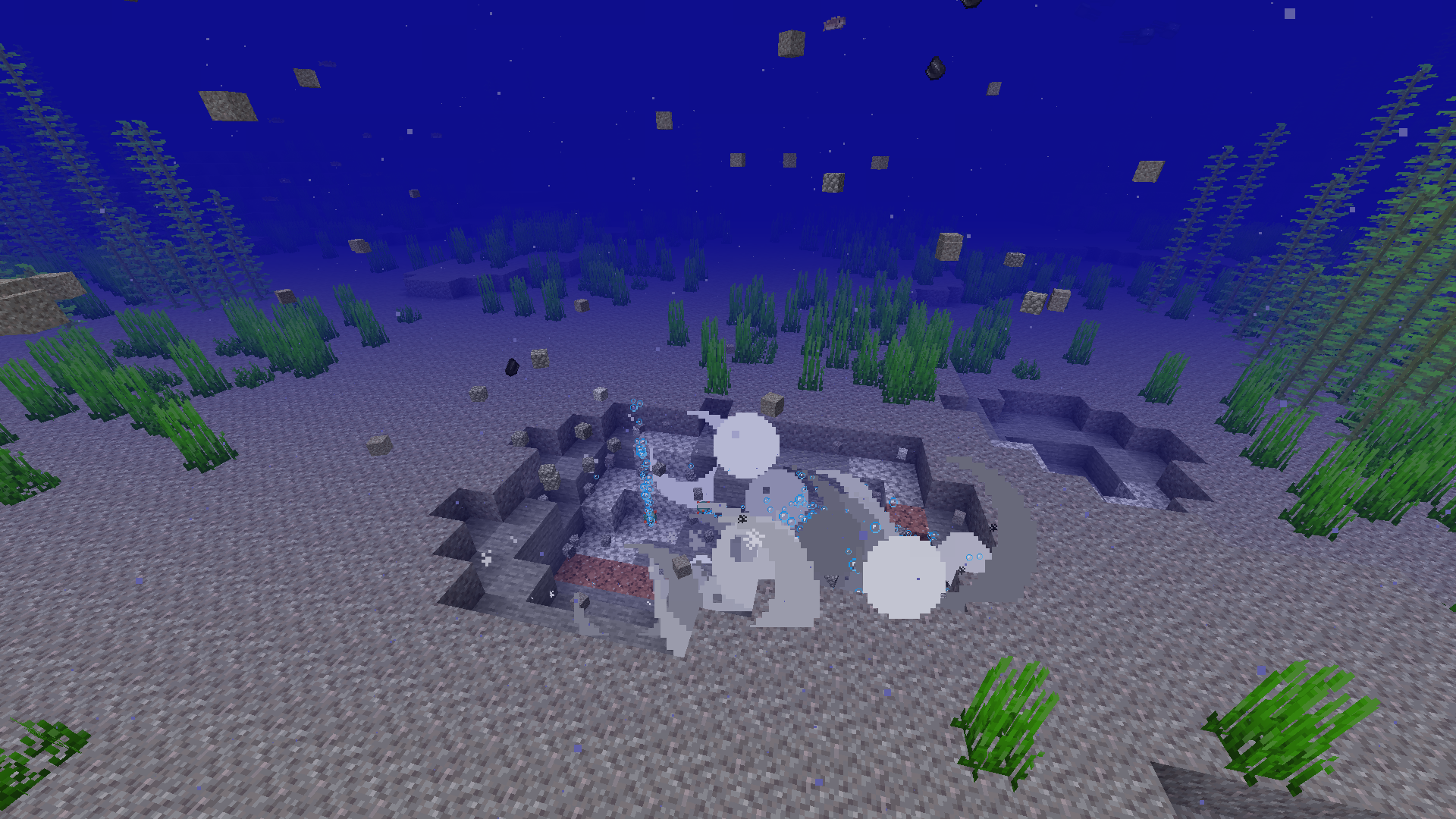
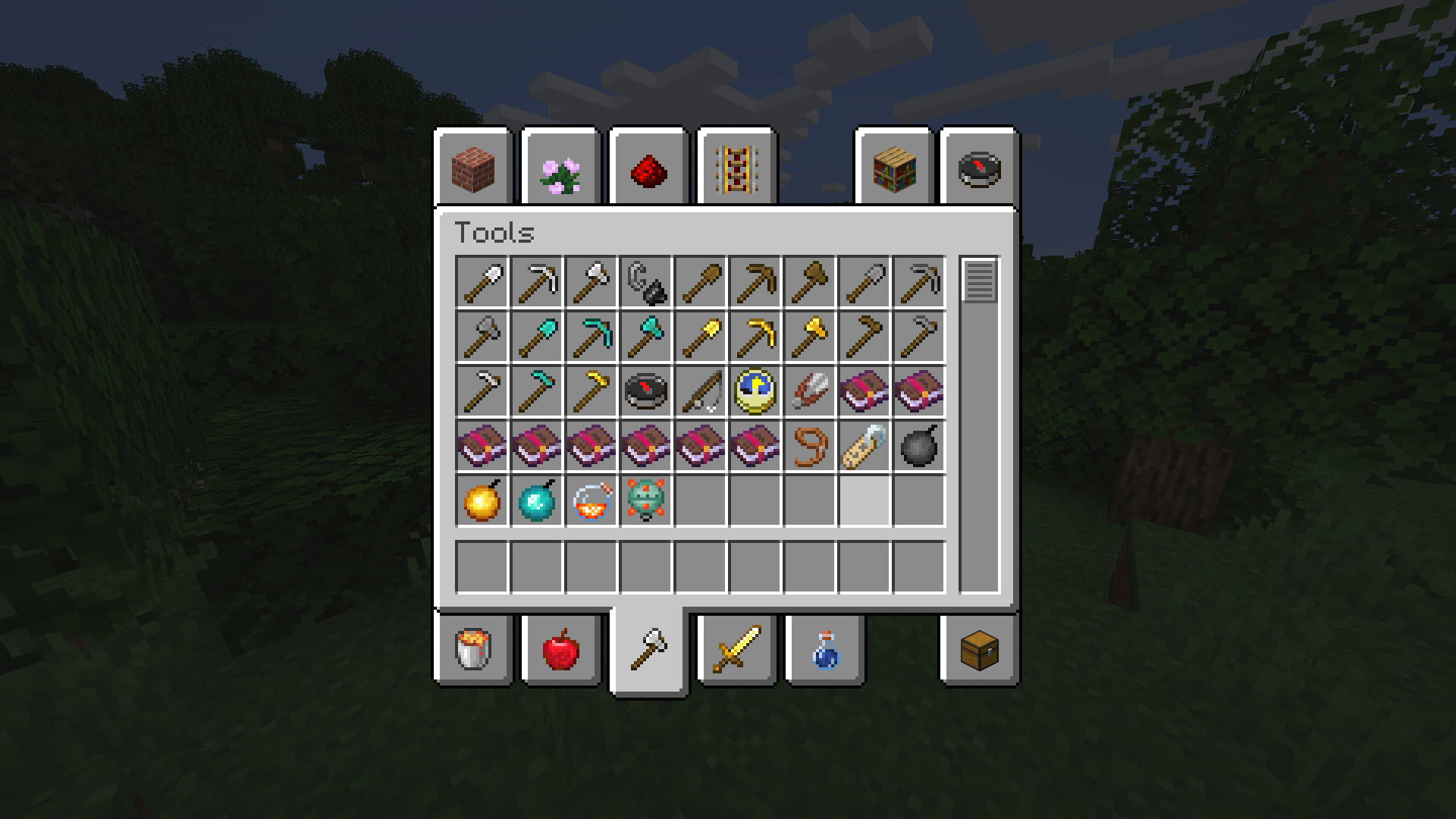
This mod adds explosion mechanics to the game — conceptually it is about bombs. New items appear in the world that can be exploded, as well as special blocks and objects that react to explosions. The mod does not change the landscape, but introduces new gameplay elements related to dynamic destruction. It is a small, lightweight mod that does not require a powerful computer and does not hog resources. It does not add mobs, new biomes or complex systems, but focuses on a single idea — explosion mechanics.
It works only on Fabric, and files are available for versions 1.15.1 and 1.20.1. Version 1.20.1 is the latest, and despite the mod mentioning that updates were discontinued on CurseForge, it is available here. Installation is simple: you just need to put the BLAST-1.13.jar file into the mods folder. The mod works on the client, but does not require a server side — it is not needed for multiplayer. The file weighs only 239 KB, which allows you to download and test it quickly.
This mod is suitable for those looking for lightweight but unusual mechanics in the game. If you are looking for RPG mods for Minecraft or want to add elements of dynamic explosions to the game — this option will be appropriate. It does not replace large modpacks, but it can become part of a small collection where atmosphere and gameplay experiments matter.
Frequently asked questions
How do I install the mod?
Download the BLAST-1.13.jar file and place it in the mods folder of your Fabric loader.
Which versions does it work on?
It works on Fabric for versions 1.15.1 and 1.20.1.
Is a server file needed?
No, the mod works only on the client.
Kako instalirati BLAST 💣
With Millida Launcher
Install Millida Launcher
The launcher is free: download it at millida.net/launcher and sign in with any nickname.
Click “Install” on this page
The launcher opens and installs the mod for Minecraft 1.15.1–1.20.1 on Fabric automatically.
Launch the game
A profile with it appears in the launcher: click “Play”.
Manually
Install Fabric
The loader must match the game version of the mod file, for example Minecraft 1.20.1. After installing it, a separate profile appears in your launcher.
Download the file for your version
In the version list above, pick the file blast-1.13.jar (239 KB) for your game version.
Put it in the mods folder
The folder is inside .minecraft (Windows: %appdata%\.minecraft\mods). If it does not exist, create it.
Launch the loader profile
Open “Mods” in the main menu: BLAST 💣 should be in the list.
Minecraft 1.20.1 runs on Java 17: with a different Java version the game may close right after launch.
Verzije
Sa zavisnostima
| Minecraft | Loader | Fajl | Datum | Akcije |
|---|---|---|---|---|
| 1.20.1 | Fabric | BLAST-1.13.jar239 KB | ||
| 1.15.1 | Fabric | blast-1.1.1.jar42.4 KB |
Česta pitanja
Is BLAST 💣 for Forge or Fabric?
Only for Fabric: 1.15.1–1.20.1. There are no files for Forge or NeoForge: a mod for another loader will not start.
Does BLAST 💣 need other mods?
The author lists no required dependencies: the Fabric loader is enough.
Which Java does BLAST 💣 need?
Minecraft 1.20.1 runs on Java 17. If the game closes right after launch, the usual cause is the wrong Java version in the profile settings.
Where can I download BLAST 💣 safely?
On this page: the file blast-1.13.jar (239 KB) is stored on Millida’s server, with no link shorteners. SHA-1 checksum: 10d7ebefb9cd465a6577397f2cb51e529693aef5.
Recenzije
Budi prvi koji će oceniti BLAST 💣


