

Blahaj - Replushed Mod za Minecraft 26.2
Dodaje popularne Blåhaj plišance iz Ikea-e kao i kolekciju drugih plišanaca
 NeoForge
 Fabric
O Blahaj - Replushed modu
Mod koji dodaje IKEA BLÅHAJ mekanu igračku ajkulu i džinovsku jastuk-baštu kao predmete.
- Kada napraviš ili preimenuješ plišanu igračku, uz nju će biti vezano tvoje korisničko ime.
- Možeš da postaviš plišane igračke!
- Ovaj mod je potreban i na serveru i na klijentu.
Sadržaj
Pregled predmeta Recept
Mekana igračka ajkula
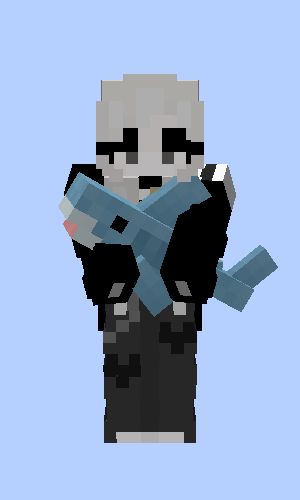
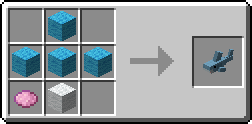
Siva igračka ajkula
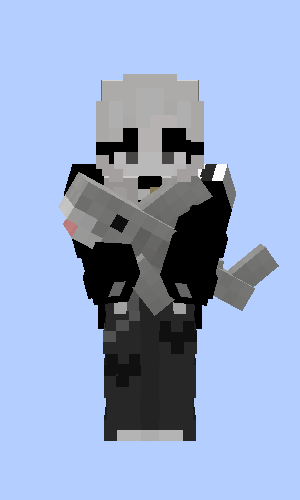
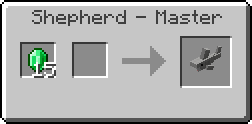
Mekana igračka plavi kit
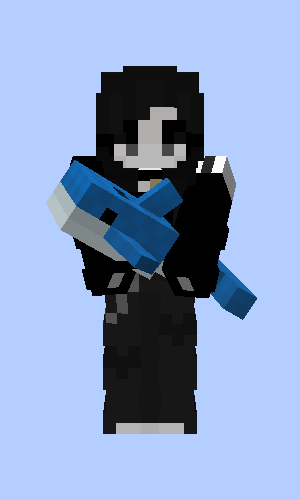
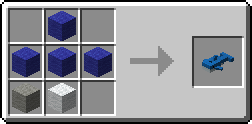
Jastuk-bašta
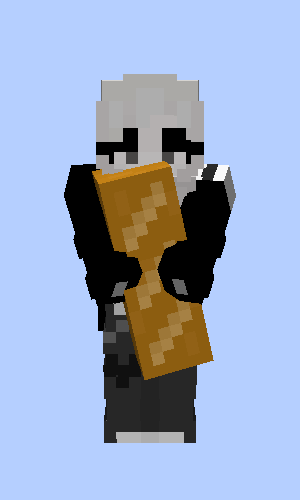
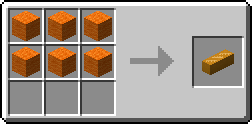
Mrki medved
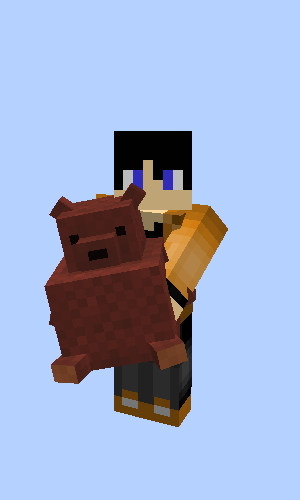
Poklon od Fletcher-a, Butcher-a i Leatherworker-a kada spasiš selo
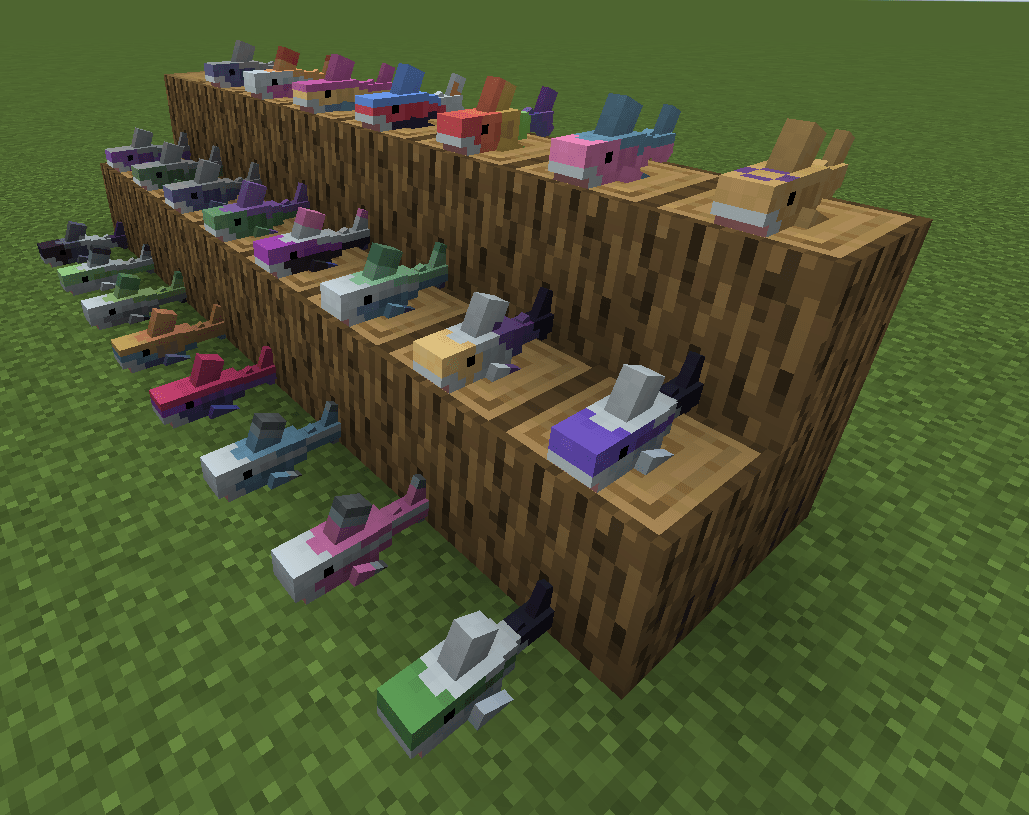
Pride Sharks od musicalskele!
Originalna Quilt verzija
Ovo je port originalnog Hibiii/Blahaj: BLÅHAJ Soft toy, shark mod, 16px. Ako koristiš Quilt na <=1.20.1, koristi njihovu verziju i zahvali im se! 😄
Licenca
- Ovaj mod - kao i njegov original - je licenciran pod Unlicense. Slobodno uči iz njega i uključi ga u svoje projekte.
- Ikona ovog projekta je Blobhaj od Heatherhorns, i licencirana je pod Creative Commons Attribution 4.0 International License.
- Većina slika u igri je od originalnog tvorca Hibiii.
Kako instalirati Blahaj - Replushed
With Millida Launcher
Install Millida Launcher
The launcher is free: download it at millida.net/launcher and sign in with any nickname.
Click “Install” on this page
The launcher opens and installs the mod for Minecraft 26.2 on Fabric or NeoForge automatically.
Launch the game
A profile with it appears in the launcher: click “Play”.
Manually
Install Fabric or NeoForge
The loader must match the game version of the mod file, for example Minecraft 26.2. After installing it, a separate profile appears in your launcher.
Download the file for your version
In the version list above, pick the file blahaj-replushed-4.0.0+26.2.jar (170 KB) for your game version and loader.
Put it in the mods folder
The folder is inside .minecraft (Windows: %appdata%\.minecraft\mods). If it does not exist, create it.
Launch the loader profile
Open “Mods” in the main menu: Blahaj - Replushed should be in the list.
Verzije
Sa zavisnostima
| Minecraft | Loader | Fajl | Datum | Akcije |
|---|---|---|---|---|
| 26.2 | NeoForge | blahaj-replushed-4.0.0+26.2.jar170 KB | ||
| 26.2 | Fabric | 4.0.0+26.2173 KB |
Česta pitanja
Which Minecraft versions does Blahaj - Replushed work on?
Only Minecraft 26.2: there are no files for other versions.
Is Blahaj - Replushed for Forge or Fabric?
There are files for Fabric: 26.2 and for NeoForge: 26.2. There are no files for Forge: a mod for another loader will not start.
Does Blahaj - Replushed need other mods?
The author lists no required dependencies: the Fabric or NeoForge loader is enough.
Where can I download Blahaj - Replushed safely?
On this page: the file blahaj-replushed-4.0.0+26.2.jar (170 KB) is stored on Millida’s server, with no link shorteners. SHA-1 checksum: 38bd3415a8dd427963bade64d9061c4b7cdaf636.
Recenzije
Budi prvi koji će oceniti Blahaj - Replushed


