
Bigger Trees Mod za Minecraft 1.20.4
Menja Minecraft drveće zadržavajući vanila estetiku
 Forge
Forge Fabric
O Bigger Trees modu
- Sada je moguće šetati kroz šumu bez udaranja glavom o grane!
Jednostavan mod koji povećava visinu stabala u osnovnoj igri i menja neke metode ukrašavanja lišća drveća.
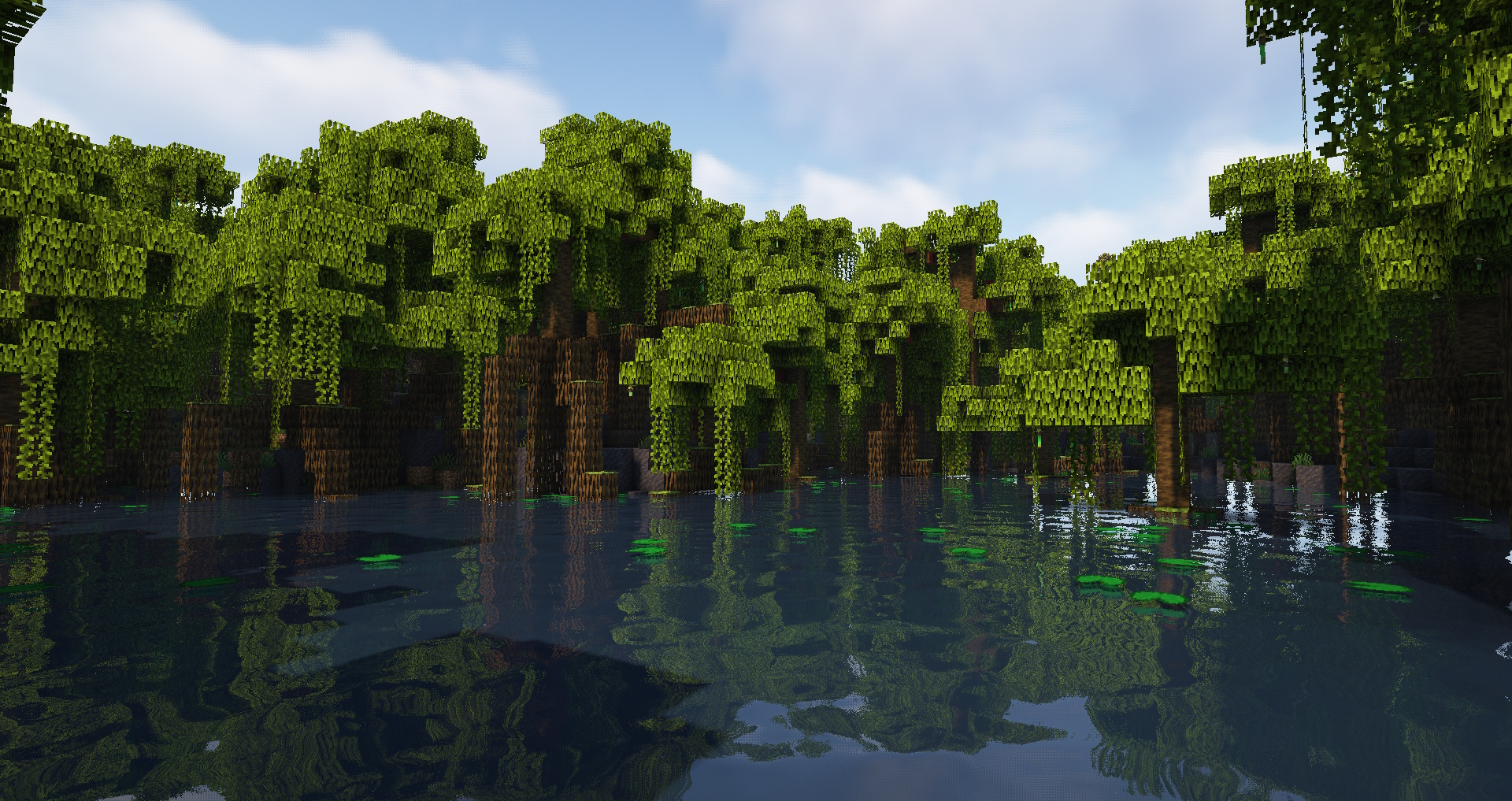
🌳 Karakteristike:
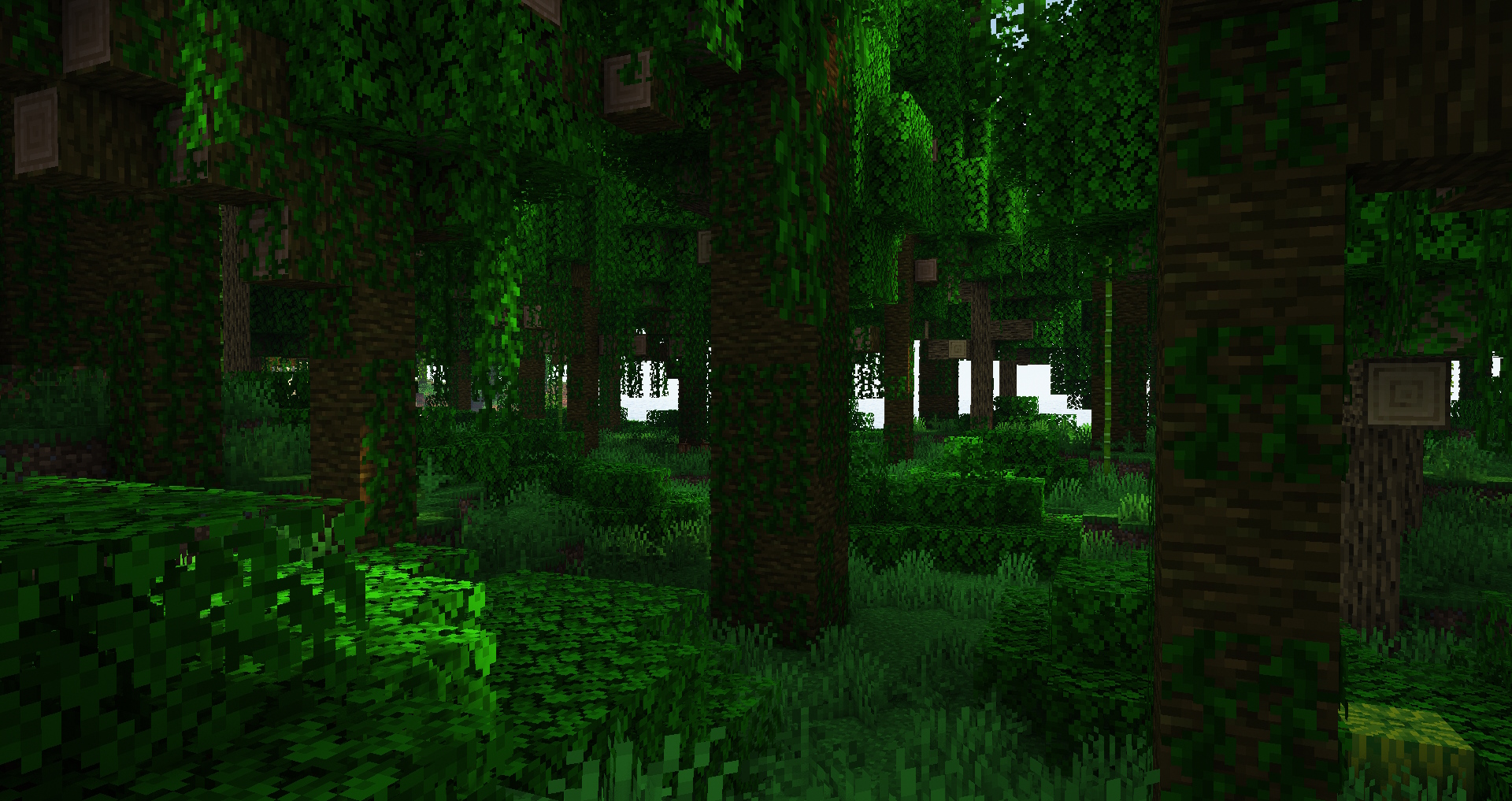
- viša stabla za bagrem, brezu, trešnju, tamni hrast, džunglu, mangrovu, mega džunglu/bor/smreku, hrast, bor, smreku i močvarno drveće;
- povećana varijacija veličine stabala;
- breze sada imaju grane, a trešnje uvek imaju najmanje 2 grane;
- poboljšano lišće na nekim stablima;
- šume su sada prostranije i imaju više mesta za šetnju, posebno džungle;
- sačuvana je uobičajena Minecraft estetika;
- opcije se mogu podešavati putem datapack-a;
♻️ Kompatibilnost:
Ovaj mod menja osnovno drveće bez dodavanja novog, pa bi trebalo da bude kompatibilan sa drugim modovima koji ne rade isto. Takođe je bezbedno ukloniti ovaj mod iz postojećih svetova (ili ga dodati u njih).
✅ Slobodno ga dodajte u svoj modpack kao što sam ja u svoj.
- Industrial Village
- Life in the Village 4
💚 Veliko hvala sajtu Misode's Data Pack Generator koji je omogućio ovaj mod https://misode.github.io
Sanjate o hostovanju sopstvenog servera ali brinete zbog komplikovanosti? BisectHosting čini početak neverovatno jednostavnim zahvaljujući svojoj intuitivnoj platformi i korisnim vodičima. Oslanjao sam se na njih zbog doslednih performansi i jednostavnosti korišćenja.
Spremni da pokrenete svoj server? Iskoristite moj kod xdreamz za 25% popusta na prvi mesec i podržite moj sadržaj!
Kako instalirati Bigger Trees
With Millida Launcher
Install Millida Launcher
The launcher is free: download it at millida.net/launcher and sign in with any nickname.
Click “Install” on this page
The launcher opens and installs the mod for Minecraft 1.20.4 on Fabric or Forge automatically.
Launch the game
A profile with it appears in the launcher: click “Play”.
Manually
Install Fabric or Forge
The loader must match the game version of the mod file, for example Minecraft 1.20.4. After installing it, a separate profile appears in your launcher.
Download the file for your version
In the version list above, pick the file bigger_vanilla_trees-forge-1.20.4-1.0.jar (85 KB) for your game version and loader.
Put it in the mods folder
The folder is inside .minecraft (Windows: %appdata%\.minecraft\mods). If it does not exist, create it.
Launch the loader profile
Open “Mods” in the main menu: Bigger Trees should be in the list.
Minecraft 1.20.4 runs on Java 17: with a different Java version the game may close right after launch.
Verzije
Sa zavisnostima
| Minecraft | Loader | Fajl | Datum | Akcije |
|---|---|---|---|---|
| 1.20.4 | Forge | Bigger Trees Forge 1.20.4-1.084.5 KB | ||
| 1.20.4 | Fabric | Bigger Trees Fabric 1.20.4-1.083.8 KB 1 |
Česta pitanja
Which Minecraft versions does Bigger Trees work on?
Only Minecraft 1.20.4: there are no files for other versions.
Is Bigger Trees for Forge or Fabric?
There are files for Fabric: 1.20.4 and for Forge: 1.20.4. There are no files for NeoForge: a mod for another loader will not start.
Does Bigger Trees need other mods?
The author lists no required dependencies: the Fabric or Forge loader is enough.
Which Java does Bigger Trees need?
Minecraft 1.20.4 runs on Java 17. If the game closes right after launch, the usual cause is the wrong Java version in the profile settings.
Where can I download Bigger Trees safely?
On this page: the file bigger_vanilla_trees-forge-1.20.4-1.0.jar (85 KB) is stored on Millida’s server, with no link shorteners. SHA-1 checksum: 3f9d291ae62c88f11cb687decc31a2e009942a57.
Recenzije
Budi prvi koji će oceniti Bigger Trees


