
Bagus Lib Mod za Minecraft 1.20.1, 26.3
Ovaj mod koristi baguchi's mod i ti ga takođe možeš koristiti!
 NeoForge
 Forge
ForgeO Bagus Lib modu
Sažetak
Ovaj mod koristi baguchi's mod i vi ga takođe možete koristiti!
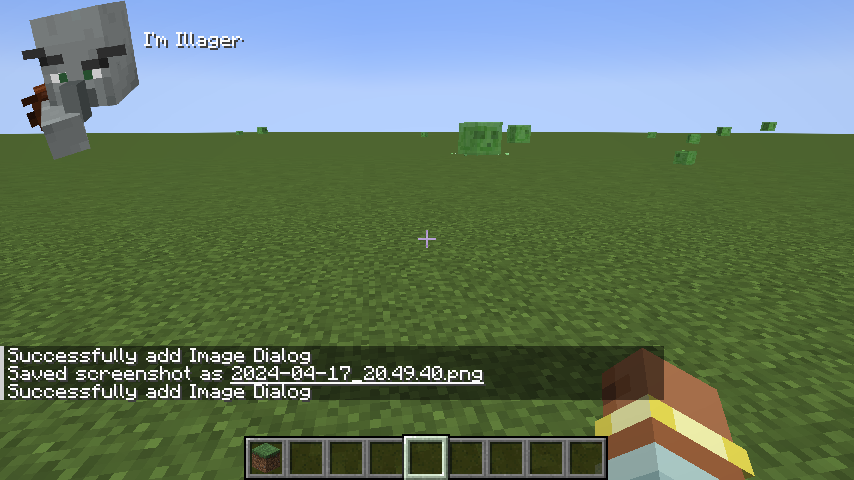
Bagus Lib uključuje Entity Util i camera util koji su takođe korisni za developere!
Ova verzija uključuje sledeće:
camera util
IArmor omogućava veću mogućnost prilagođavanja za developere!
Custom Armor layer (IArmor ga zahteva i omogućava renderovanje oklopa čak i za ne Humaroid Model!)
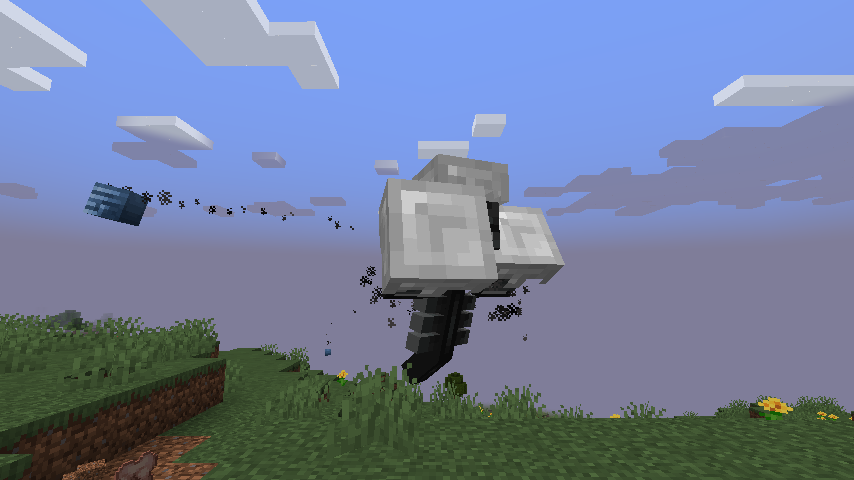
Takođe ugrađena podrška za Camera Shake za Vanilla mobove! (za 1.3~)
animation support melee ai
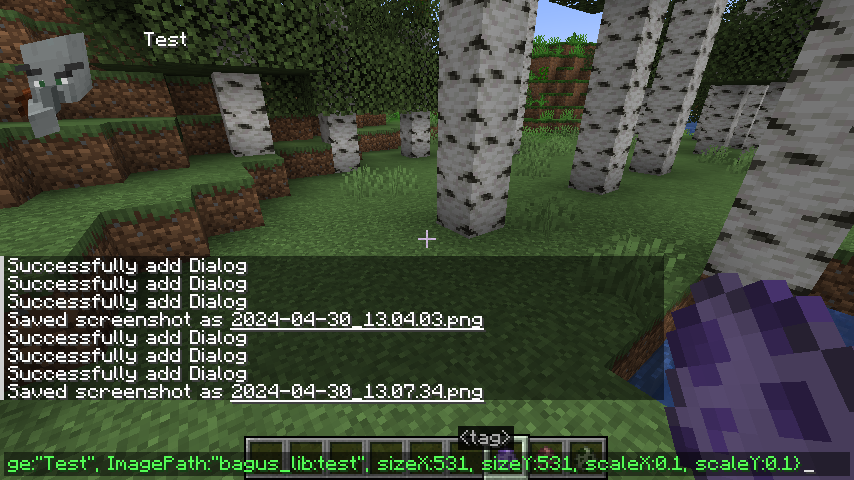
dialog util i dialog command (8.8.2~)
grobal entity animation (skoro svi entiteti sada mogu da animiraju)
Developeri koji žele da koriste Bagus Lib mogu da pročitaju Wiki.
Primer kako bi to funkcionisalo:
Kako instalirati Bagus Lib
With Millida Launcher
Install Millida Launcher
The launcher is free: download it at millida.net/launcher and sign in with any nickname.
Click “Install” on this page
The launcher opens and installs the mod for Minecraft 1.19.4–26.3 on Forge or NeoForge automatically.
Launch the game
A profile with it appears in the launcher: click “Play”.
Manually
Install Forge or NeoForge
The loader must match the game version of the mod file, for example Minecraft 26.3. After installing it, a separate profile appears in your launcher.
Download the file for your version
In the version list above, pick the file bagus_lib-26.3-28.4.0.jar (251 KB) for your game version and loader.
Put it in the mods folder
The folder is inside .minecraft (Windows: %appdata%\.minecraft\mods). If it does not exist, create it.
Launch the loader profile
Open “Mods” in the main menu: Bagus Lib should be in the list.
Verzije
Sa zavisnostima
| Minecraft | Loader | Fajl | Datum | Akcije |
|---|---|---|---|---|
| 26.3 | NeoForge | bagus_lib-26.3-28.4.0.jar251 KB 1 | ||
| 1.20.1 | NeoForge, Forge | bagus_lib-1.20.1-5.6.1.jar181 KB 3 | ||
| 1.19.4 | Forge | Baguslib-1.19.4-1.4.0.jar61.3 KB |
Česta pitanja
Which Minecraft versions does Bagus Lib work on?
There are files for 26.3, 1.20.1, 1.19.4. The newest is 26.3.
Is Bagus Lib for Forge or Fabric?
There are files for Forge: 1.19.4–1.20.1 and for NeoForge: 1.20.1–26.3. There are no files for Fabric: a mod for another loader will not start.
Does Bagus Lib need other mods?
The author lists no required dependencies: the Forge or NeoForge loader is enough.
Where can I download Bagus Lib safely?
On this page: the file bagus_lib-26.3-28.4.0.jar (251 KB) is stored on Millida’s server, with no link shorteners. SHA-1 checksum: 7e014017c69d2637ee90d08cd11cff2258638b28.
Recenzije
Budi prvi koji će oceniti Bagus Lib


