
Arts & Crafts Compatibility Mod za Minecraft 1.20.1
Dodaje kompatibilnost između drugih modova i Arts & Crafts! Kome se ne sviđaju modovi koji savršeno funkcionišu zajedno?
 NeoForge
 Forge
Forge Fabric
 Quilt
QuiltAbout
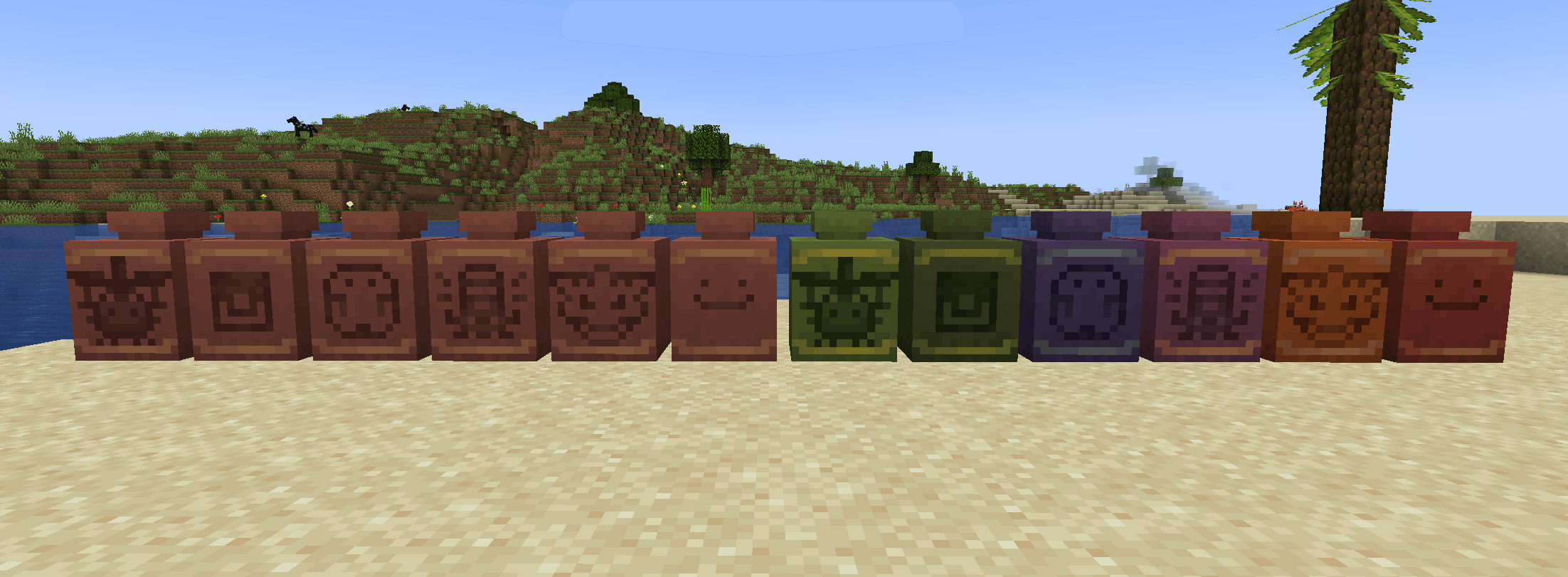
This mod adds Compatibility between other mods and Arts & Crafts. This will help mods feel more complete when paired with my mod Arts & Crafts!
Arts & Crafts V1.3.0+ has automatic sherd compat so this mod is no longer needed for that! THIS MOD IS BEING REWORKED FOR 1.21
I will continue to add more support for other mods so feel free to leave some suggestions in the comments!

Compatibility List
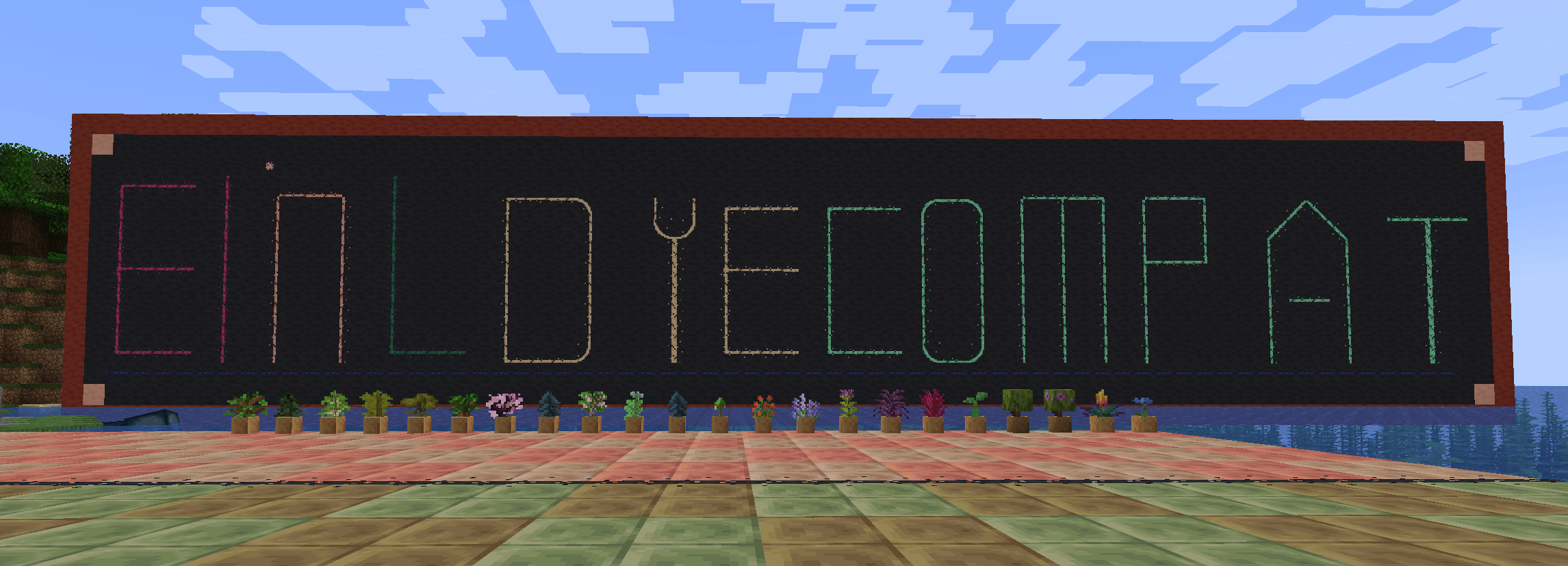
- El and L's Dye Mod [Fabric Compat]
- Twigs [Forge & Fabric Compat]
- Decorative Blocks [Forge & Fabric Compat]
- Farmer's Delight [Forge & Fabric Compat]
- Gilded Sherds [Forge & Fabric Compat]
- Built [Forge & Fabric Compat]
- Spawn [Forge & Fabric Compat]
- Alex's Caves [Forge Only Compat]
- Ecologics [Forge & Fabric Compat]
- Yapping Tooltips [Fabric Only Compat]
- Dramatic Doors [Forge & Fabric Compat]
- Excessive Building [Fabric Compat]
Kako instalirati Arts & Crafts Compatibility
With Millida Launcher
Install Millida Launcher
The launcher is free: download it at millida.net/launcher and sign in with any nickname.
Click “Install” on this page
The launcher opens and installs the mod for Minecraft 1.20.1 on Fabric, Forge, NeoForge or Quilt automatically.
Launch the game
A profile with it appears in the launcher: click “Play”.
Manually
Install Fabric, Forge, NeoForge or Quilt
The loader must match the game version of the mod file, for example Minecraft 1.20.1. After installing it, a separate profile appears in your launcher.
Download the file for your version
In the version list above, pick the file arts_and_crafts_compat-forge-1.20.1-1.4.0.jar (810 KB) for your game version and loader.
Put it in the mods folder
The folder is inside .minecraft (Windows: %appdata%\.minecraft\mods). If it does not exist, create it.
Launch the loader profile
Open “Mods” in the main menu: Arts & Crafts Compatibility should be in the list.
Minecraft 1.20.1 runs on Java 17: with a different Java version the game may close right after launch.
Verzije
Sa zavisnostima
| Minecraft | Loader | Fajl | Datum | Akcije |
|---|---|---|---|---|
| 1.20.1 | NeoForge, Forge | arts_and_crafts_compat-forge-1.20.1-1.4.0.jar810 KB 1 | ||
| 1.20.1 | Fabric, Quilt | arts_and_crafts_compat-fabric-1.20.1-1.4.0.jar5.8 MB |
Česta pitanja
Which Minecraft versions does Arts & Crafts Compatibility work on?
Only Minecraft 1.20.1: there are no files for other versions.
Is Arts & Crafts Compatibility for Forge or Fabric?
There are files for Fabric: 1.20.1, for Forge: 1.20.1, for NeoForge: 1.20.1 and for Quilt: 1.20.1.
Does Arts & Crafts Compatibility need other mods?
The author lists no required dependencies: the Fabric, Forge, NeoForge or Quilt loader is enough.
Which Java does Arts & Crafts Compatibility need?
Minecraft 1.20.1 runs on Java 17. If the game closes right after launch, the usual cause is the wrong Java version in the profile settings.
Where can I download Arts & Crafts Compatibility safely?
On this page: the file arts_and_crafts_compat-forge-1.20.1-1.4.0.jar (810 KB) is stored on Millida’s server, with no link shorteners. SHA-1 checksum: 04de0970d5778ea1a17c8e540d0a7bc9003c5b02.
Recenzije
Budi prvi koji će oceniti Arts & Crafts Compatibility


