

qraftyfied: STRUCTURES Data pak za Minecraft 1.20.1, 1.21.1
Ovaj paket dodaje mnoge dobro napravljene i lore-friendly STRUKTURE u vaš Minecraft svet koje vas pozivaju da ih istražite. Sada uz TERRALITH podršku! 🫐
- preuzimanja
- 4 preuzimanja
- pregleda
- 56 pregleda
- Ažurirano
- Ažurirano 26.09.2026
- 1.19 — 26.3
 Data pak
- Klijent i server
Ever wanted more structures in Minecraft? 🫐

qraftyfied massively expands your vanilla Minecraft world with 80+ handcrafted structures: fully balanced, lore-friendly, and designed to feel truly vanilla.
- ✔️ Carefully placed, biome-aware generation
- ✔️ Multiplayer & modpack friendly
- ✔️ Lore-friendly: You won’t even notice it’s not vanilla!
- ✔️ Optional Terralith support
- ✔️ Available as a datapack or mod (server-side)
- ✔️ Custom crafted loottables make every structure unique!
- ✔️ Easy to update: Just replace the mod/datapack with a newer version
⛰️ Now with full Terralith biome support! Important:
- Use the standard version for vanilla worlds
- Use the standalone Terralith version for Terralith worlds only

DISCORD INVITE 🤖
Get updates, sneek-peeks, report issues, and suggest new structures! (And chat with a nice community!)
CURRENTLY ADDED STRUCTURES and VILLAGES🫐
All linked packs are also available as standalone datapacks and mods.

Village Packs 🛖
- Japanese Villages
- End Villages
- Halloween Villages
- Bamboo Villages
- Jungle Tree Villages
- Underground Villages & Bunkers
- Mushroom Villages
- Mountain Villages

World Structures 🌍
🏜️ Badlands
- Mesa Settlement
- Railroad
- Cinnabar Chimney
🌵 Desert
- Akropolis
- Camel House
- Sphinx
- Archaeology Site
- Oasis
🌻 Sunflower Plains
- Windmill
- Ranch
- Relict
- Roman Ruins
- Tulip Windmill
🌾 Plains
- Hobbit Hole
- Farm
- Camp
- Shepherd
- Raod Relict
- Buried Villager
🌲 Forest
- Hobbit Hole
- Dirt Hut
- Sawmill
- Sky Outpost
- Farmer Fort
- Camp
🌳 Birch Forest
- Birch Fort
🌲 Dark Forest
- Magenta Shroom Clearing
- Well
- Castle Tower
- Bell Tower
- Mansion Remain
- Sky Outpost
- Mausoleum
- Spook House
- Spook Soul Infect
- Spook Withered Grave
- Stelzen
- Dark Forest Trap
- Transilvania
🍄 Mushroom Fields
- Sunken City
- Shroom Cabin
- Enchanter
- Mushroom Village
💦 River
- Crane
☃️ Frozen Ocean
- Lush Ice
❄️ Ice Spikes
- Ice Fort
❄️ Snowy Plains
- Ice Fort
- Igloo Building
- Snow Camp
🏔️ Windswept Hills
- Ruined Castle
- Forgotten Mine
- Tower
🌲 Taiga
- Archaeology Site
- Tower
🌲 Old Growth Pine Taiga
- Archaeology Site
- Fort
🌲 Old Growth Spruce Taiga
- Spruce Cabin
- Sky Outpost
- Blacksmith
🌿 Meadow
- Azalea Ruins
🐊 Swamp
- Lotus Sea
- Swamp Mansion
- Graveyard
🌱 Mangrove Swamp
- Mangrove Watchtower
🐘 Savanna
- Table Mountain
- Stonehedge
- Savanna Fort
- Sky Outpost
- Savanna Trap
- Savanna Outpost
- Termite Hill
- Savanna Watchtower
🌴 Jungle
- Jungle Treehouse
- Jungle Fire
- Jungle Monument
- Parrot Cage
- Maya
- Lush Waterfall
🪨 Stony Peaks
- Sulfur Farm
🪦 Pale Garden
- Mausoleum
- Cathedral
- Pale Stem
- Shooting Range
- Resin Farm
- Pale Watchtower
♨️ Sulfur Caves
- Sulfur Fossil
- Sulfur Volcano
🌌 End Highlands
- Orbital
- Overworld Leak
THEMED ADDONS 🫐
qraftyfied Addons
Expand your world even further with optional themed structure packs.
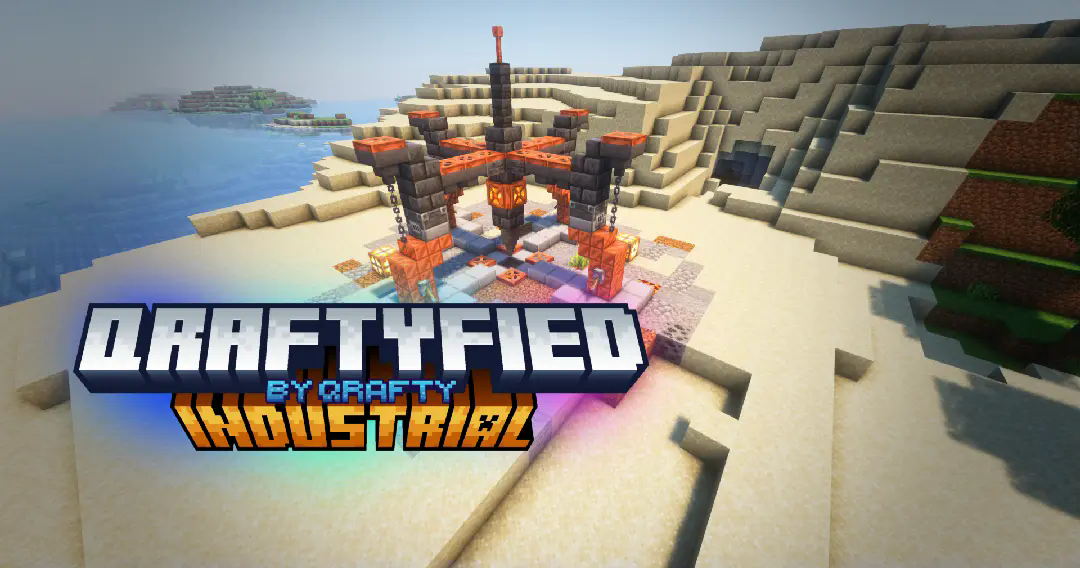
- qraftyfied Industrial Structures 🏭
Don't like the structure density?
You’re in control. Adjust generation frequency easily using Sparse Structures 👀 https://modrinth.com/mod/sparsestructures
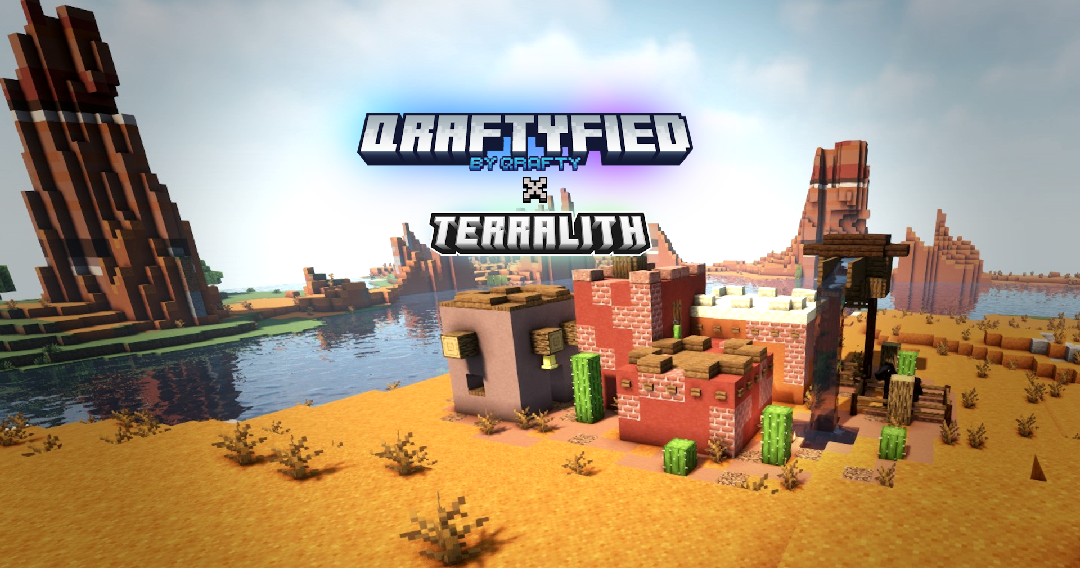
💙 Terralith version created by NixyNebula
Kako instalirati qraftyfied: STRUCTURES
With Millida Launcher
Install Millida Launcher
The launcher is free: download it at millida.net/launcher and sign in with any nickname.
Click “Install” on this page
The launcher opens and installs the data pack for Minecraft 1.19–26.3 automatically.
Launch the game
A profile with it appears in the launcher: click “Play”.
Manually
Download the archive
Pick the file v13qraftyfied-1.zip (1.7 MB) for your game version.
New world: “Data Packs”
When creating a world, click “Data Packs”, drag the archive into the window, then move it to “Selected”.
Existing world: the datapacks folder
Put the archive into saves/<world>/datapacks and type /reload in game.
On a server
Archive goes into the server world’s datapacks
The world/datapacks folder on the server; players do not need to install anything.
Reload the data
Type /reload in the server console or restart the server.
Use the “To server” button
On Millida Hosting, the button at the top of the page uploads the file to your server and restarts it for you.
Verzije
Sa zavisnostima
| Minecraft | Loader | Fajl | Datum | Akcije |
|---|---|---|---|---|
| 26.3 | Data pak | 26.31.7 MB 4 | ||
| 26.2 | Data pak | 26.21.6 MB | — | |
| 1.21.11 | Data pak | 1.21.111.5 MB | — | |
| 1.21 | Data pak | 1.211.2 MB | — | |
| 1.20.1 | Data pak | 1.20.1607 KB | — | |
| 1.19.2 | Data pak | 1.19.2607 KB | — |
Česta pitanja
Which Minecraft versions does qraftyfied: STRUCTURES work on?
There are files for 1.19–26.3, 13 versions in total. The newest is 26.3.
Does qraftyfied: STRUCTURES work on a server?
Yes: the data pack goes into the datapacks folder of the server world, and players do not need to install anything.
Where can I download qraftyfied: STRUCTURES safely?
On this page: the file v13qraftyfied-1.zip (1.7 MB) is stored on Millida’s server, with no link shorteners. SHA-1 checksum: 37cd78c8592f7c0426b4d2f667df484fb7a9b3f9.
Recenzije
Budi prvi koji će oceniti qraftyfied: STRUCTURES


