

Night Vision Ultimate Data pak za Minecraft 1.20.1, 1.21.1
Night Vision Pack za Minecraft bez isključivanja postignuća. Uživaj u punoj svetlini bilo gde—nema potrebe za napitcima! Savršeno za pećine, noć i pod vodom.
- preuzimanja
- 1 preuzimanja
- pregleda
- 83 pregleda
- Ažurirano
- Ažurirano 14.04.2026
- 1.13 — 1.21.11
 Data pak
 Vanila igra
- Klijent i server
Night Vision Ultimate
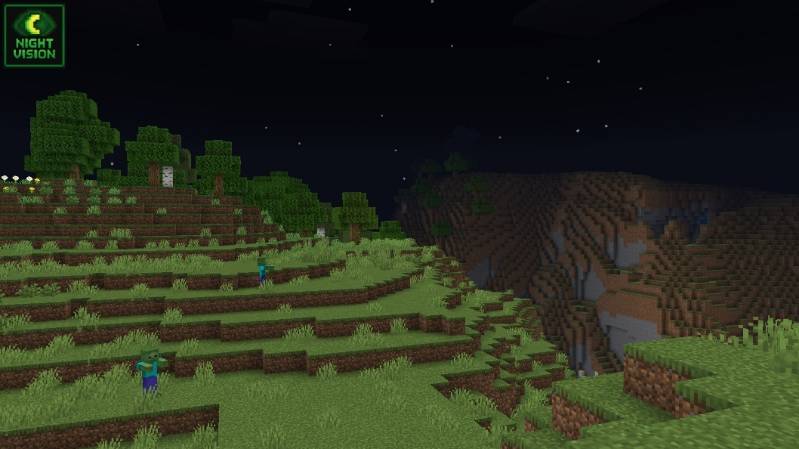
Explore the darkest caves and survive the longest nights with this custom Night Vision pack! Designed for Java Minecraft versions, it lights up your world without torches or potions.
No potion effects needed ❌
Patched mode:
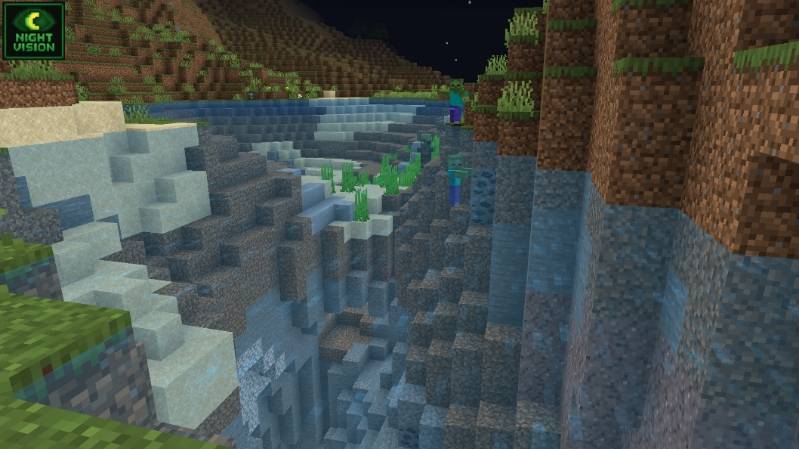
Clear visibility in caves & underwater 🌊
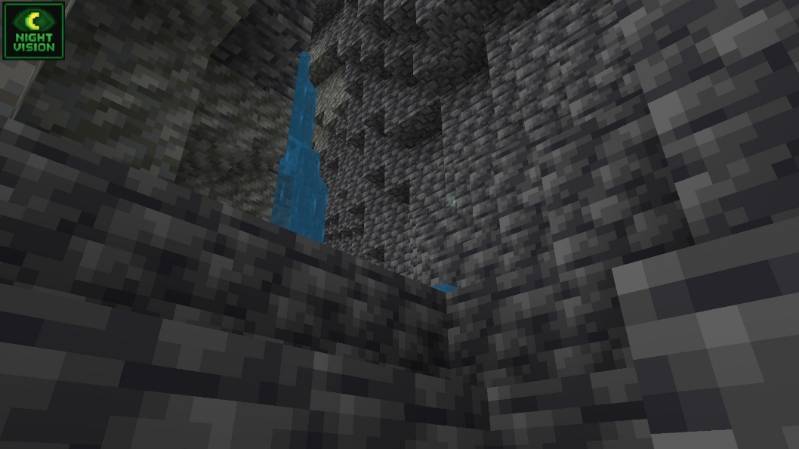
Perfect for survival, PvP

Socials:
Join our discord

✅ Allowed with My Projects
- You can showcase my work in videos/streams if you give proper credit (e.g., link to the official download).
- You can edit file for personal use only
❌ Not Allowed with My Projects
- You cannot distribute through monetized links (AdFly, Linkvertise, etc.).
- You cannot edit and re-share my projects .
Kako instalirati Night Vision Ultimate
With Millida Launcher
Install Millida Launcher
The launcher is free: download it at millida.net/launcher and sign in with any nickname.
Click “Install” on this page
The launcher opens and installs the data pack for Minecraft 1.13–1.21.11 automatically.
Launch the game
A profile with it appears in the launcher: click “Play”.
Manually
Download the archive
Pick the file §bNight Vision Ultimate.zip (1.2 MB) for your game version.
New world: “Data Packs”
When creating a world, click “Data Packs”, drag the archive into the window, then move it to “Selected”.
Existing world: the datapacks folder
Put the archive into saves/<world>/datapacks and type /reload in game.
On a server
Archive goes into the server world’s datapacks
The world/datapacks folder on the server; players do not need to install anything.
Reload the data
Type /reload in the server console or restart the server.
Use the “To server” button
On Millida Hosting, the button at the top of the page uploads the file to your server and restarts it for you.
Verzije
Sa zavisnostima
| Minecraft | Loader | Fajl | Datum | Akcije |
|---|---|---|---|---|
| 1.19.2 | Data pak | 1.19.21.2 MB | ||
| 1.18.2 | Data pak | 1.18.21.2 MB | ||
| 1.17.1 | Data pak | 1.17.11.2 MB | ||
| 1.16.5 | Data pak | 1.16.51.2 MB | ||
| 1.15.2 | Data pak | 1.15.21.2 MB | ||
| 1.14.4 | Data pak | 1.14.41.2 MB 1 |
Recenzije
Budi prvi koji će oceniti Night Vision Ultimate


