

Apple Enchant Data pak za Minecraft 1.21.1, 1.21
Obnovljiva Enchanted Golden Apple na vanilla način.
- pregleda
- 31 pregleda
- Ažurirano
- Ažurirano 15.04.2025
- 1.21 — 26.2
 Data pak
- Klijent i server
🍎 Apple Enchant
Reintroduces Enchanted Golden Apples through a balanced, survival-friendly mechanic.
Overview
Apple Enchant allows you to craft Enchanted Golden Apples without breaking vanilla balance. By sacrificing your hard-earned experience levels, you can imbue standard Golden Apples with powerful magic.
🔗 Synergy: Highly recommended to use alongside Food Balance and Mooshroom Energy for expanded food mechanics!
How to Enchant
Transforming your golden apples requires magical mastery and raw experience:
- Requirement: You must have at least 30 experience levels.
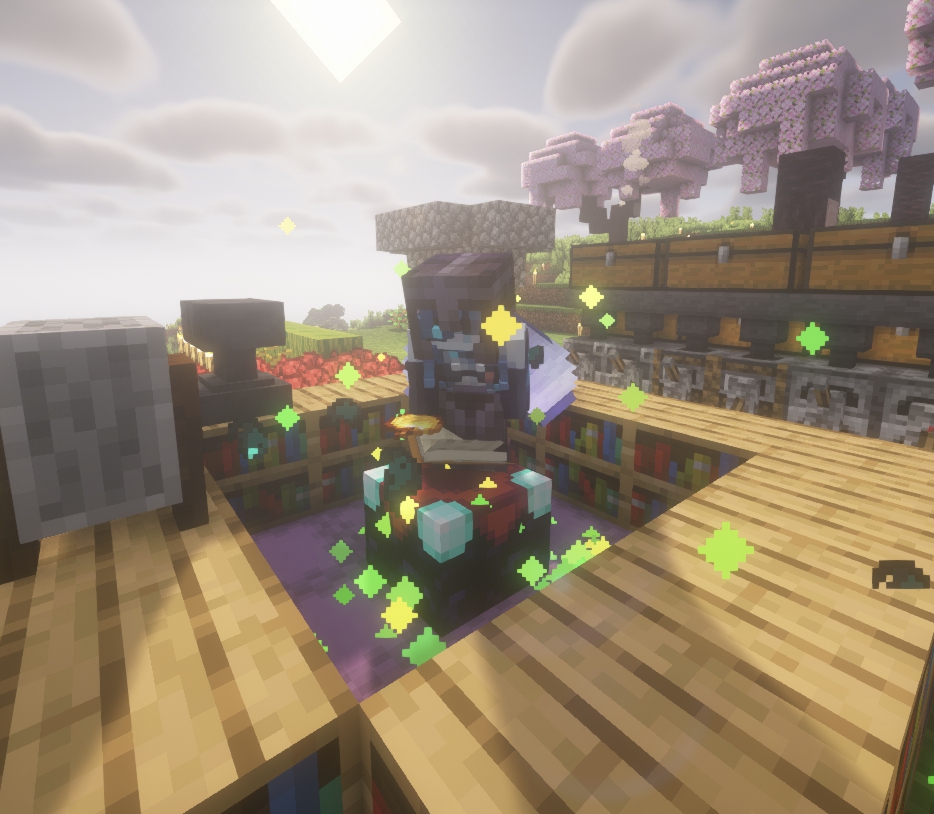
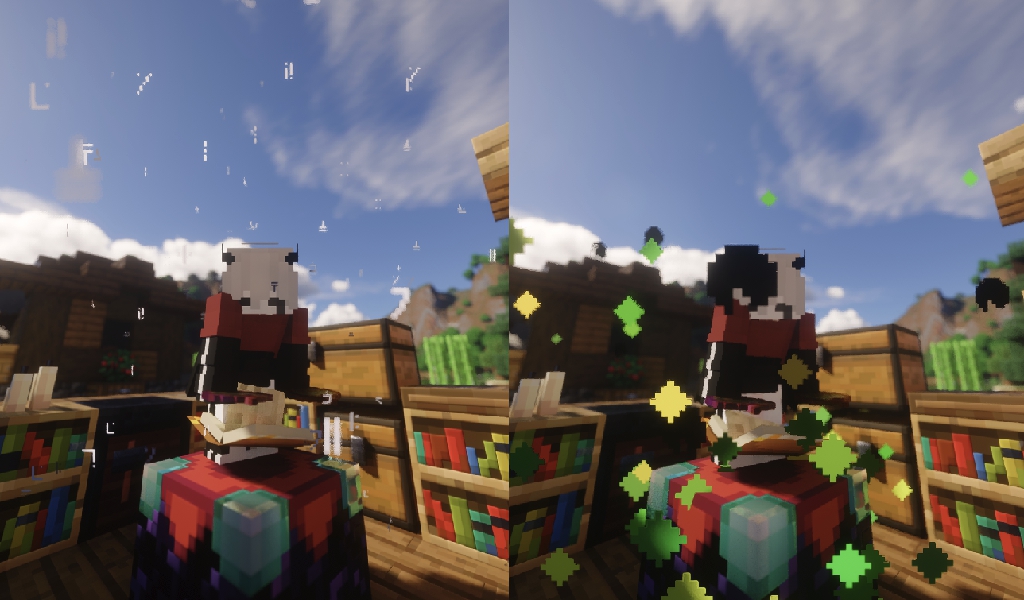
- Action: Stand on an Enchanting Table and crouch (sneak) while holding Golden Apples in your inventory.
- Cost: The ritual consumes exactly 1395 XP (the exact total amount needed to go from level 0 to 30).
- VFX/SFX: Enjoy mysterious custom sound and particle effects during the enchanting process!
Do not begin the enchanting ritual if you aren't absolutely ready to spend all 30 levels!
Disenchanting & Recovering XP
Need your experience back? You can reverse the magical process:
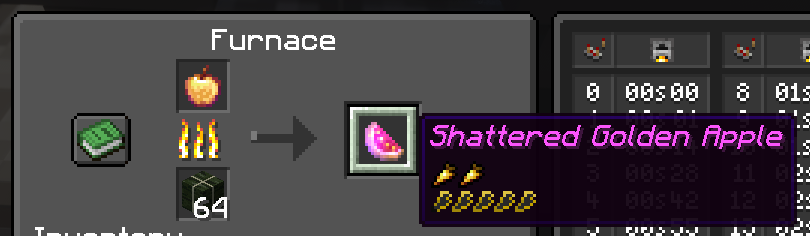
- Cook an Enchanted Golden Apple in a standard Furnace to recover the spent XP.
- Do NOT use a Campfire! Campfires will cook the item without returning any experience.
The Shattered Golden Apple
When you successfully disenchant an apple in a furnace, you are left with a new, depleted item: the Shattered Golden Apple.
- Effect: Grants Decaying Resistance (🛡️ 100% → 0%).
- Drawback: Provides zero healing to the player.
License
All Rights Reserved
✅ You are free to:
- Add this datapack to your modpacks (provided you use the Modrinth download link).
- Share the official Modrinth page with others.
- Modify the code strictly for personal use.
❌ Without explicit permission, you CANNOT:
- Reupload this datapack or its files anywhere else.
- Use the code, assets, or mechanics in other public projects.
Kako instalirati Apple Enchant
With Millida Launcher
Install Millida Launcher
The launcher is free: download it at millida.net/launcher and sign in with any nickname.
Click “Install” on this page
The launcher opens and installs the data pack for Minecraft 1.21–26.2 automatically.
Launch the game
A profile with it appears in the launcher: click “Play”.
Manually
Download the archive
Pick the file AppleEnchant_1.1.zip (21 KB) for your game version.
New world: “Data Packs”
When creating a world, click “Data Packs”, drag the archive into the window, then move it to “Selected”.
Existing world: the datapacks folder
Put the archive into saves/<world>/datapacks and type /reload in game.
On a server
Archive goes into the server world’s datapacks
The world/datapacks folder on the server; players do not need to install anything.
Reload the data
Type /reload in the server console or restart the server.
Use the “To server” button
On Millida Hosting, the button at the top of the page uploads the file to your server and restarts it for you.
Verzije
Sa zavisnostima
| Minecraft | Loader | Fajl | Datum | Akcije |
|---|---|---|---|---|
| 26.2 | Data pak | 26.220.6 KB | ||
| 26.1 | Data pak | 26.120.6 KB | ||
| 1.21.11 | Data pak | 1.21.1120.6 KB | ||
| 1.21 | Data pak | 1.2120.5 KB |
Recenzije
Budi prvi koji će oceniti Apple Enchant


