

 Vanilla hra
O resource packu Stone Buttons
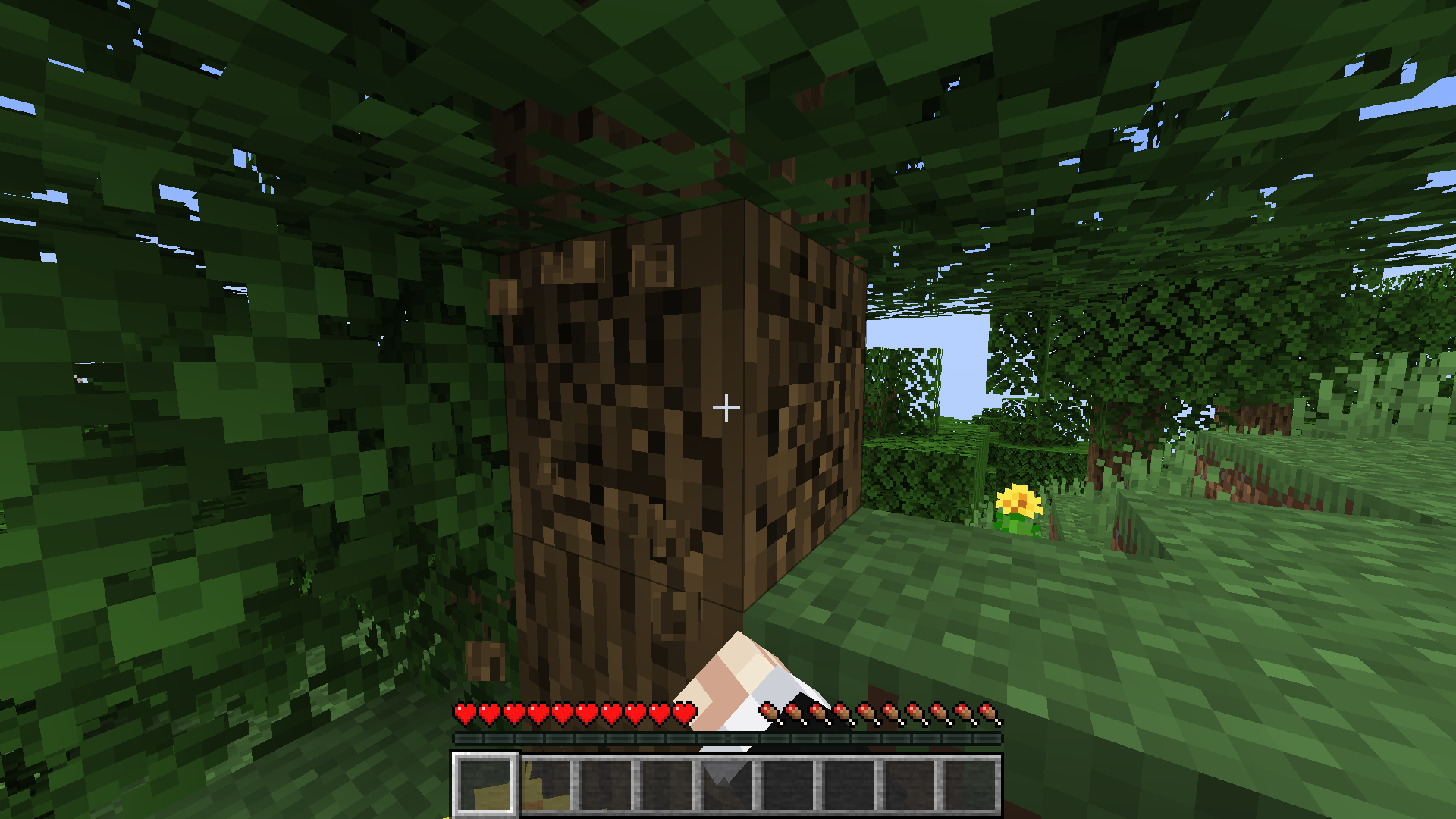
Texture pack which adds stone textures for buttons and hotbar

Buttons (normal/hover/disabled)

Updated hotbar texture
Ako nainštalovať Stone Buttons
With Millida Launcher
Install Millida Launcher
The launcher is free: download it at millida.net/launcher and sign in with any nickname.
Click “Install” on this page
The launcher opens and installs the resource pack for Minecraft 1.19.4–1.21 automatically.
Launch the game
A profile with it appears in the launcher: click “Play”.
Manually
Download the archive
Pick the file stone_buttons_v.0.1.zip (29 KB) for your game version. No need to unpack it.
Put it in the resourcepacks folder
The easiest way: “Options”, then “Resource Packs”, then “Open Pack Folder”, and drag the archive there.
Enable the pack
In the same window, move the pack to the right-hand “Selected” column and click “Done”.
Verzie
So závislosťami
| Minecraft | Loader | Súbor | Dátum | Akcie |
|---|---|---|---|---|
| 1.21 | — | 1.2128.5 KB | ||
| 1.19.4 | — | 1.19.423.2 KB |
FAQ
Which Minecraft versions does Stone Buttons work on?
There are files for 1.21, 1.19.4. The newest is 1.21.
Does Stone Buttons need mods?
No, the resource pack works in the plain game without loaders: put it into the resourcepacks folder and enable it in the options.
Where can I download Stone Buttons safely?
On this page: the file stone_buttons_v.0.1.zip (29 KB) is stored on Millida’s server, with no link shorteners. SHA-1 checksum: 2c90fec686b14ebefe39e3b641c96d9f3bf04266.
Recenzie
Buď prvý, kto ohodnotí Stone Buttons


