
Solscape Shaders Resource pack pre Minecraft 1.21, 26.40
atleast make something different once Solscape Shaders wraps Bedrock in warm, sun-soaked lighting — vibrant skies, golden fog, and glowing ores, without costing you performance.
O resource packu Solscape Shaders
Solscape reimagines Minecraft Bedrock's atmosphere with warm, golden-hour lighting that turns every sunrise and sunset into a cinematic moment - built for both stunning visuals and smooth performance.
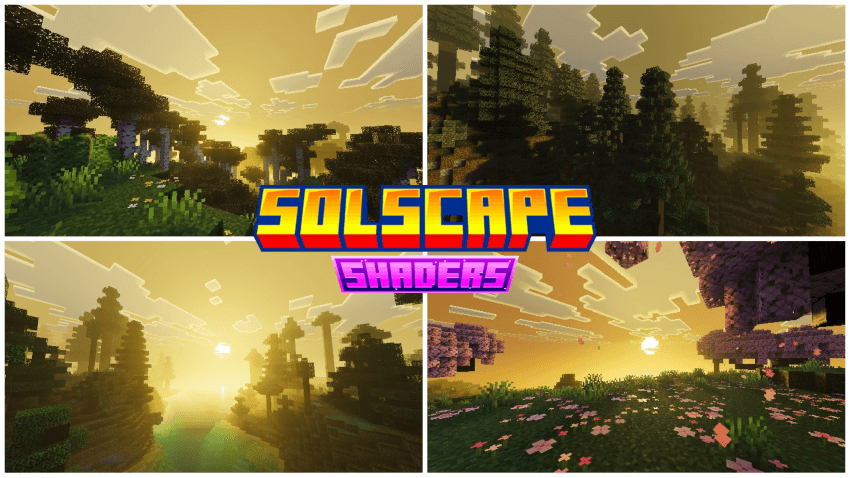
From glowing caves to hazy sunlit horizons, every detail is tuned to give your world a warmer, more immersive feel without sacrificing the vanilla charm you know.
Features:
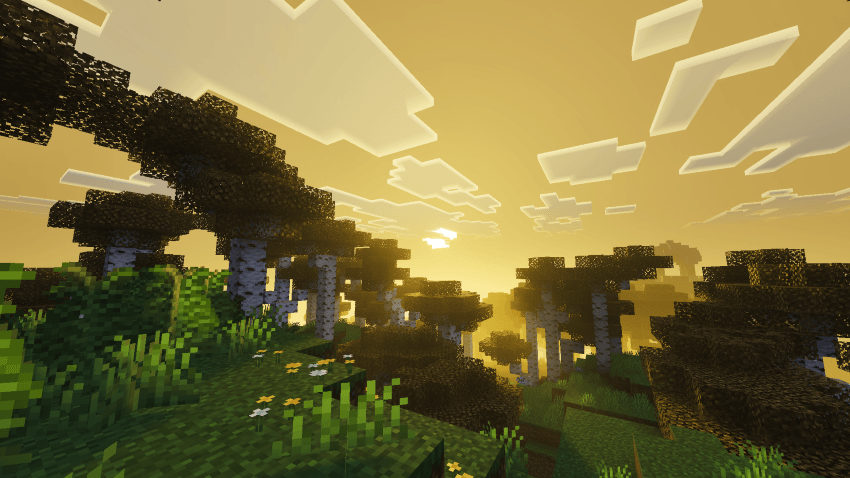
- Warm dynamic skies with custom sunrise/sunset gradients
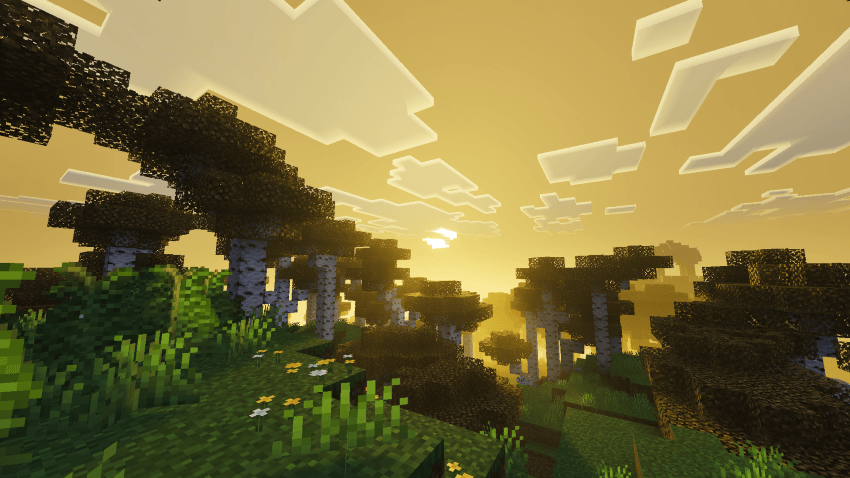
- Golden volumetric fog for a sun-drenched, hazy look
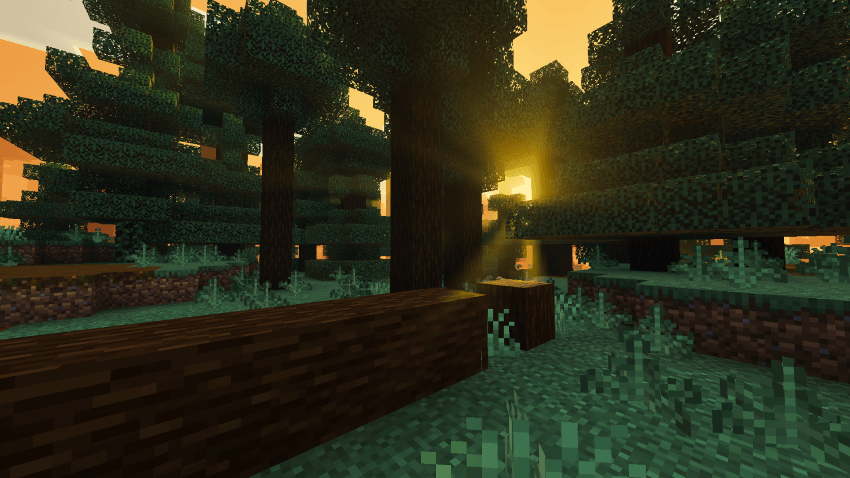
- Cinematic ACES color grading with warm white balance
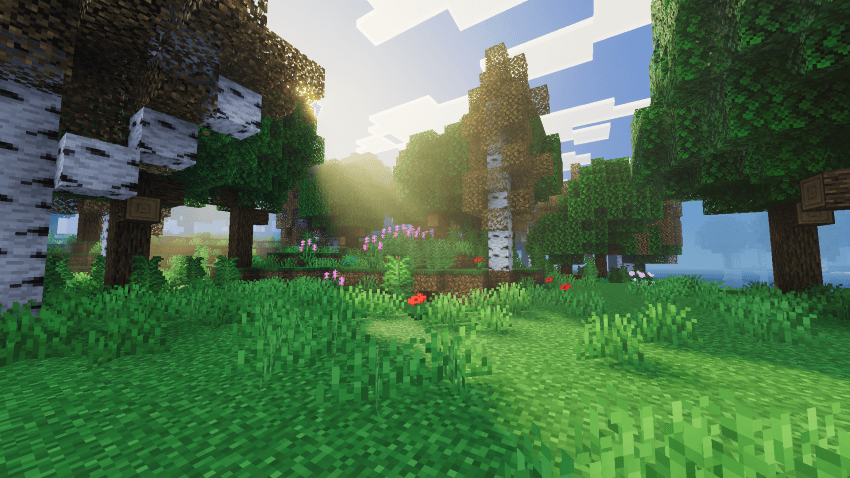
- Glowing PBR ores with full MER support
- Lightweight and vanilla-friendly performance
Requirements: Minecraft Bedrock 1.21.80+ with Vibrant Visuals / RenderDragon enabled
Installation:
- Download the .mcpack file
- Open with Minecraft or place in games/com.mojang/resource_packs
- Activate in Settings > Global Resources, move to top
- Enable Vibrant Visuals in Settings > Video
- Apply under World Settings > Resource Packs
Ako nainštalovať Solscape Shaders
With Millida Launcher
Install Millida Launcher
The launcher is free: download it at millida.net/launcher and sign in with any nickname.
Click “Install” on this page
The launcher opens and installs the resource pack for Minecraft 1.21–26.40 automatically.
Launch the game
A profile with it appears in the launcher: click “Play”.
Manually
Download the archive
Pick the file Solscape Shaders v1.2.mcpack (1.1 MB) for your game version. No need to unpack it.
Put it in the resourcepacks folder
The easiest way: “Options”, then “Resource Packs”, then “Open Pack Folder”, and drag the archive there.
Enable the pack
In the same window, move the pack to the right-hand “Selected” column and click “Done”.
Verzie
So závislosťami
| Minecraft | Loader | Súbor | Dátum | Akcie |
|---|---|---|---|---|
| 1.21.90 | — | Solscape Shaders v1.2.mcpack1.1 MB 1 |
FAQ
Which Minecraft versions does Solscape Shaders work on?
There are files for 1.21–26.40, 23 versions in total. The newest is 26.40.
Where can I download Solscape Shaders safely?
On this page: the file Solscape Shaders v1.2.mcpack (1.1 MB) is stored on Millida’s server, with no link shorteners. SHA-1 checksum: 6512c94e1f02bd5fd668effbc5103be3d6c4a14b.
Recenzie
Buď prvý, kto ohodnotí Solscape Shaders



