

O resource packu Sodium Boost
Sodium Boost
Sodium Boost is a lightweight Minecraft Bedrock resource pack designed to improve performance while keeping the game as close to the original vanilla experience as possible.
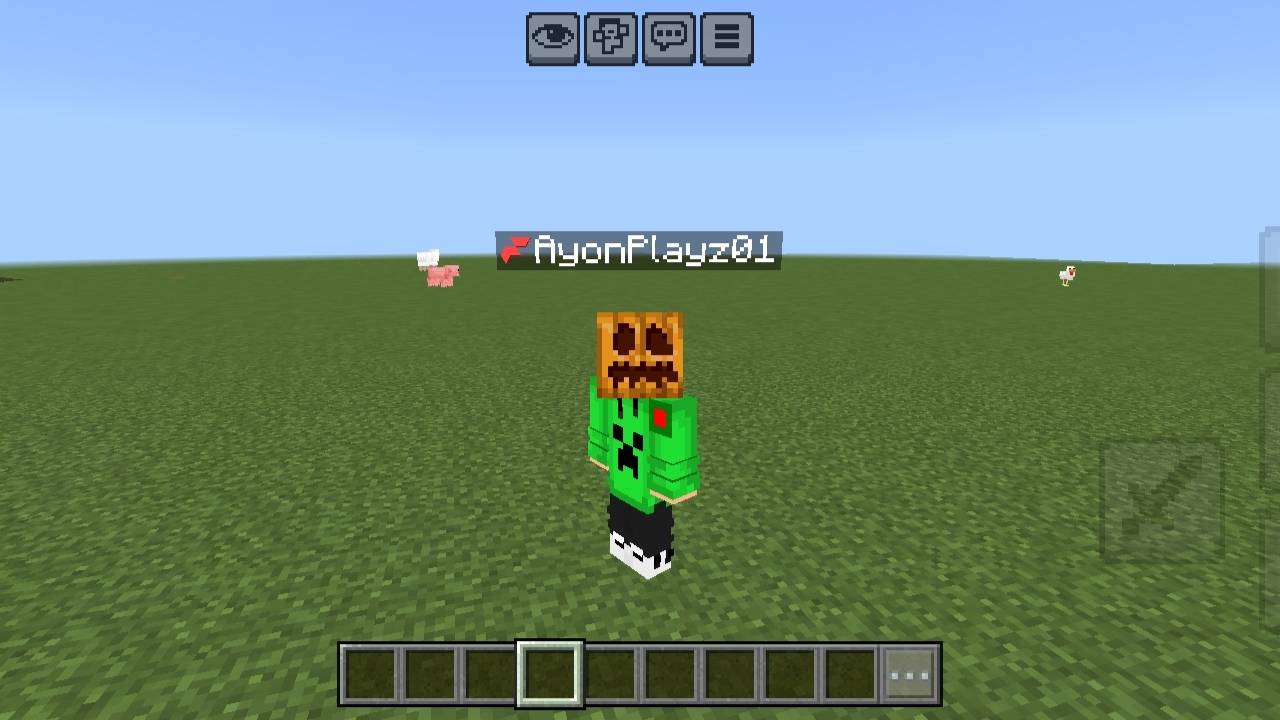
Unlike many FPS packs, Sodium Boost focuses on reducing lag without significantly changing the look and feel of Minecraft. The pack removes unnecessary visual effects and optimizes rendering to help deliver smoother gameplay, especially on low-end and mid-range devices.
Features
- ⚡ Boosts FPS and overall performance
- 🎮 Preserves the vanilla Minecraft experience
- ✨ Reduces unnecessary visual effects
- 📱 Optimized for low-end and mid-range devices
- 🔋 Helps reduce lag and stuttering
- 🌍 Compatible with both singleplayer and multiplayer
- 🛠️ Lightweight and easy to use
Compatibility
- Minecraft Bedrock Edition
- Compatible with the latest supported game versions listed on this page.
- Works alongside most resource packs.
Installation
- Download the pack.
- Import it into Minecraft.
- Activate Sodium Boost in your Resource Packs.
- Move it to the top of your active resource pack list for the best results.
Report Issues
Found a bug or have a suggestion? Leave a comment on this project page so it can be fixed in a future update.
Thank you for downloading Sodium Boost. Enjoy a smoother, faster Minecraft experience!
Ako nainštalovať Sodium Boost
With Millida Launcher
Install Millida Launcher
The launcher is free: download it at millida.net/launcher and sign in with any nickname.
Click “Install” on this page
The launcher opens and installs the resource pack for Minecraft 1.20–26.0 automatically.
Launch the game
A profile with it appears in the launcher: click “Play”.
Manually
Download the archive
Pick the file Sodium Boost.mcpack (1.8 MB) for your game version. No need to unpack it.
Put it in the resourcepacks folder
The easiest way: “Options”, then “Resource Packs”, then “Open Pack Folder”, and drag the archive there.
Enable the pack
In the same window, move the pack to the right-hand “Selected” column and click “Done”.
Verzie
So závislosťami
| Minecraft | Loader | Súbor | Dátum | Akcie |
|---|---|---|---|---|
| 1.20 | — | Sodium Boost.mcpack1.8 MB 43 |
FAQ
Which Minecraft versions does Sodium Boost work on?
There are files for 26.0, 1.21, 1.20. The newest is 26.0.
Where can I download Sodium Boost safely?
On this page: the file Sodium Boost.mcpack (1.8 MB) is stored on Millida’s server, with no link shorteners. SHA-1 checksum: 134fcbb7ee64a555806cc3a1f892ca7c2b9c6886.
Recenzie
Buď prvý, kto ohodnotí Sodium Boost


