

Simple Hotbar Resource pack pre Minecraft 1.20.1, 1.21.1
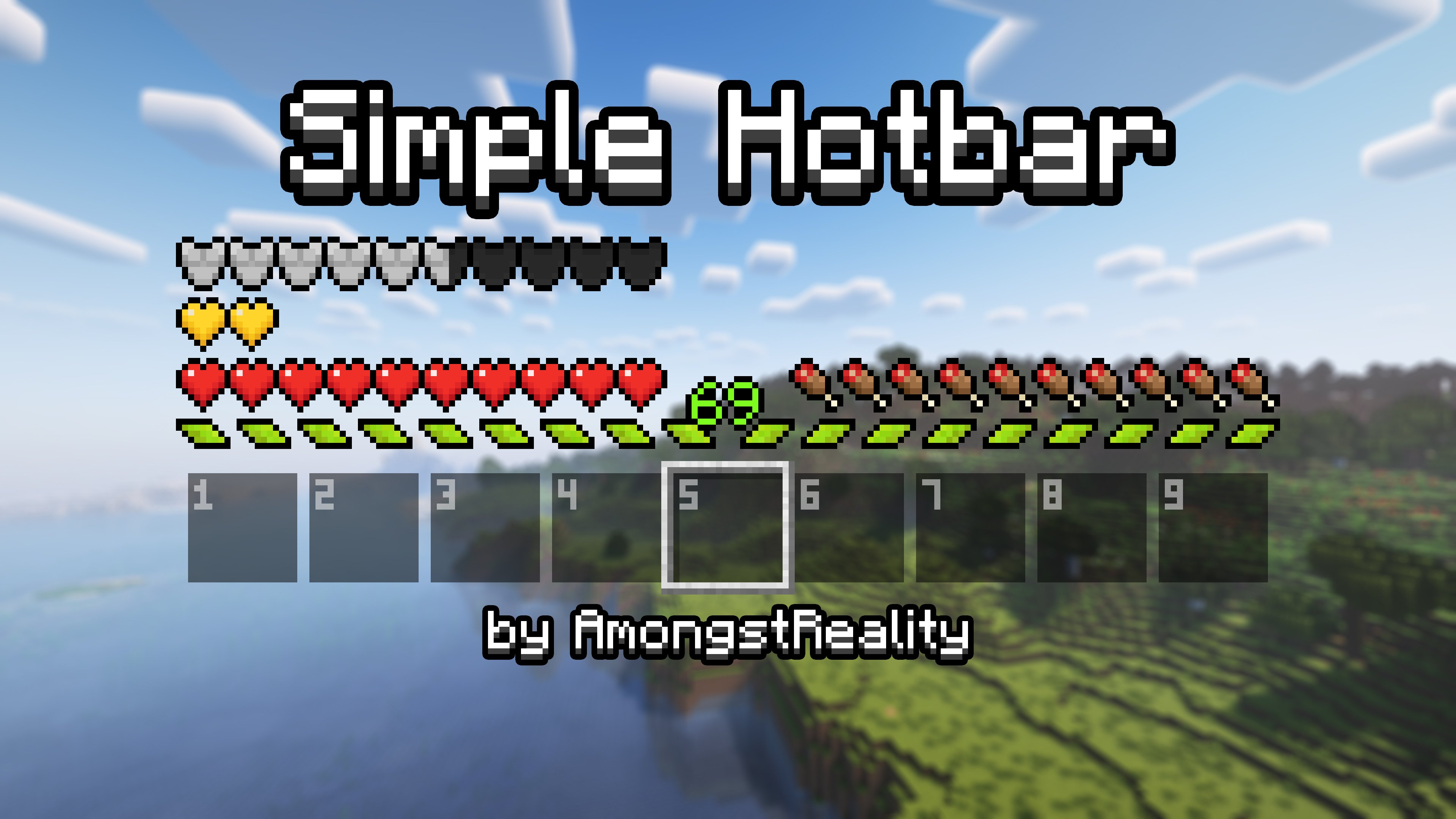
Resource Pack that changes hotbar, hearts and armor icons
- stiahnutí
- 31 stiahnutí
- zobrazení
- 194 zobrazení
- Aktualizované
- Aktualizované 04.09.2026
- 1.8 — 26.2
 Vanilla hra
- Klient
Simple Hotbar
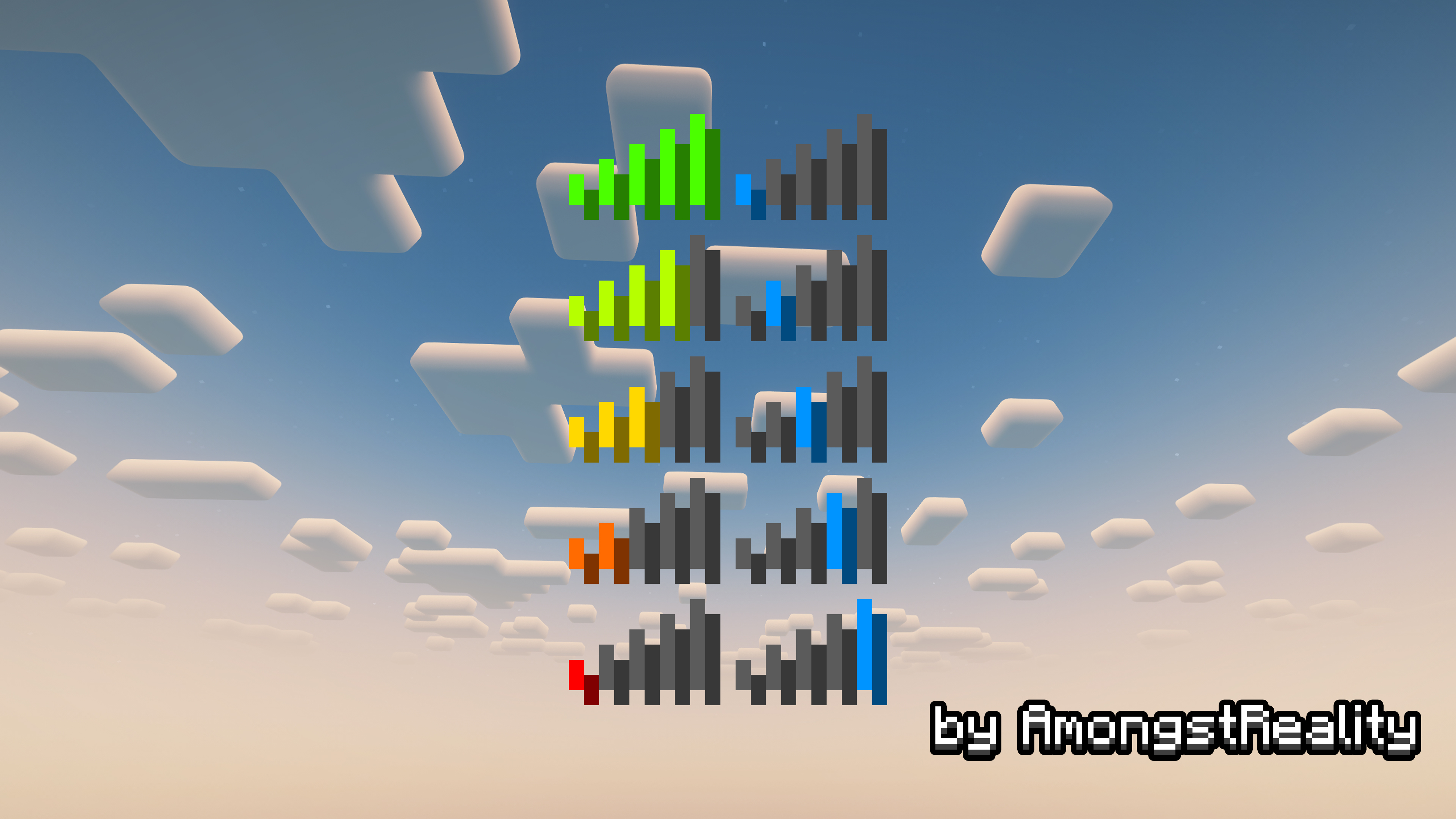
This pack will change the look of your hotbar, heart and armor icons, and will make connection icon change color with different ping.

Previews
Ako nainštalovať Simple Hotbar
With Millida Launcher
Install Millida Launcher
The launcher is free: download it at millida.net/launcher and sign in with any nickname.
Click “Install” on this page
The launcher opens and installs the resource pack for Minecraft 1.8–26.2 automatically.
Launch the game
A profile with it appears in the launcher: click “Play”.
Manually
Download the archive
Pick the file Simple Hotbar 1.20.2-1.21.x.zip (227 KB) for your game version. No need to unpack it.
Put it in the resourcepacks folder
The easiest way: “Options”, then “Resource Packs”, then “Open Pack Folder”, and drag the archive there.
Enable the pack
In the same window, move the pack to the right-hand “Selected” column and click “Done”.
Verzie
So závislosťami
| Minecraft | Loader | Súbor | Dátum | Akcie |
|---|---|---|---|---|
| 26.1 | — | 26.1227 KB 20 | ||
| 1.21.11 | — | 1.21.11227 KB 1 | ||
| 26.2 | — | 26.2227 KB | — | |
| 1.18.2 | — | 1.18.2224 KB 8 | — | |
| 1.16.5 | — | 1.16.5224 KB | — | |
| 1.12.2 | — | 1.12.2224 KB | — |
Recenzie
Buď prvý, kto ohodnotí Simple Hotbar


