

amethyst tools Resource pack pre Minecraft 1.21, 26.40
A collection of premium amethyst tools custom textures to enhance the visuals of your Minecraft Bedrock adventures.
O resource packu amethyst tools

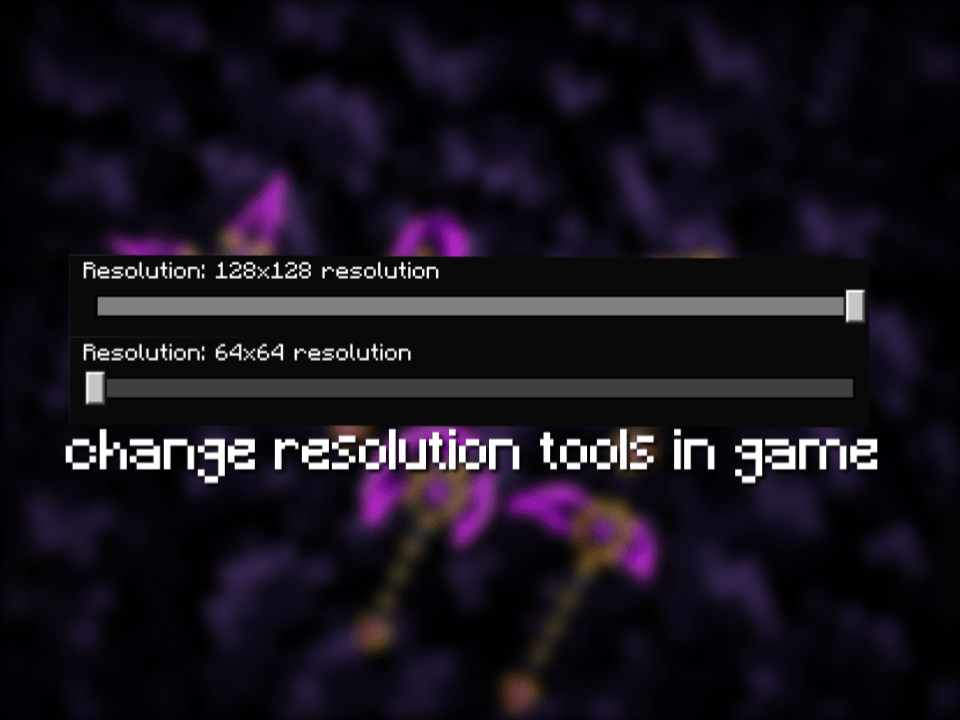
Amethyst Tools PackReplaces all vanilla Minecraft tools with custom purple amethyst crystal textures.Features:Redesign for Sword, Pickaxe, Axe, Shovel,and Hoe.Available in 64x64 and 128x128 resolutions.100% compatible with Bedrock Edition.
Ako nainštalovať amethyst tools
With Millida Launcher
Install Millida Launcher
The launcher is free: download it at millida.net/launcher and sign in with any nickname.
Click “Install” on this page
The launcher opens and installs the resource pack for Minecraft 1.21–26.40 automatically.
Launch the game
A profile with it appears in the launcher: click “Play”.
Manually
Download the archive
Pick the file amethyst tools@ZenFx.mcpack (276 KB) for your game version. No need to unpack it.
Put it in the resourcepacks folder
The easiest way: “Options”, then “Resource Packs”, then “Open Pack Folder”, and drag the archive there.
Enable the pack
In the same window, move the pack to the right-hand “Selected” column and click “Done”.
Verzie
So závislosťami
| Minecraft | Loader | Súbor | Dátum | Akcie |
|---|---|---|---|---|
| 1.21 | — | amethyst tools by:ZenFx.mcpack276 KB |
FAQ
Which Minecraft versions does amethyst tools work on?
There are files for 26.40, 1.21. The newest is 26.40.
Where can I download amethyst tools safely?
On this page: the file amethyst tools@ZenFx.mcpack (276 KB) is stored on Millida’s server, with no link shorteners. SHA-1 checksum: 9b5a7ab9de2675178ab3390ae438c849fbb108bd.
Recenzie
Buď prvý, kto ohodnotí amethyst tools



