
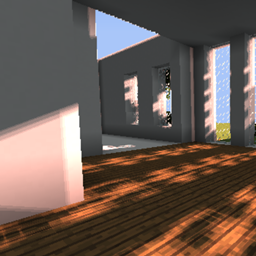
Windom Shaders pre Minecraft 1.12.2, 1.16.4
Minecraft shaders for fancy look and high peformance
O shaderoch Windom Shaders
I decided to show off my recent shader in curseforge, so more users will be able to experience the feeling of advanced minecraft with great peformance. These shaders are very new so it doesn't have alot, but you still might like it. What is Windom?
Windom is my recent shader that allows you to have a fancy look of minecraft and great peformance. It will be playable for everyone, even intel GPU users will be able to run this with smooth peformance. The shadows are made to look fancy but have the fastest peformance, they look kinda pixe-ly but still looks good. The SSAO is incredible and is used (with permission) from BSL by Capt Tatsu, it runs well and gives more of the advanced and fancy look into minecraft. The underwater and lava fog are so incredible with the natural vibrant look of it. You'll see more when you'll download the shaders. What does Windom have?
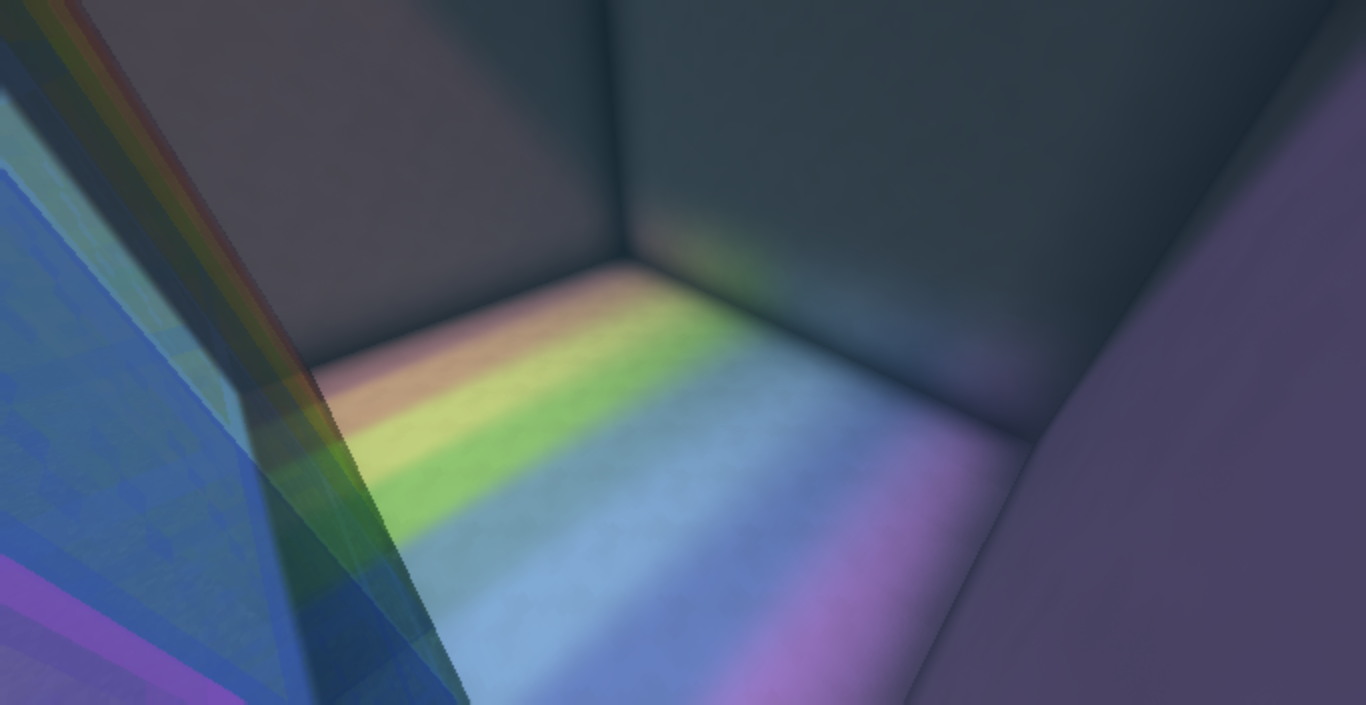
For now, Windom has some features. Not alot, it has:
-Screen Space Ambient Occlusion
-Fast shadows
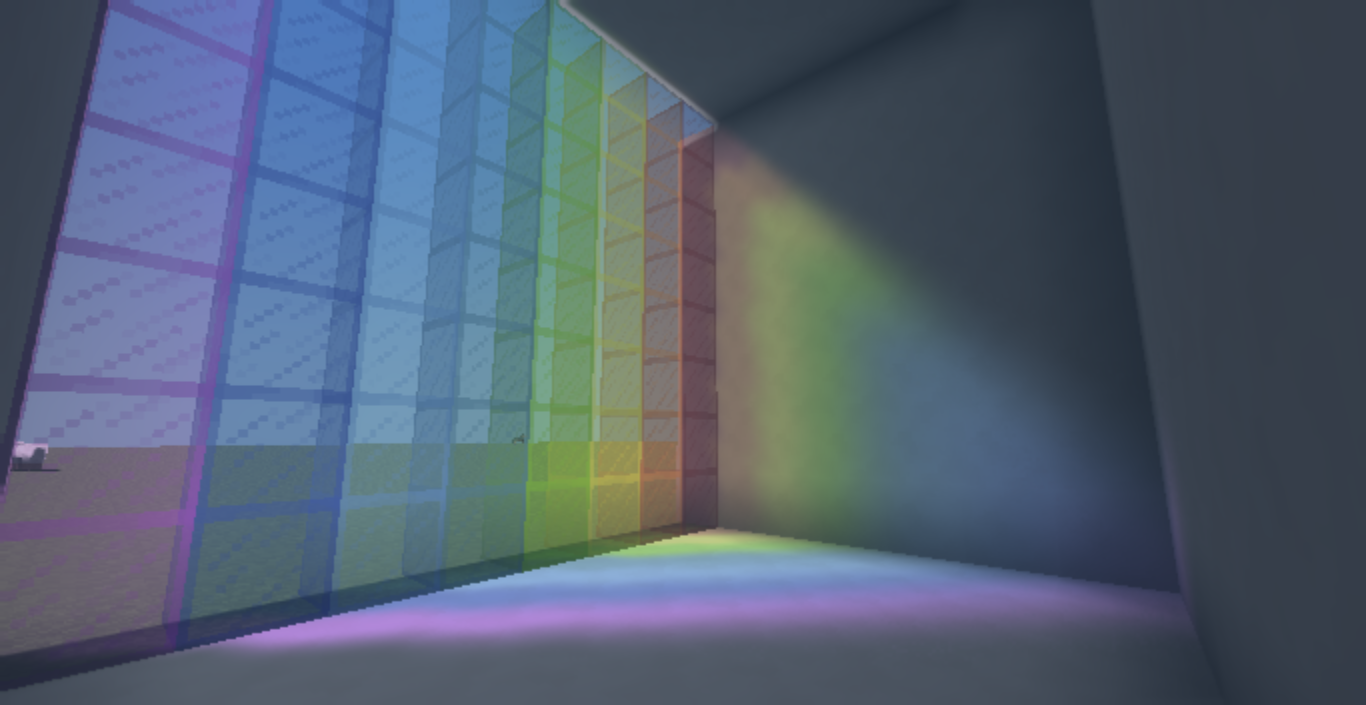
-Custom lighting colors
-Bloom
-Motion Blur
-Custom fog
And that's all for now. Soon there will be more.
Which GPUs does it support? It supports:
-Intel
-Nvidia
-AMD
-Apple (unknown)
-Linux
Description will be updated tommorrow. Please enjoy.
Ako nainštalovať Windom Shaders
With Millida Launcher
Install Millida Launcher
The launcher is free: download it at millida.net/launcher and sign in with any nickname.
Click “Install” on this page
The launcher opens and installs the shaders for Minecraft 1.8.9–1.16.4 automatically.
Launch the game
A profile with it appears in the launcher: click “Play”.
Manually
Install Iris or OptiFine
Without a shader mod the game cannot see shaders. Install it for the same Minecraft version.
Download the shader archive
Pick the file Windom IMPORTANT Update.zip (24 KB) and do not unpack it.
Put it in the shaderpacks folder
“Options”, then “Video Settings”, then “Shader Packs”, then “Open Shader Pack Folder”, and drag the archive there.
Select the shaders
In the same window, click the pack name and “Apply”.
Verzie
So závislosťami
| Minecraft | Loader | Súbor | Dátum | Akcie |
|---|---|---|---|---|
| 1.9.1 | — | Windom IMPORTANT UPDATE!24.3 KB 4 |
FAQ
Which Minecraft versions does Windom Shaders work on?
There are files for 1.8.9–1.16.4, 30 versions in total. The newest is 1.16.4.
Recenzie
Buď prvý, kto ohodnotí Windom Shaders


