

PixelCraft Shaders pre Minecraft 1.20.1, 1.21.1
PixelCraft Shaders is a Complementary Shaders edit aiming to replicate pixel art. Every screenshot is a new piece of art brought to life!
 Fabric
 OptiFine
O shaderoch PixelCraft Shaders

A Complementary Shaders Edit
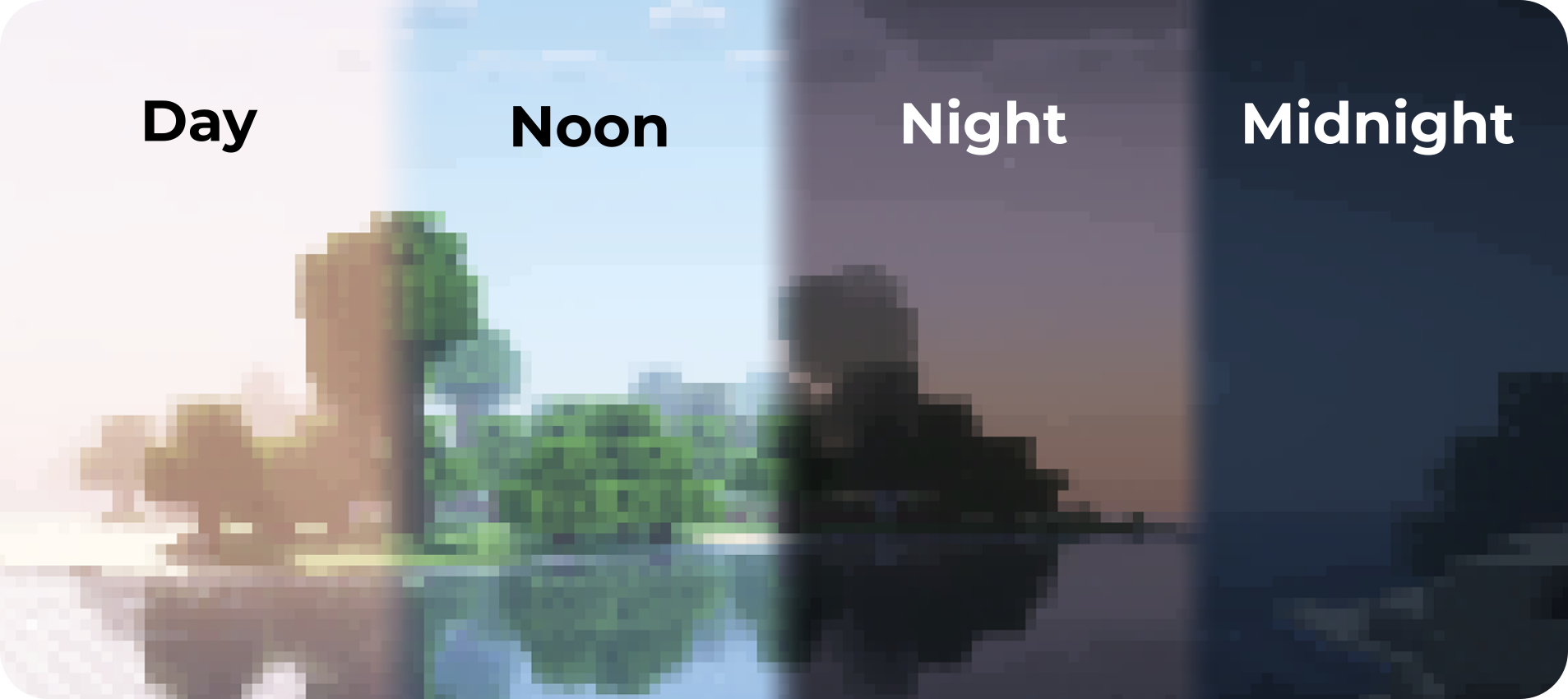
PixelCraft Shaders is a Complementary Shaders edit, developed by SpacEagle17, aiming to replicate pixel art. Every screenshot is a new piece of art brought to life!
Important notice: Please don't report any bugs to Emin, contact information is below.

🔗 Links
- Support SpacEagle17 on Patreon and get access to Preview Versions!
- Website of Euphoria Patches - the main project of SpacEagle17!
- Contact: https://euphoriapatches.com/contact

Sponsored by Ember Host
Looking for an affordable and reliable Minecraft server host? Check out Ember Host! I personally love working with them - they offer incredible value for the price, are highly underrated, and have an amazing support team.
By clicking the banner below, you'll get a 10% discount on your first purchase and support the development of Euphoria Patches, with 50% of your first purchase going directly to its creator. Alternatively, use the code EUPHORIA at checkout to claim your discount!
Special thanks to Emin the developer of Complementary Shaders and all testers on Discord! This project would have been impossible without you!

Ako nainštalovať PixelCraft Shaders
With Millida Launcher
Install Millida Launcher
The launcher is free: download it at millida.net/launcher and sign in with any nickname.
Click “Install” on this page
The launcher opens and installs the shaders for Minecraft 1.7.2–26.2 automatically.
Launch the game
A profile with it appears in the launcher: click “Play”.
Manually
Install Iris or OptiFine
Without a shader mod the game cannot see shaders. Install it for the same Minecraft version.
Download the shader archive
Pick the file PixelCraftShaders_r1.2.zip (454 KB) and do not unpack it.
Put it in the shaderpacks folder
“Options”, then “Video Settings”, then “Shader Packs”, then “Open Shader Pack Folder”, and drag the archive there.
Select the shaders
In the same window, click the pack name and “Apply”.
Verzie
So závislosťami
| Minecraft | Loader | Súbor | Dátum | Akcie |
|---|---|---|---|---|
| 1.17.1 | Iris, OptiFine | 1.17.1454 KB 4 | ||
| 1.15.2 | Iris, OptiFine | 1.15.2454 KB | ||
| 1.14.4 | Iris, OptiFine | 1.14.4454 KB | ||
| 1.7.10 | Iris, OptiFine | 1.7.10454 KB 5 | ||
| 26.2 | Iris, OptiFine | 26.2454 KB | — | |
| 26.1 | Iris, OptiFine | 26.1454 KB | — | |
| 1.21.11 | Iris, OptiFine | 1.21.11454 KB | — | |
| 1.21 | Iris, OptiFine | 1.21454 KB | — |
FAQ
Which Minecraft versions does PixelCraft Shaders work on?
There are files for 1.7.2–26.2, 83 versions in total. The newest is 26.2.
What do I need to run PixelCraft Shaders?
Shaders are loaded through Iris or OptiFine: without one of them the game cannot see them.
How do I download PixelCraft Shaders?
With Millida Launcher: it installs PixelCraft Shaders into a modpack by itself, for the right game version and loader. The launcher is free.
Recenzie
Buď prvý, kto ohodnotí PixelCraft Shaders


