

Polymania! Zostavenie pre Minecraft 26.2
Server side perfected. A kitchen-sinky modpack, allowing for fully modded experience without installing a single mod on the client.
- stiahnutí
- 7 stiahnutí
- zobrazení
- 103 zobrazení
- Aktualizované
- Aktualizované 04.09.2026
- 1.21.11 — 26.2
 Fabric
- Server
Welcome to Polymania!
Polymania is a kitchen-sinky, Fabric Server-Side modpack, which main goal is to provide the classic modded experience, while being easy to install and use. It's ideal for a server you want to play on with your friends, as the only thing needed is a place to host it and vanilla Minecraft client!
This modpack is contains:
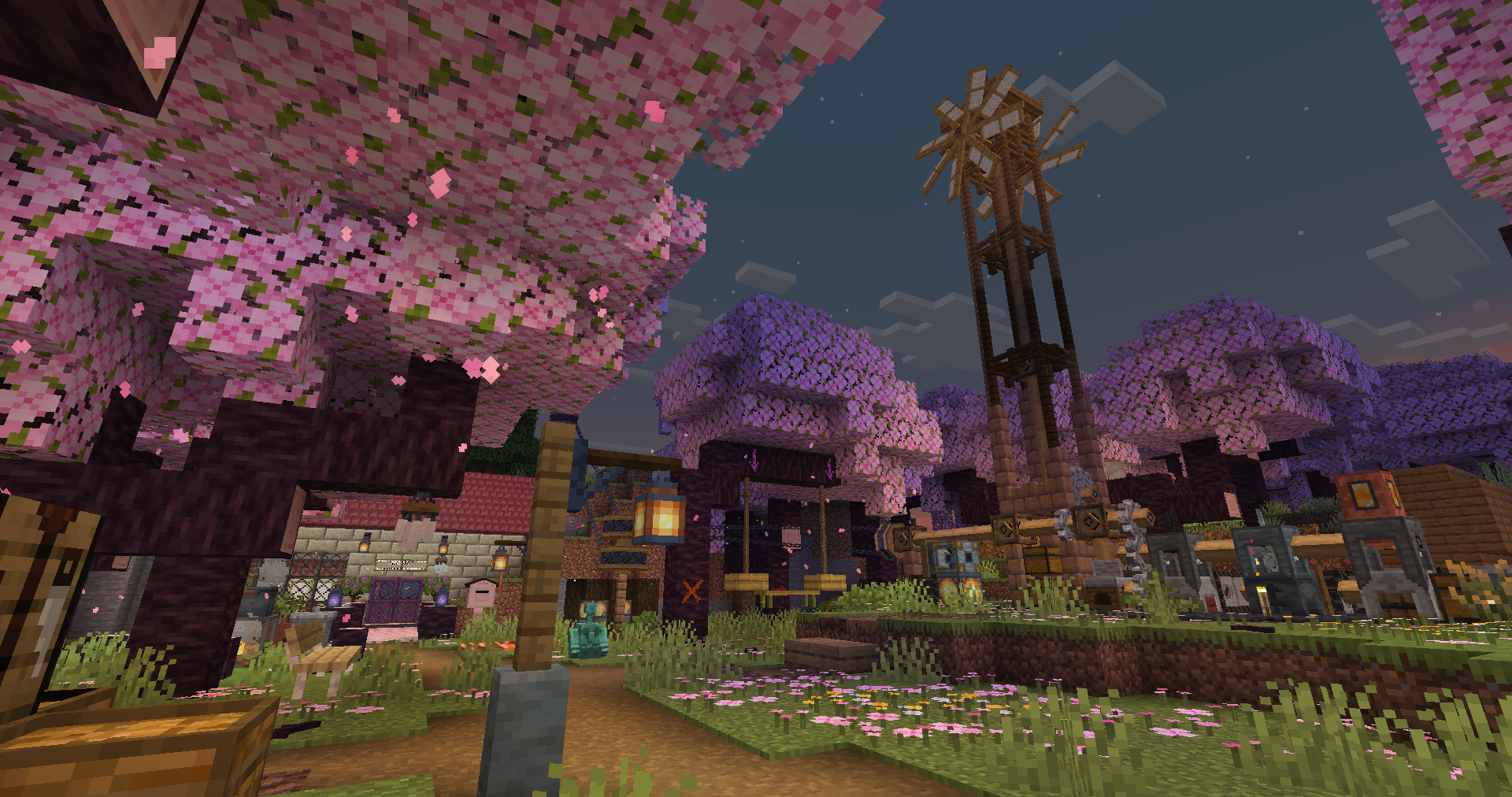
- A full on factory/automation with machinery powered by rotation and logic cables, provided by PolyFactory mod!
- Many new decorative and building blocks blocks for builders from furniture to new bricks and stones! Provided by PolyDecorations, Blockus and others.
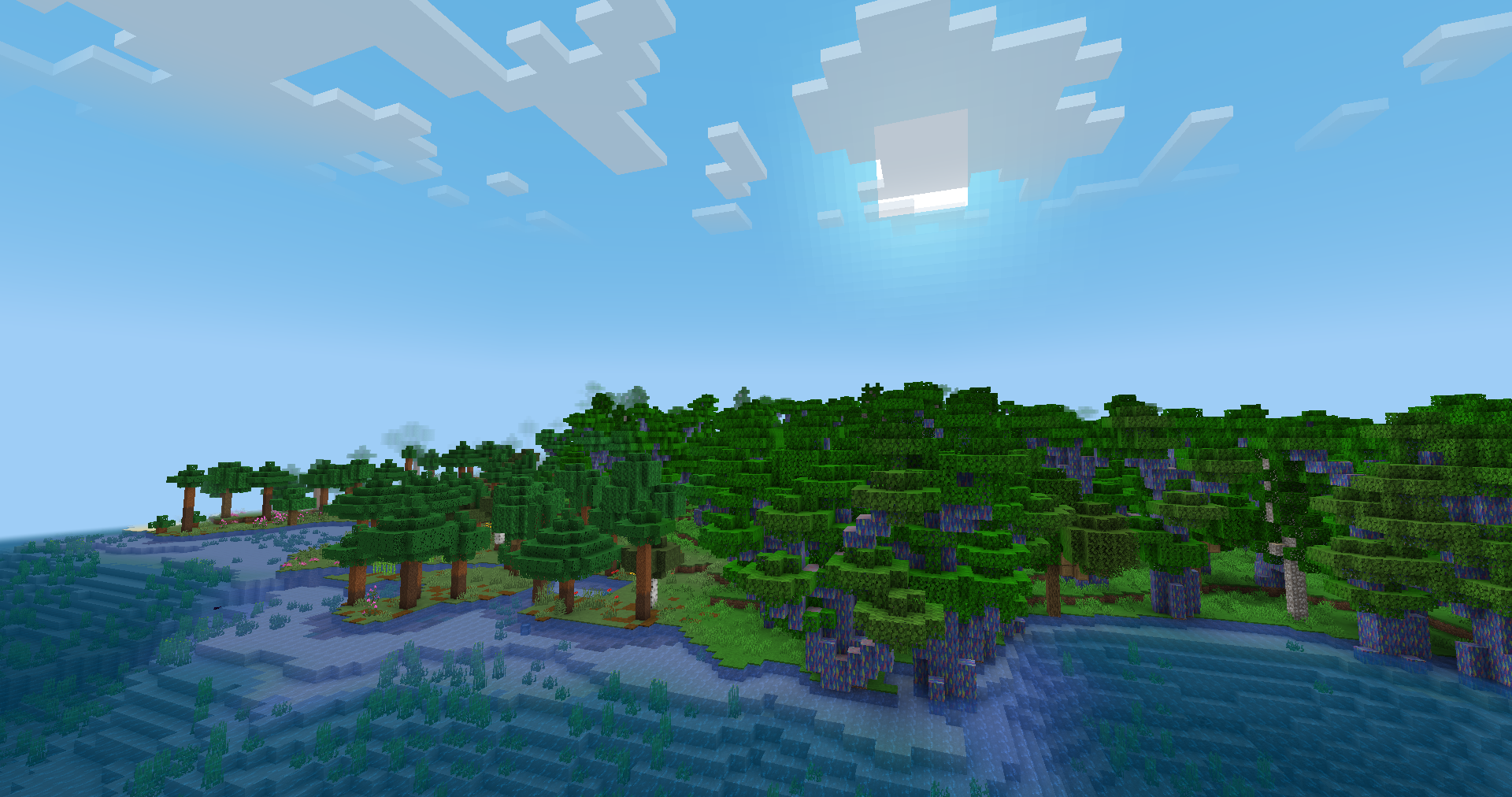
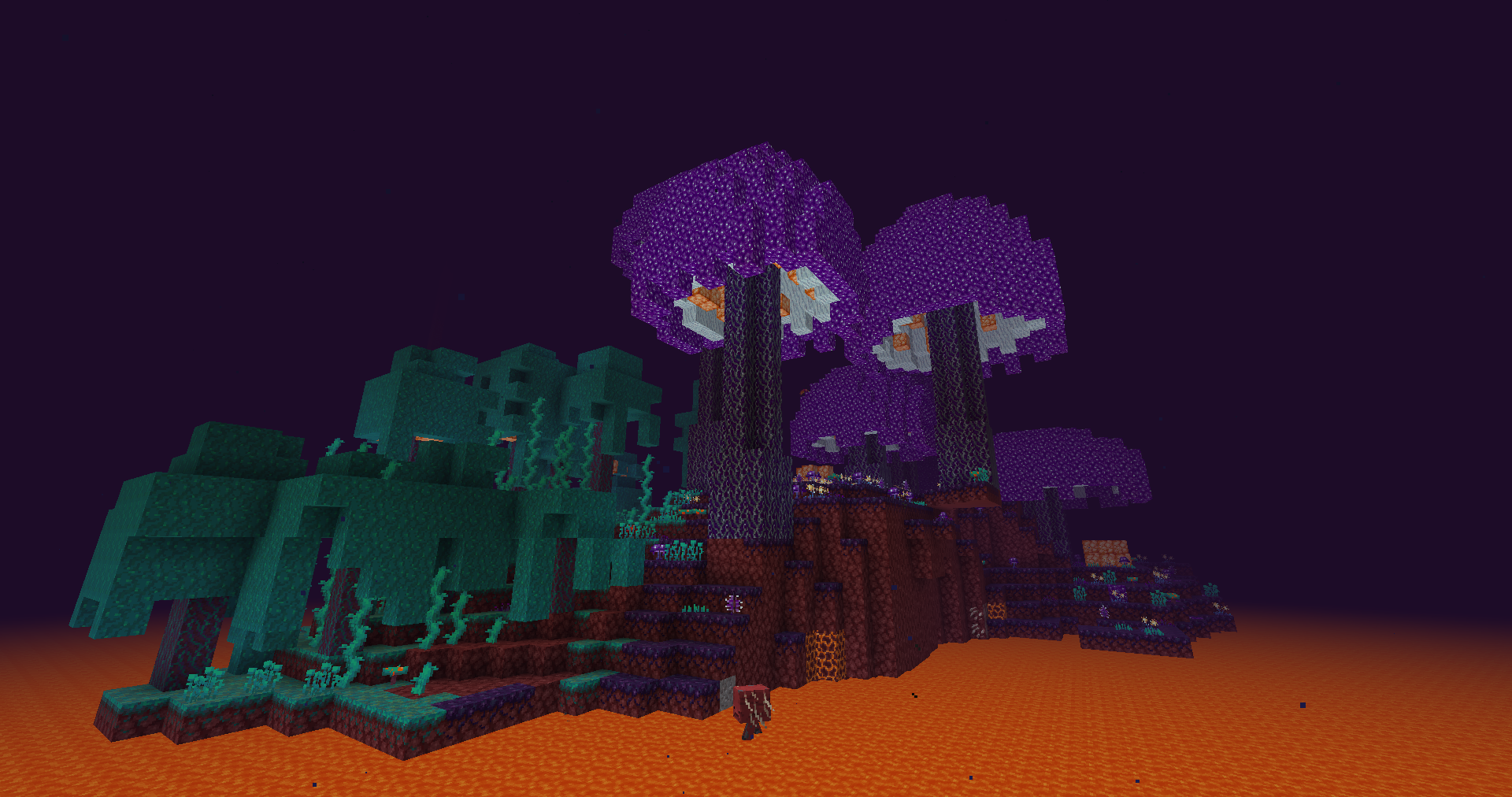
- New biomes and structures, thanks to mods and datapacks such as Cliff under a Tree, Traverse, Cinderscape, Enderscape and more.
- New mobs, friendly and aggresive, by Tom's Mobs, Illager Expansion Recrafted and others.
- Programmable computers from ComputerCraft, modified to work server side.
- New plants and food types, provided by Farmer's Delight and others.
- And more!
Installation.
Modpack is available on Modrinth, but can be easily installed on any hosting service that supports custom jars. Naturally it can also be installed on Modrinth Servers using it's builtin modpack installer.

Provided installer (Recommended).
Every release of a modpack provides extra file named server.jar. Just download it and run it like any other Minecraft server (see MC wiki for running it locally, or follow your server hosting tutorial about using custom jars). Only thing you will need to do is to accept Minecraft's eula.

Using mrpack4server.
You can use mrpack4server just as it's described in it's readme. Officially provided server.jar uses pre-configured version of it set to download the pack, so there should be no functionality difference aside of having to set it up manually.
Other methods.
Other known methods of installing modrinth modpacks include mrpack-installer, itzg/minecraft-server docker image or any other compatible installer, through I wouldn't suggest using them for non-technical users.
Can I check all recipes somehow? Also can I hide the block names on top of the screen!
Yes! You can use /polydex command to show all available item recipes. Block/Entity names on top of the screen are also handled by the Polydex. You can read more about it here!
Can I run this modpack on the client/singleplayer?
It might work, but it's not as tested as running this pack on a server. At least for versions 0.3.0-beta.3 and newer it should work. Older versions will be missing mods, if not crash outright. Try for yourself.
Can I use Geyser with this?
Currently? Sadly not. Due to many differences between how java and bedrock handle many technical / datapack / resourcepack features, this modpack won't work correctly with Geyser users. So even if they managed to join, they likely won't see textures and models correctly, while also not being able to use some items and blocks at all.
Does ViaVersion / ViaBackwards work with this?
Heavily depends on versions you use. Generally it might work in some cases, where enough things didn't change, but at least with older versions things will work worse if not at all in case it's missing required behaviour/feature. In case of newer version, it's possible some things won't work due to format / display changes in Minecraft resource pack features, through it should be way more compatible.
Modified mods, included assets and licenses.
Polymania uses forks of mods, which source code/changes you can see check at PolymaniaForks github page. Their usage might change as the pack updates.
Additionally it includes:
- It includes port of Dark Paintings as a datapack/resourcepack combo, which you can find under config/openloader/data/DarkPaintings.zip.
- Modified version of Moss Carpet Overhang resource pack form Vanilla Tweaks, making it cull more when placed on sides of other carpets/blocks. You can find it in polymer/override_assets/assets/minecraft/(block|item)/moss_carpet.json and polymer/override_assets/assets/minecraft/textures/block/moss_carpet_overlay.png
- Unsanded by unascribed, modified to exist as it's own font instead of overriding vanilla. You can find it in polymer/extra/Unsanded-1.1.1-custom.zip.
- Lato Regular Font as an extra usable font. You can find it in polymer/override_assets/assets/polymania/font/lato.
- Tweemoji as emoji's used with Styled Chat. You can find it in polymer/override_assets/assets/polymania/textures/emoji.
- (0.4.4 and older) Fork/Development version of PolyMc by TheEpicBlock and PolyConfig by TheEpicBlock, a translation layer without which this modpack would never exist, which source you can find on GitHub: PolyMc, PolyConfig. You can find them in mods/PolyMc-(ver).jar and mods/polyconfig-(ver).jar.
You can see the license of these files on provided websites.
Polymania Extras mod (under /mod/ in repo) is provided under LGPLv3 Included jar files might have their own licenses, either included directly in the jar or provided as a field in fabric.mod.json file. Other files included in modpack are provided under CC BY-NC 4.0.
Ako nainštalovať Polymania!
With Millida Launcher
Install Millida Launcher
The launcher is free: download it at millida.net/launcher and sign in with any nickname.
Click “Install” on this page
The launcher opens and installs the modpack for Minecraft 1.21.11–26.2 on Fabric automatically.
Launch the game
A profile with it appears in the launcher: click “Play”.
Manually
Download the modpack archive
In the version list above, pick the file polymania.mrpack (16 MB).
Import it into a launcher
A launcher that supports modpacks (Millida Launcher, Prism) takes the archive via “Add modpack”, then “From file”. No need to unpack it yourself.
Allocate memory
Modpacks need more memory than the plain game: set 4–6 GB in the profile settings.
On a server
Use the “To server” button
On Millida Hosting, the button at the top of the page uploads the file to your server and restarts it for you.
Invite friends: they install the same modpack
To join the server, every player needs the same modpack version.
Verzie
So závislosťami
| Minecraft | Loader | Súbor | Akcie |
|---|---|---|---|
| 26.2 | Fabric | 26.216.4 MB | |
| 26.1 | Fabric | 26.19 MB | |
| 1.21.11 | Fabric | 1.21.119.1 MB 4 |
Čo potrebuje na spustenie
- YetAnotherConfigLib (YACL)už je zahrnuté
- CliffTreeuž je zahrnuté
- Dependencyuž je zahrnuté
- KleeSlabsuž je zahrnuté
- Dependencyuž je zahrnuté
- Translations for Patbox's Modsuž je zahrnuté
- Dependencyuž je zahrnuté
- Dependencyuž je zahrnuté
- Dependencyuž je zahrnuté
- Dependencyuž je zahrnuté
- Dependencyuž je zahrnuté
- Dependencyuž je zahrnuté
- Dependencyuž je zahrnuté
- Dependencyuž je zahrnuté
- Dependencyuž je zahrnuté
- Clumpsuž je zahrnuté
- Lithostitcheduž je zahrnuté
- Dependencyuž je zahrnuté
- MidnightLibuž je zahrnuté
- Dependencyuž je zahrnuté
- Dependencyuž je zahrnuté
- Dependencyuž je zahrnuté
- sparkuž je zahrnuté
- Dependencyuž je zahrnuté
- Dependencyuž je zahrnuté
- Dependencyuž je zahrnuté
- Dependencyuž je zahrnuté
- Forge Config API Portuž je zahrnuté
- Dependencyuž je zahrnuté
- Dependencyuž je zahrnuté
- Dependencyuž je zahrnuté
- Dependencyuž je zahrnuté
FAQ
Which Minecraft versions does Polymania! work on?
There are files for 26.2, 26.1.2, 26.1.1, 26.1, 1.21.11. The newest is 26.2.
Is Polymania! for Forge or Fabric?
Only for Fabric: 1.21.11–26.2.
Which mods are in the Polymania! modpack?
Mods in the modpack include YetAnotherConfigLib (YACL), CliffTree, Dependency, KleeSlabs, Translations for Patbox's Mods, Clumps, Lithostitched, MidnightLib and 2 more.
How do I download Polymania!?
With Millida Launcher: it installs Polymania! into a modpack by itself, for the right game version and loader. The launcher is free.
Recenzie
Buď prvý, kto ohodnotí Polymania!


